
Katana
Open-source screenshot utility
Katana is a macOS‑only screenshot tool that resides in the menu bar, keeping the dock free of additional icons. After capturing a screen region, the image can be uploaded directly to a variety of hosts such as Imgur and Pomf, and the resulting URL is placed on the clipboard. The utility also offers a quick link‑shortening feature that activates automatically when a URL is copied, and it accepts files dragged onto the menu‑bar icon for immediate upload.
Users can configure keyboard shortcuts and other preferences through a simple settings pane, allowing the workflow to be tailored to individual needs. The application’s open‑source nature means the code is publicly available under the GPL‑3.0 license, and releases are distributed via the project's GitHub page. Continuous updates add new functionality over time, while the menu‑bar presence ensures the tool remains unobtrusive.
Reviews
Loading reviews…
Similar apps
Screenshot & Screen Recording
ksnip
Screenshot and annotation tool
Screenshot & Screen Recording
mac2imgur
Upload images and screenshots to Imgur
Photo & Video Management
Kyapchar
Simple screen and microphone audio recorder for Mac.
Screenshot & Screen Recording
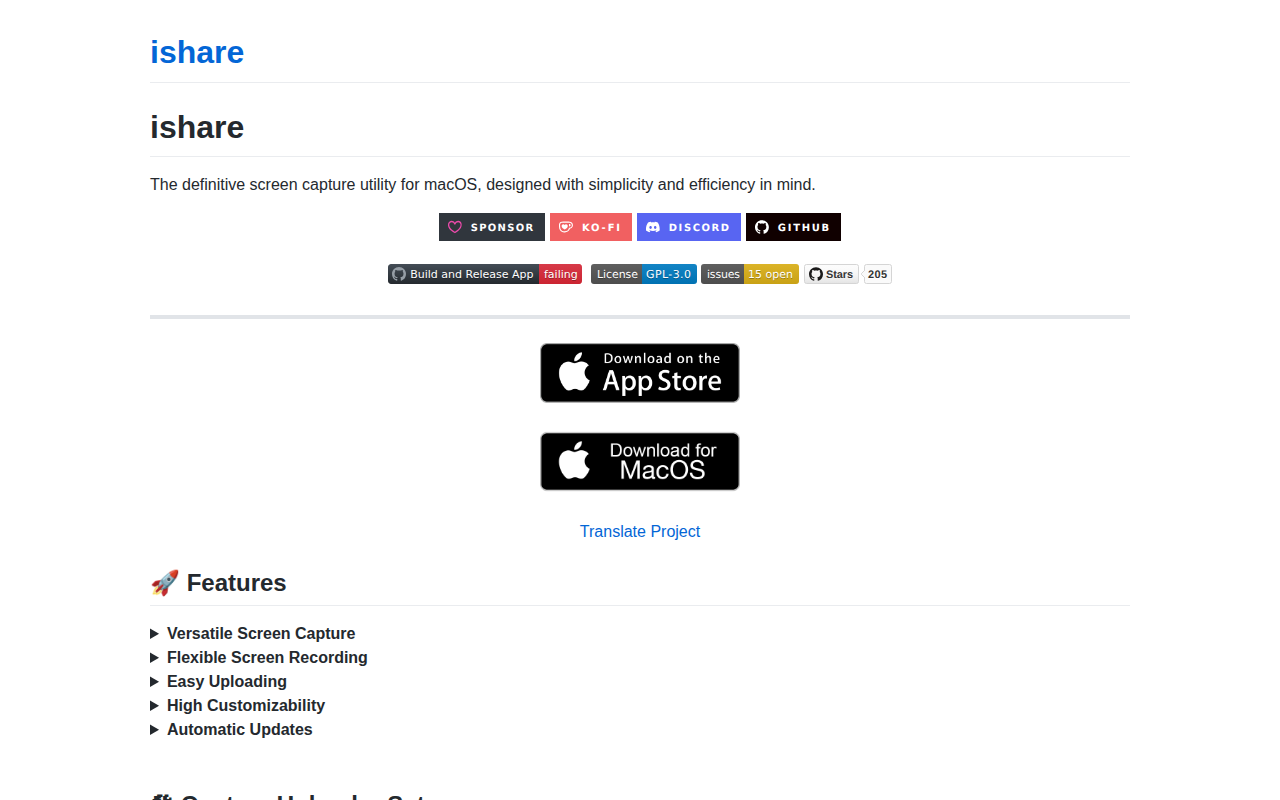
ishare
Screenshot capture utility
Screenshot & Screen Recording
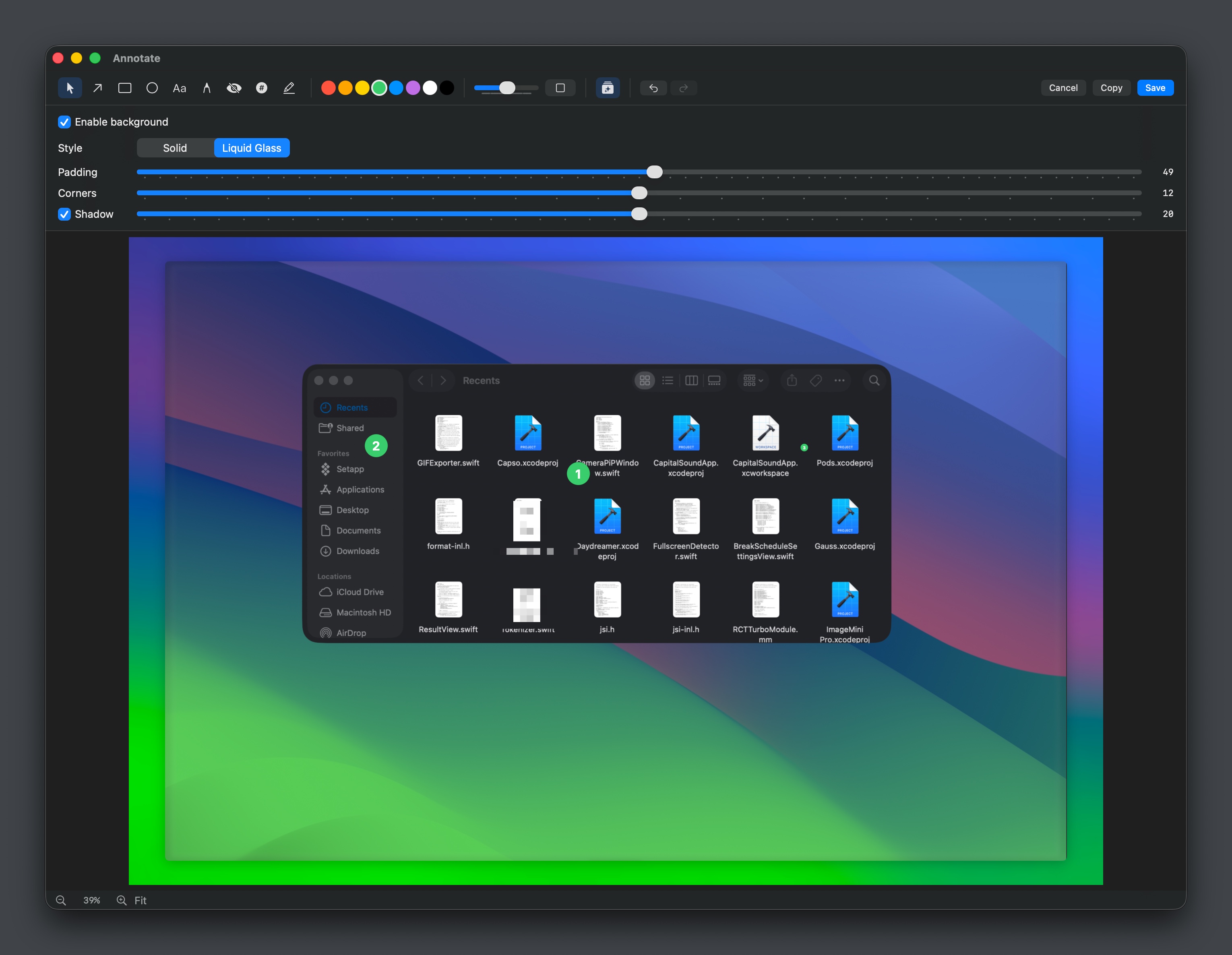
Capso
Open-source screenshot and screen recording tool with annotations, OCR, and webcam overlays.

Screenshot & Screen Recording
Nota Gyazo GIF
Screenshot and screen recording tool