
mac2imgur
Upload images and screenshots to Imgur
The application runs in the macOS menu bar and monitors the system’s built‑in screenshot service. When a new screenshot is created, it can automatically upload the file to Imgur, copy the resulting URL to the clipboard, and display a notification. Users may also upload existing images by dragging them onto the status‑bar icon or selecting “Upload Images…” from the menu.
Preferences let users control behavior such as launching at login, clearing the clipboard during upload, and whether the direct link is copied. Screenshot‑specific options include deleting the original file after upload, disabling automatic detection, confirming before upload, and downscaling Retina images to reduce size.
The tool works on macOS 10.9 and later, integrates with standard screenshot shortcuts (⌘ + Shift + 3/4), and respects system‑wide screenshot settings configured via the `defaults` command. It is a stable, community‑maintained utility for quick image sharing on Imgur.
Reviews
Loading reviews…
Similar apps
Screenshot & Screen Recording
Katana
Open-source screenshot utility
Screenshot & Screen Recording
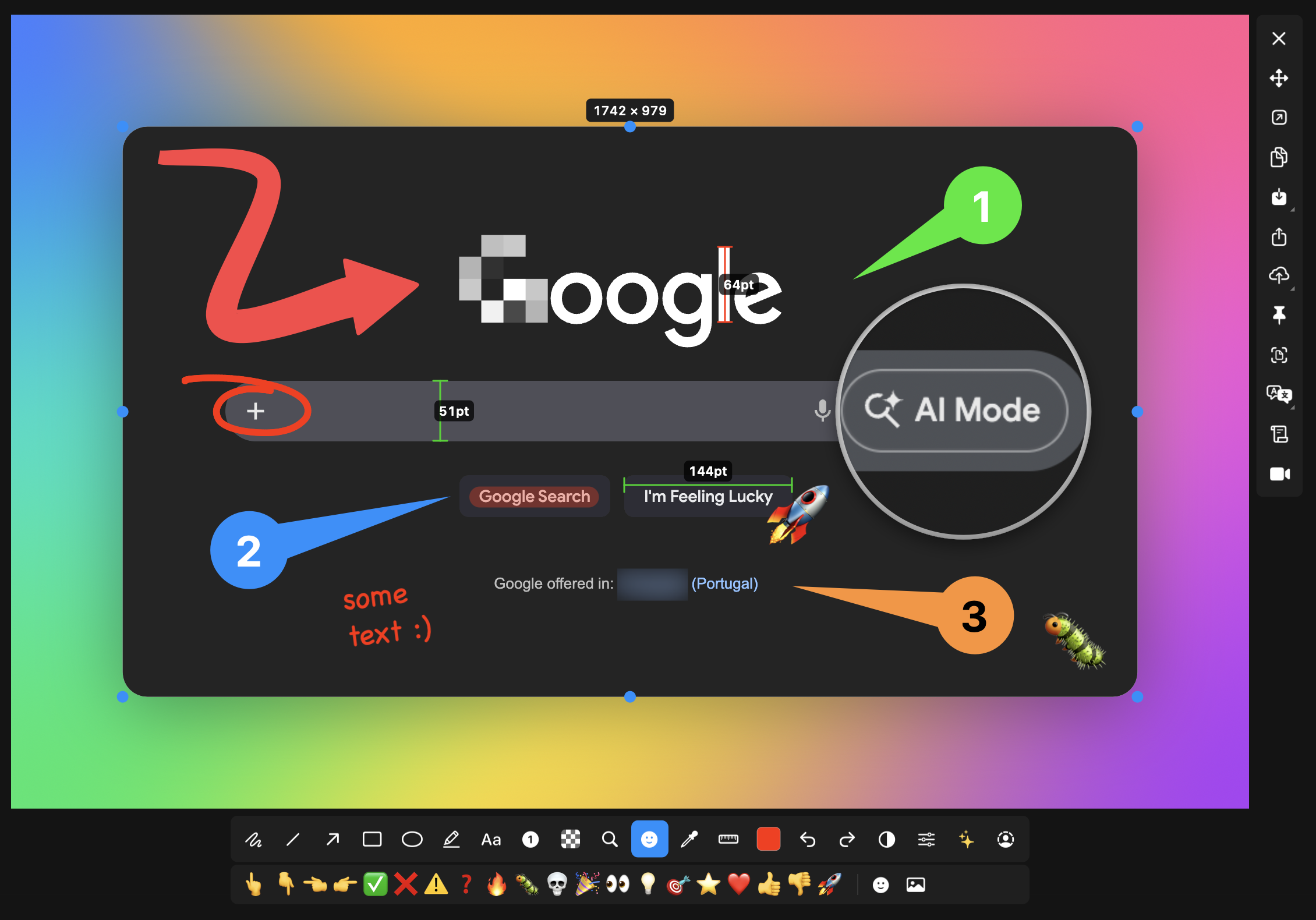
macshot
Screenshot and annotation tool with screen recording, scrolling capture, and OCR.
Screenshot & Screen Recording
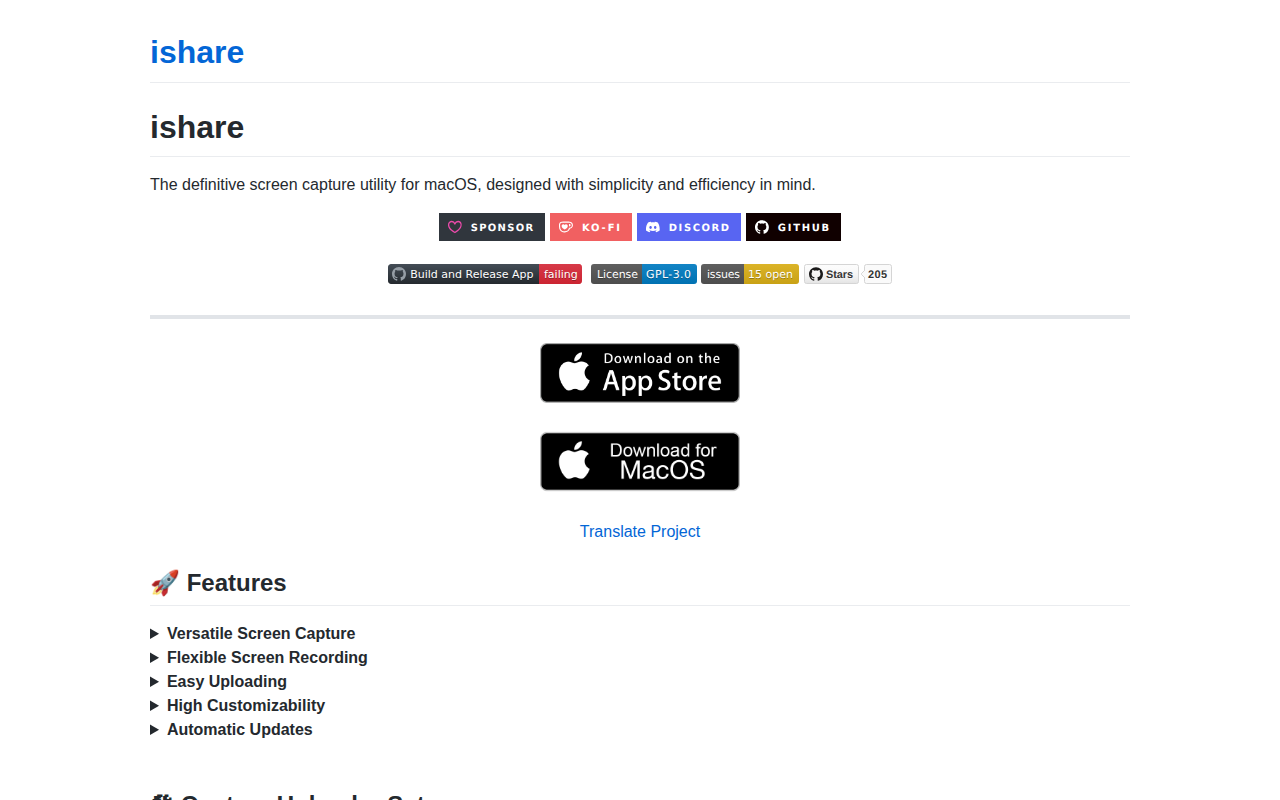
ishare
Screenshot capture utility
Screenshot & Screen Recording
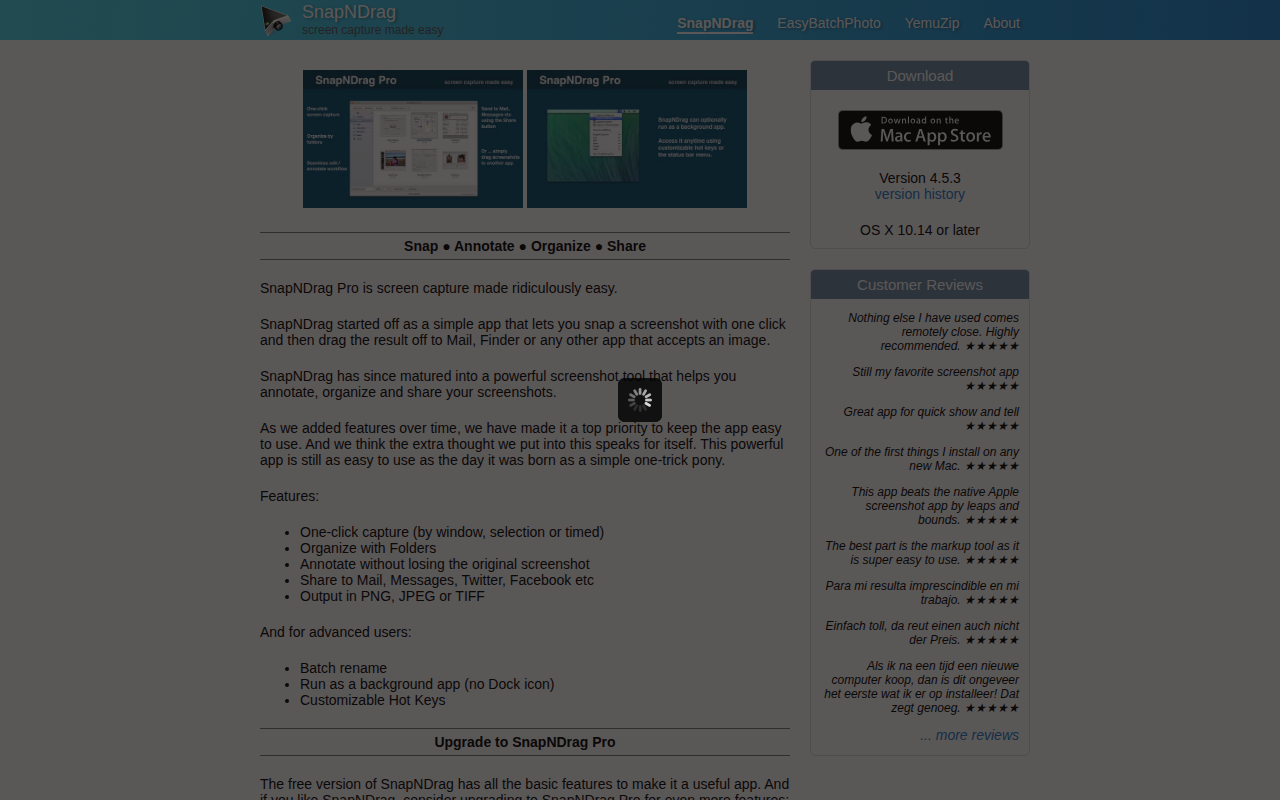
SnapNDrag
Screen capture application

Photo & Video Management
MagicCap
Image/GIF capture suite
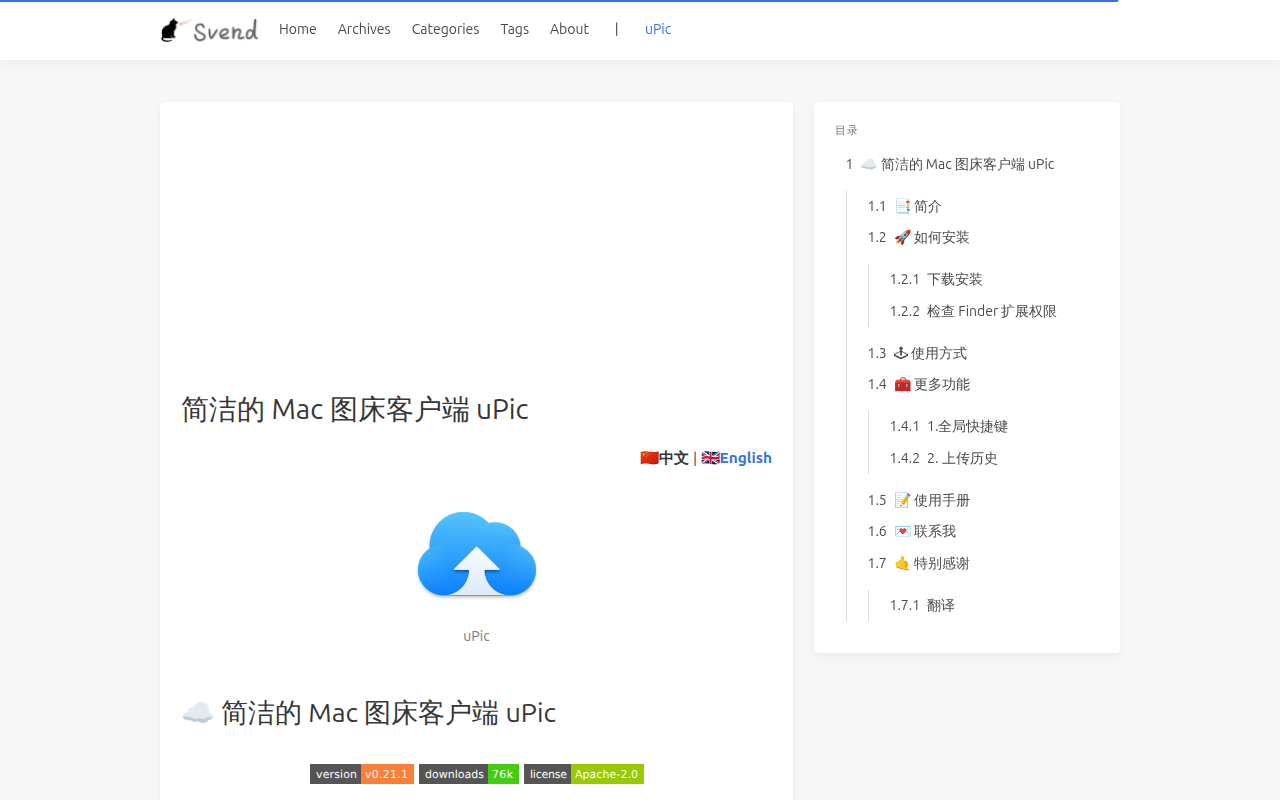
Photo & Video Management
uPic
macOS native app, powerful terse image hosting client.