
Loop
Window management made elegant. [Freeware][Freeware Icon]
Loop is a macOS utility that streamlines window handling through a radial menu activated by a configurable trigger key. Users can move, resize, and arrange windows by dragging the cursor in a chosen direction, with a preview window showing the intended resize before it is applied. The tool also supports custom keyboard shortcuts, allowing any key combined with the trigger to initiate specific window actions.
Additional capabilities include cycles, which let repeated key presses or clicks perform a series of window manipulations quickly, and a stash feature that hides windows at the screen edge to reduce visual clutter, revealing them on hover or via a shortcut. The interface is highly customizable: the radial menu’s size, shape, and colors can be adjusted or disabled, and the preview window’s padding, corner radius, and border styling are independently configurable.
Loop is distributed as open‑source software, compatible with macOS 13 and later, and can be installed via Homebrew or by downloading a zip archive from the release page. Continuous updates add new features and refinements.
Reviews
Loading reviews…
Similar apps
Window & Desktop Management
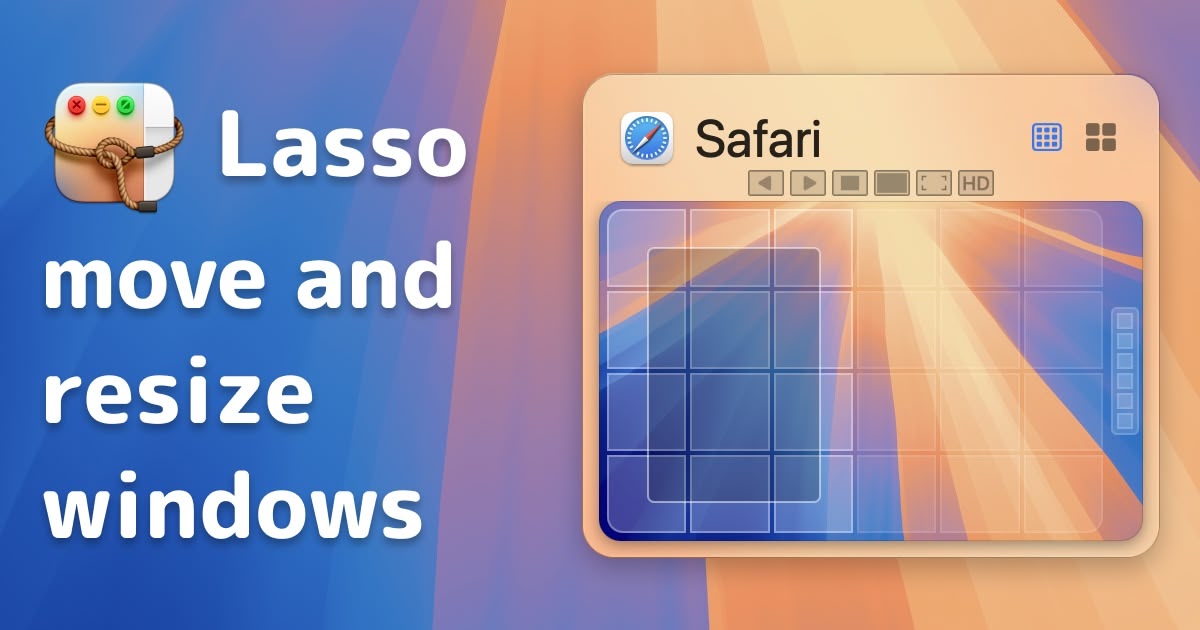
Lasso
Intuitive and easy to use grid-based window manager.

Window & Desktop Management
Rectangle-app
Rectangle is a window management app based on Spectacle, written in Swift.
Window & Desktop Management
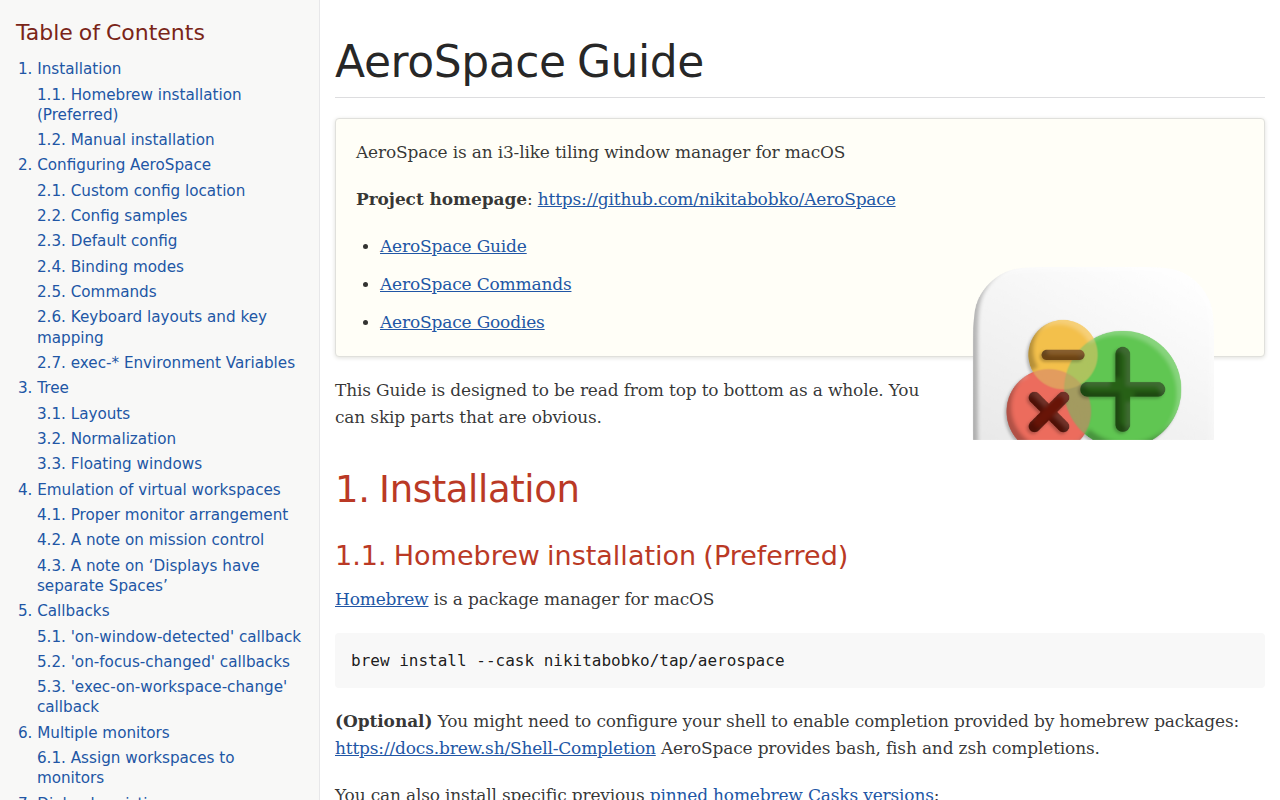
AeroSpace
i3-like tiling window manager for macOS.
Window & Desktop Management
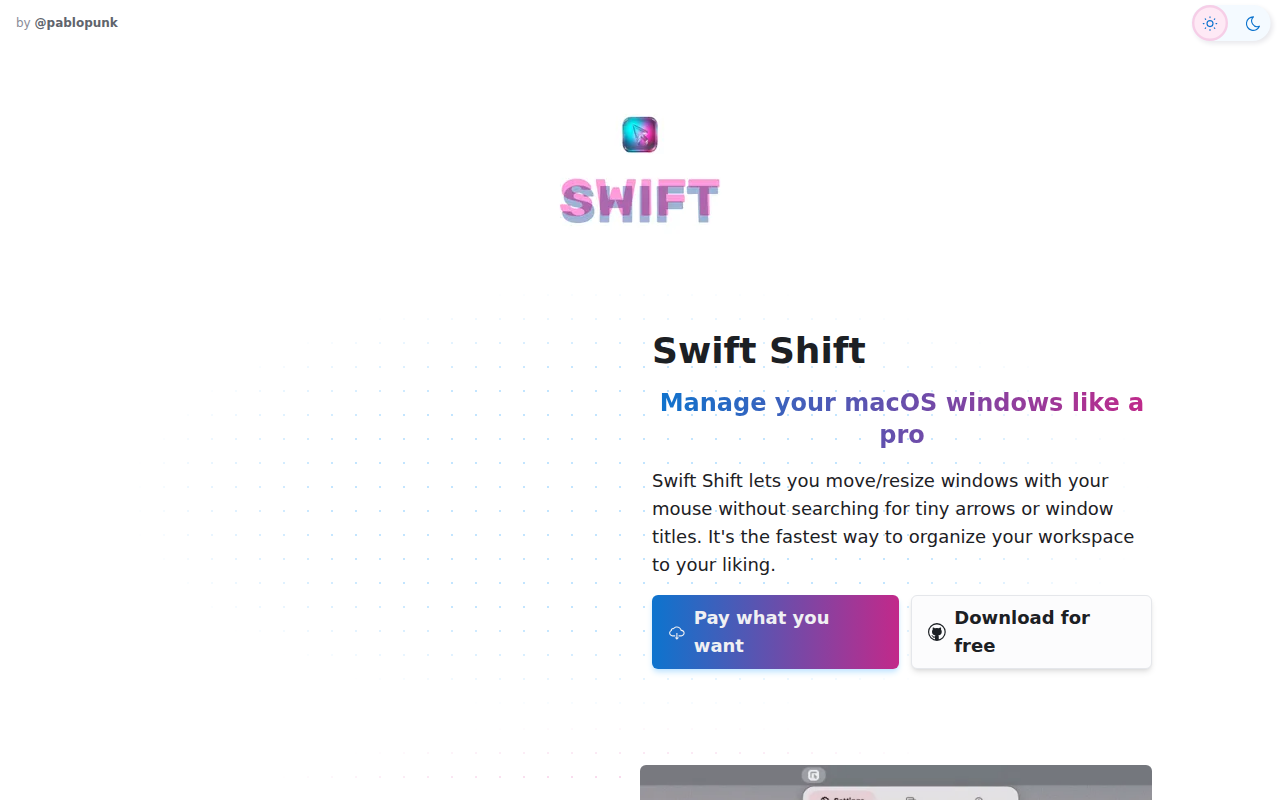
Swift Shift
Move and resize windows with keyboard shortcuts and mouse gestures.
Window & Desktop Management
ShiftIt
Managing window size and position in OSX.
Window & Desktop Management
yabai
Keyboard-driven tiling window manager.