
M3Unify
File exporter and M3U playlist creator
M3Unify lets macOS users copy music files from the Music app, iTunes, or Finder into a chosen destination such as a folder, external drive, USB thumb drive, or SD card. It can rename the copied files using substitution patterns derived from track tags and arrange them into Artist or Artist/Album sub‑folders. The tool also extracts album artwork into “folder.jpg” files for each album folder.
In addition to file export, M3Unify generates M3U playlists, supporting both basic and extended formats, with track information populated from tags. Users may optionally convert the exported audio to AAC or MP3 during the process. A preview window shows playlist contents and allows quick‑look auditioning of tracks.
The application runs on macOS 10.14 or later, offers a dark and light mode, and includes built‑in help and online support. It is a stable, registered product with a free demo limited to fifteen tracks.
Reviews
Loading reviews…
Similar apps
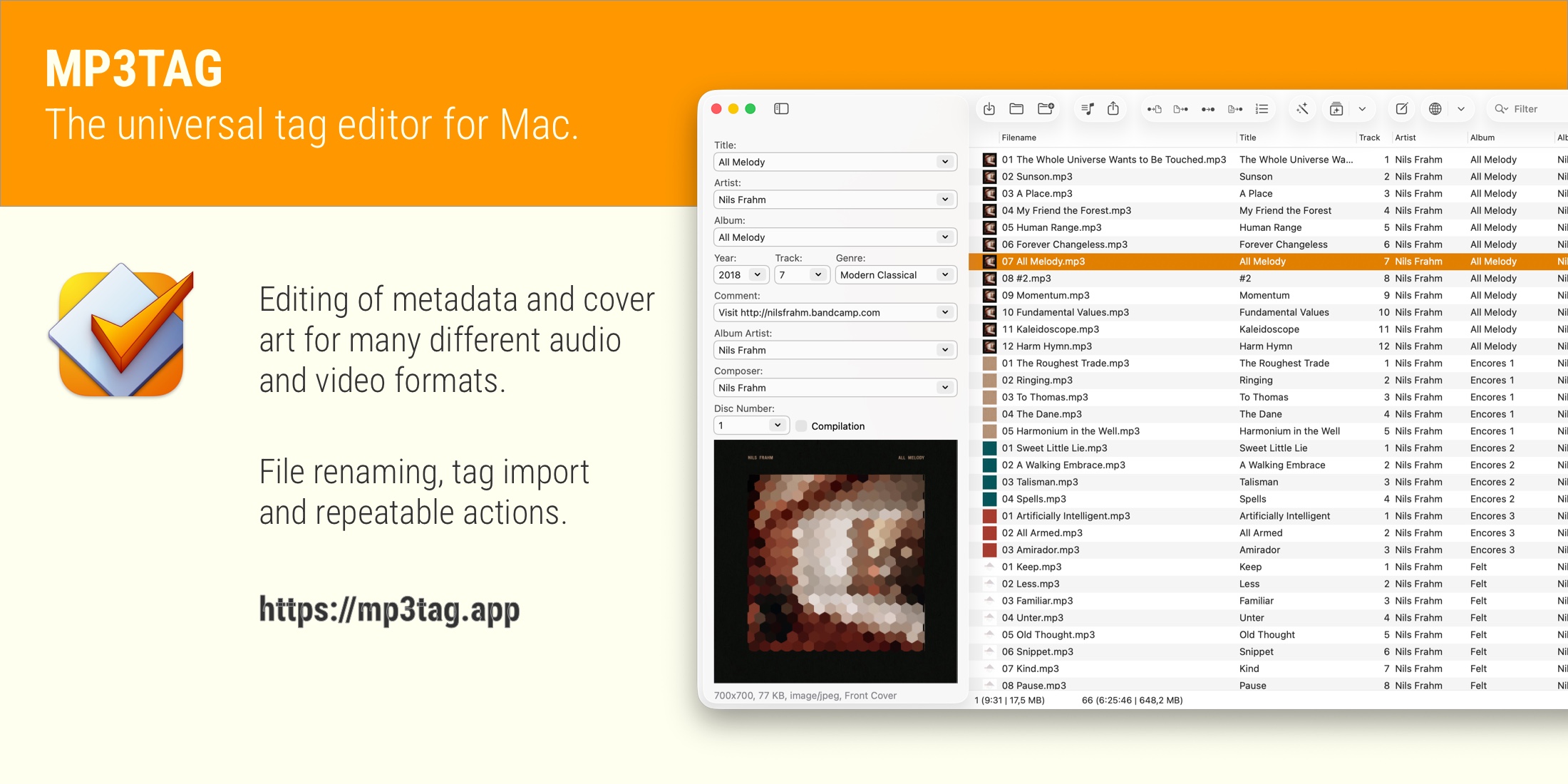
Metadata & Library Management
Mp3tag
A powerful and easy-to-use tool to edit metadata of audio files.

Music Players & Streaming
iSyncer
Apple Music playlist exporting tool
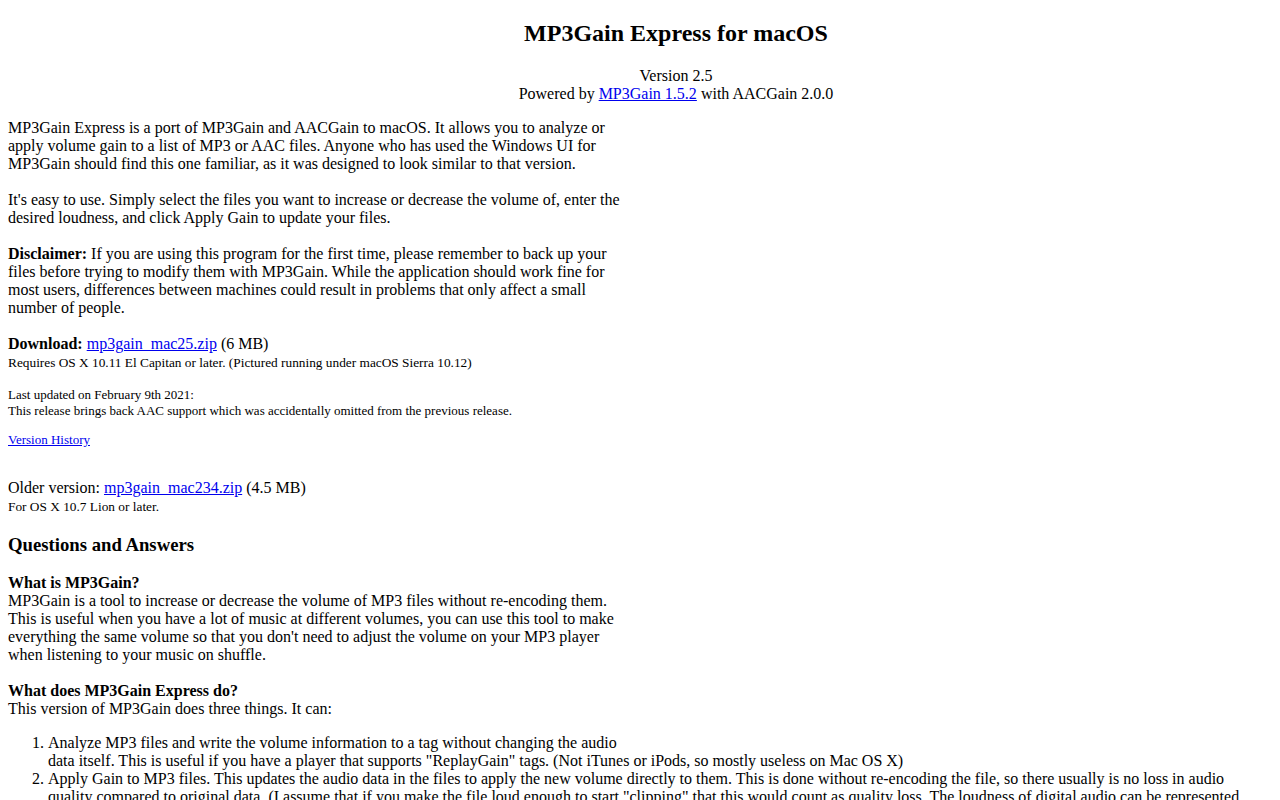
Metadata & Library Management
MP3Gain Express
Port of MP3Gain and AACGain

Metadata & Library Management
TuneTag
ID3 and metadata editor for audio files
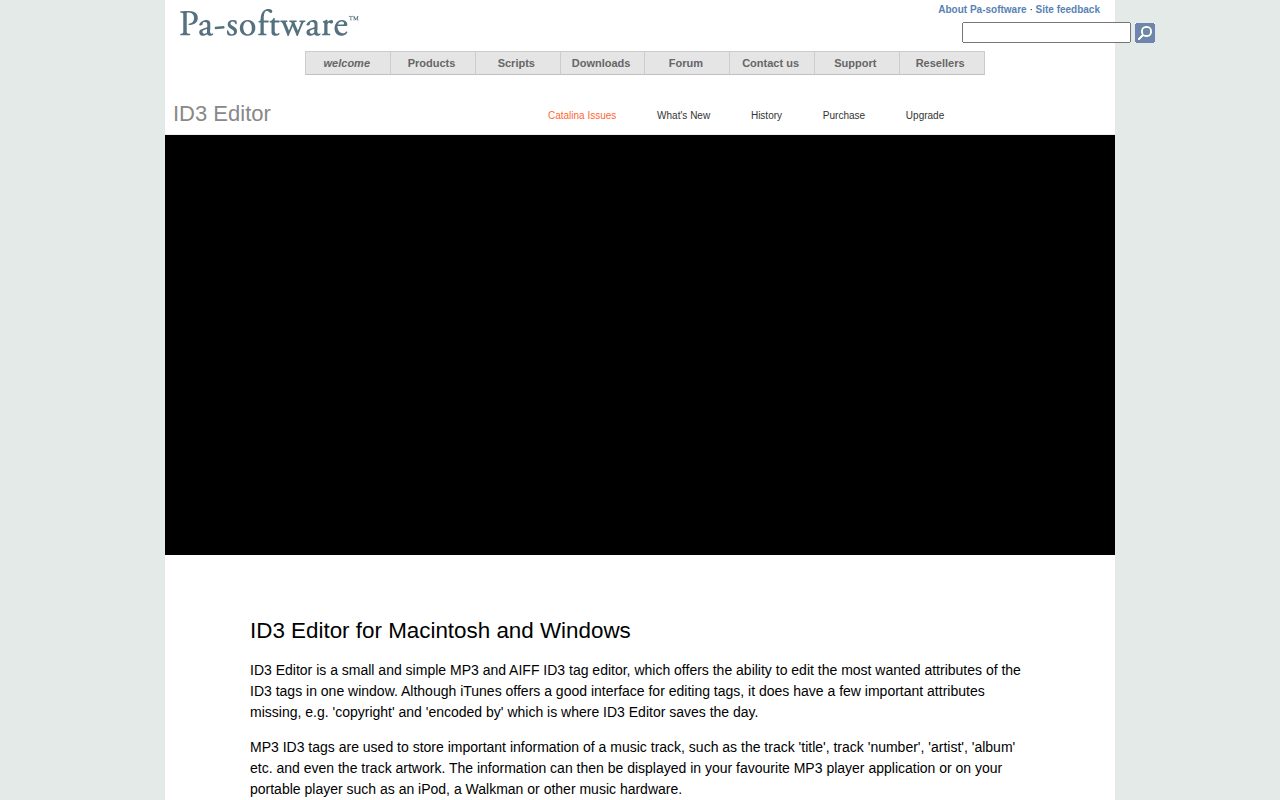
Metadata & Library Management
ID3 Editor
MP3 and AIFF ID3 tag editor
File Management & Transfer
macUSB
Tool to create bootable USB installers