
Maestral
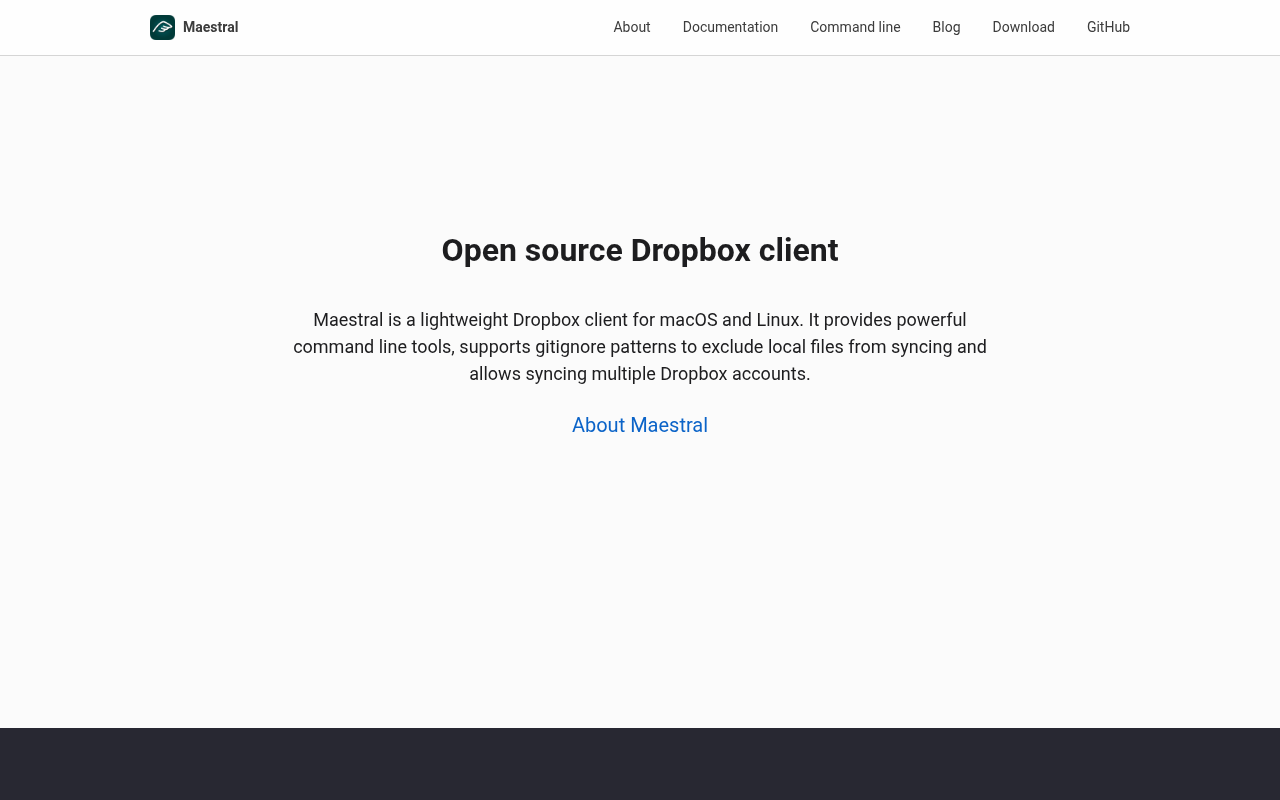
Open-source Dropbox client
Maestral provides a native Dropbox client for macOS and Linux, offering both a lightweight graphical interface and a comprehensive command‑line toolset. Users can monitor sync status, view and restore previous file versions, create and revoke shared links, and observe live sync activity directly from the terminal. The GUI on macOS uses Cocoa while the Linux version relies on Qt.
The client supports multiple Dropbox accounts by allowing separate configuration profiles, enabling users to link and manage an unlimited number of accounts. Selective sync is available through both the interface and command line, and an .mignore file can be placed in the Dropbox root to exclude files or folders using git‑ignore‑style patterns.
Because Maestral is not an official Dropbox application, it does not count toward the three‑device limit imposed on Basic Dropbox plans, allowing unlimited devices to sync with the same account. The software is stable and open source, targeting users who need a flexible, low‑overhead Dropbox solution on macOS or Linux.
Reviews
Loading reviews…
Similar apps
File Management & Transfer
Insync
Manage your Google Drive and OneDrive files

File Management & Transfer
Dropbox
Client for the Dropbox cloud storage service
File Management & Transfer
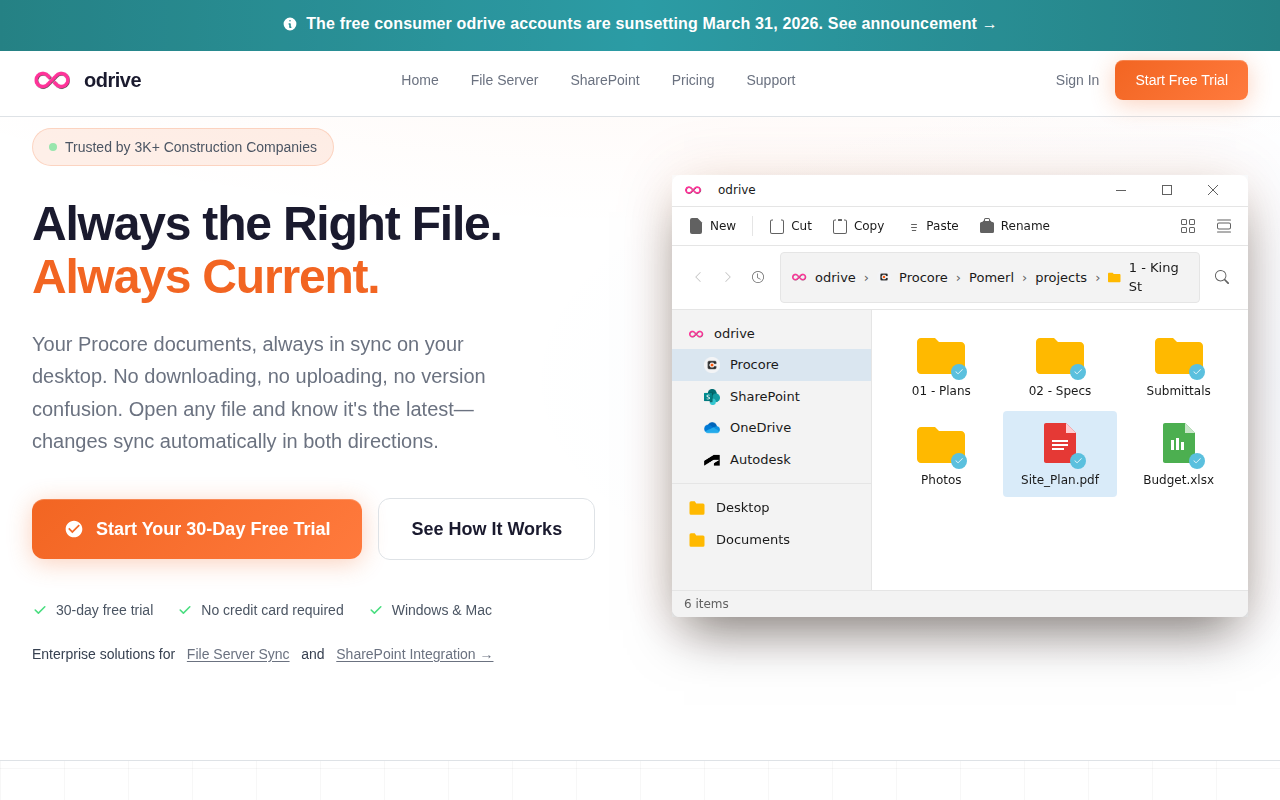
odrive
Tool to make any cloud storage unified, synchronised, shareable, and encrypted
File Management & Transfer
GoogleDriveSync
A menu bar app for seamless Google Drive syncing.

File Management & Transfer
Internxt Drive
Client for Internxt file storage service

File Management & Transfer
ExpanDrive
Network drive and browser for cloud storage