

Manico
App launcher and switcher
Manico is a macOS‑only utility that provides rapid launching and switching of applications via keyboard shortcuts. It replaces the usual Command‑Tab cycling and Dock navigation with a system where pressing Option plus a numeric key (or a user‑defined combination) activates the associated app, allowing users who favor the keyboard to work more efficiently.
The tool offers three operating modes: a Dock mode that mirrors the items in the macOS Dock, a Switcher mode that maps currently open applications, and a Custom mode where any set of apps and shortcut keys can be defined. Preferences let users adjust visual appearance, the position of the launch bar, whether a menu‑bar icon is shown, and enable a silent mode that suppresses the interface for selected apps. A usage‑tracking feature displays daily activation counts.
Manico is positioned for power users who want to streamline app access on macOS, providing configurable shortcuts and a lightweight overlay that stays resident on the system. It is distributed as a stable release with a trial period and a license that can be activated on up to three devices.
Reviews
Loading reviews…
Similar apps

Window & Desktop Management
Assignee
Simple, instant app switcher.
Window & Desktop Management
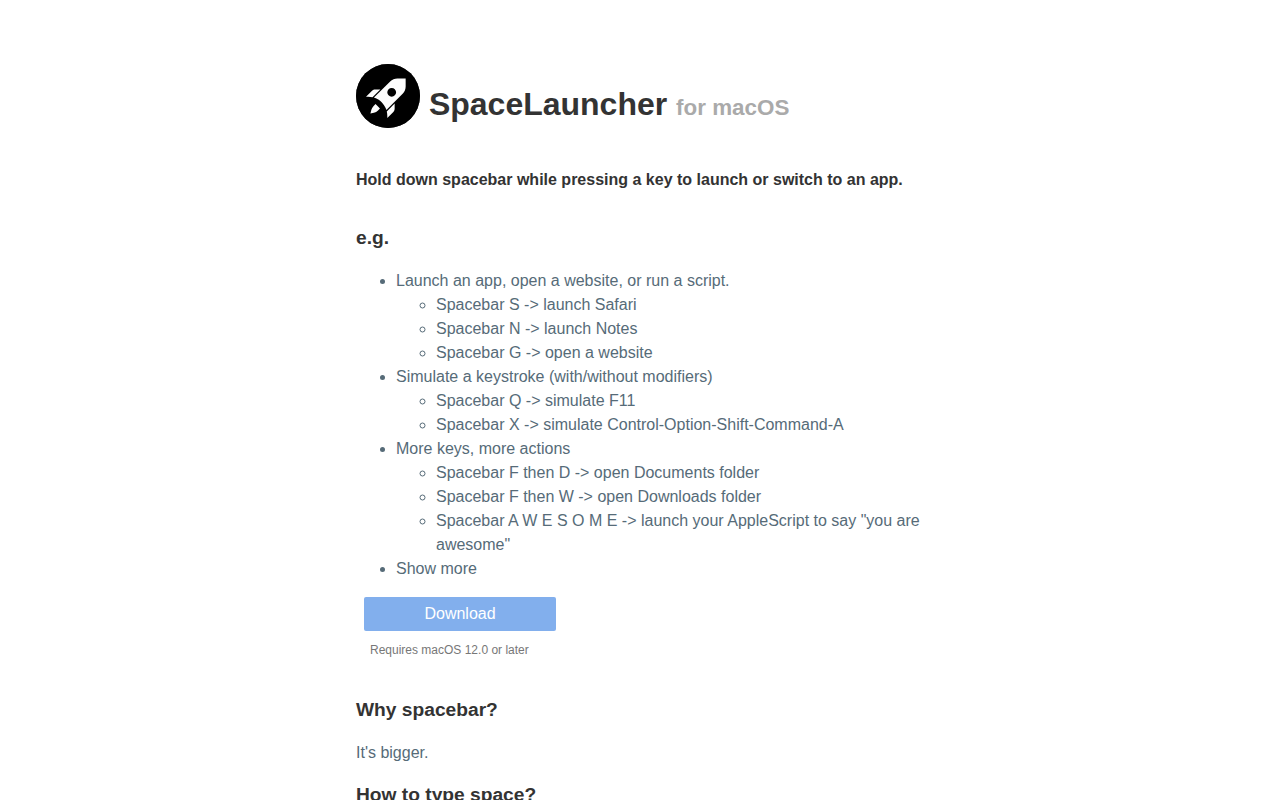
SpaceLauncher
App launcher/switcher

Window & Desktop Management
Launchy
An app launcher and switcher that utilizes a radial menu.
Window & Desktop Management
DockFlow
Manage Dock presets and switch between them instantly
Window & Desktop Management
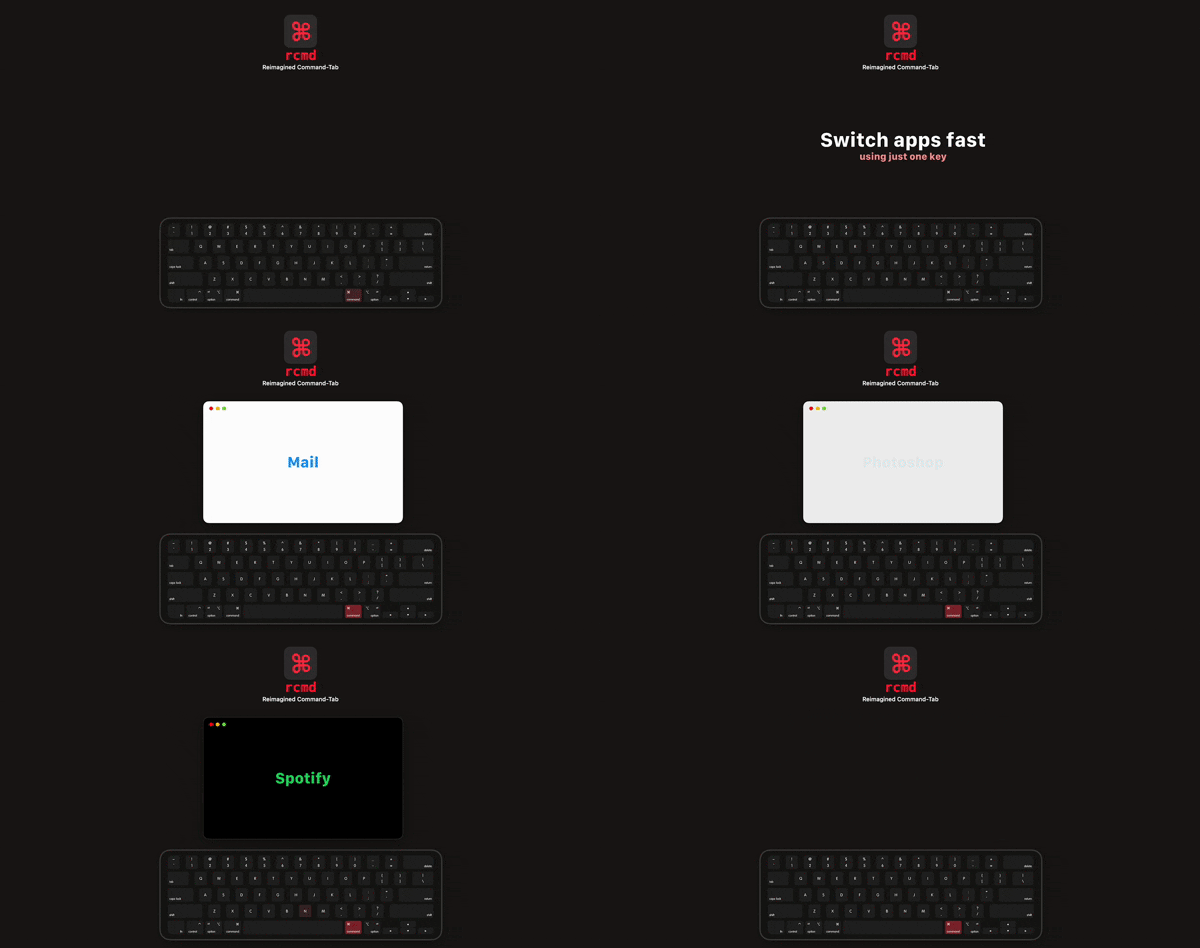
rcmd
Use the <kbd>⌘ Right Command</kbd> key to switch applications based on their name.
Window & Desktop Management
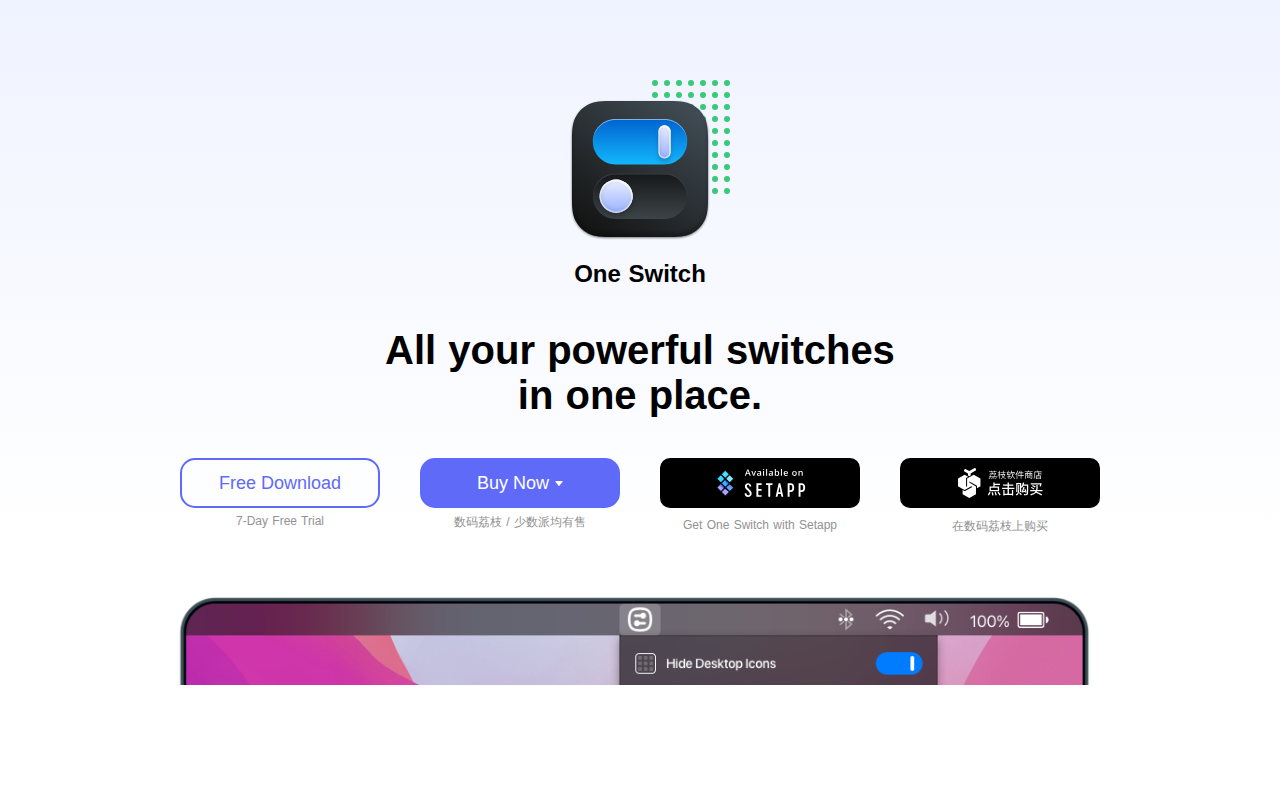
One Switch
Mac menu bar app that adds various switches to the Mac's menu bar.