
SpaceLauncher
App launcher/switcher
SpaceLauncher provides a keyboard‑driven way to open applications, websites, files, folders, or run custom scripts on macOS 12 + by holding the spacebar and typing a short key sequence. Typical bindings include “Space + S” for Safari, “Space + N” for Notes, or multi‑key combos such as “Space + F + D” to open the Documents folder. It can also simulate keystrokes with modifiers, launch apps with arguments, and execute AppleScripts.
The utility is aimed at macOS users who prefer rapid, hands‑on navigation without moving the mouse. It shows a transient hint window that highlights recent actions in gray and less‑used ones in brighter tones, helping users discover the desired command quickly. Optional timing settings let users ignore accidental triggers when typing normally, reducing interference with regular text entry.
SpaceLauncher is a signed and notarized macOS application, distributed as a stable release. Its core interaction model centers on the spacebar, leveraging its size and ease of reach, and it supports configurable shortcuts for a wide range of actions, making it a lightweight alternative to traditional launchers and switchers.
Reviews
Loading reviews…
Similar apps

Window & Desktop Management
Space Capsule
Spaces management tool
Window & Desktop Management
FlashSpace
Virtual workspace manager

Window & Desktop Management
Launchy
An app launcher and switcher that utilizes a radial menu.
Window & Desktop Management
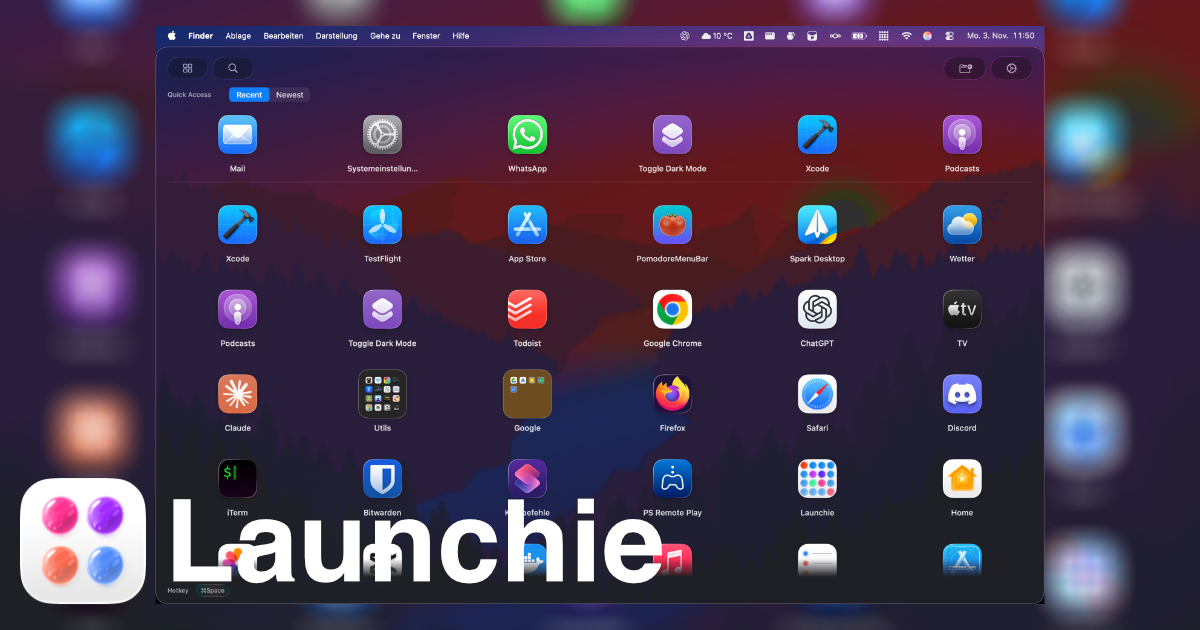
Launchie
Launchpad replacement

Window & Desktop Management
Manico
App launcher and switcher
Window & Desktop Management
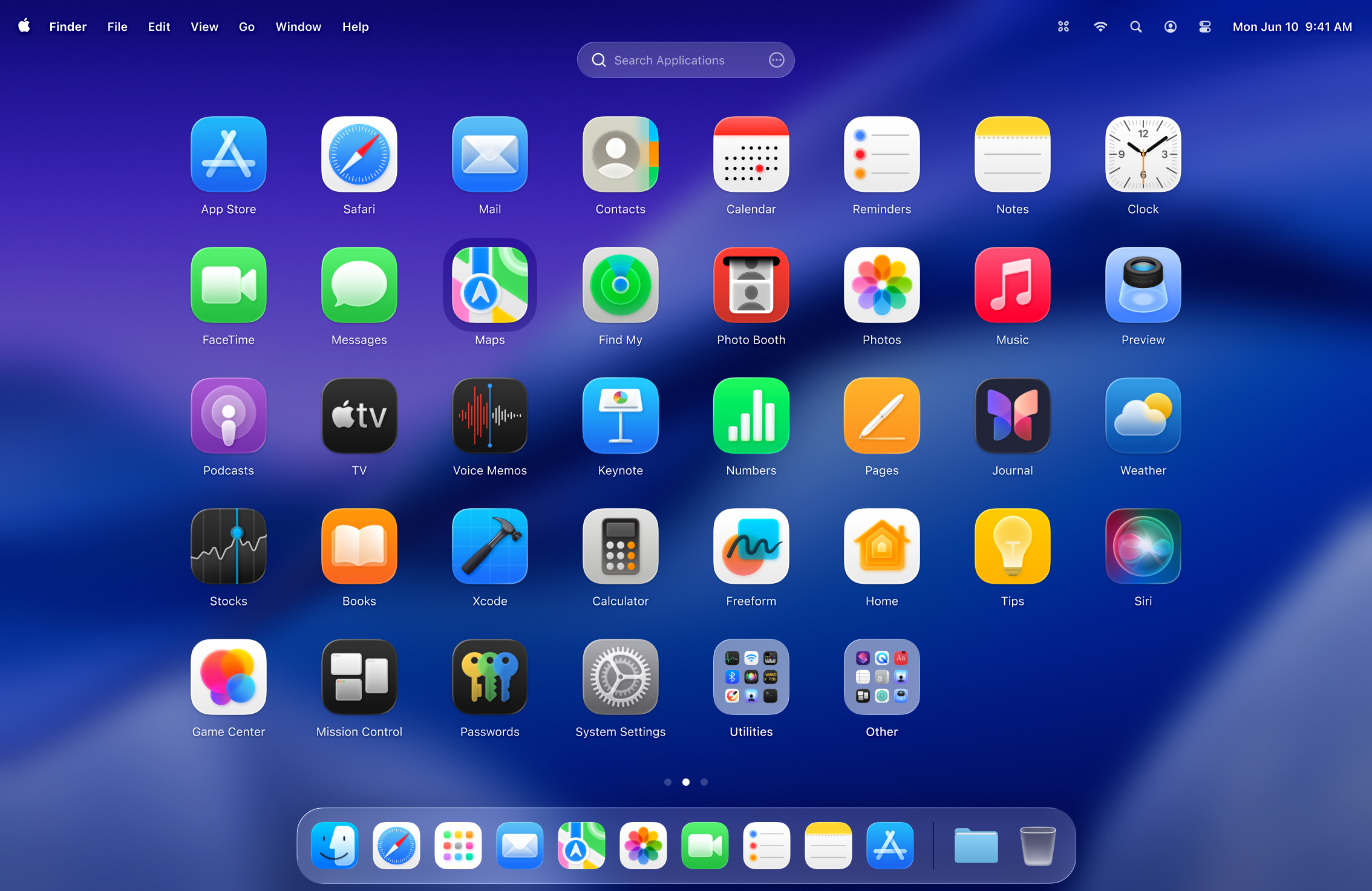
LaunchOS
Launchpad alternative