
MFiles
Transfer files over local network
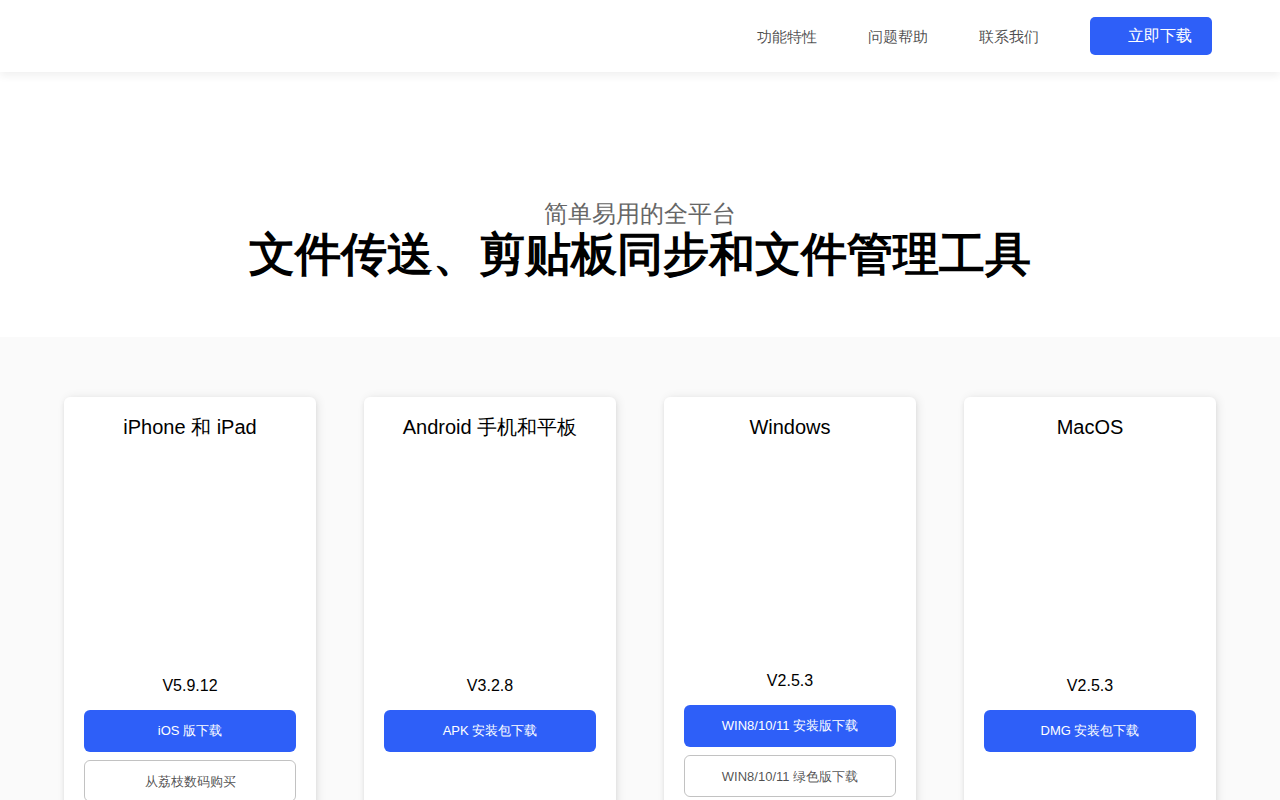
MFiles enables file transfer, clipboard synchronization, and basic file management across devices on the same local network. Users can pair a computer and a mobile device to exchange photos, files, and folders via a web interface, WebDAV, or direct Wi‑Fi sharing, and the same mechanisms work when a phone provides a hotspot. The clipboard feature automatically mirrors copied text between the paired devices, with a manual shortcut for quick sending.
Beyond transfer, the tool offers file browsing, copying, moving, deleting, and searching, with sorting by name, date, size, or type. It supports creating and editing plain‑text files, password‑protected access, and archive handling for ZIP, RAR, and 7Z formats. Integrated media playback covers a wide range of audio, video, image, and document formats, including subtitle support and a minimal player with playlists and timed shutdown.
The application is available for macOS, Windows, iOS, and Android, providing both installer and portable versions where applicable. It also exposes HTTP, WebDAV, and FTP services for remote access, and includes utilities such as HEIF‑to‑JPEG conversion, code syntax highlighting, and e‑book reading with voice narration.
Reviews
Loading reviews…
Similar apps
File Management & Transfer
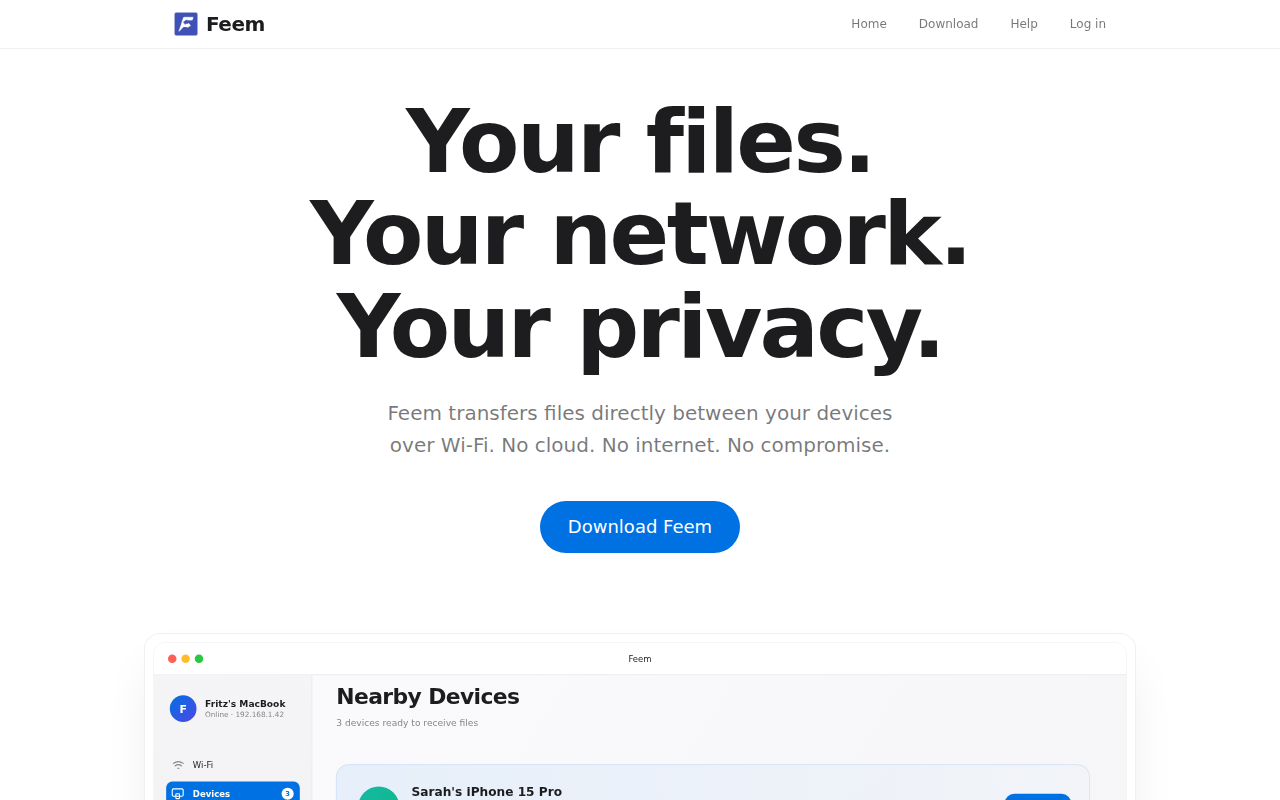
Feem
Local file transfer
File Management & Transfer
Flying Carpet
File transfer over ad-hoc wifi
File Management & Transfer
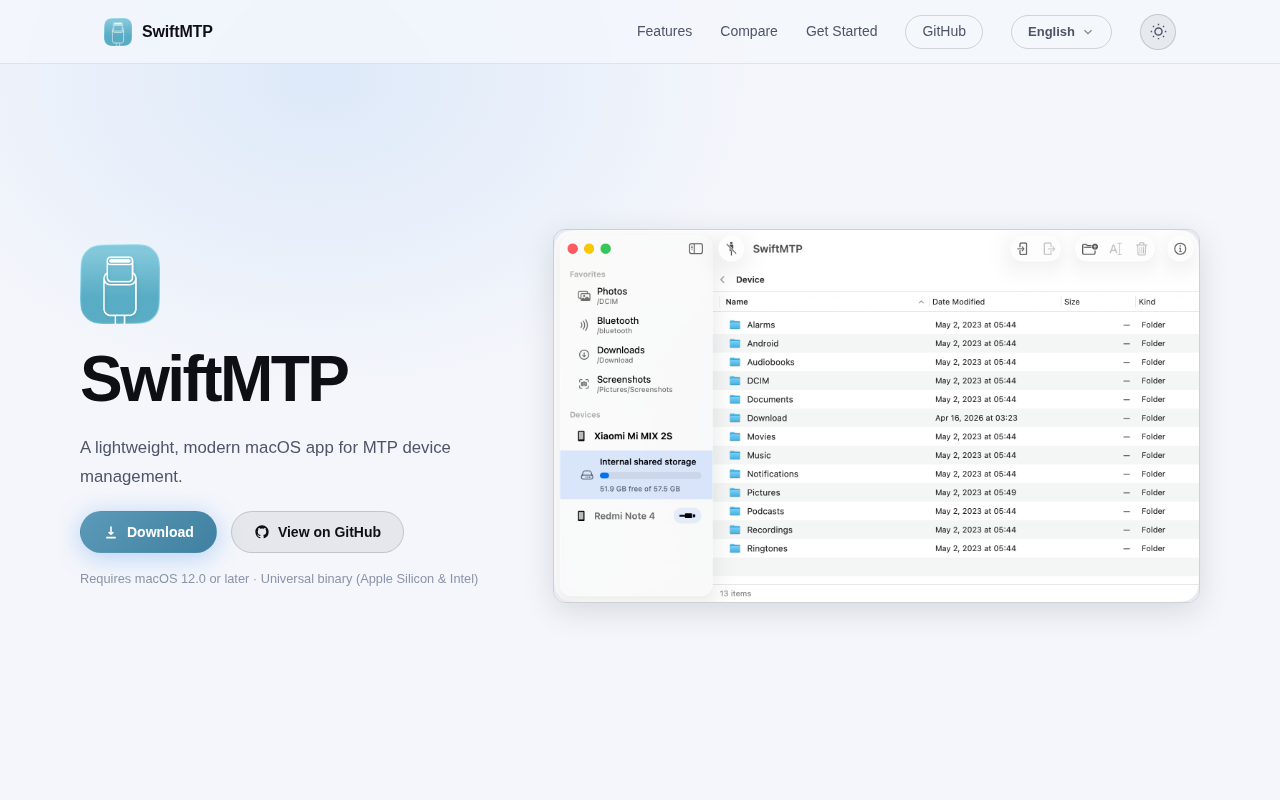
SwiftMTP
Open-source MTP device manager for browsing and transferring files between Mac and Android devices.
Team Chat & Messaging
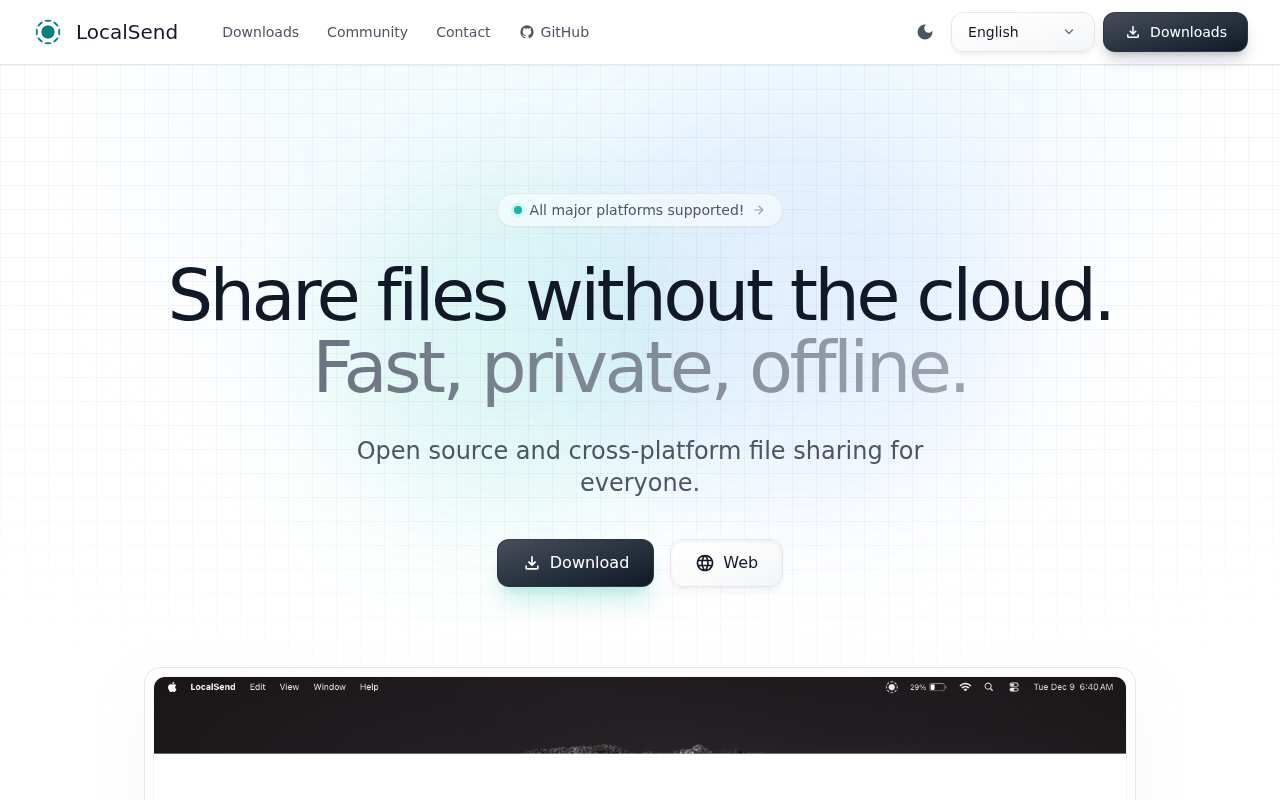
LocalSend
An open-source cross-platform alternative to AirDrop.
File Management & Transfer
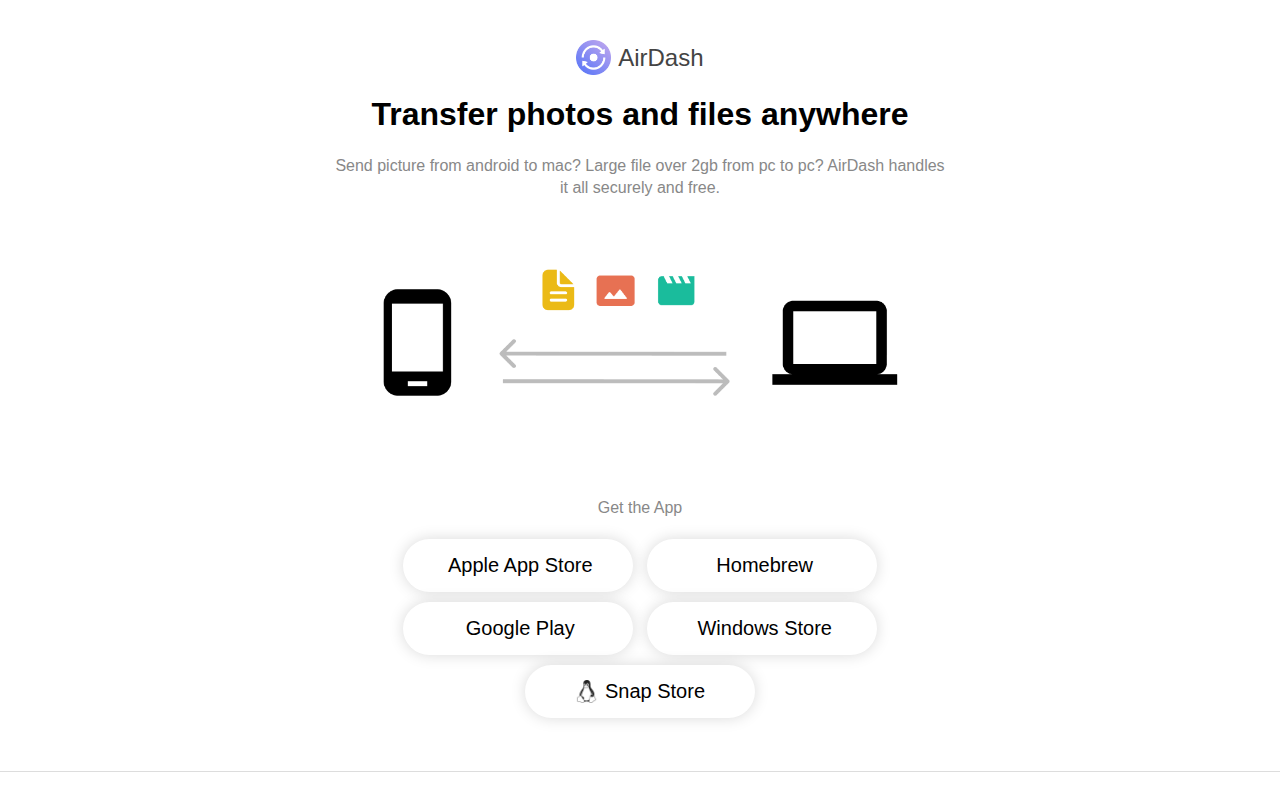
AirDash
Transfer photos and files to any device
File Management & Transfer
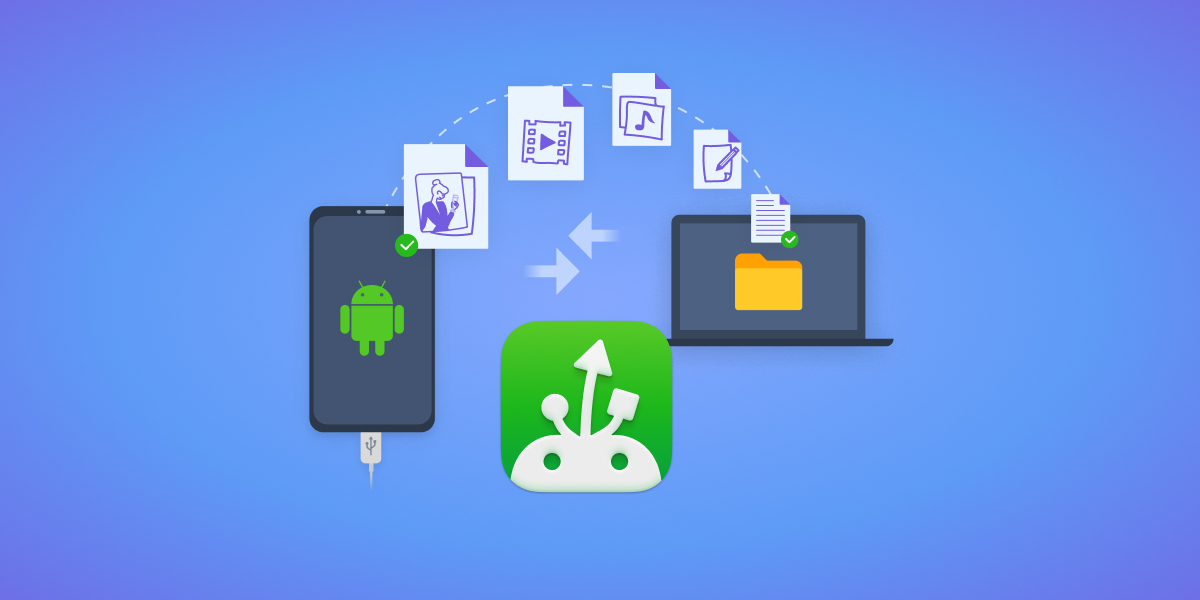
MacDroid
Connect to your Android devices