
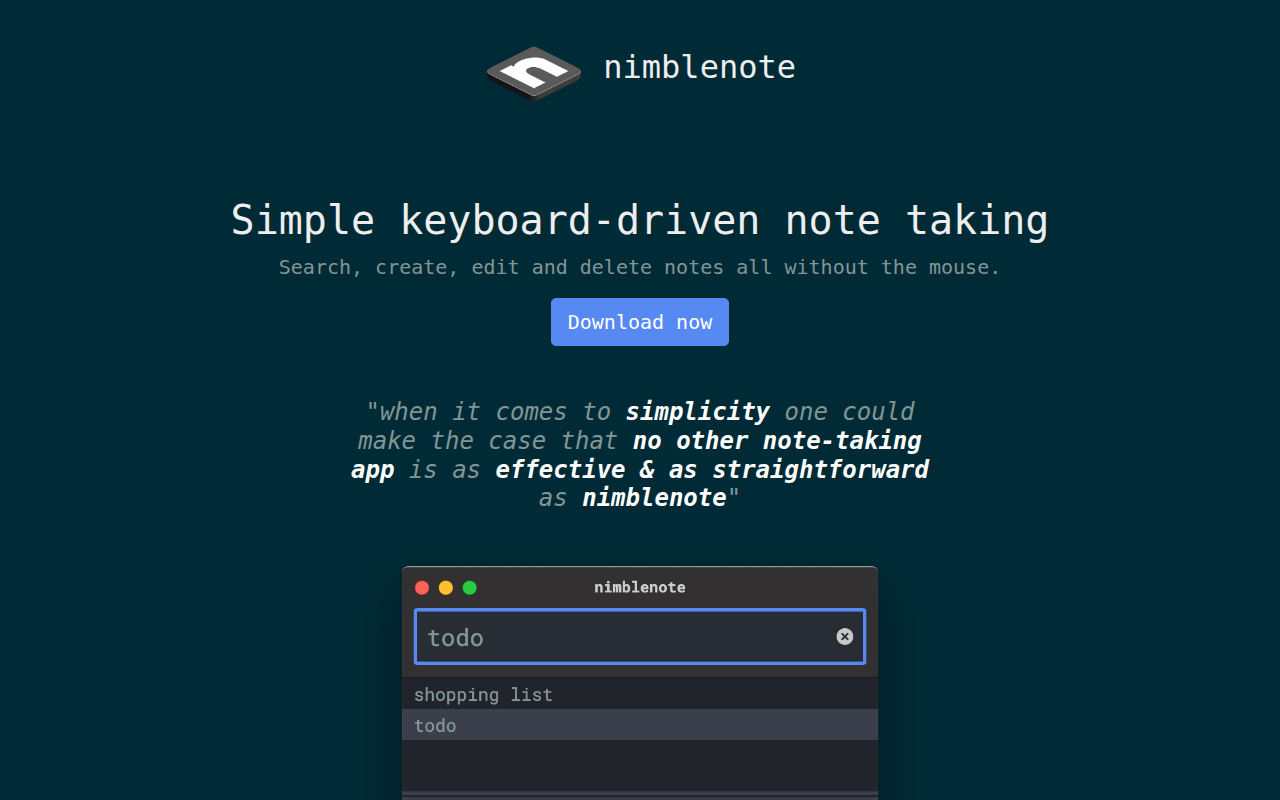
nimblenote
Keyboard-driven note taking
nimblenote provides a keyboard‑centric interface for creating, searching, editing, and deleting notes on macOS. All interactions are performed from a single input box, allowing users to type a new note name and press Enter to begin editing, or to type a query and navigate matching results with arrow keys. The application automatically saves changes as you type, eliminating the need for manual saves.
The app supports Markdown syntax, offering highlights and actions such as toggling checklists, opening links, and navigating between notes without leaving the keyboard. A light or dark visual mode is planned, with the ability to follow the system theme or its opposite.
Designed for power users who prefer minimal mouse usage, nimblenote is distributed as a stable macOS package and can be installed via Homebrew, Snap, or Chocolatey. Its focus on simplicity and keyboard‑only workflow makes it suitable for users who want fast, unobtrusive note‑taking.
Reviews
Loading reviews…
Similar apps

Note-Taking & PKM
Supernotes
Collaborative note-taking app

Note-Taking & PKM
ReNote
A notes app with nothing extra. Just you and your thoughts.
Note-Taking & PKM
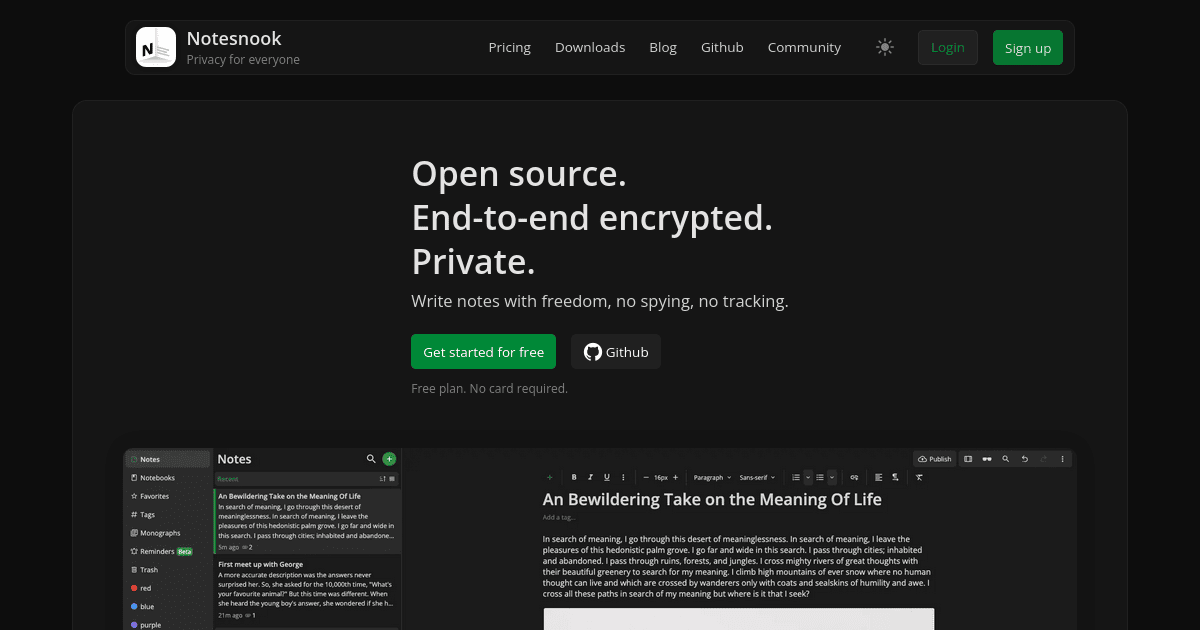
Notesnook
Privacy-focused note taking app
Note-Taking & PKM
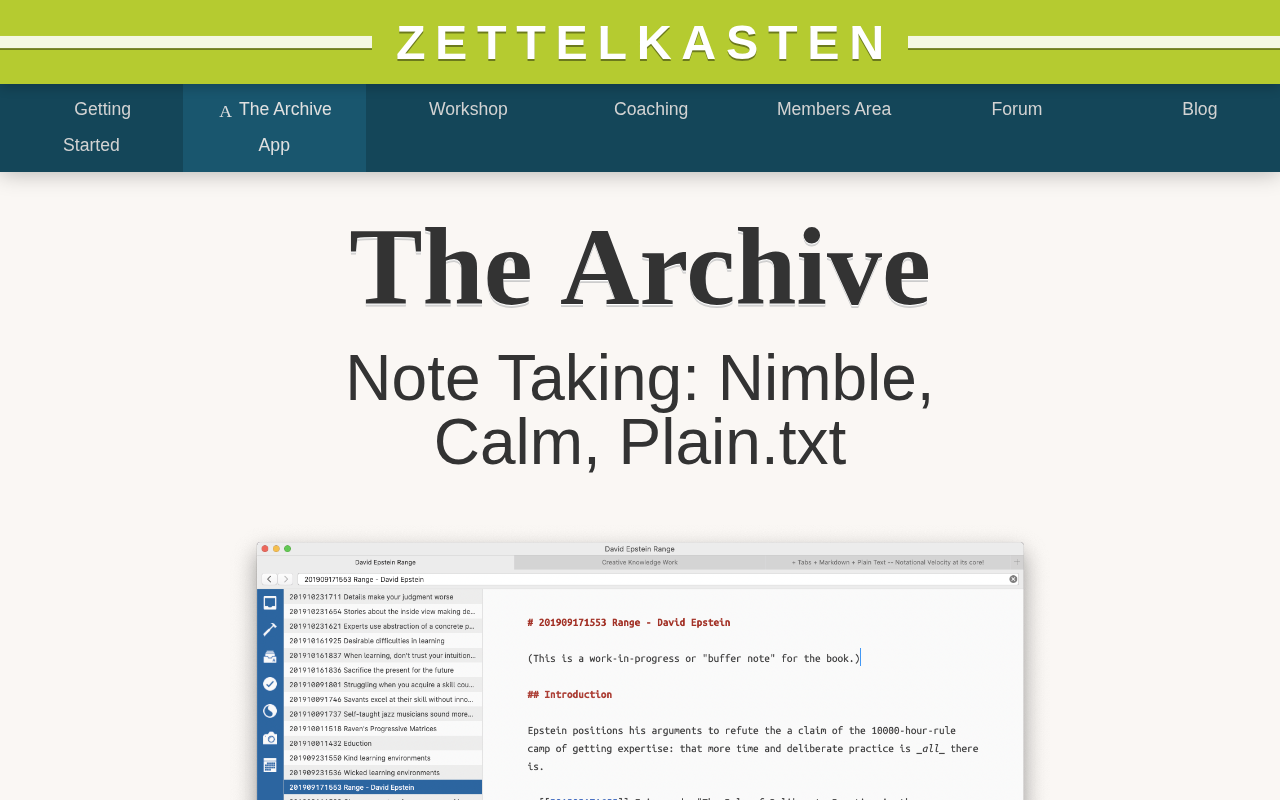
The Archive
Note Taking: Nimble, Calm, Plain.txt
Note-Taking & PKM
Dnote
A simple command line notebook with multi-device sync and a web interface.
Markdown Editors
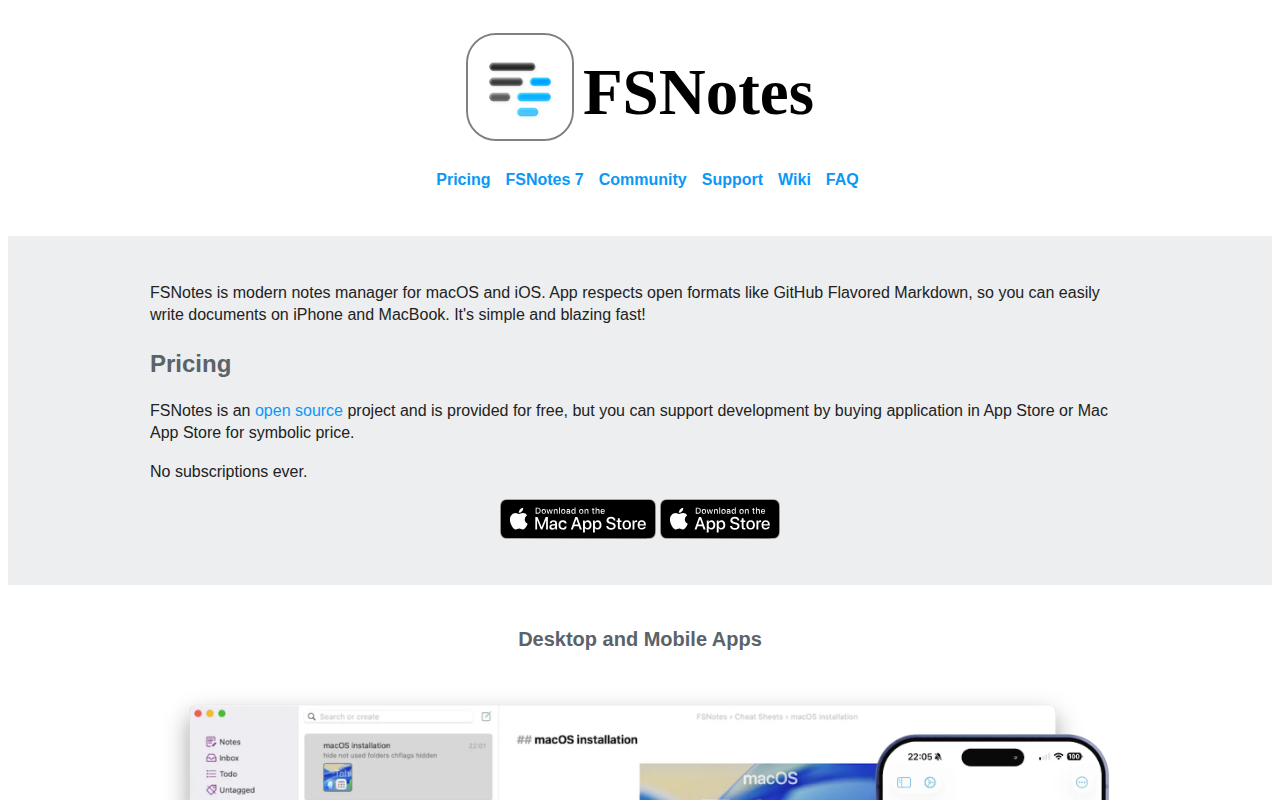
FSNotes
File System Notes is a modern notes manager, native on macOS and iOS.