
NotchClaude
Claude Usage From The Notch
NotchClaude displays a live quota meter for Claude Code directly in the notch of a MacBook, keeping the user’s current usage visible at all times. The interface expands on hover and updates every 60 seconds, showing both a 5‑hour window and a weekly window that reset at specific times. It also indicates which Claude account is active and tracks additional spend when a pay‑per‑use model applies.
The tool reads usage data from Claude Code’s local authentication token, requiring a one‑time Terminal login via `claude login`. After installing Claude Code for Terminal and authenticating, users can download NotchClaude, which runs as a native SwiftUI application. It is signed, notarized, and built for Apple Silicon, with an option to launch automatically at login.
Targeted at developers who use Claude Code, NotchClaude provides a lightweight, always‑on‑screen view of quota consumption without leaving the development environment. Its real‑time polling and account awareness help users monitor usage and avoid unexpected charges.
Reviews
Loading reviews…
Similar apps

Task & Project Management
Notchi
Notch companion for Claude Code

Terminals & CLI
Vibe Notch
Dynamic Island-style notifications for Claude Code CLI sessions
AI Coding Agents
Buddi
Your Claude Code companion, living in the notch.
System Monitoring & Maintenance
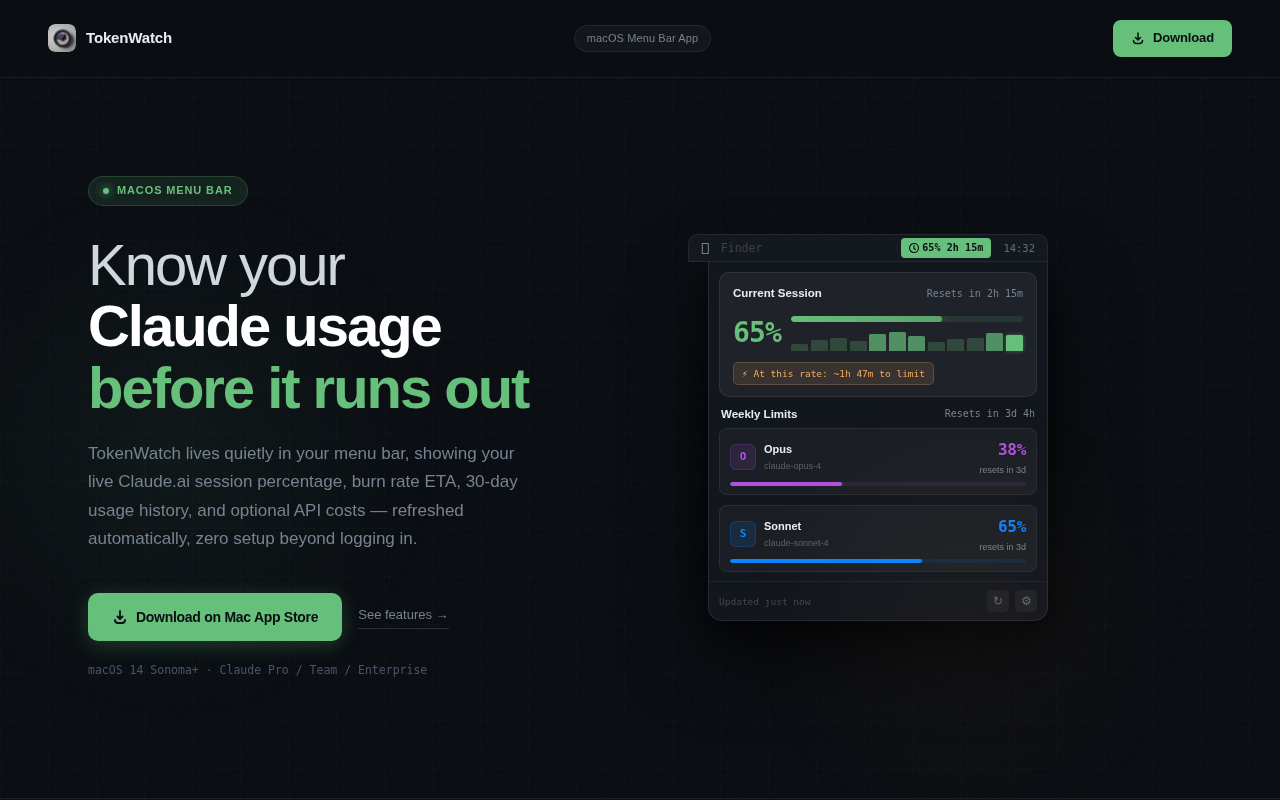
TokenWatch
Know your Claude.ai limits before you hit them

System Monitoring & Maintenance
ClaudeBar
Menu bar app for monitoring AI coding assistant usage quotas

AI Coding Agents
Codync
Monitor Claude Code sessions in real-time, from anywhere