
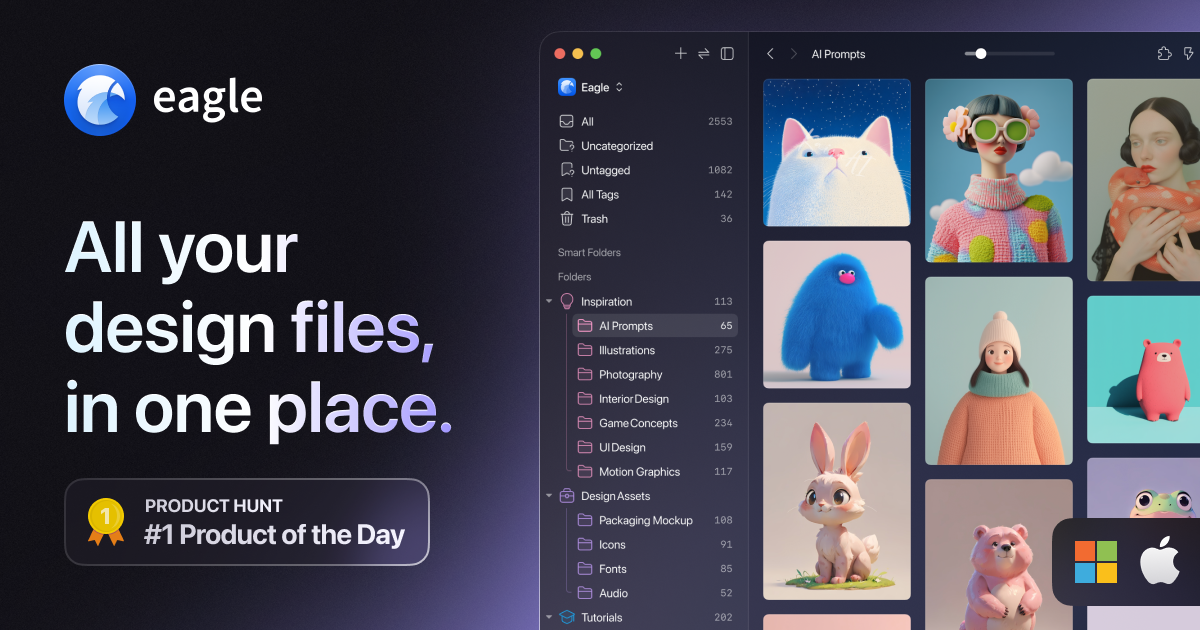
Eagle
Organise all your reference images in one place
Eagle provides a centralized library for design‑related assets such as images, screenshots, illustrations, and video or. Users can capture visual material directly from a browser extension, drag‑and‑drop files, or import batches, then assign folders, tags, notes, and custom naming rules. The application supports a wide range of file types—including photos, UI mockups, motion graphics, fonts, and GIFs—allowing designers to keep all reference material in a single, searchable repository.
The software incorporates AI‑driven features that enable visual, semantic, and cross‑source search, letting users locate assets by appearance or meaning without relying on exact filenames or tags. AI actions can also automate organization tasks such as tagging and renaming based on predefined logic, streamlining repetitive workflows. A unified hub for major AI models and optional third‑party AI agents further extends these capabilities.
Eagle runs on macOS (10.15+) and Windows 10+, and is positioned as a stable, design‑focused asset manager that emphasizes efficient collection, categorization, and browsing of large visual collections.
Reviews
Loading reviews…
Similar apps
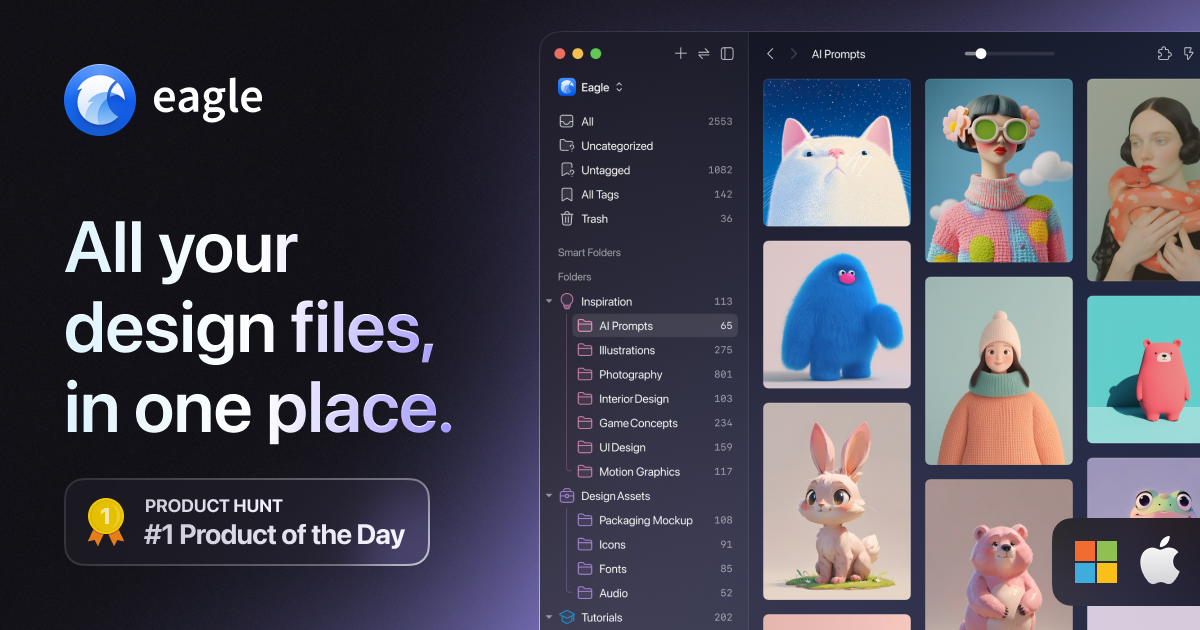
Fonts, Colors & Assets
Eagle App
Asset manager for images, videos, audio, fonts, and design files.

Task & Project Management
Tastemaker
Organize visual inspiration locally. No cloud, no login.
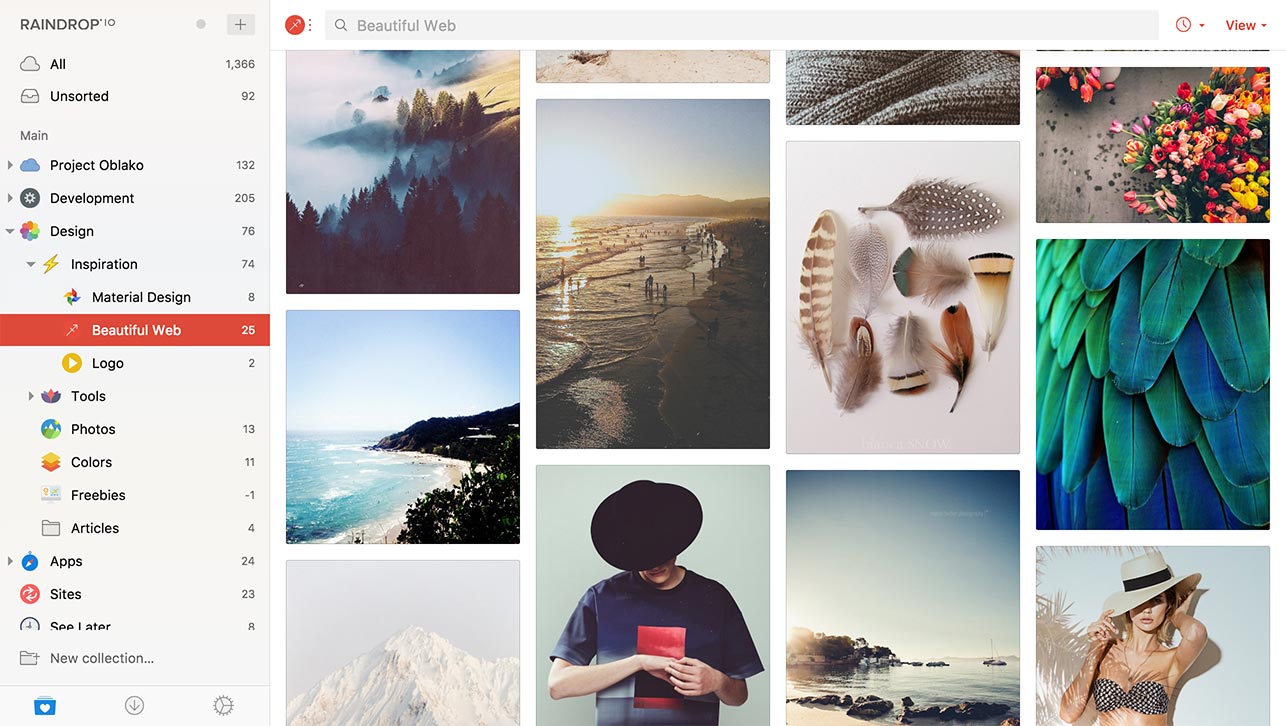
Bookmarks & Read Later
Raindrop.io
All-in-one bookmark manager

Design & UI Prototyping
Markie
The visual asset library that talks to your AI.

Diagramming & Whiteboarding
Milanote
Organise your ideas and projects into visual boards

Task & Project Management
Tales of an Image
Capture inspiration from any website. Organize into collections. Reveal your visual style and aesthetic persona.