
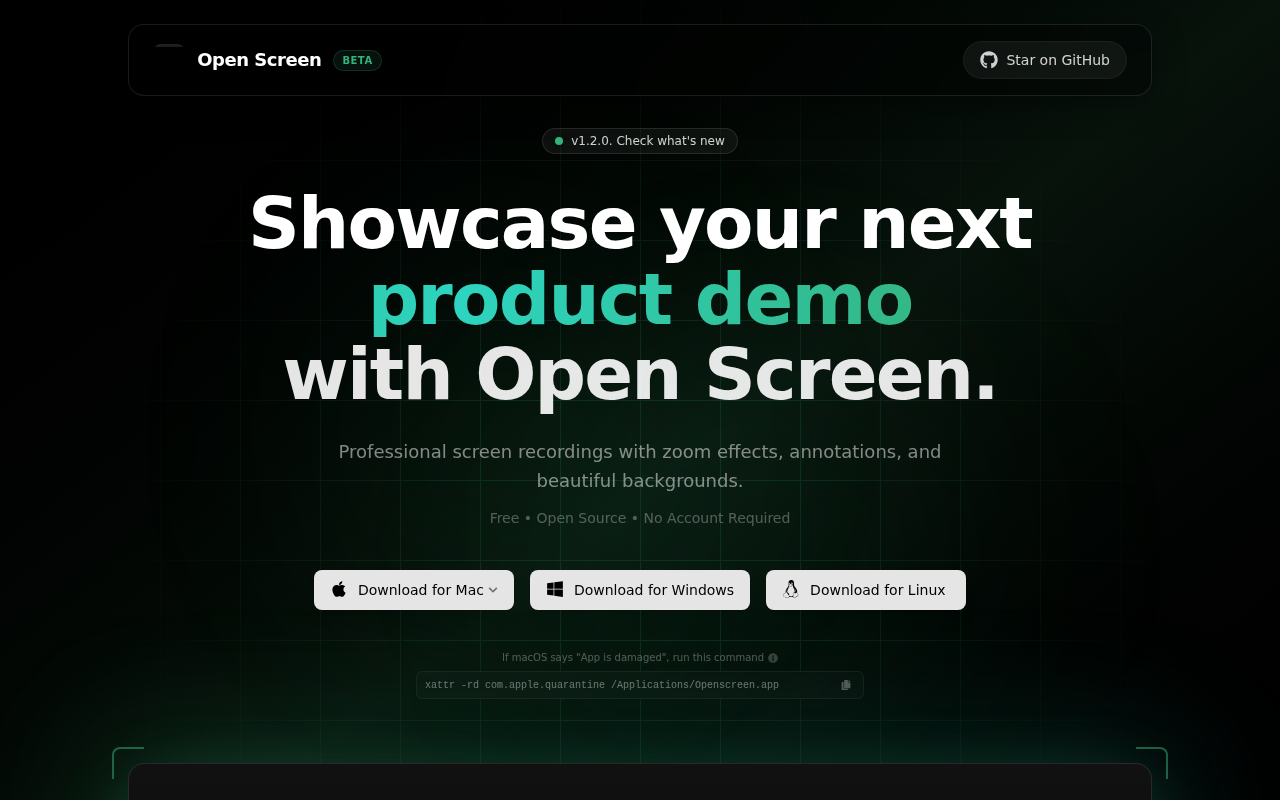
OpenScreen
Open-source tool for creating polished screen demos and walkthrough videos.
OpenScreen is a free, open‑source application for recording screen content and producing product demos or walkthrough videos. It lets users capture a single window or the entire display, include microphone and system audio, and apply basic editing such as cropping, trimming, speed adjustments, and zoom or pan effects with optional motion blur. Visual customization includes background choices, annotations, and export in various aspect ratios and resolutions.
The tool targets developers, marketers, educators, and anyone who needs simple yet controllable screen recordings without a subscription fee. It provides the essential features most users require while remaining lightweight compared to commercial alternatives. The project is released under a permissive license, allowing personal and commercial use, modification, and redistribution.
OpenScreen is built with Electron, React, TypeScript, Vite, PixiJS, and a timeline library. It runs on macOS (13+), Windows, and Linux (requiring PipeWire for system audio) and is distributed as installers or AppImage files. The software is currently stable but noted as beta, with platform‑specific audio capture quirks documented in the README.
Reviews
Loading reviews…
Similar apps
Screenshot & Screen Recording
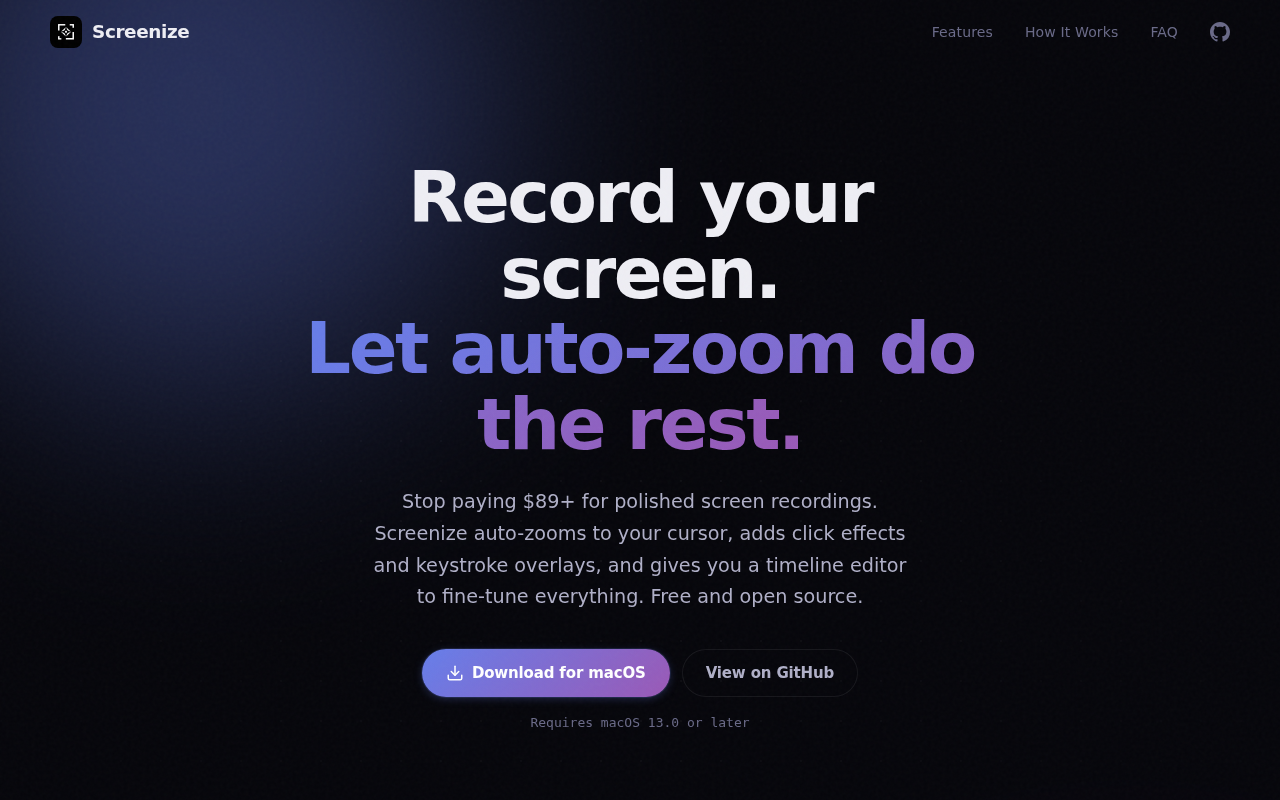
Screenize
Open-source screen recorder with auto-zoom, cursor effects, and timeline editing.
Screenshot & Screen Recording
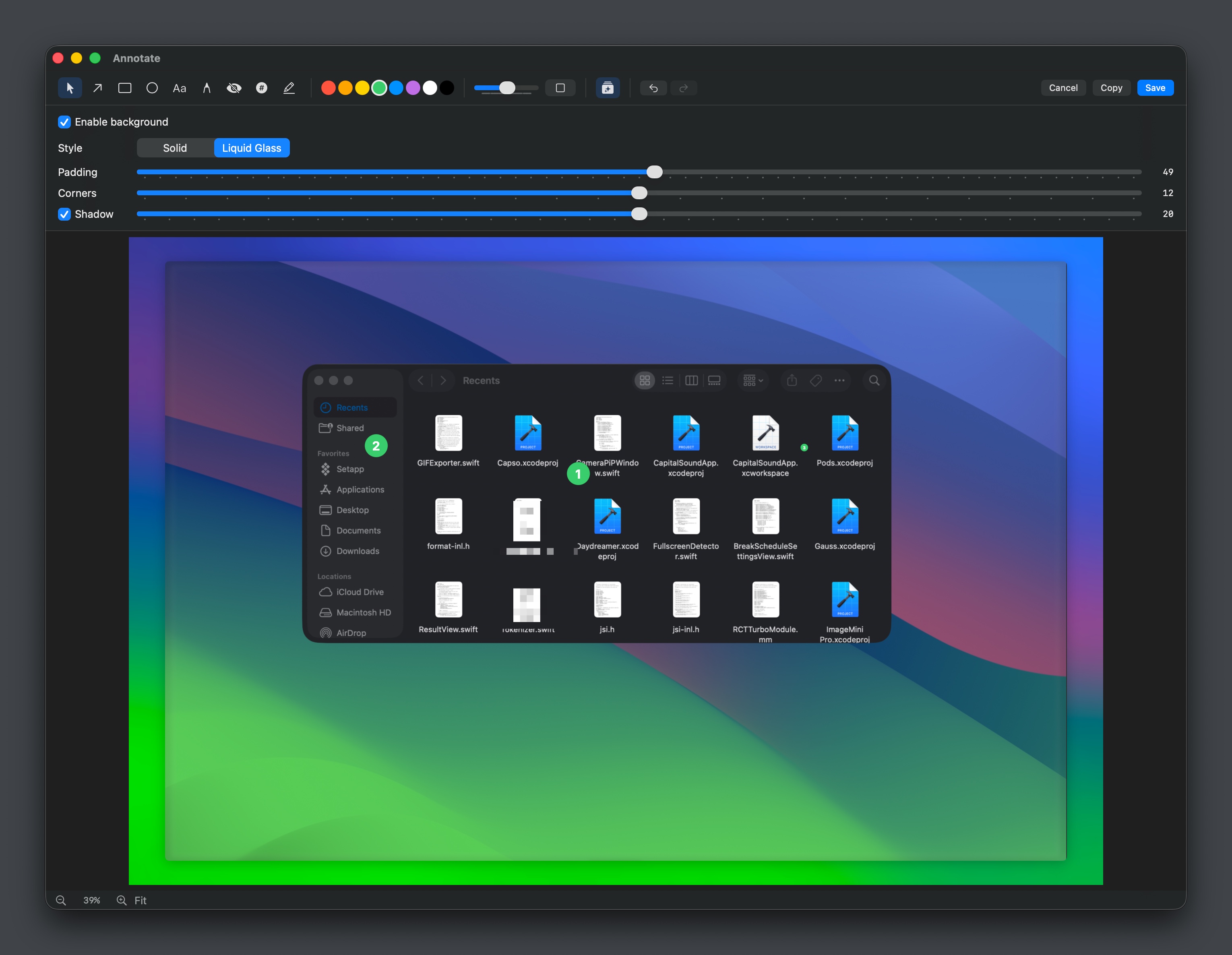
Capso
Open-source screenshot and screen recording tool with annotations, OCR, and webcam overlays.
AI Photo Editing
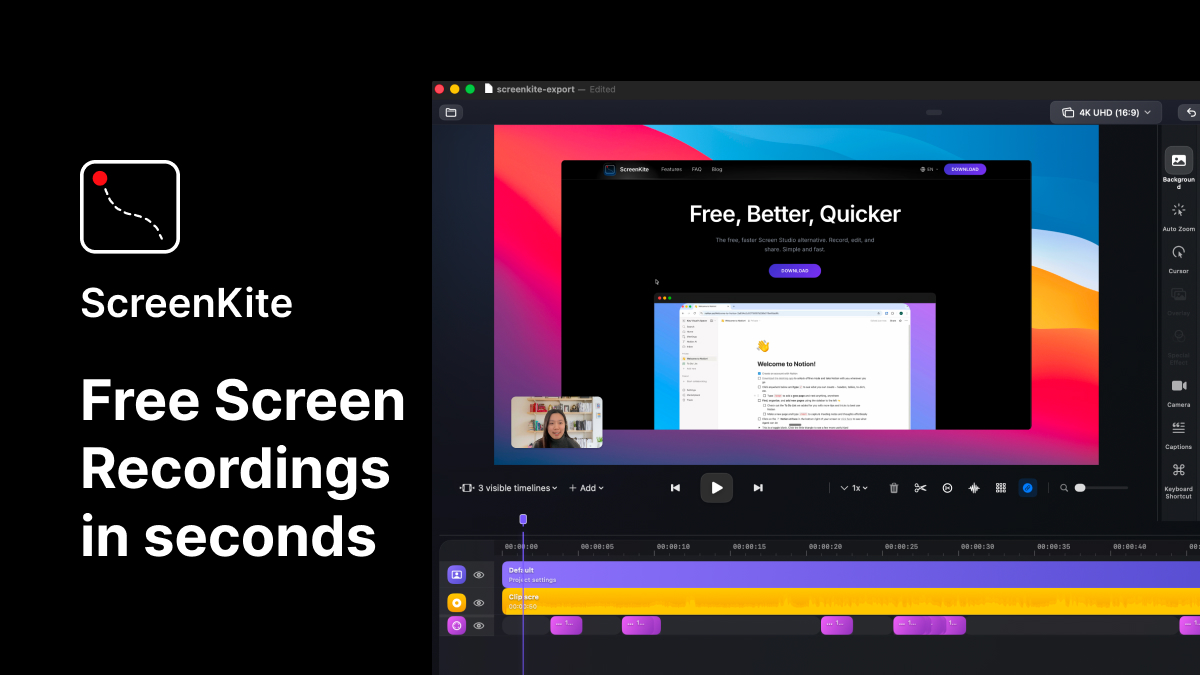
ScreenKite
Native screen recorder and editor with auto-zoom, AI enhancements, device mockups, and teleprompter. ![Freeware][Freeware Icon]
Screenshot & Screen Recording
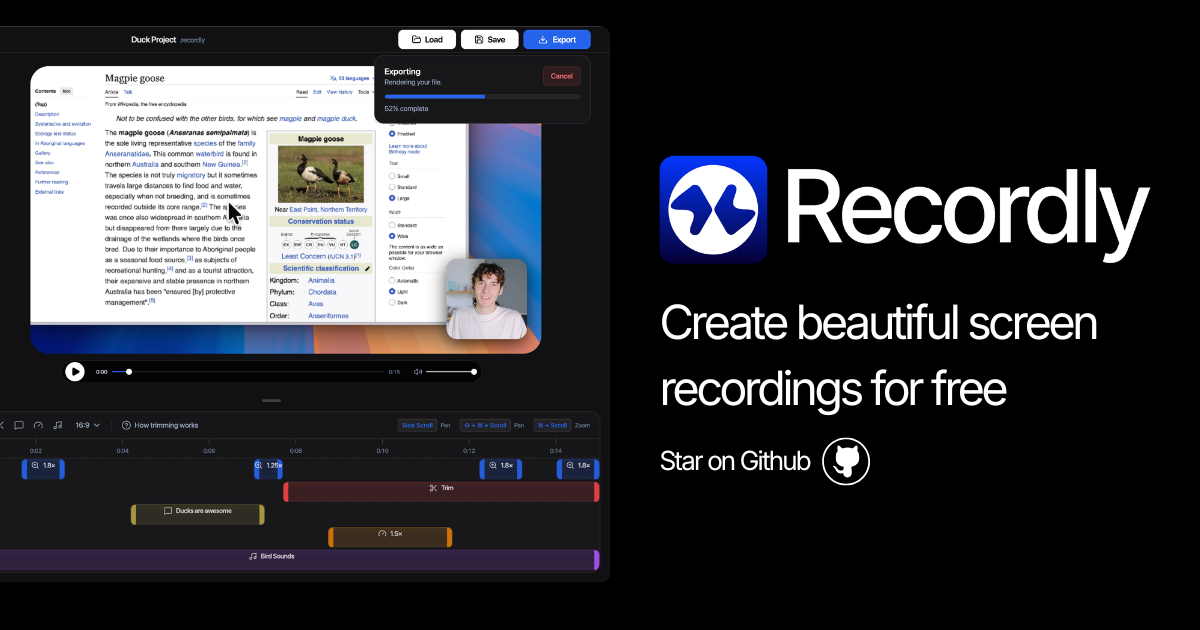
Recordly
Open-source screen recorder and editor for polished demos, tutorials, and product videos.
File Management & Transfer
Screenpipe
Local screen and microphone recorder with AI search.
Screenshot & Screen Recording
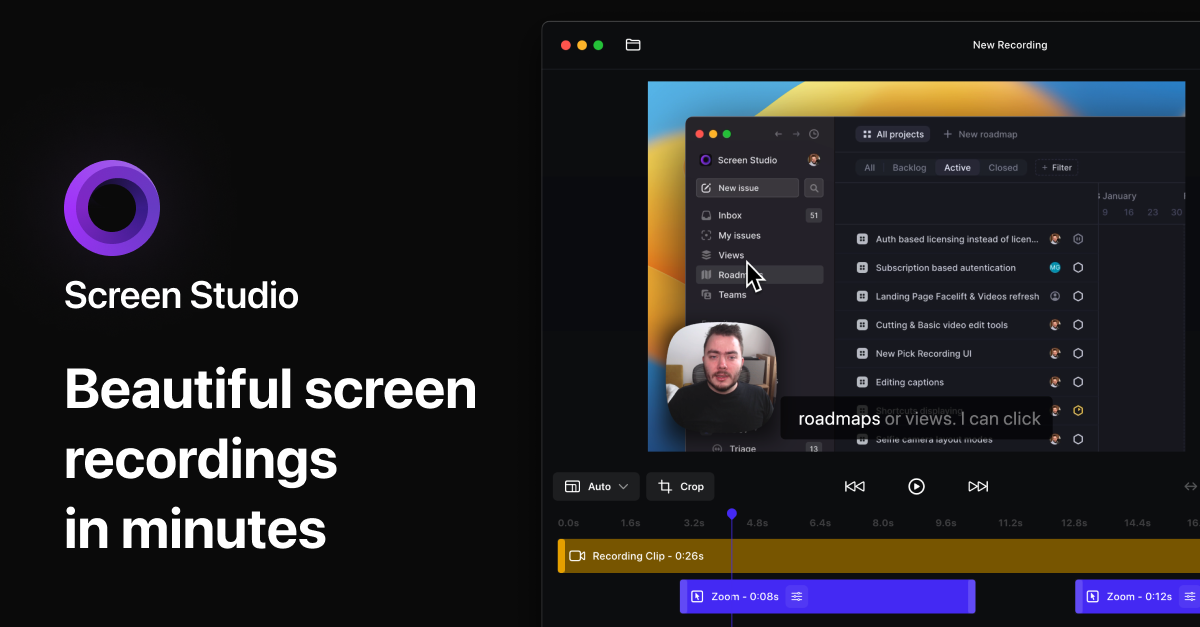
Screen Studio
Screen recorder and editor