
Screen Studio
Screen recorder and editor
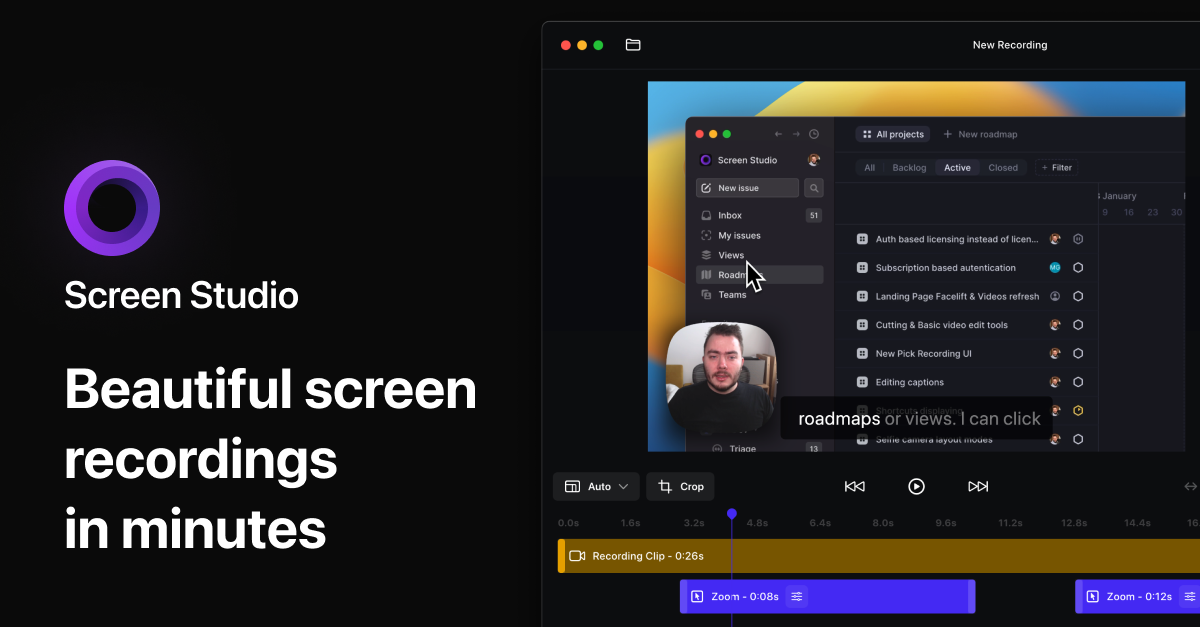
Screen Studio records the screen on macOS while automatically applying visual enhancements such as cursor zoom, size increase, and smooth movement animations. It captures webcam, microphone, system audio, and can record connected iOS devices via USB, allowing creators to produce product demos, tutorials, courses, and social‑media clips without manual post‑processing. The built‑in editor lets users drag zoom markers on a timeline, and the software generates the corresponding animations instantly, handling background styling, spacing, shadows, and inset adjustments to match a brand’s visual identity.
The tool is geared toward developers, educators, and marketers who need quick, polished video content for both desktop and mobile audiences. Its opinionated defaults focus on making key actions prominent, especially on smaller screens, while also supporting vertical export formats for platforms that require portrait orientation. By bundling recording, automatic effect generation, and export presets, Screen Studio streamlines the workflow from capture to share.
Reviews
Loading reviews…
Similar apps
Screenshot & Screen Recording
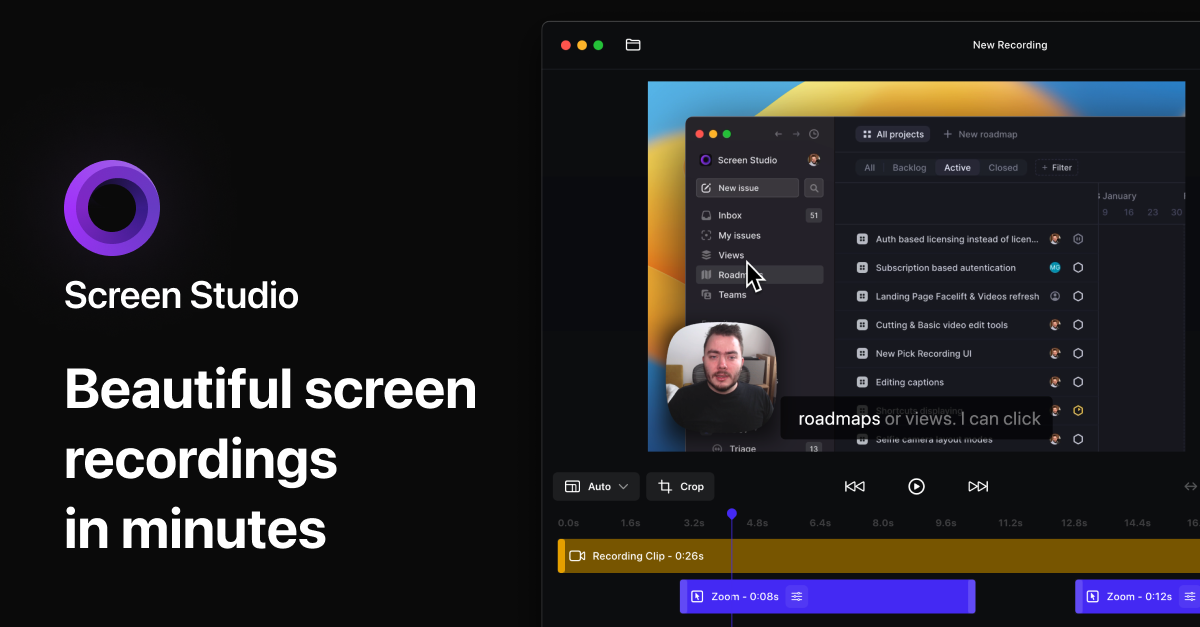
Screen Studio
Screen recorder for polished videos with automatic motion effects.
Screenshot & Screen Recording
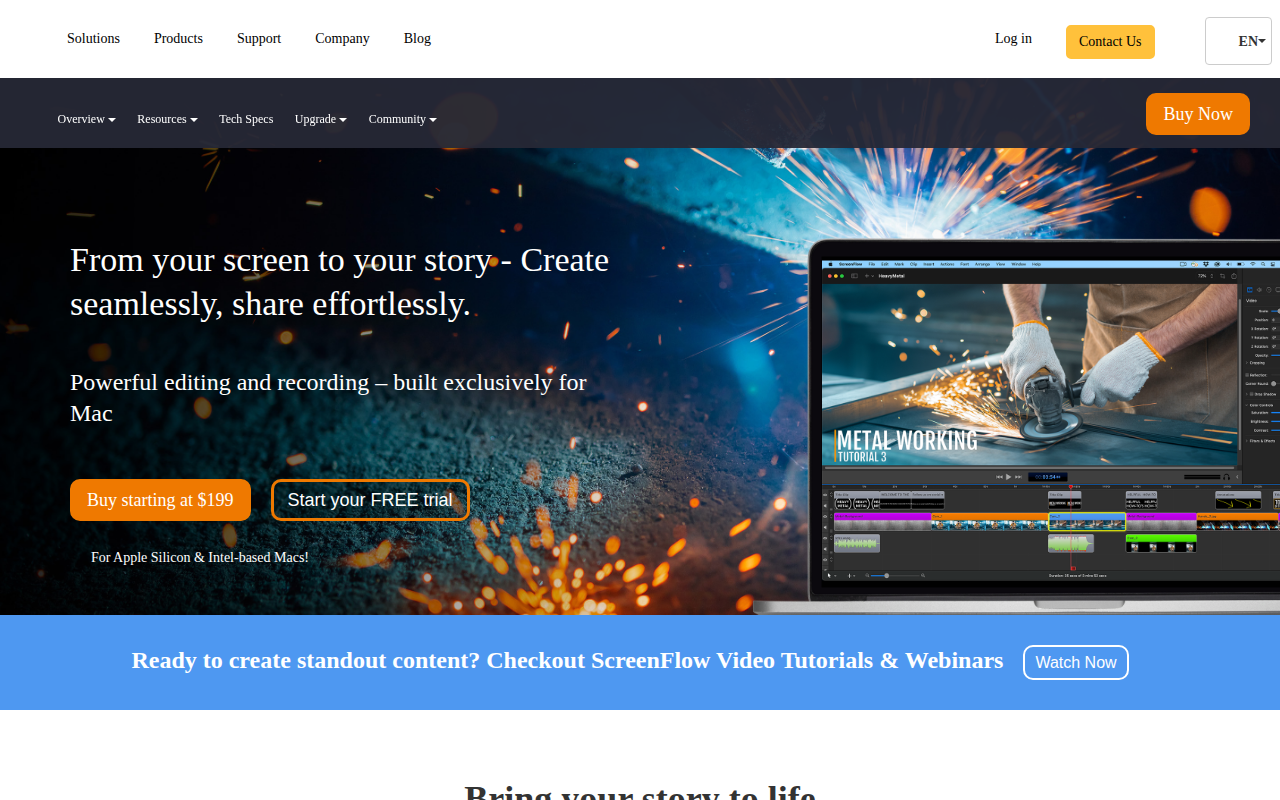
ScreenFlow
Screencasting and video editing software.
Screenshot & Screen Recording
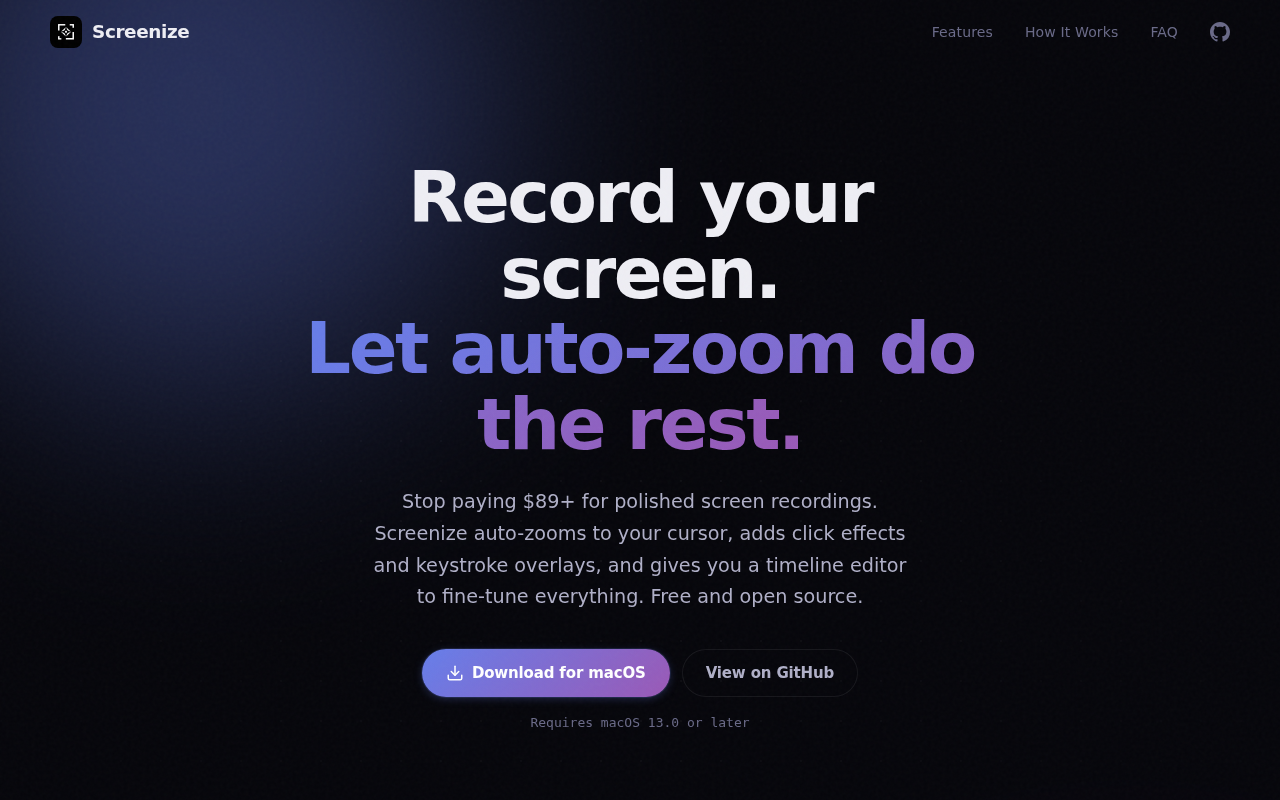
Screenize
Open-source screen recorder with auto-zoom, cursor effects, and timeline editing.
Screenshot & Screen Recording
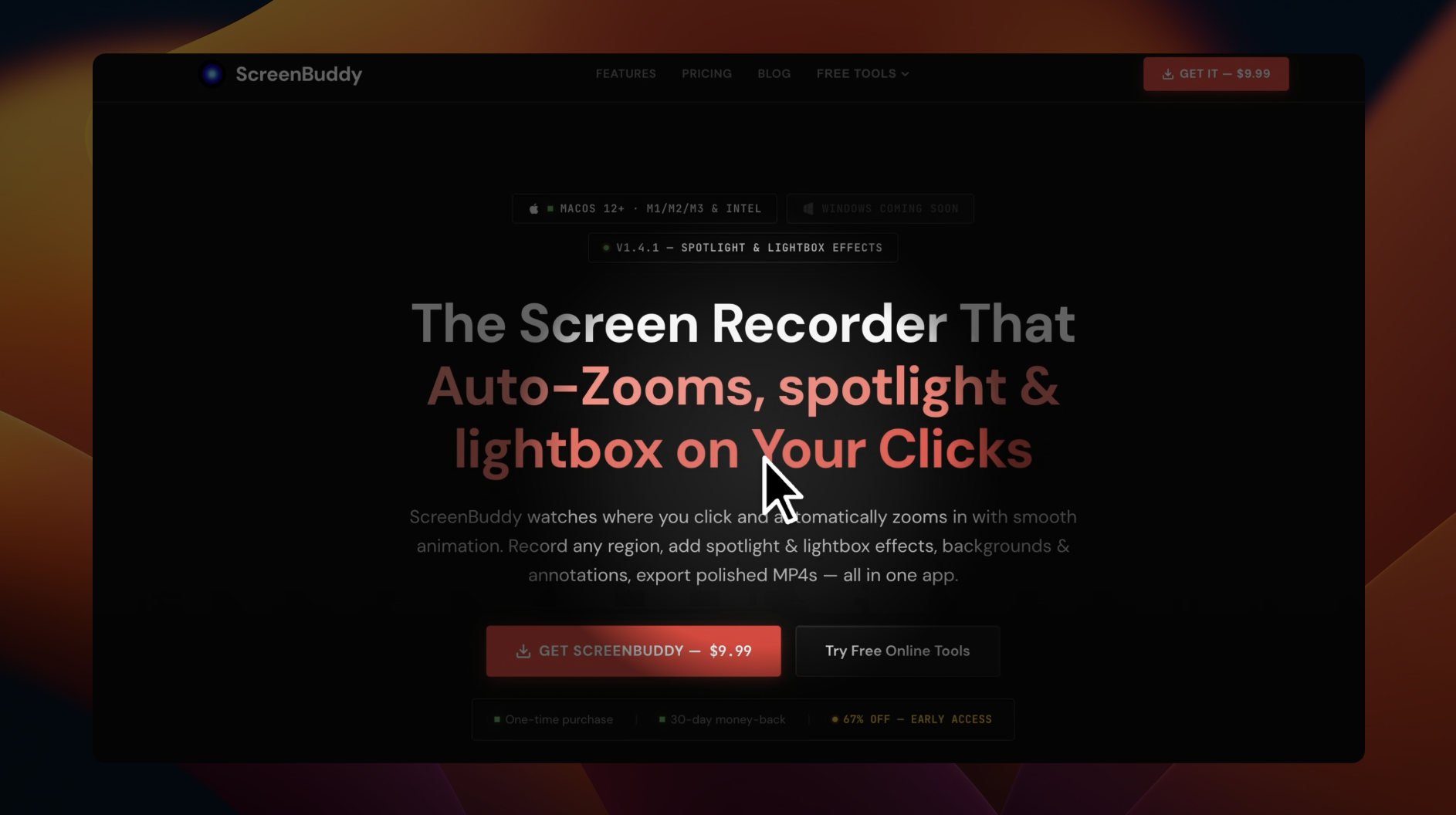
ScreenBuddy
Screen recording with auto-zoom, spotlight, and lightbox
AI Photo Editing
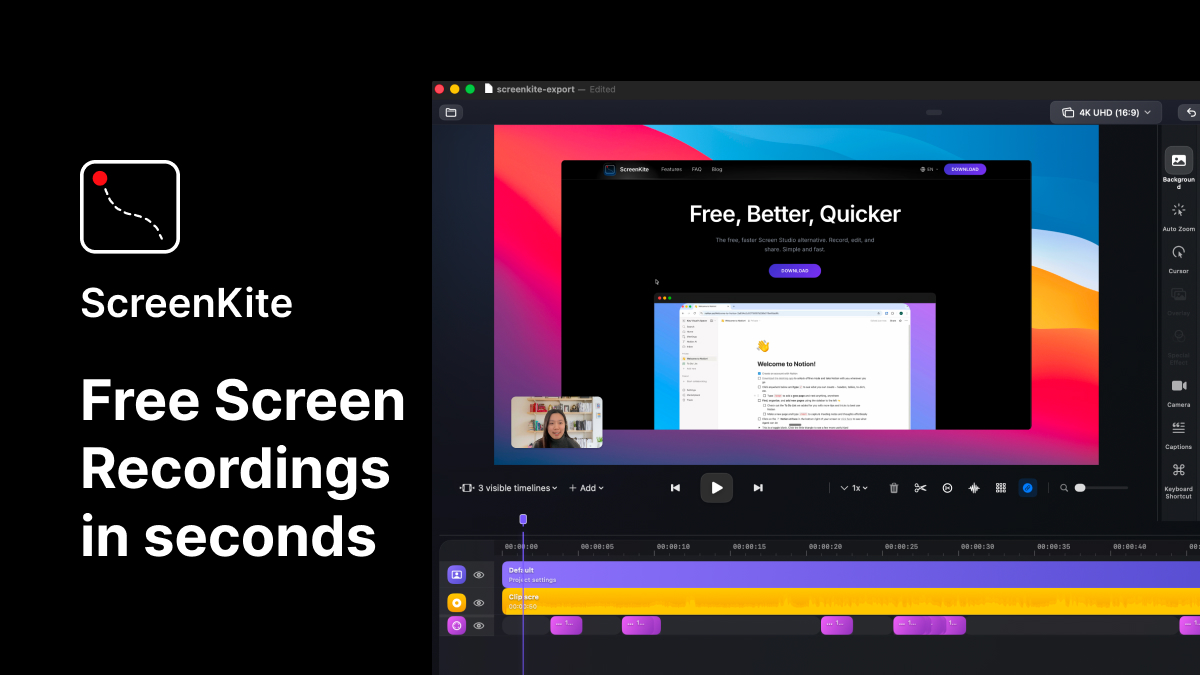
ScreenKite
Native screen recorder and editor with auto-zoom, AI enhancements, device mockups, and teleprompter. ![Freeware][Freeware Icon]
Screenshot & Screen Recording
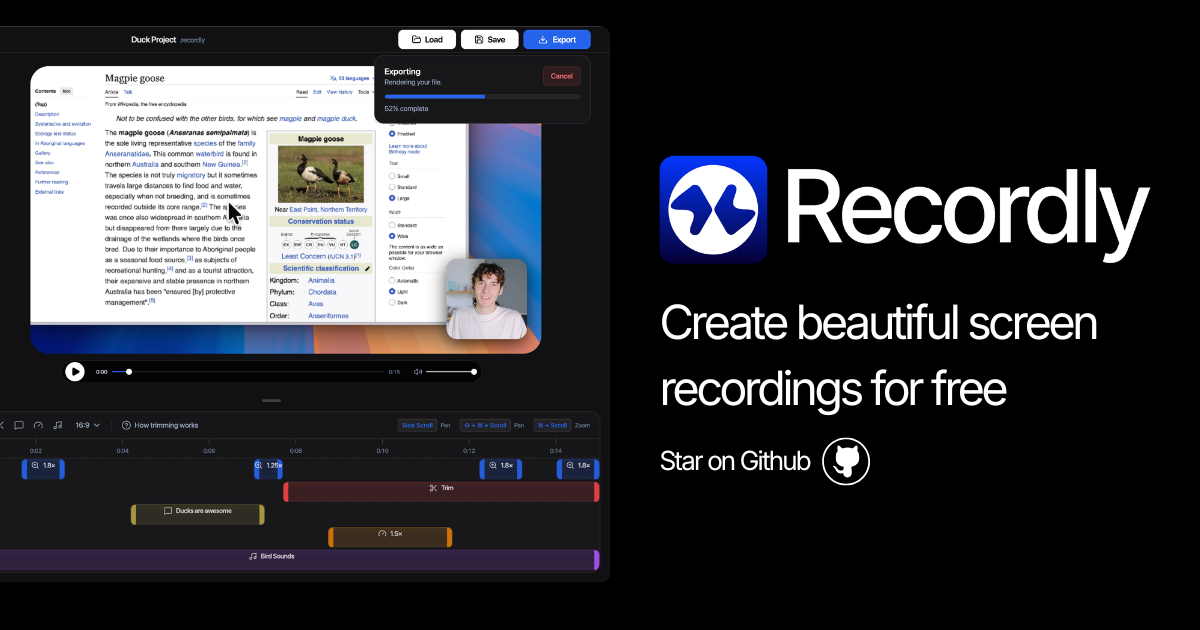
Recordly
Open-source screen recorder and editor for polished demos, tutorials, and product videos.