
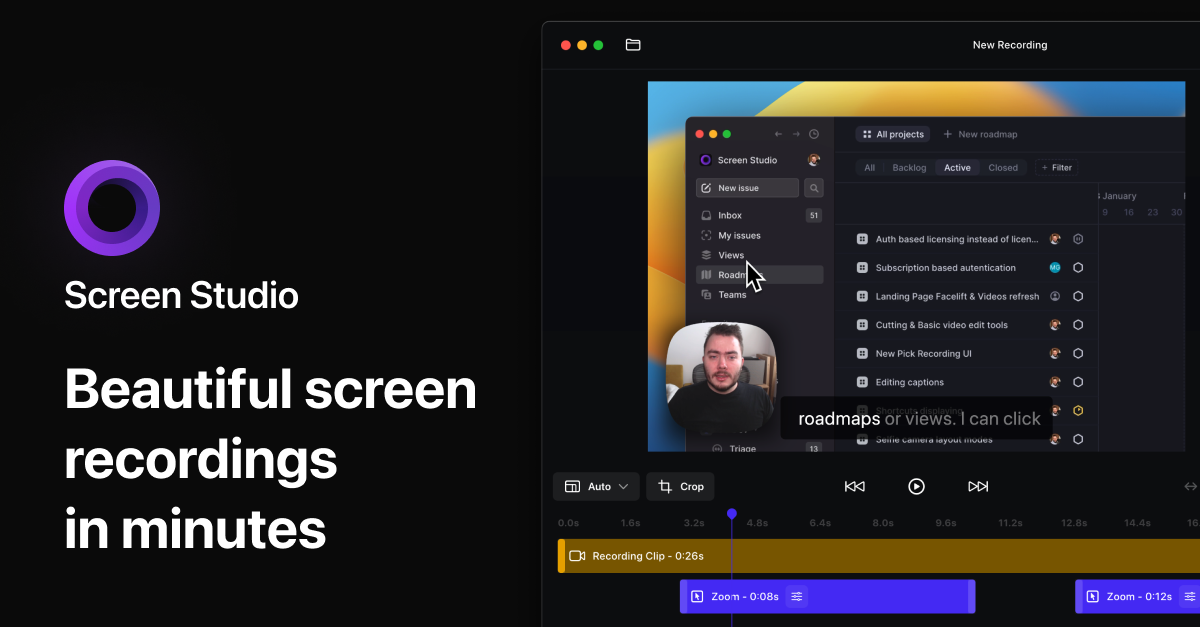
Screen Studio
Screen recorder for polished videos with automatic motion effects.
Screen Studio records macOS screens and adds automatic visual enhancements such as cursor‑based zoom, enlarged cursor size, and smoothed mouse movements. It captures webcam, microphone, system audio, or a connected iOS device, allowing creators to produce product demos, tutorials, courses, and social‑media clips without manual animation work.
The software applies professional‑looking animations by default, automatically generating zooms and transitions that would otherwise require extensive editing. Users can also fine‑tune zoom points on a timeline, adjust background, spacing, shadow, and inset, and export videos in formats optimized for different platforms, including vertical orientation for mobile feeds.
Targeted at educators, marketers, and developers who need quick, polished screen recordings, Screen Studio streamlines the workflow from capture to export, handling technical settings and visual effects automatically while supporting branding customizations.
Reviews
Loading reviews…
Similar apps
Screenshot & Screen Recording
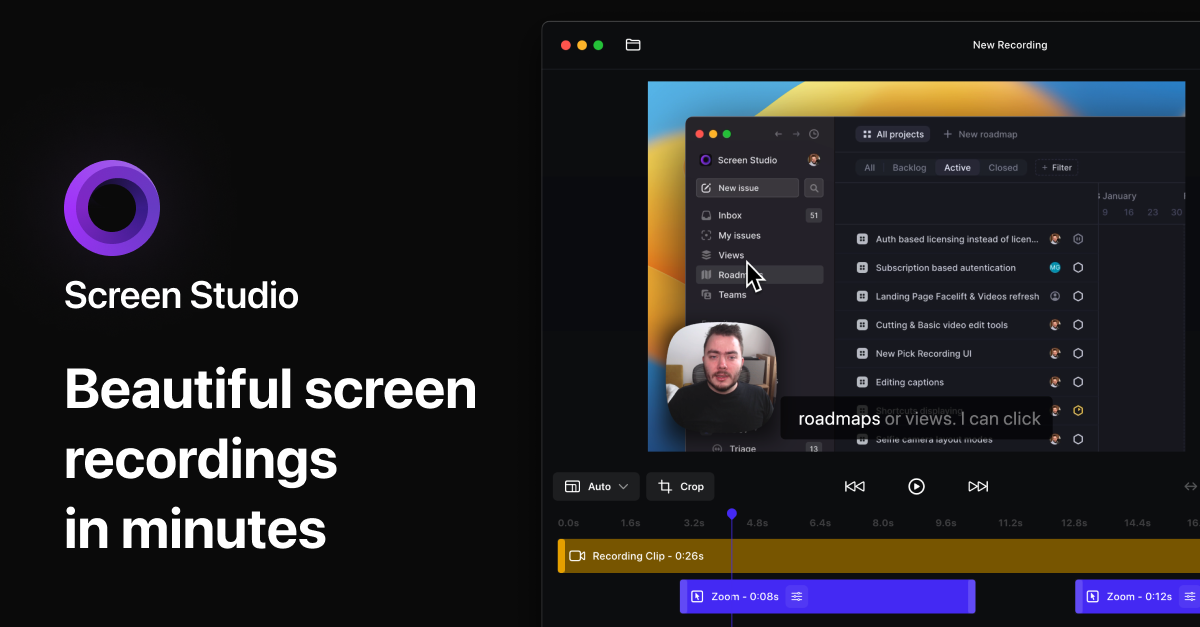
Screen Studio
Screen recorder and editor
Screenshot & Screen Recording
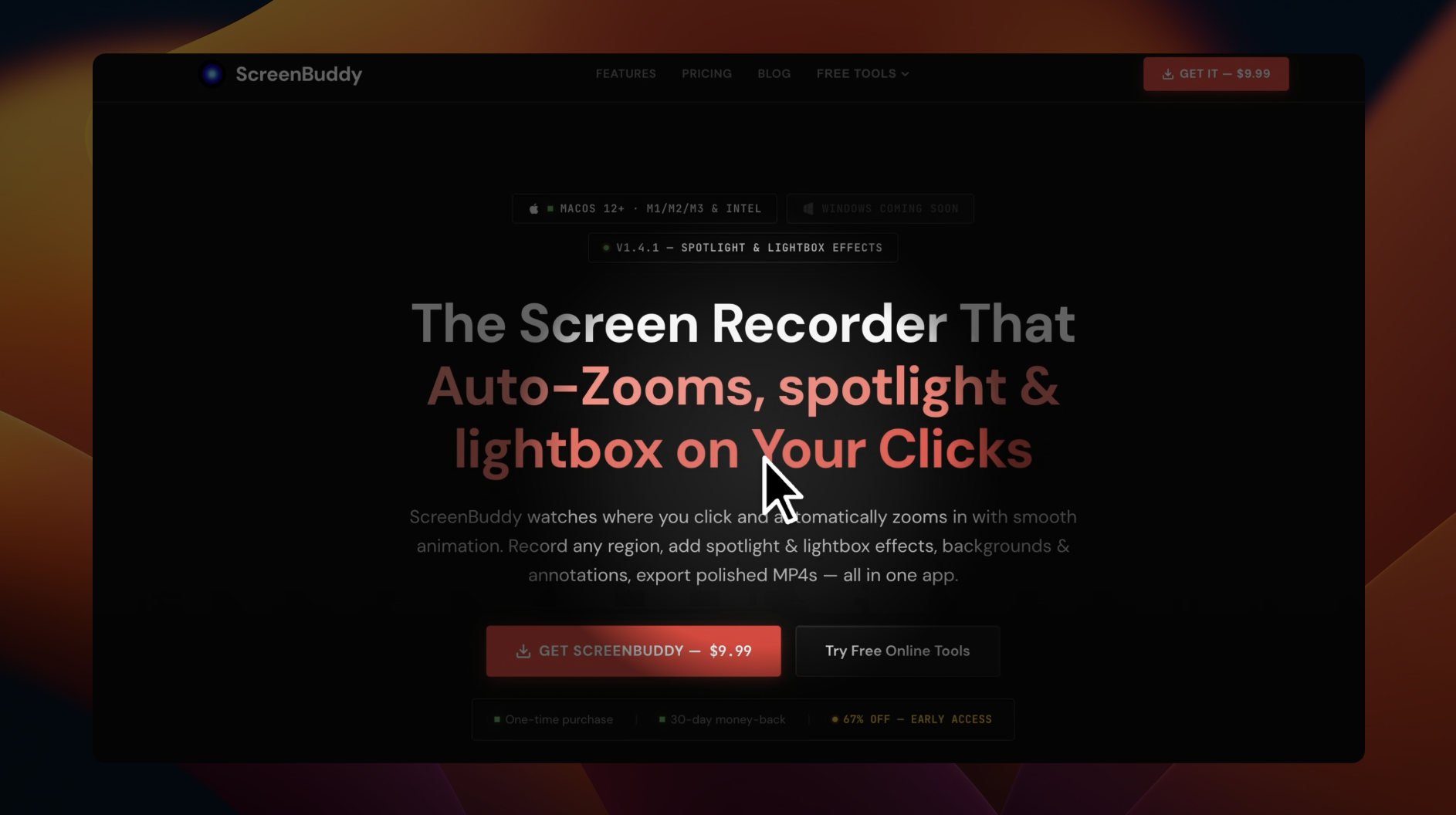
ScreenBuddy
Screen recording with auto-zoom, spotlight, and lightbox
Screenshot & Screen Recording
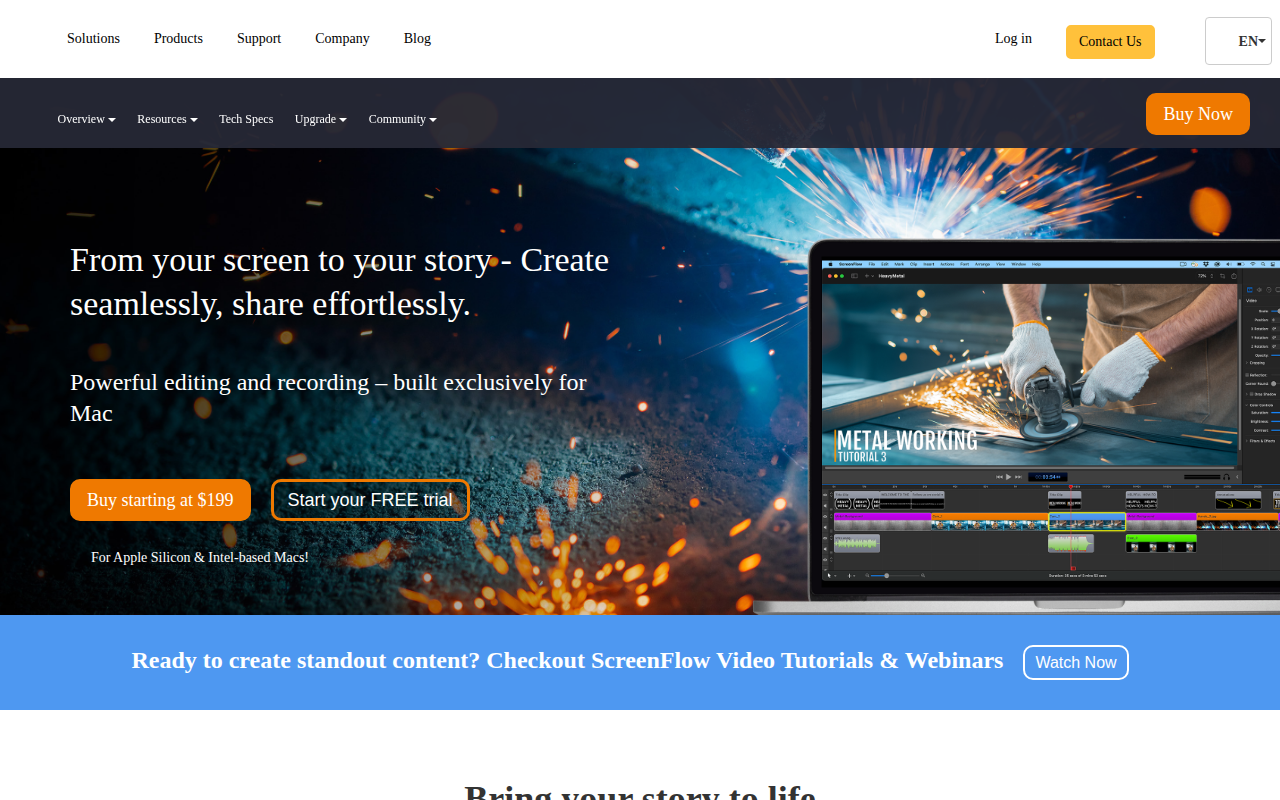
ScreenFlow
Screencasting and video editing software.
Screenshot & Screen Recording
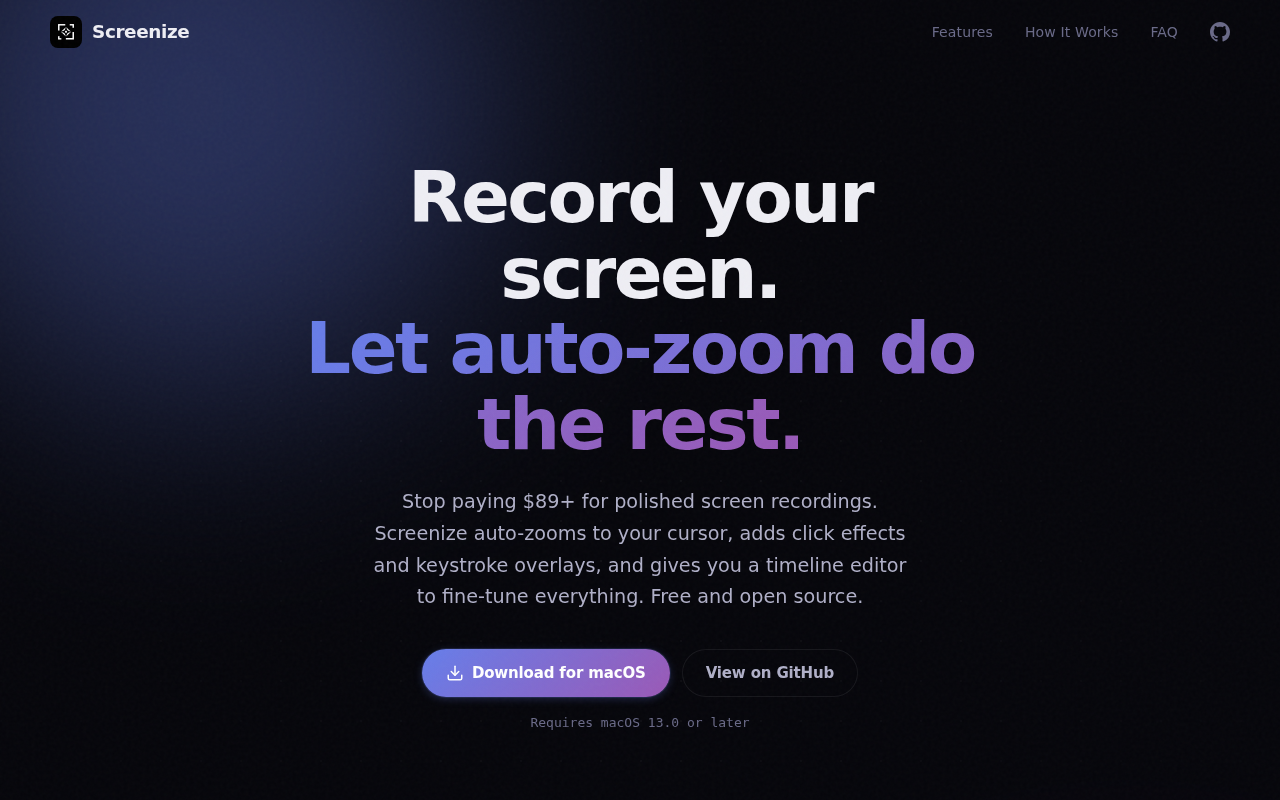
Screenize
Open-source screen recorder with auto-zoom, cursor effects, and timeline editing.
Screenshot & Screen Recording
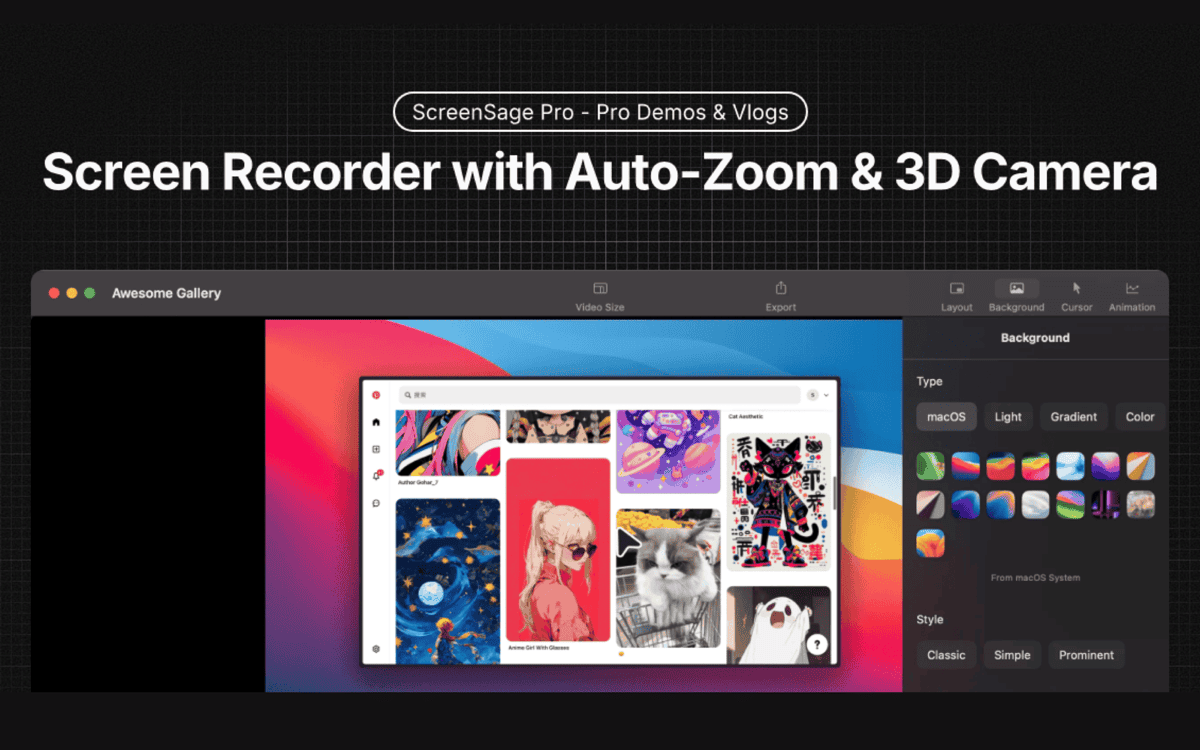
ScreenSage Pro
A screen recording tool for creating polished videos in minutes.
Screenshot & Screen Recording
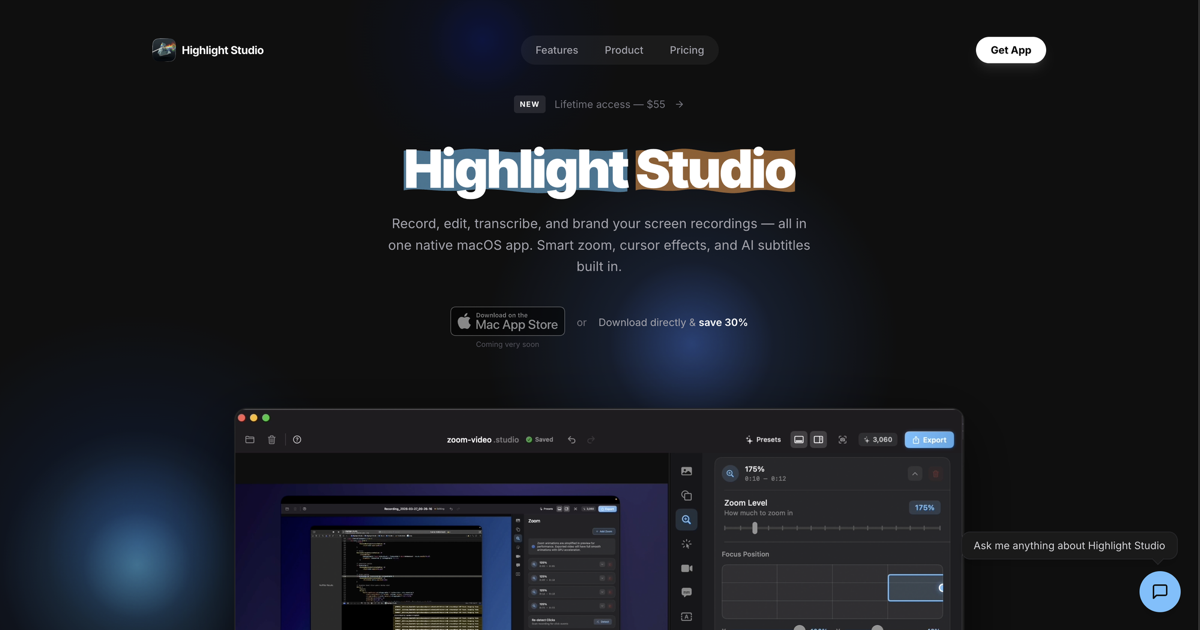
Highlight Studio
Record, edit, and brand screen recordings Metal powered