

ScreenBuddy
Screen recording with auto-zoom, spotlight, and lightbox
ScreenBuddy captures screen, window, or application video on macOS (12+) and Windows, recording system and microphone audio while allowing optional webcam overlay. After recording, users can edit the footage by adding zoom, spotlight, and lightbox effects, annotations, background changes, and cursor size adjustments, then export the result as an MP4 in the chosen resolution and aspect ratio.
The software’s distinctive feature is its “attention stack,” which combines three visual cues: auto‑zoom that follows each click, a spotlight that highlights moving areas, and a lightbox that isolates a specific region with a cropped overlay. These effects can be applied together or individually to guide viewer focus in product demos, tutorials, and onboarding videos.
All processing is performed locally, keeping recordings offline and private. The tool is offered as a one‑time purchase without subscription, and it includes basic editing tools such as trimming and annotation insertion.
Reviews
Loading reviews…
Similar apps
Screenshot & Screen Recording
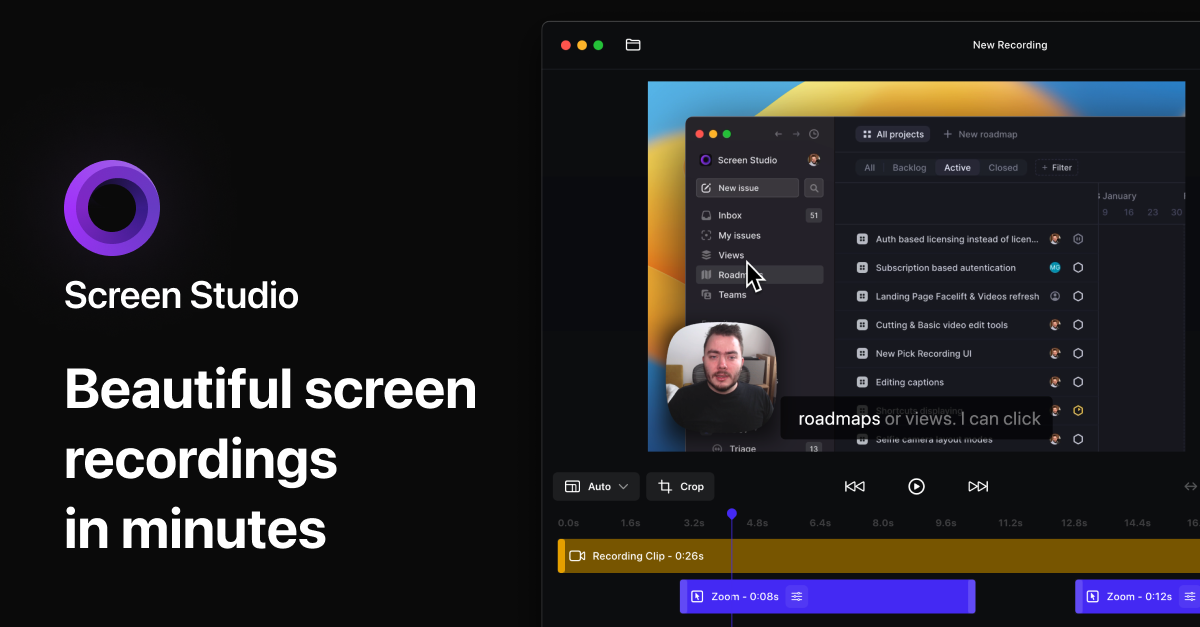
Screen Studio
Screen recorder for polished videos with automatic motion effects.
Screenshot & Screen Recording
Screen Studio
Screen recorder and editor
Screenshot & Screen Recording
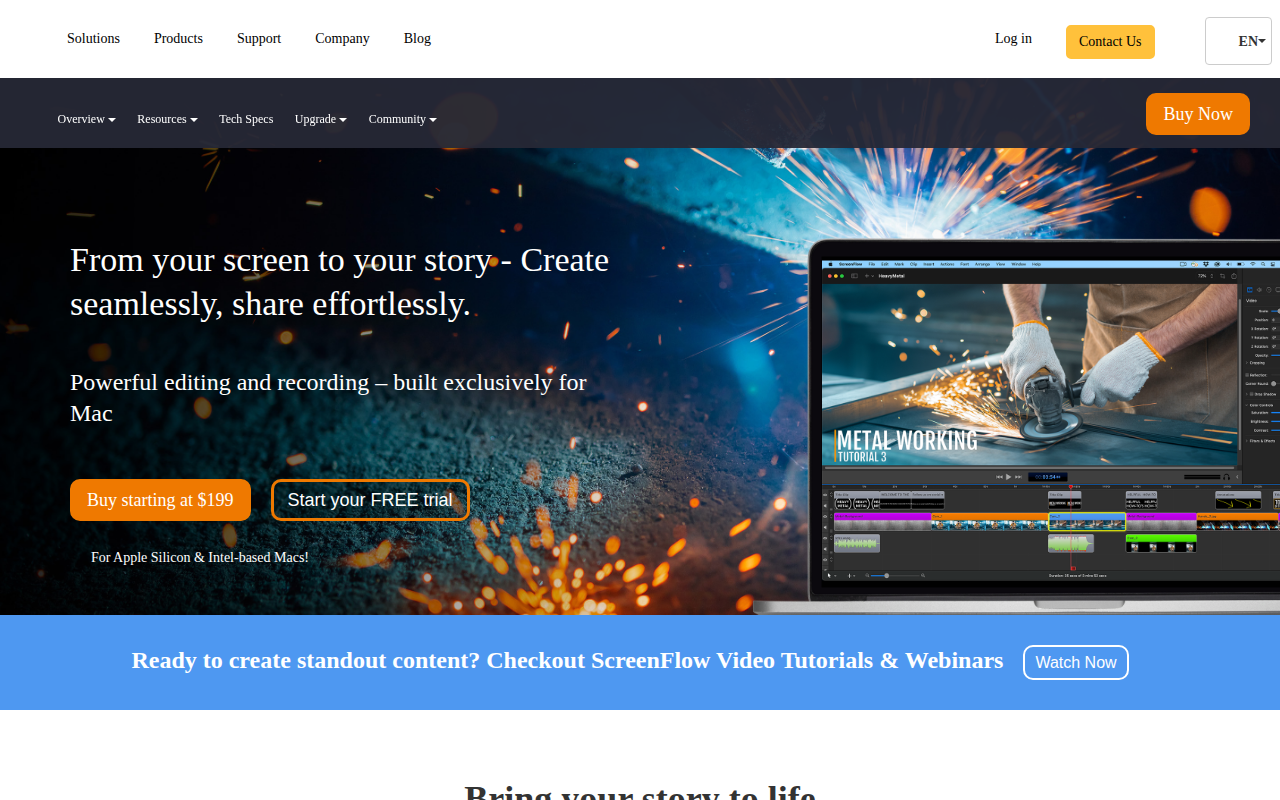
ScreenFlow
Screencasting and video editing software.
Screenshot & Screen Recording
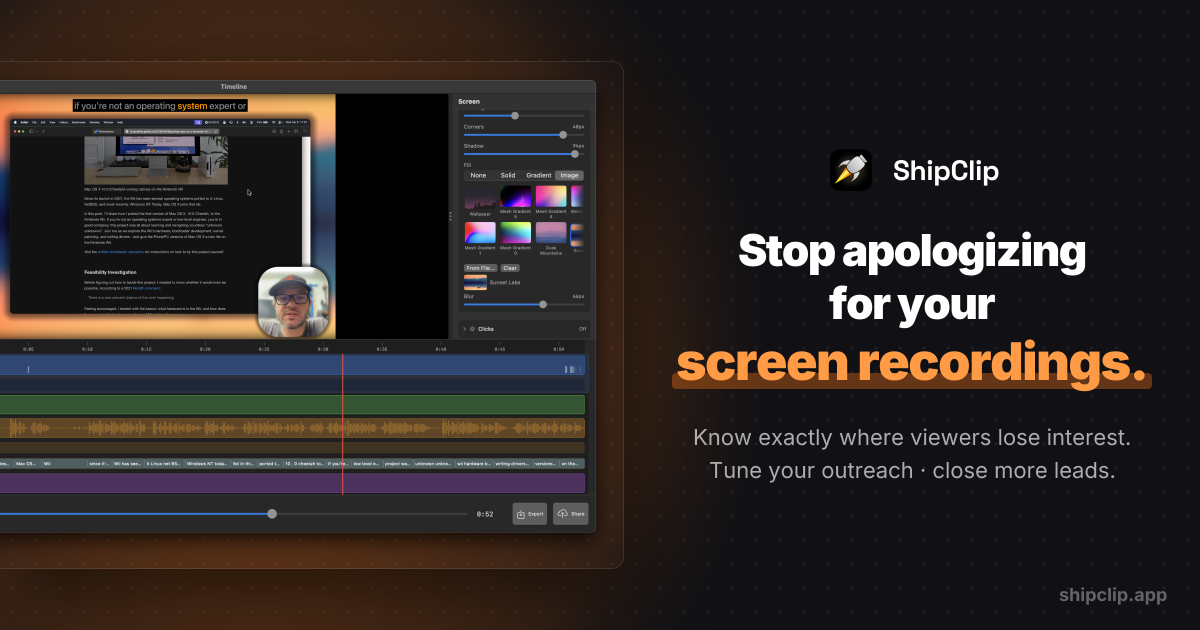
ShipClip
Native macOS screen recorder. Record polished demos with zoom-to-click, multi-track audio, and camera PiP; share a link and see exactly who…
Screenshot & Screen Recording
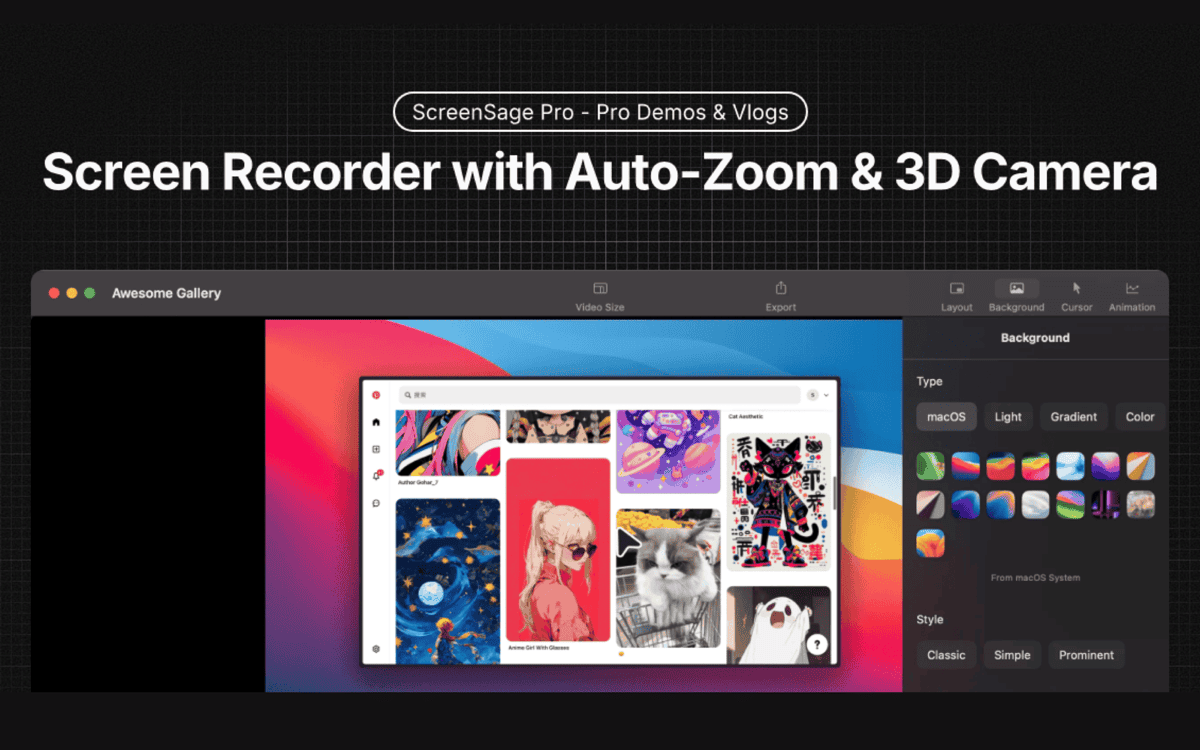
ScreenSage Pro
A screen recording tool for creating polished videos in minutes.
Screenshot & Screen Recording
ScreenSmooth
Beautiful Screen Recordings in minutes