
PawseKeys
Shield your keyboard from kids and pets
The application lets macOS users temporarily disable their built‑in or external keyboards with a single click or shortcut, preventing accidental key presses while cleaning, presenting, or when children or pets are nearby. It offers a timer‑based “Cleaning Mode” that automatically re‑enables input after a set interval, as well as a manual lock that can be released from the menu bar, a keyboard shortcut, or a companion iOS/Apple Watch remote app.
Designed for everyday productivity, the tool runs entirely offline, collects no user data, and integrates natively with macOS 12+ using Swift for low‑overhead performance. Its minimal UI appears in the menu bar, and the optional PRO tier adds features such as timed auto‑unlock and remote control without requiring any account or login.
The software targets anyone who needs brief periods of keyboard inactivity—such as during cleaning, when pets or children might trigger keys, or during focused work sessions—while keeping the experience lightweight and privacy‑centric.
Reviews
Loading reviews…
Similar apps
Clipboard, Input & Automation
Keyboard Cleaner
Lock your Mac keyboard from the menu bar while cleaning it

Clipboard, Input & Automation
MacWipe
Disable your keyboard + trackpad to safely clean your screen
Password & Security
Lockpaw
Menu bar screen guard for macOS — lock and unlock your screen with a hotkey.
Clipboard, Input & Automation
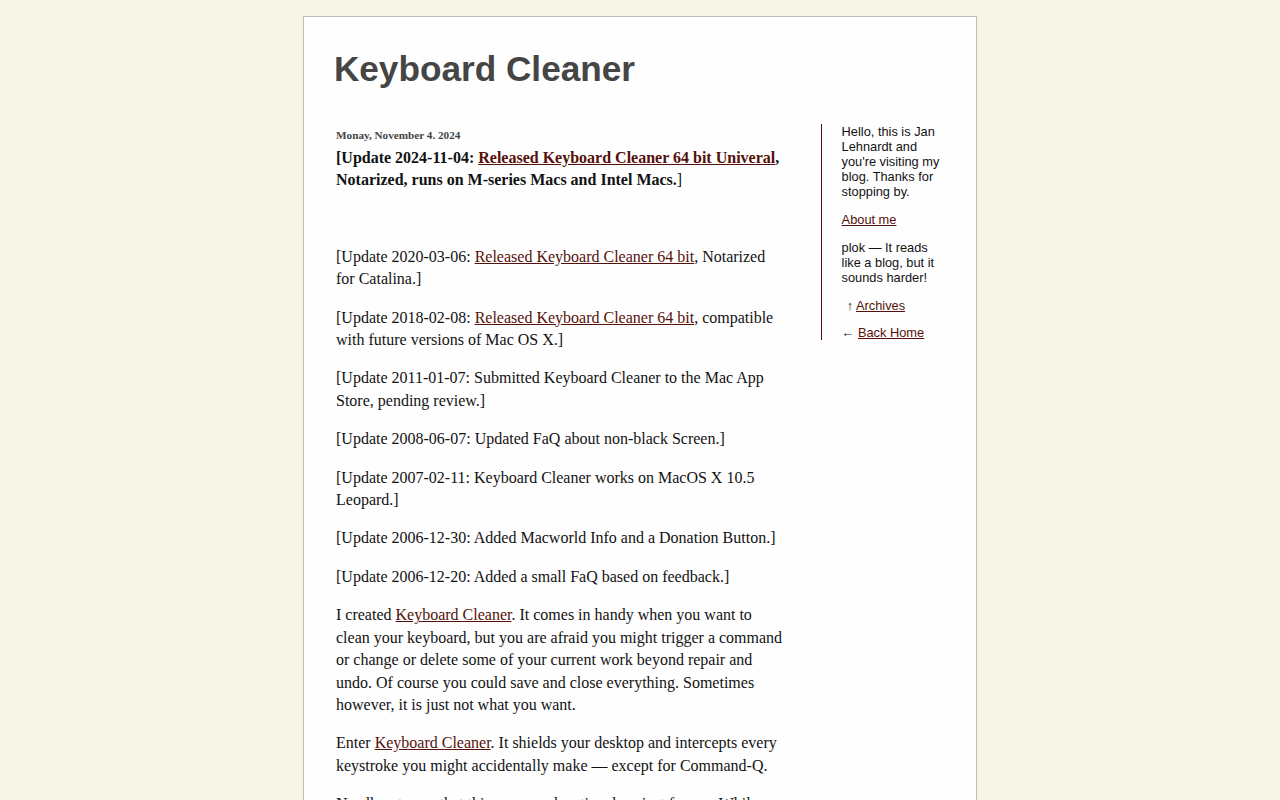
Keyboard Cleaner
Desktop shield and keystroke interceptor
Clipboard, Input & Automation
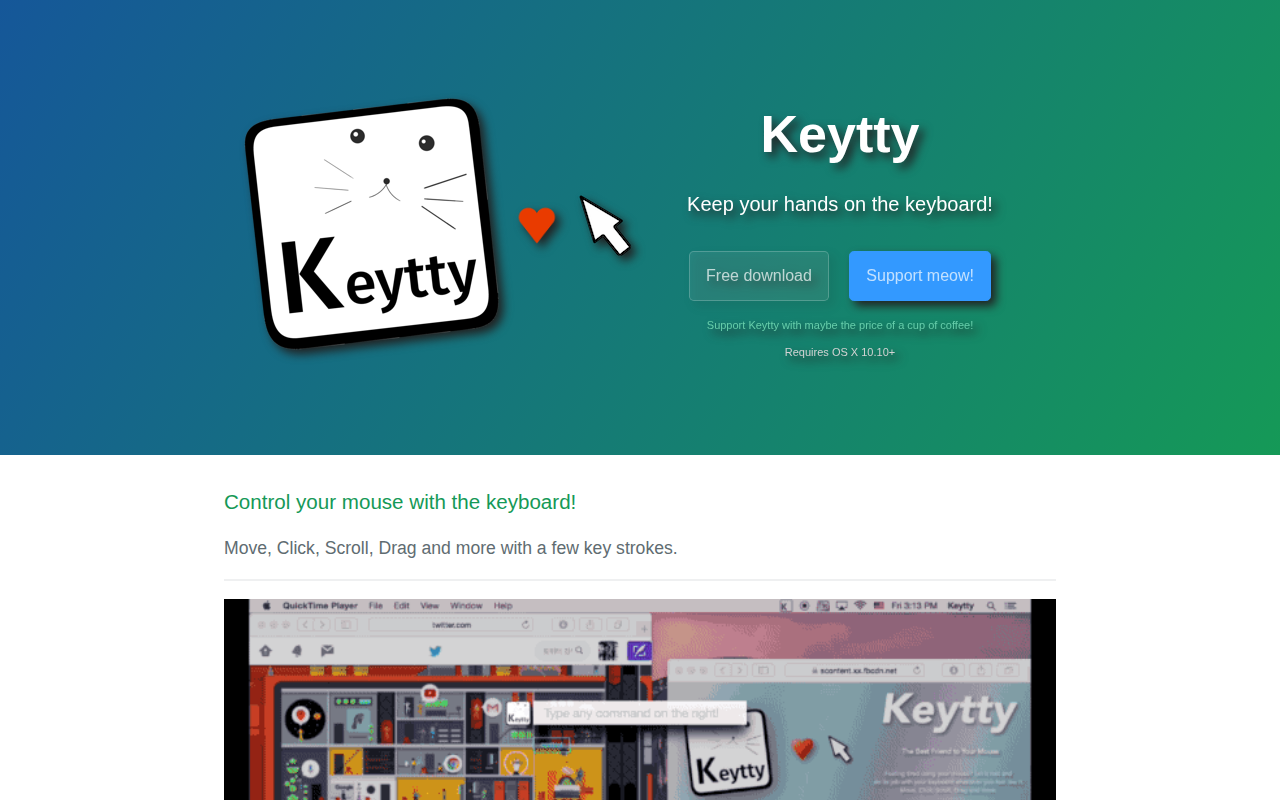
Keytty
App to keep your hands on the keyboard. Move, click, scroll, drag and more with a few strokes.
Clipboard, Input & Automation
Unclack
Mutes your keyboard while you type