
ProNotes
Apple Notes extension
ProNotes extends Apple Notes on macOS 13.0+ with a formatting bar that appears above selected text, letting users change font size, apply bold, insert links, or create checklists without moving the cursor to the main toolbar. It adds lightweight markup shortcuts: typing “# ”, “## ”, “### ”, “[] ”, “``` ”, “> ”, “- ”, “* ”, or “1. ” automatically converts lines into titles, headings, subheadings, checklists, code blocks, block quotes, dashed, bulleted, or numbered lists. Slash commands such as /title, /heading, /checklist, /table, and others provide rapid insertion of these elements, while a command‑palette shortcut (⌘ P) enables fast note searching.
The extension also introduces bi‑directional backlinks, showing all notes that link to the current one, and supports templated snippets via slash commands. An integrated AI assistant can complete sentences, improve wording, summarize content, correct spelling and grammar, and respond to custom prompts, offering functionality similar to a lightweight writing aid directly inside Notes.
Additional utilities include copying notes in Markdown, generating deep links, and experimental features like floating notes and Vim‑style editing. ProNotes is positioned as a stable, macOS‑only productivity tool for users who rely heavily on Apple Notes and want richer formatting, quick navigation, and AI‑enh
Reviews
Loading reviews…
Similar apps
Note-Taking & PKM
Supernotes
Collaborative note-taking app
Note-Taking & PKM
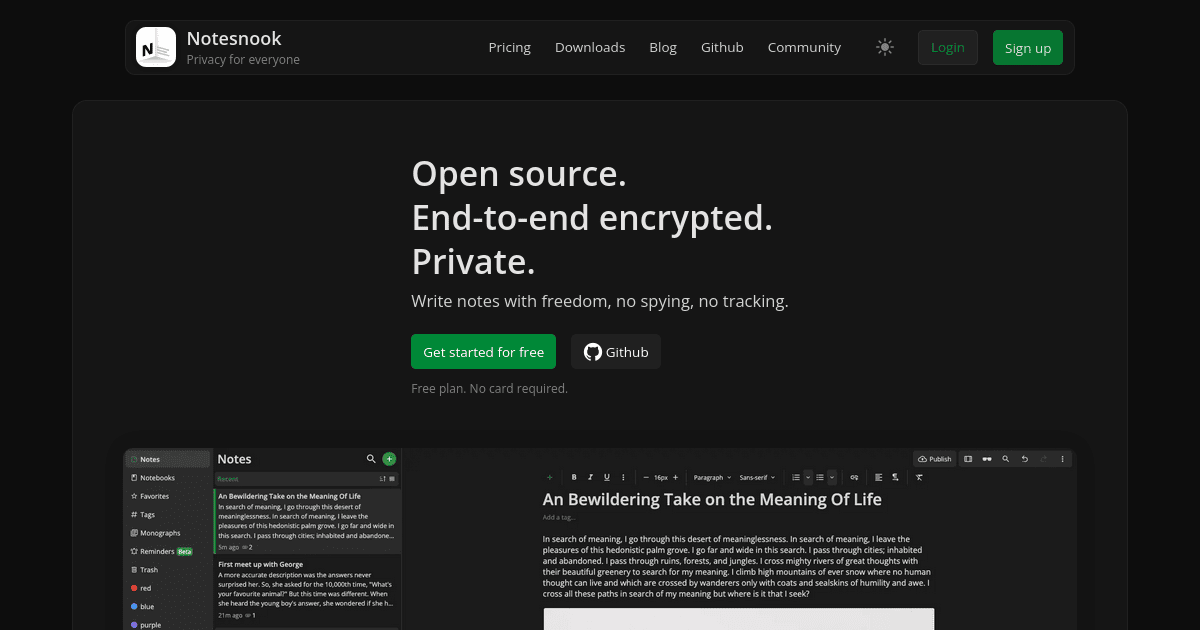
Notesnook
Privacy-focused note taking app
Note-Taking & PKM
Znote
Notes-taking app
Note-Taking & PKM
NotesOllama
LLM support for Apple Notes through Ollama
Note-Taking & PKM
NotePlus
True Native Note and LLM Client

Code Editors & IDEs
Nota
Markdown files editor