
qmoji
Like mojibar, but written in reasonml
Qmoji provides a fast, lightweight emoji picker for macOS, appearing as a status‑bar icon that can be summoned with a customizable keyboard shortcut. When activated, it displays a compact window that can be positioned at the mouse cursor, allowing users to search emojis via fuzzy matching on names and keywords, navigate with arrow keys or tab, and insert the selected character into the active application. The picker remembers frequently used emojis and supports dark mode, while keeping its disk footprint under three megabytes and memory usage below fifty megabytes.
The tool is built in Swift without third‑party dependencies, targeting macOS as its core platform. Installation involves downloading a zip archive from the releases page, opening the app, and granting Accessibility permissions so it can send characters to other programs. Users may need to adjust the system shortcut for “show Finder search window” if they wish to keep the default cmd‑opt‑space trigger.
Qmoji is suited for anyone who regularly inserts emojis while typing on macOS, offering instant appearance, configurable shortcuts, and a minimal resource impact. It is a stable, open‑source project inspired by the mojibar utility.
Reviews
Loading reviews…
Similar apps
Clipboard, Input & Automation
Touch Emoji
Emoji picker for MacBook Pro Touch Bar.
Task & Project Management
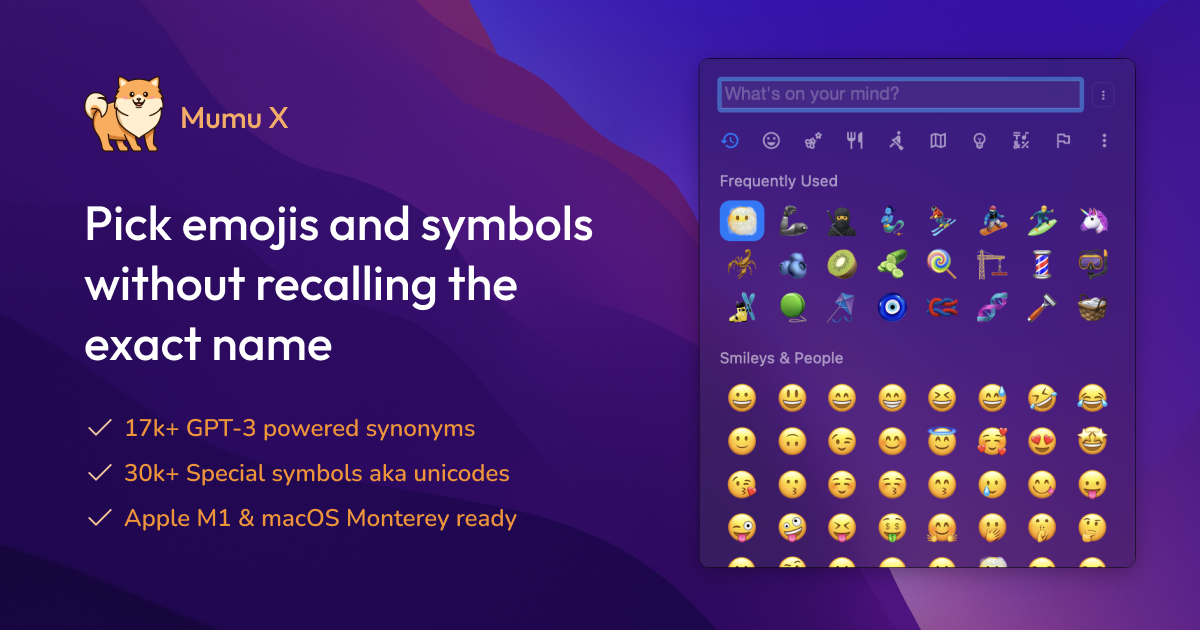
Mumu
Emoji picker
Terminals & CLI
emoj
Find relevant emoji from text on the command-line.

Version Control & Git
gitmoji-cli
Use emoji in commit messages.
Task & Project Management
QSyncthingTray
Tray app for Syncthing
Clipboard, Input & Automation
dmenu-mac
Keyboard-only application launcher