
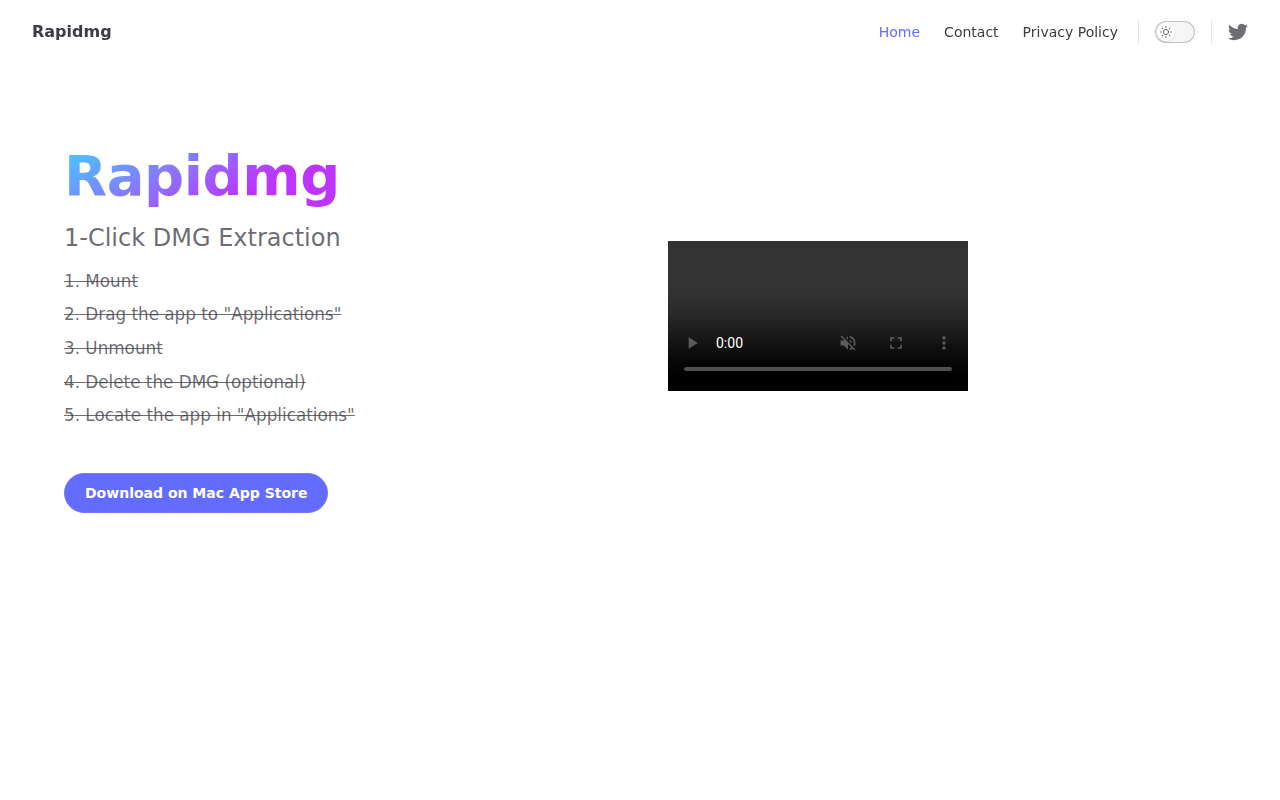
Rapidmg
1-Click extracting apps from DMG images to the "Applications" folder.
Rapidmg provides a single‑click workflow for installing macOS applications distributed as DMG files. The user drags a DMG onto the Rapidmg interface, which then mounts the image, copies the contained app into the system’s “Applications” folder, unmounts the DMG, and optionally deletes the original DMG file. This sequence is automated to reduce the manual steps normally required for DMG installation.
The tool is aimed at macOS users who regularly install software from DMG images and prefer a streamlined, repeatable process. By handling mounting, copying, and cleanup automatically, it minimizes the risk of leaving mounted images or stray files on the system.
Rapidmg is released as a stable utility and is available through the Mac App Store, offering a straightforward, GUI‑driven method for extracting applications from DMG archives with minimal user interaction.
Reviews
Loading reviews…
Similar apps
File Management & Transfer
AutoDMG
App for creating deployable system images from a system installer
File Management & Transfer
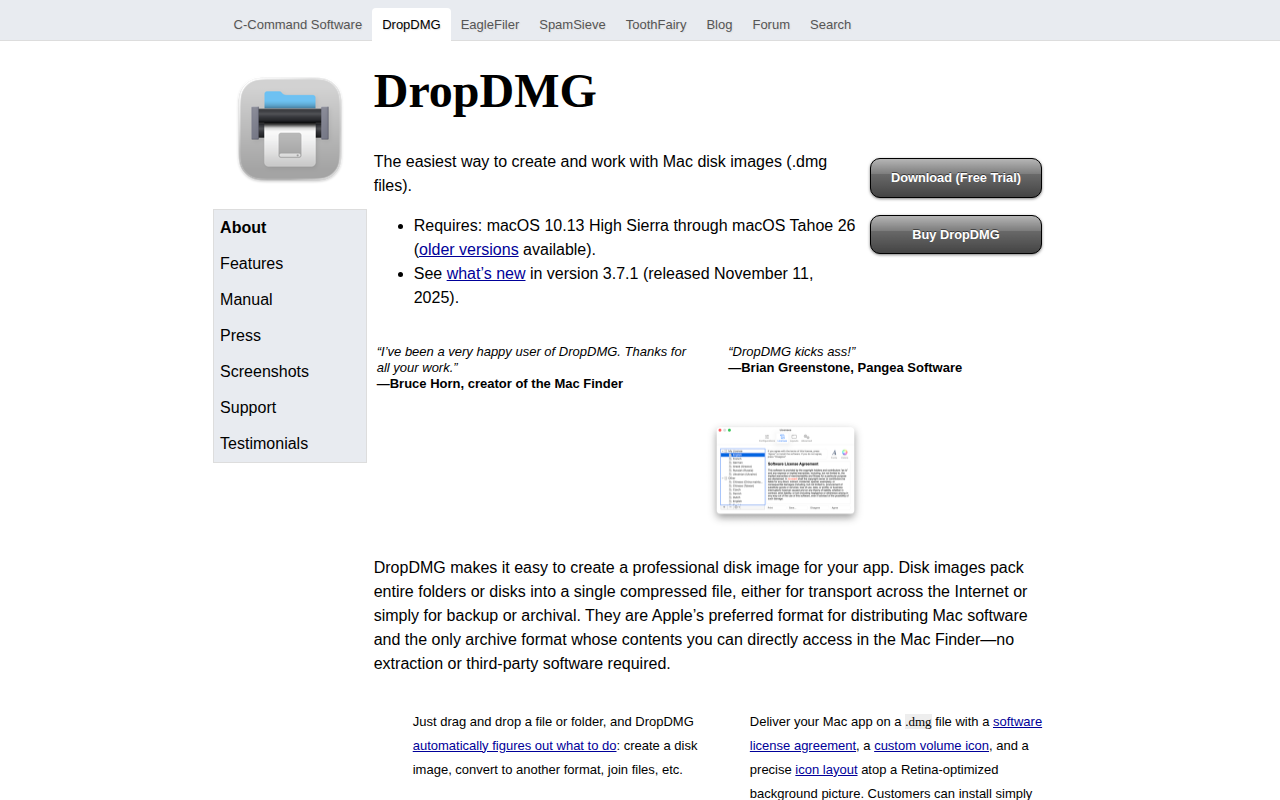
DropDMG
Create DMGs and other archives
DevOps & Infrastructure
DMG Maker
DMG creation tool with polished visuals and CLI support.
File Management & Transfer
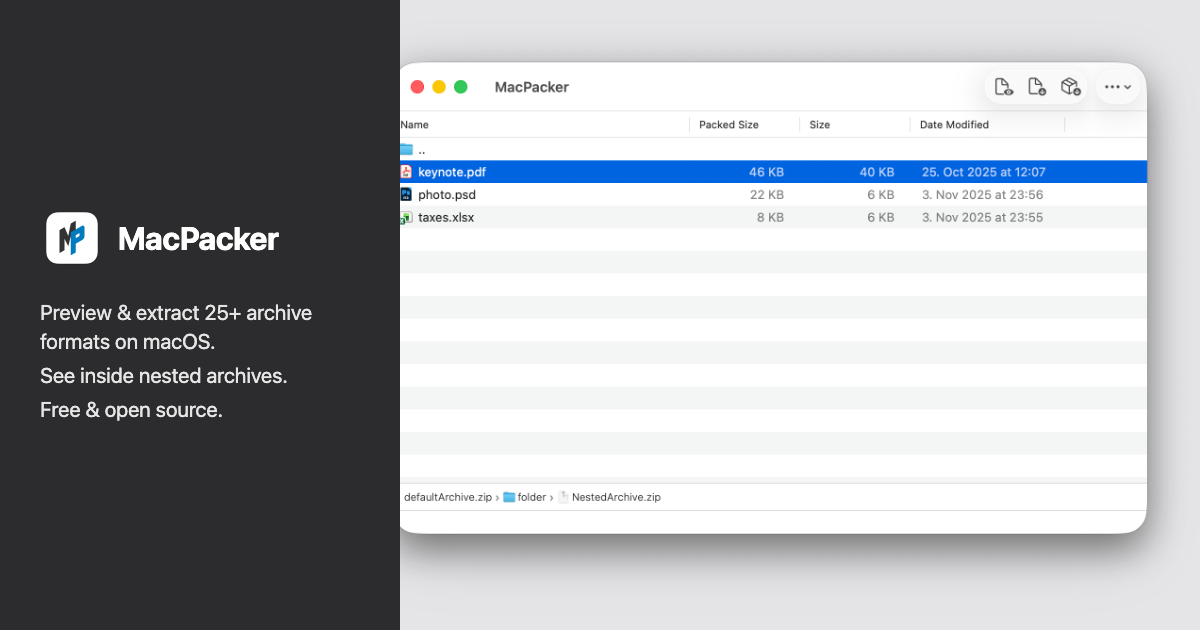
MacPacker
Archive manager that supports previewing and extracting archive files
File Management & Transfer
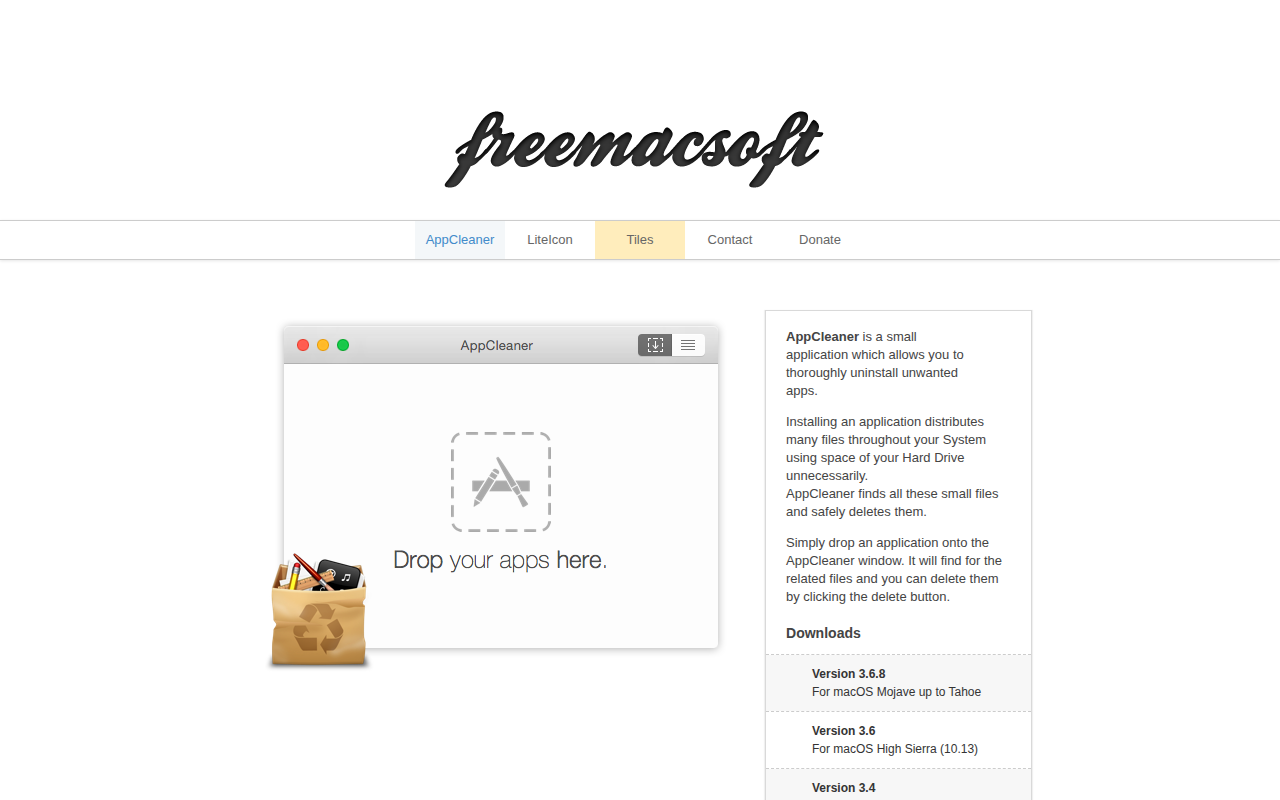
AppCleaner
Thoroughly uninstall apps. ![Freeware][Freeware Icon]

File Management & Transfer
Path Finder
File management app.