
rem
An open source approach to locally record and enable searching everything you view on your Mac.
The application continuously captures the screen on a Mac, taking a screenshot roughly every two seconds and extracting any visible text. Those images and OCR results are stored locally in a SQLite database and video files, allowing the user to rewind through a full‑screen timeline, copy text from past screenshots, and filter the history by keyword or by the originating application. A built‑in search view lets the user locate specific moments, and a “Copy Recent Context” button can generate a prompt containing the most recent visual context for use with language models.
It is aimed at users who want a private, offline record of everything they see on their desktop, such as researchers, developers, or anyone needing to retrieve past information without cloud services. The software is open source, runs locally without telemetry, and supports both Apple Silicon and Intel Macs, with basic multi‑monitor handling.
The project is in an early, stable stage and invites contributions to add features like natural‑language vector search, spatial image matching, and finer‑grained data management. All data resides in the user’s Library container, and a purge option removes the entire history if desired.
Reviews
Loading reviews…
Similar apps
File Management & Transfer
Screenpipe
Local screen and microphone recorder with AI search.

File Management & Transfer
Retrace
Local-first screen recording and search application
Time Tracking & Focus
ScreenMemory
Record your screen and go back in time to see what you worked on

System Monitoring & Maintenance
Dayflow
Screen activity timeline with AI support.
File Management & Transfer
Rewind
Searchable history of your screen and audio activity.
Screenshot & Screen Recording
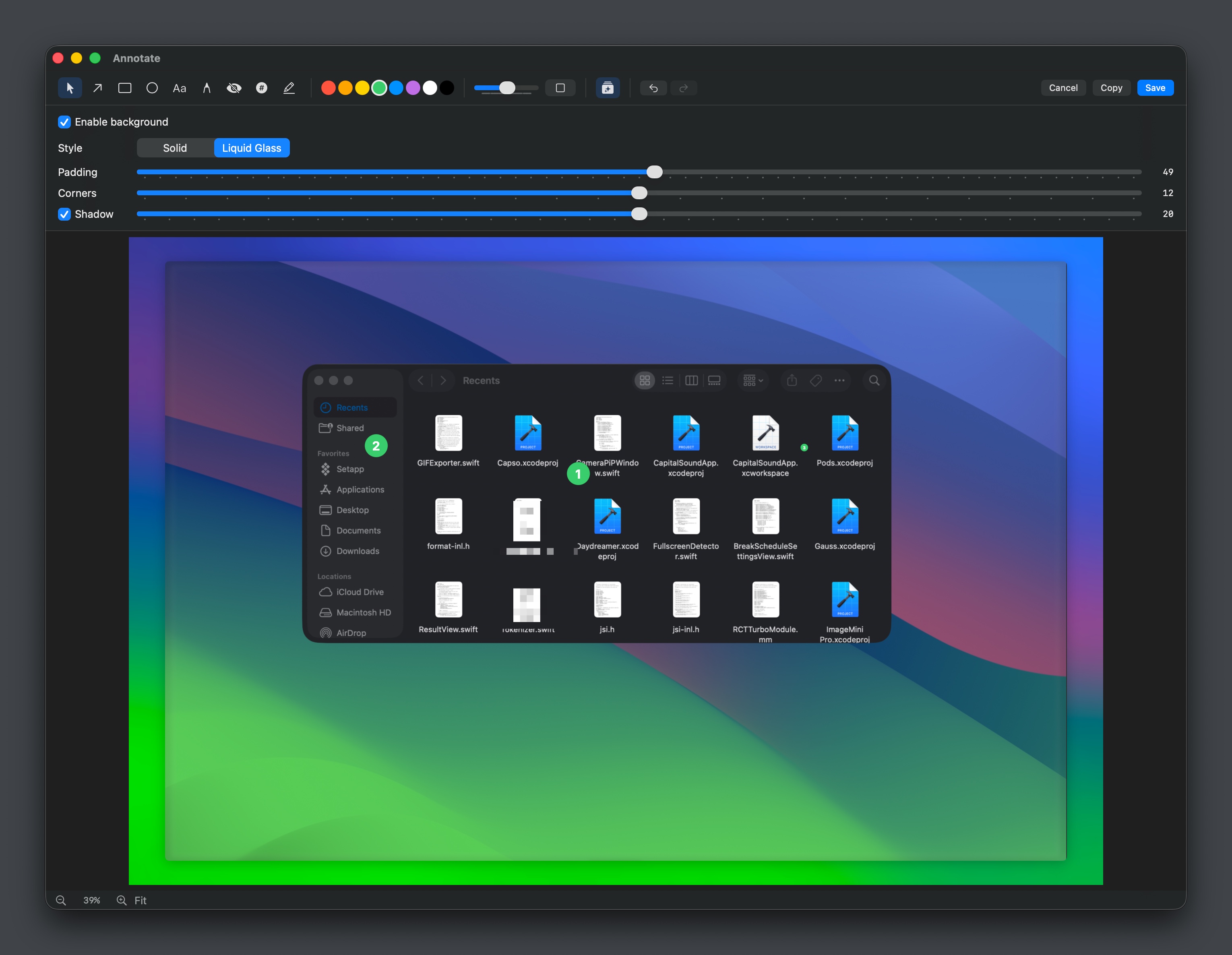
Capso
Open-source screenshot and screen recording tool with annotations, OCR, and webcam overlays.