
Restic Browser
GUI to browse and restore restic backup repositories
The application provides a graphical interface for exploring and retrieving data from existing restic backup repositories. It can list snapshots and files stored locally or on remote locations, and allows users to open files via the operating system, extract selected items as zip archives, or restore them to a chosen directory. Navigation is possible through keyboard shortcuts, and the tool accepts typical restic options such as repository path, password handling, and rclone integration.
It is built with the Tauri framework, succeeding an earlier Wails‑based proof of concept, and runs on Windows, macOS, and Linux. Prebuilt binaries are available, and on Windows the program can also be installed through the winget package manager. System requirements include a installed restic executable in the PATH and, on macOS, specific directory locations; Linux needs GLIBC 2.35+ and WebKit2, while Windows requires WebView2 Runtime.
The software targets users who already manage backups with restic and need a lightweight way to browse and restore files without using the command line. It focuses on repository navigation rather than full backup creation, offering a stable, cross‑platform utility for restoring individual items from existing snapshots.
Reviews
Loading reviews…
Similar apps
File Management & Transfer
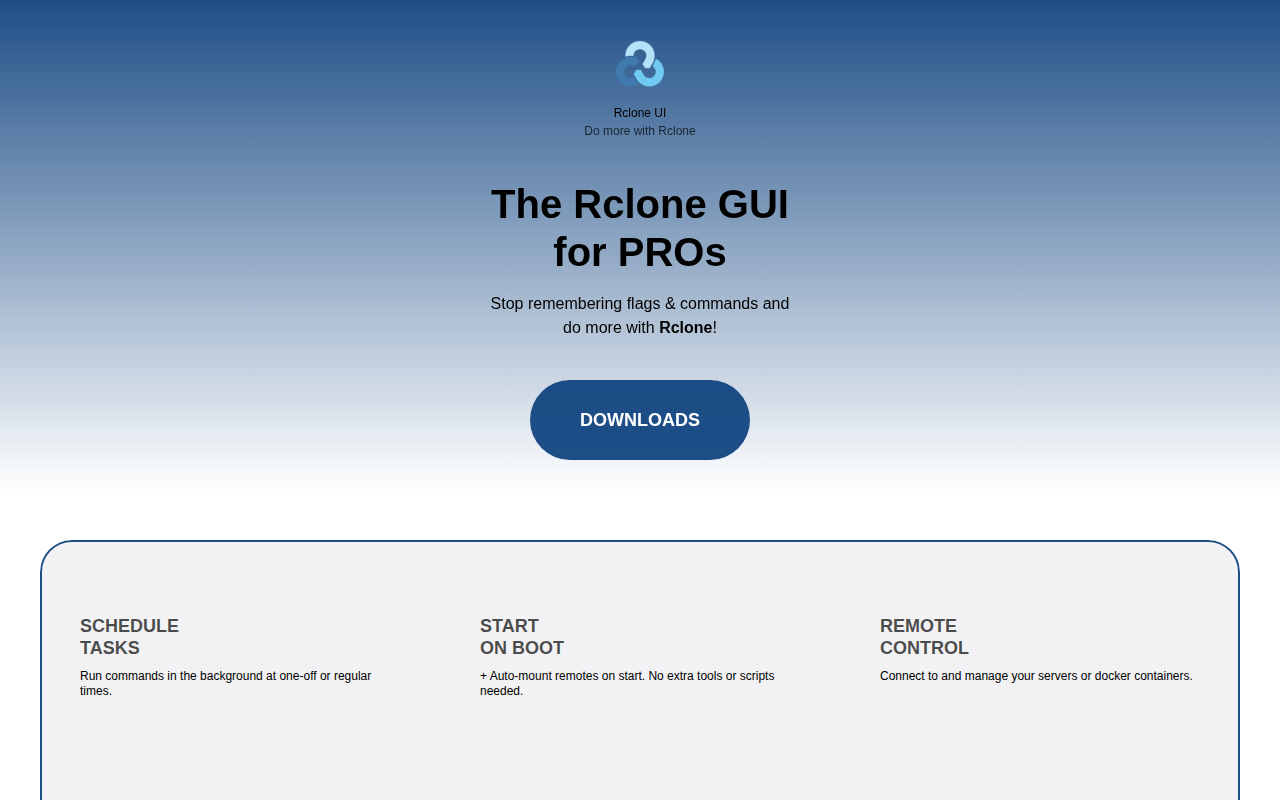
Rclone UI
GUI for Rclone
File Management & Transfer
Rclone Browser
GUI for rclone

File Management & Transfer
KopiaUI
Backup/restore tool
File Management & Transfer
Time Machine Inspector
Find out what's hogging up your Time Machine backups.
File Management & Transfer
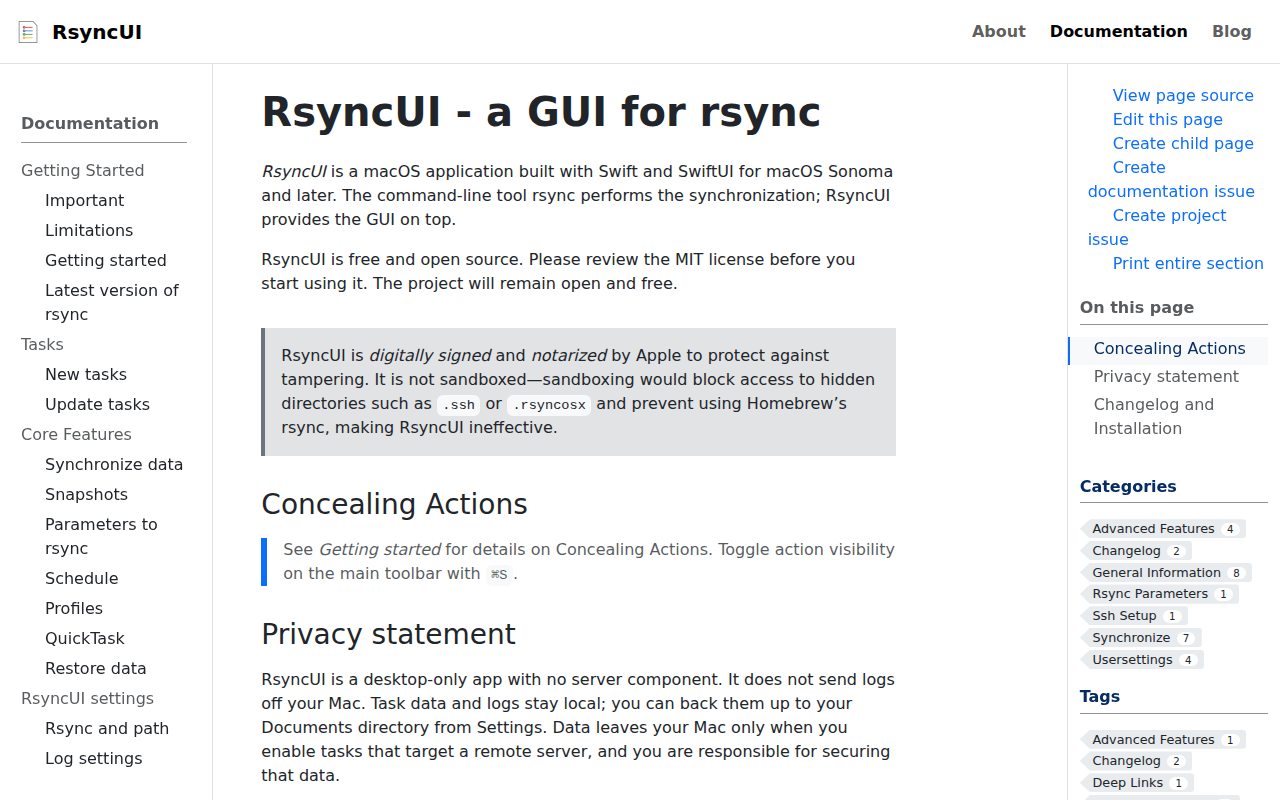
RsyncUI
GUI for rsync
File Management & Transfer
OpenList Desktop
Desktop application for OpenList