

Samsung Magician Software
Manage Samsung internal and portable SSDs, memory cards, and USB flash drives
The software provides a unified interface for managing Samsung’s consumer storage products, including internal and portable SSDs, memory cards, and USB flash drives. It integrates tools such as data migration, portable SSD utilities, and authentication utilities for memory cards and USB drives, allowing users to perform firmware updates, health monitoring, and performance tuning from a single application.
Targeted at owners of Samsung storage devices on macOS, the program offers features like firmware installation, drive health diagnostics, and data migration to simplify maintenance and optimization. The UI has been revised for easier navigation, presenting functions in a streamlined layout that supports both consumer and Samsung OEM drives, though feature availability may differ with non‑Samsung hardware.
Distinctively, the package bundles multiple utilities—Magician, Data Migration, Portable SSD Software, and authentication tools—into one installer, reducing the need for separate downloads. It also provides release notes and firmware files for specific SSD models, ensuring users can keep their drives up to date directly through the application.
Reviews
Loading reviews…
Similar apps
System Monitoring & Maintenance
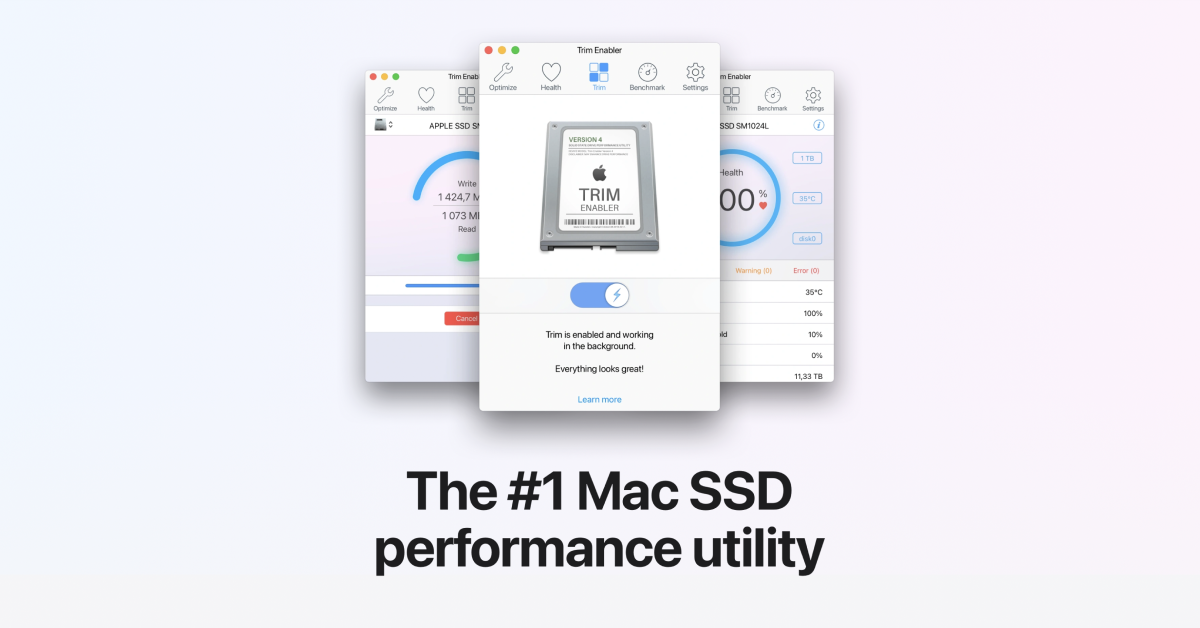
Trim Enabler
Enable trim for SSD performance
System Monitoring & Maintenance
JetDrive Toolbox
Helper for Transcend SSDs and expansion cards

System Monitoring & Maintenance
Heimdall Suite
Flash firmware onto Samsung mobile devices
System Monitoring & Maintenance
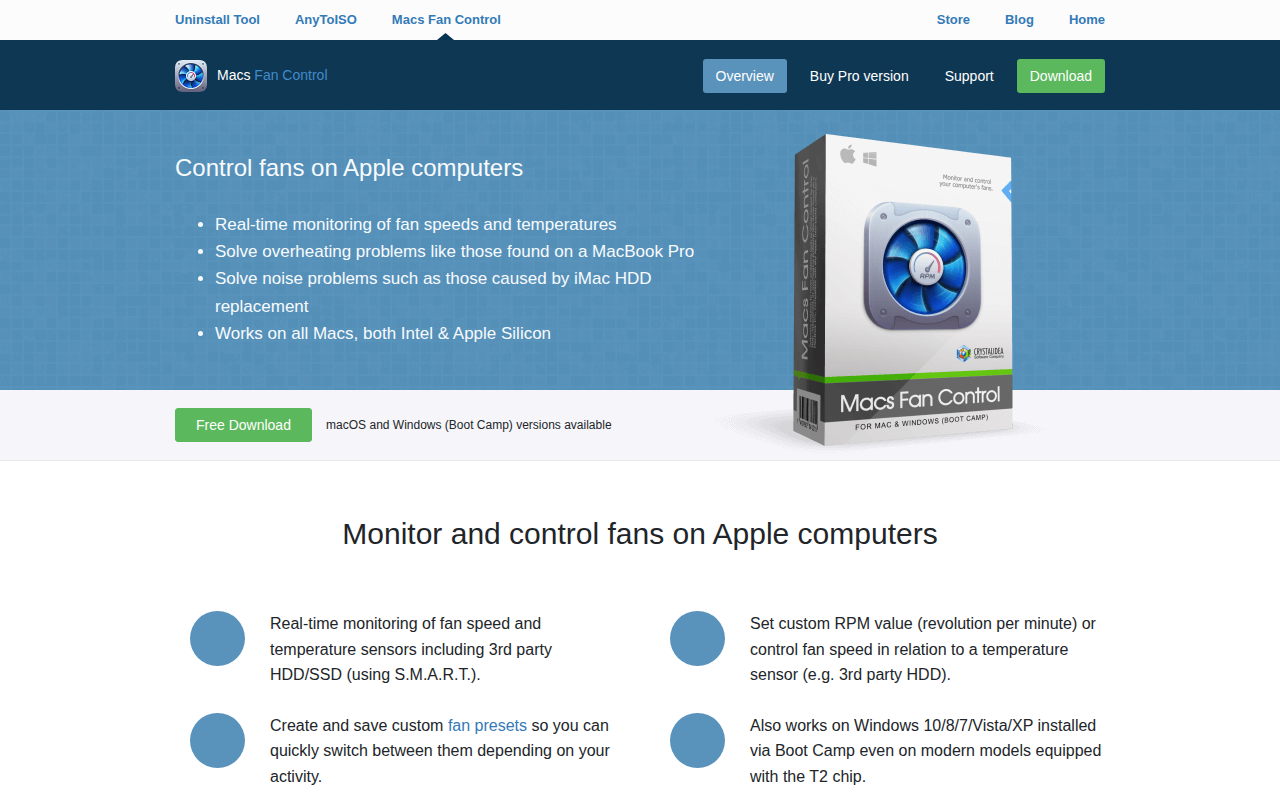
Macs Fan Control
Controls and monitors all fans on Apple computers

Display & Accessibility
SiliconMotion InstantView
Driver for SM76x with UI

System Monitoring & Maintenance
Sena Bluetooth Device Manager
Manager for SENA devices