
Screens
Remote access software focusing on usability
The software lets users control a computer from iPhone, iPad, Mac, or Vision Pro as if they were sitting in front of it, offering intuitive gestures, keyboard and pointing‑device support, and multiple‑display handling. It includes features such as curtain mode for privacy, file transfers, and session selection that let a user work privately or join a shared session.
It works with macOS, Linux, Raspberry Pi, and Windows machines, and a free utility called Screens Connect provides a simple way to establish connections over local networks or custom links without complex configuration. Security is addressed through end‑to‑end encryption and built‑in SSH tunneling.
The Vision Pro version adds spatial interaction, dual toolbars for quick shortcuts, and gesture‑based cursor control, extending the same remote‑access experience to an immersive environment. The product is positioned for users who need reliable, secure remote access across multiple Apple devices and other platforms.
Reviews
Loading reviews…
Similar apps
Clipboard, Input & Automation
Default Handler
Utility for changing default URL scheme handlers
Remote Access & VPN
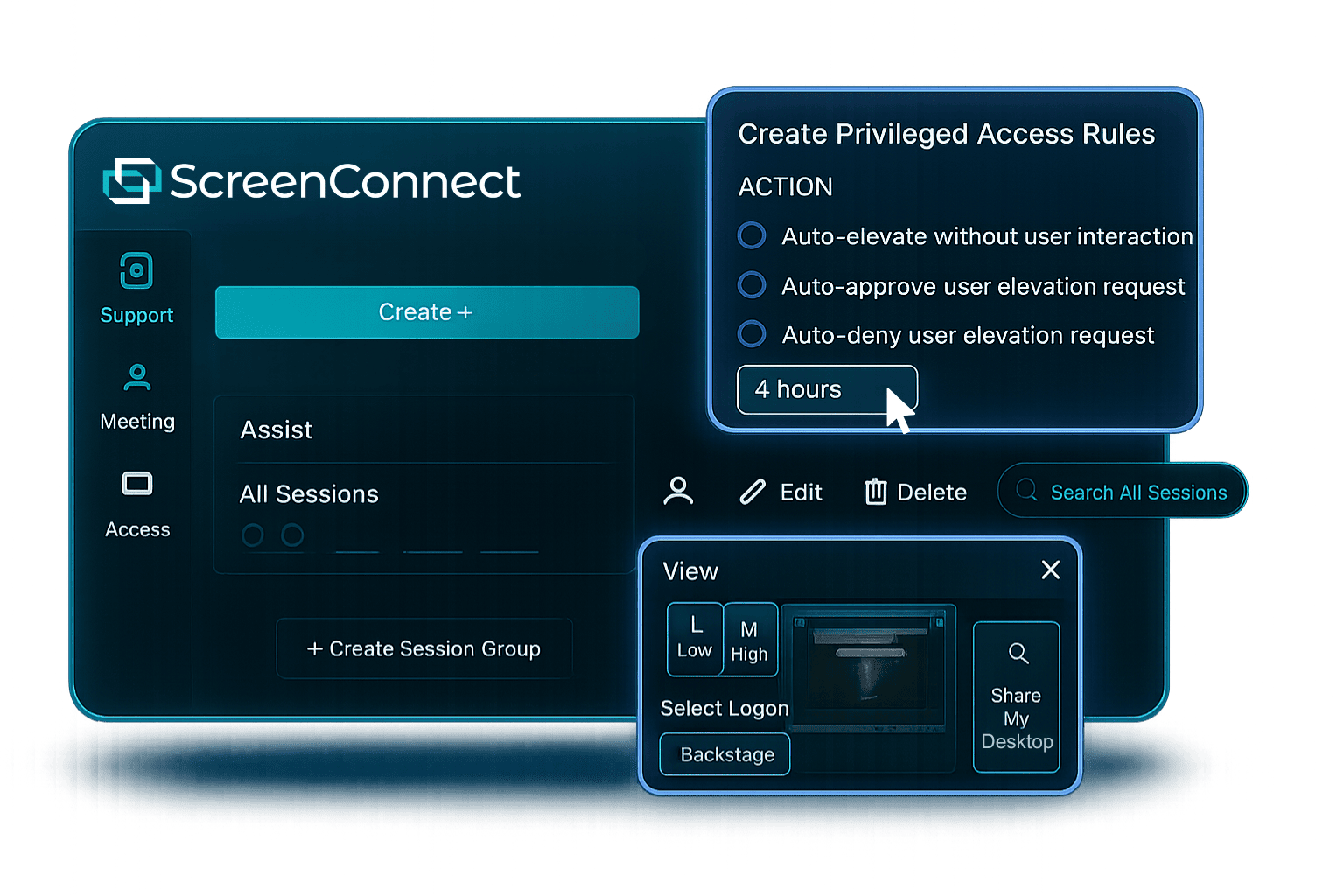
ScreenConnect
Lightning-fast remote support and remote access to connect instantly and solve problems faster.
Remote Access & VPN
Xpra
Screen and application forwarding system
Remote Access & VPN
NoMachine
Remote desktop software
Screenshot & Screen Recording
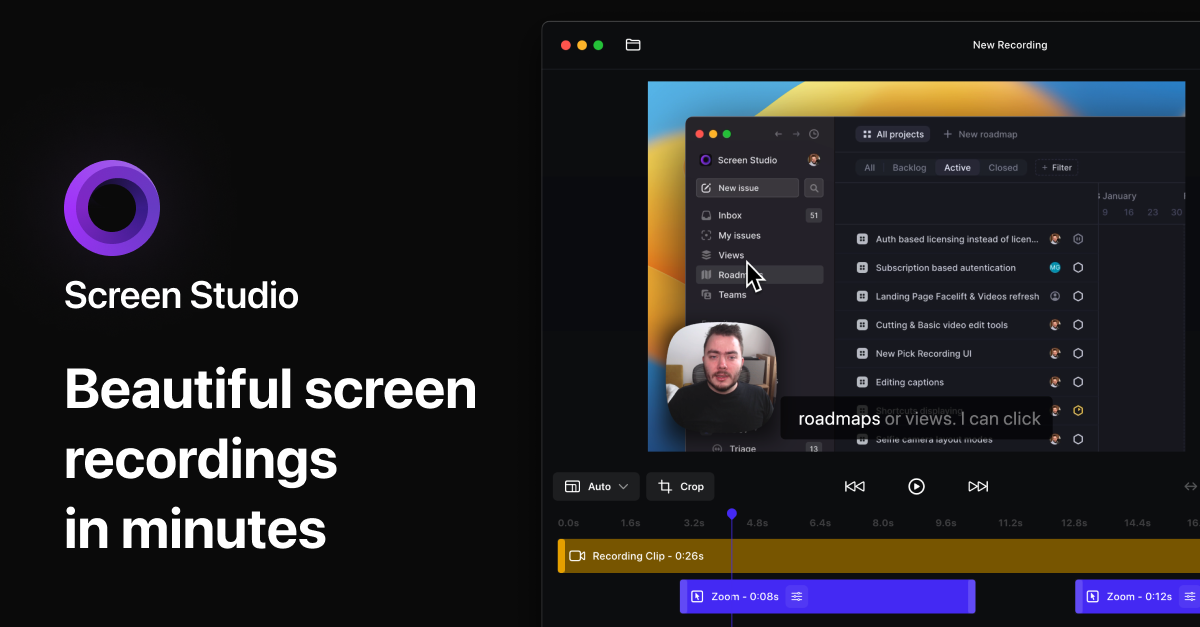
Screen Studio
Screen recorder and editor
Remote Access & VPN
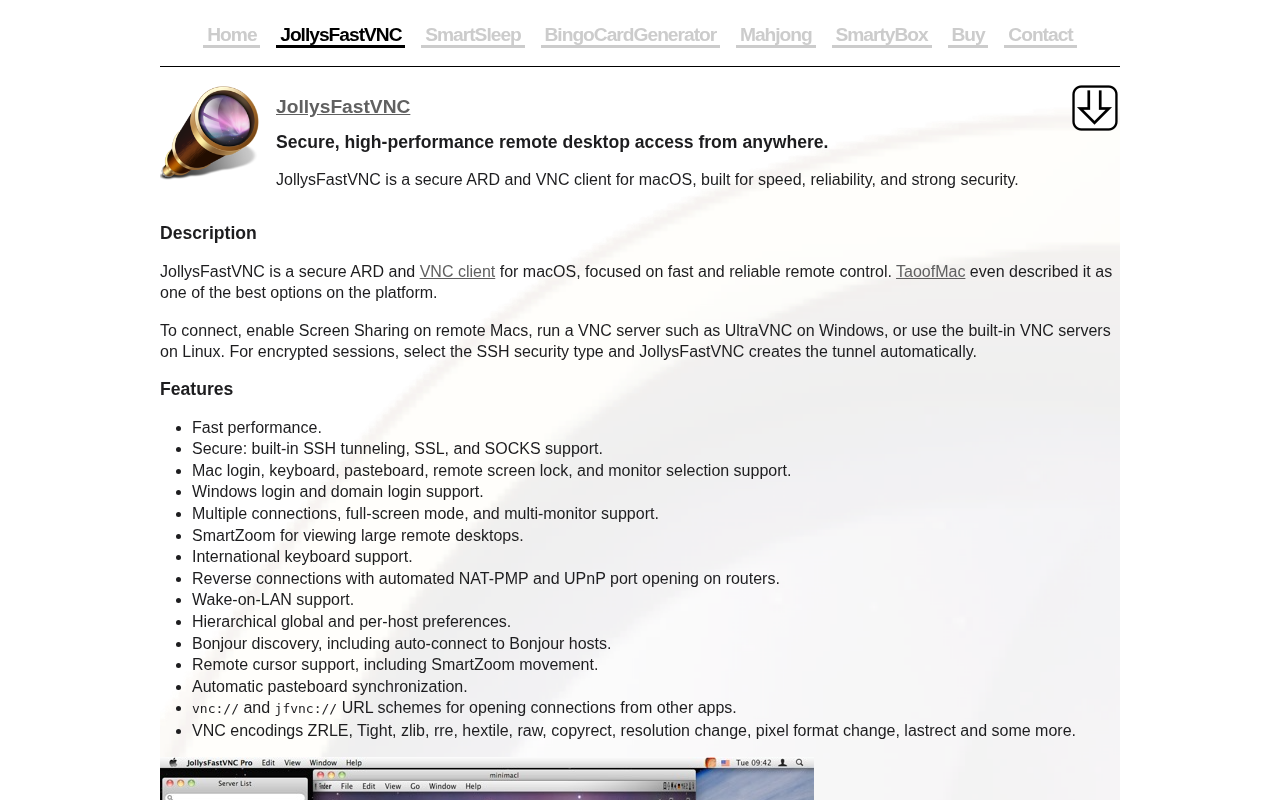
JollysFastVNC
Control computers fast and securely from anywhere