
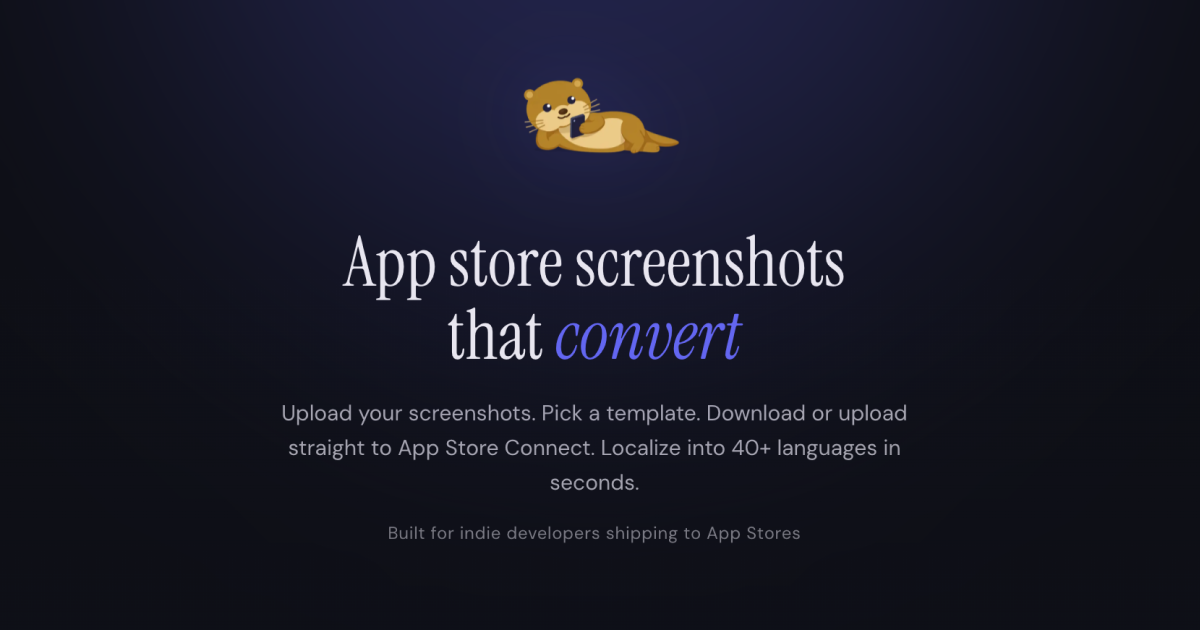
Screenshot Otter
Design, localize, and publish App Store screenshots fast
The tool lets developers and designers create App Store and Google Play screenshots by dropping in PNG or JPG assets, then selecting from a collection of templates or building a custom layout in the browser. It automatically generates captions using an AI assistant, resizes the images to all required device dimensions, and can export the results as a ZIP file or publish directly to App Store Connect and Google Play.
Localization is built in: the platform supports auto‑translation of captions into more than forty languages, applying the appropriate text to each generated screenshot. Users can keep projects stored locally or sync them via the cloud, with rendering performed in the browser for privacy.
A free tier provides basic templates and limited functionality, while a paid subscription unlocks the full library of premium templates, direct store upload, and additional automation features. The service targets teams that need to produce market‑ready screenshots quickly without hiring a designer.
Reviews
Loading reviews…
Similar apps
Design & UI Prototyping
Pixelle
Create App Store screenshots, app icons, and marketing graphics with AI. No design skills needed. Free to start, built for indie developers.
Freelancer & Gig Tools
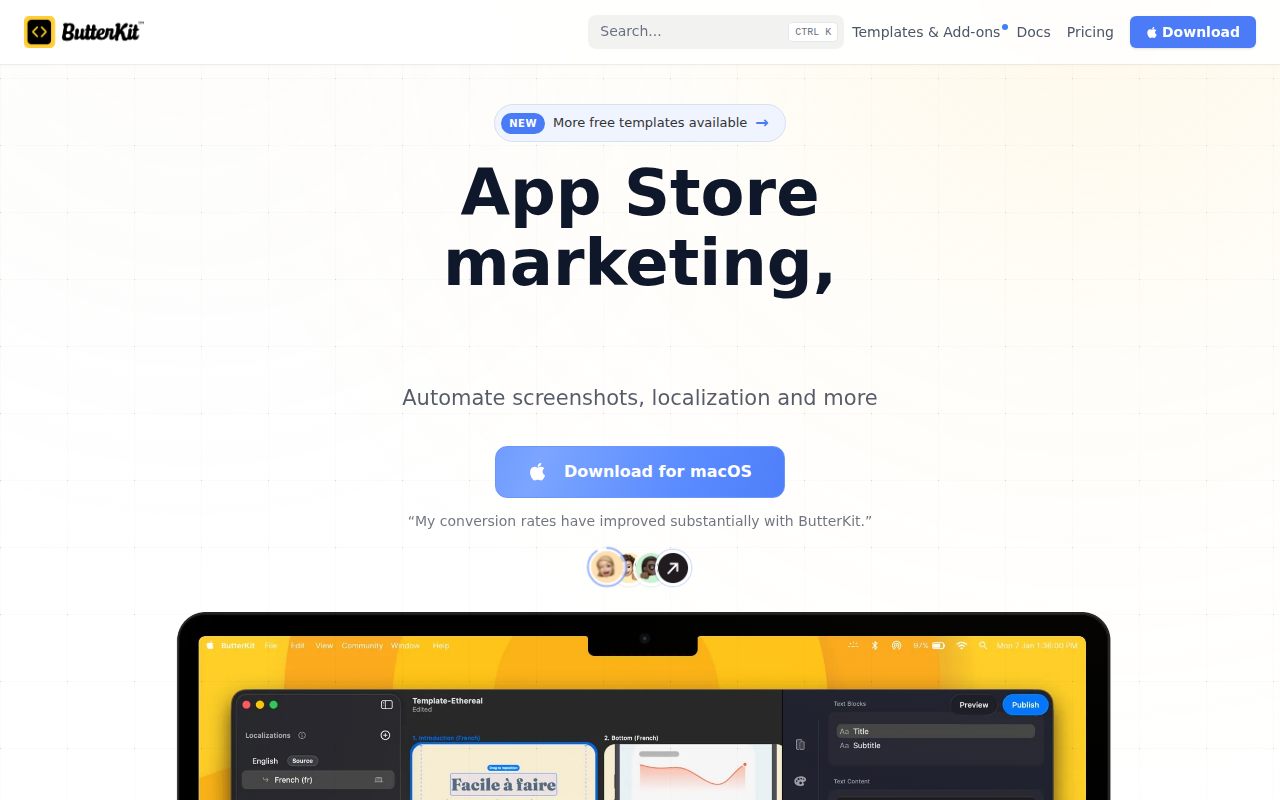
ButterKit
App Store screenshots editor
Design & UI Prototyping
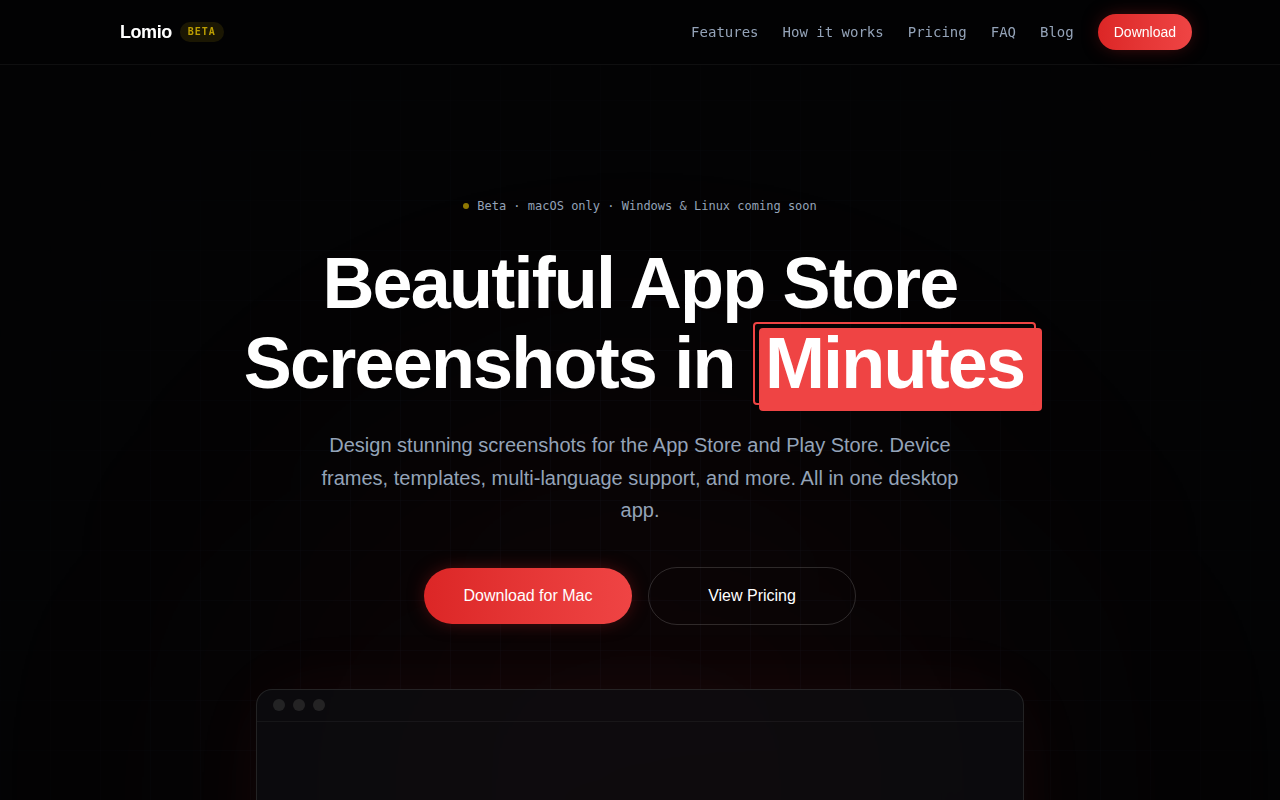
Lomio
The maintainable way to make App Store screenshots.
Design & UI Prototyping
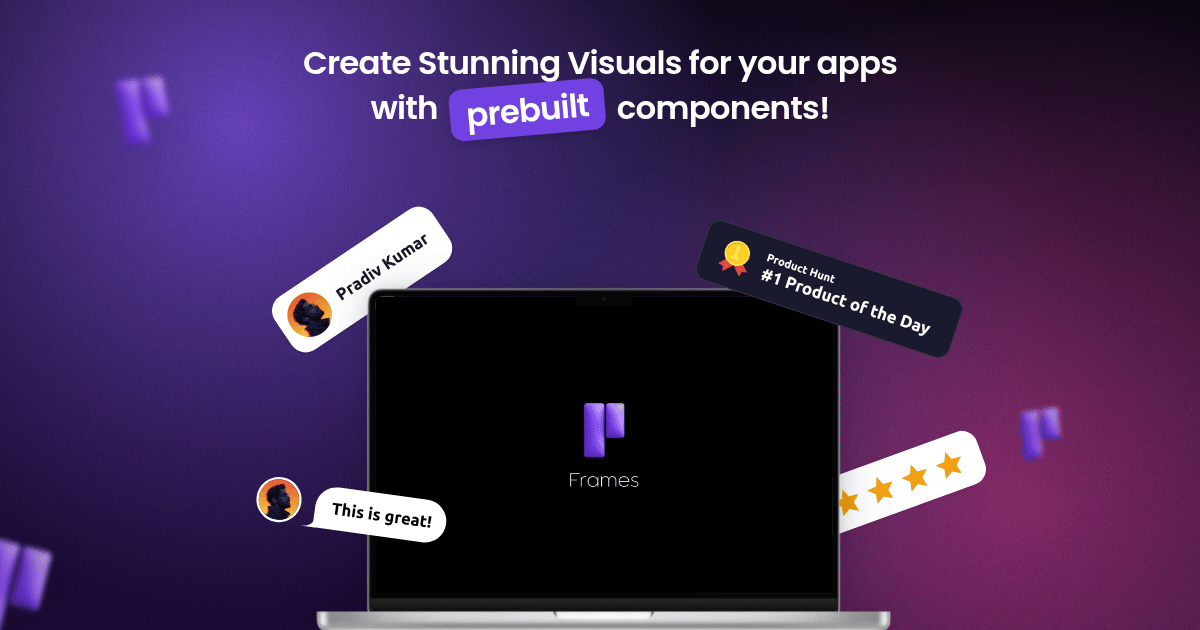
Frames
Create stunning posters for your apps easily!
Task & Project Management
Screenshot Brain
Turn your screenshots into searchable AI knowledge
Screenshot & Screen Recording
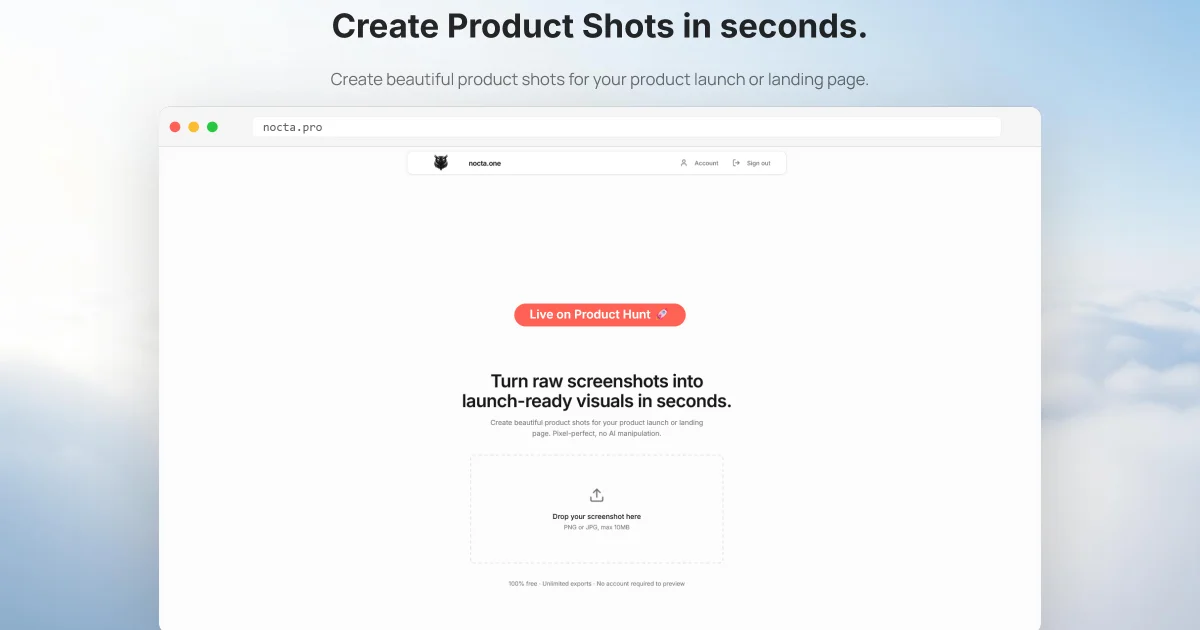
Nocta Pro
Turn raw screenshots into launch-ready visuals in seconds.