
Shuttle
Easy Download Manager for any links.
The application accelerates file retrieval on macOS by dividing each download into up to six parallel segments that are fetched simultaneously, allowing the network bandwidth to be fully utilized and often achieving speeds noticeably higher than standard browser downloads. Users can add a URL, select a destination folder, and optionally configure authentication or a schedule for the download to start later. The interface includes a real‑time inspector that shows each segment’s progress, speed, and status, and it supports pausing, resuming, batch addition, and automatic resumption after interruptions.
Typical users are individuals who need to download large files—such as installers, archives, or media—more quickly and with greater control than a browser provides. The tool also offers QuickLook preview, password‑protected downloads, and a URL scheme for integration with other applications. Its distinctiveness lies in the multi‑segment download engine combined with detailed per‑segment monitoring and a set of macOS‑specific features like sleep prevention and auto‑resume, all available free of charge.
Reviews
Loading reviews…
Similar apps
Clipboard, Input & Automation
Shuttle
Simple shortcut menu

Task & Project Management
Progressive Downloader
Download manager
Network & Connectivity
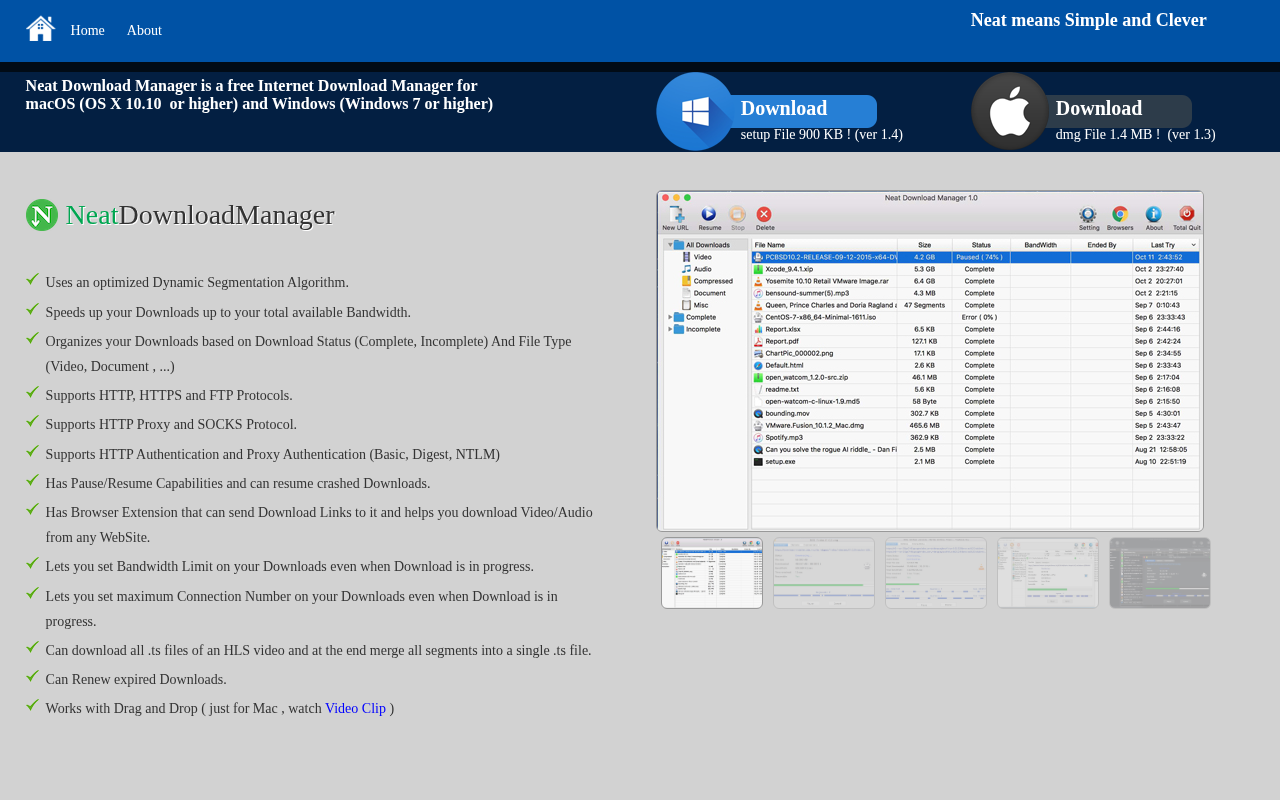
Neat Download Manager
Lightweight download manager with an optimized transfer engine. ![Freeware][Freeware Icon]
Network & Connectivity
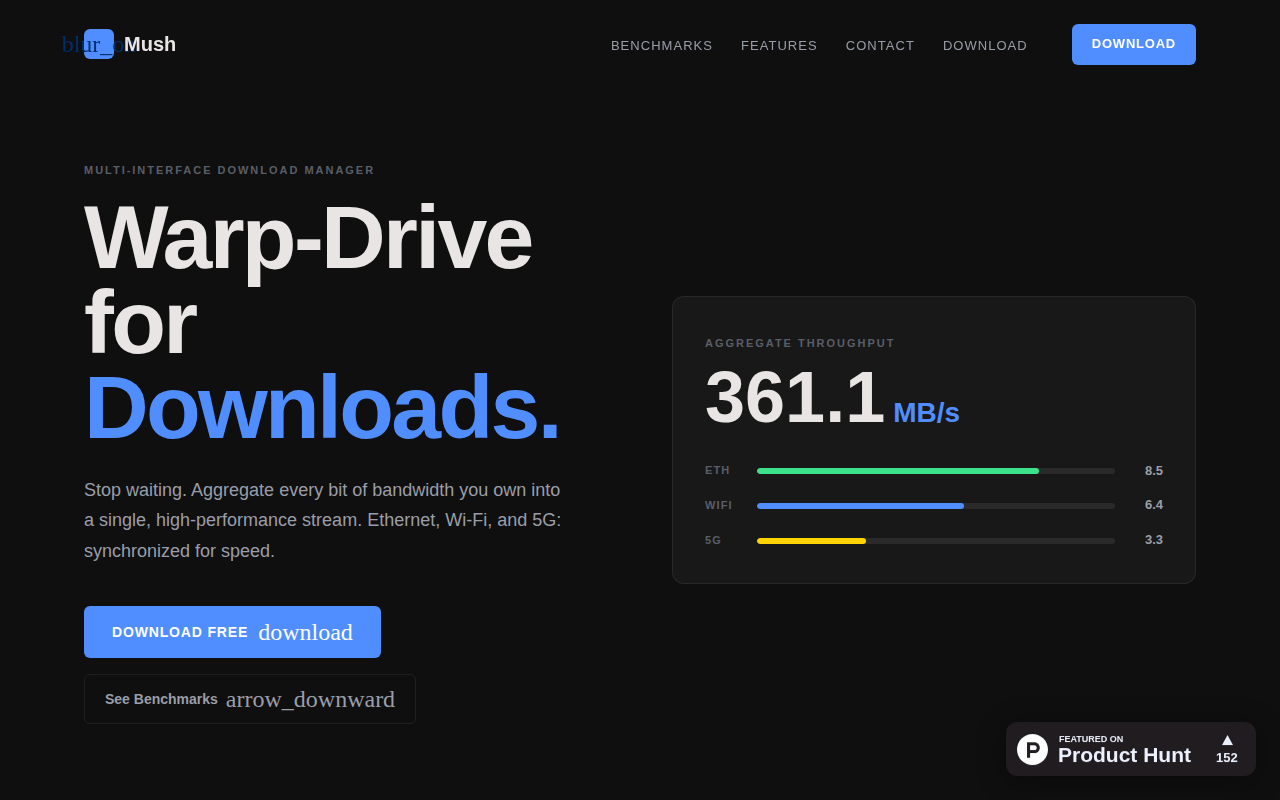
Mush
Combine Wi-Fi, Ethernet, and 5G for max download speed
Network & Connectivity
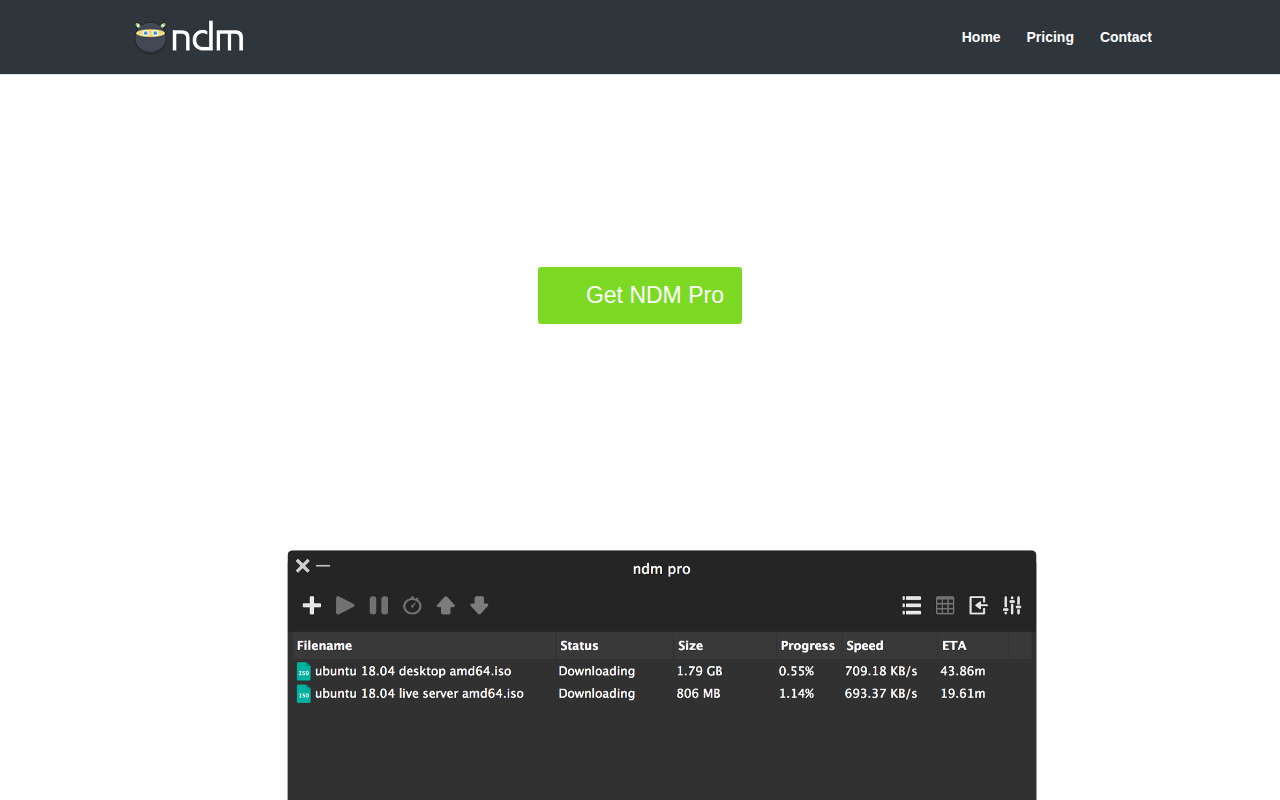
Ninja Download Manager
File download organiser and accelerator
Network & Connectivity
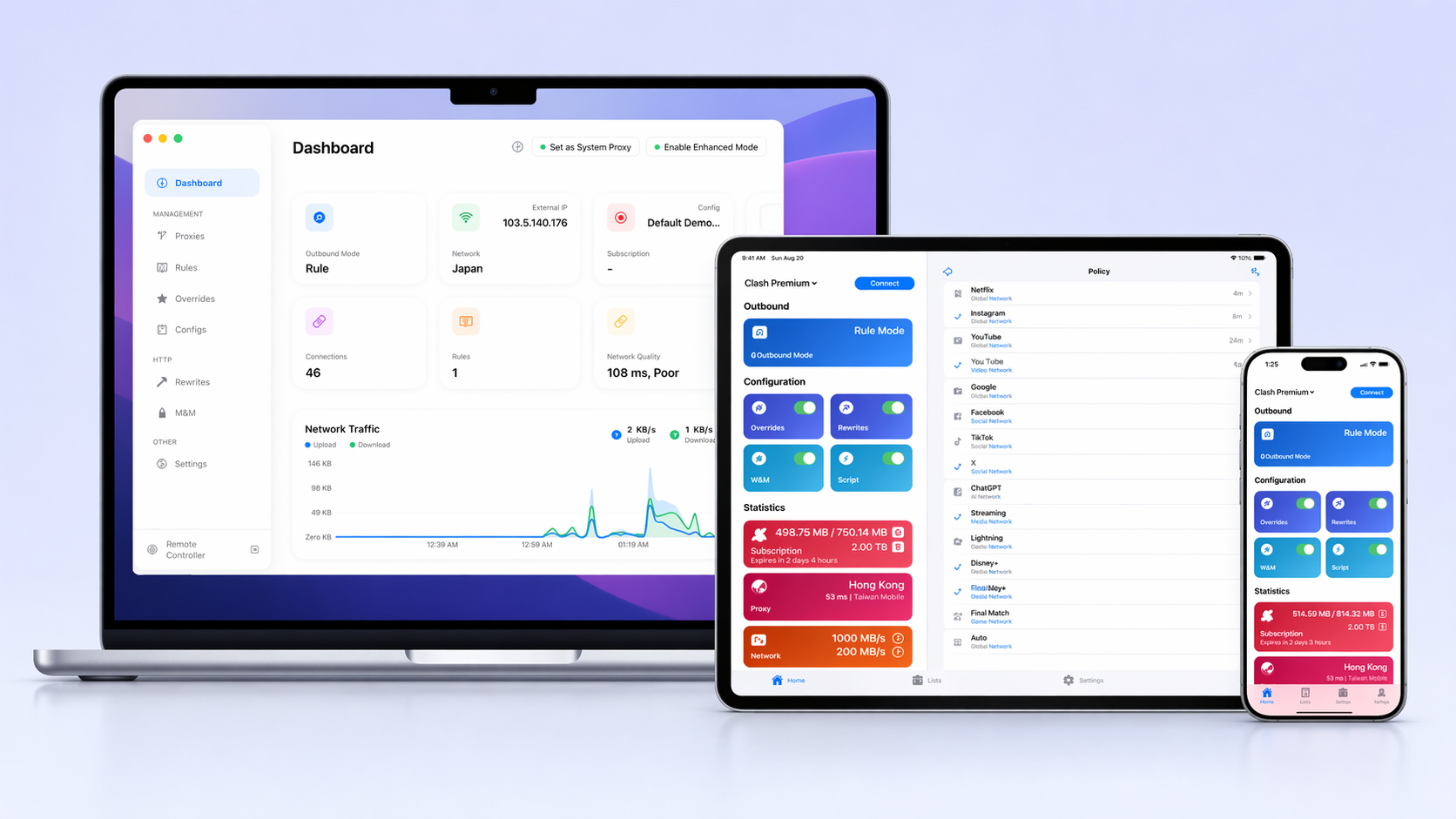
Stash
Network tool based on Clash