
Shuttle
Simple shortcut menu
Shuttle provides a lightweight, configurable menu that appears on macOS, allowing users to launch predefined actions with a single click. The application reads its configuration from a JSON file located at ~/.shuttle.json, where each entry specifies a menu label and the command or script to execute when selected. Users can edit this file directly through the app’s Configure option, enabling quick adjustments to the shortcuts without needing to restart the program.
The tool targets macOS users who want a simple way to organize frequently used commands, scripts, or applications in a single, accessible menu. Because it relies on a plain‑text configuration, it is easy to version‑control and share across multiple machines. The interface is intentionally minimal, presenting only the menu items and their associated actions.
Shuttle is marked as stable and is distributed as a core macOS utility, focusing on straightforward setup and reliable execution of the defined shortcuts.
Reviews
Loading reviews…
Similar apps
Clipboard, Input & Automation
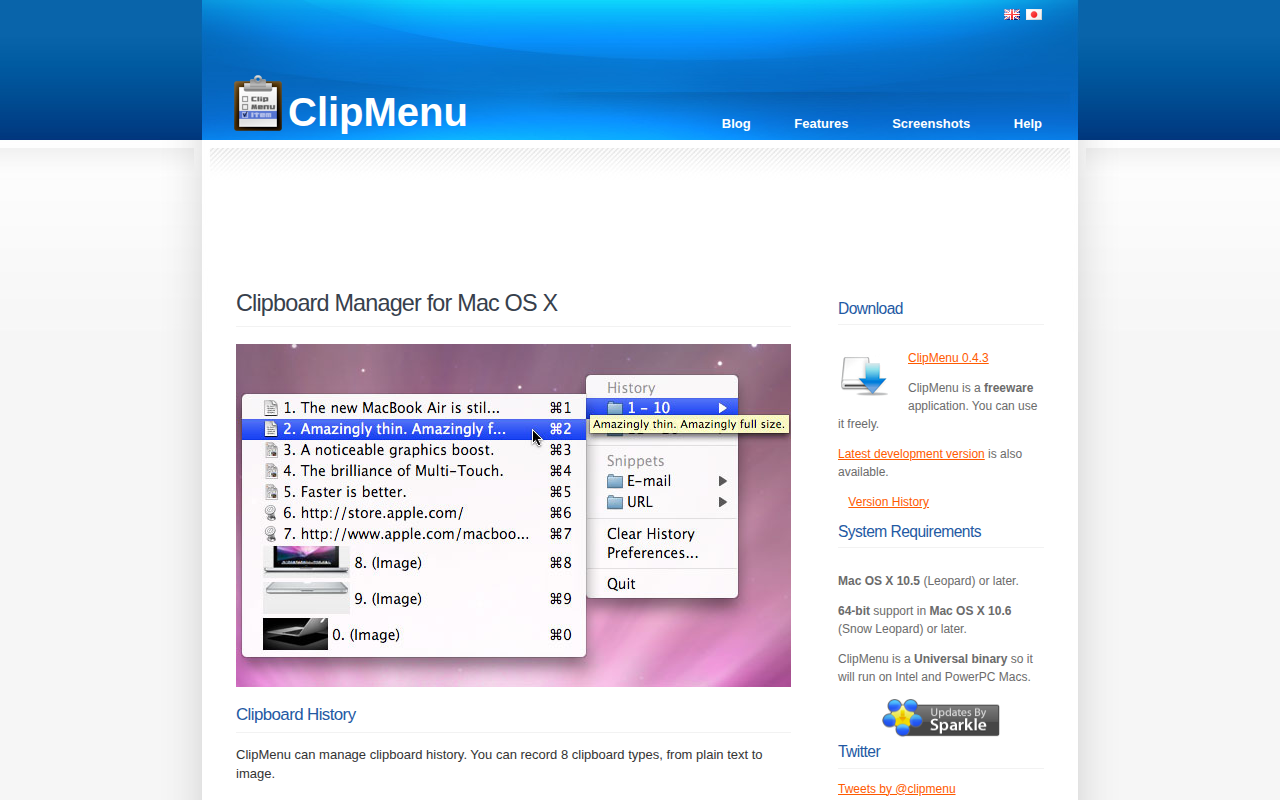
ClipMenu
Clipboard manager for Mac OS X.
Clipboard, Input & Automation
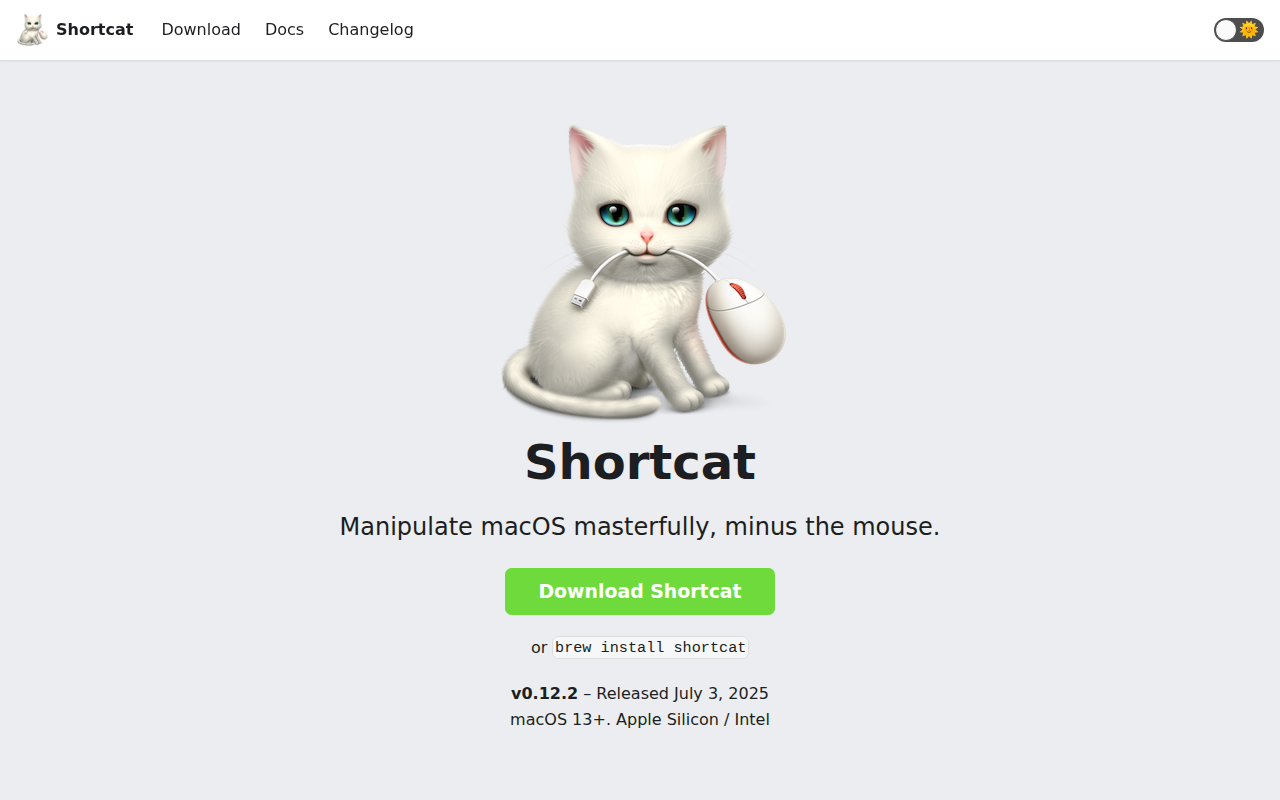
Sproutcube Shortcat
App that enables mouse-free UI interaction

Window & Desktop Management
SwiftBar
Menu bar customization tool

Clipboard, Input & Automation
Snap
Launch an app in a snap. Ridiculously easy shortcut management. ![Freeware][Freeware Icon]

Clipboard, Input & Automation
KeyClu
Find shortcuts for any installed application
Network & Connectivity
Shuttle
Easy Download Manager for any links.