

Snap
Launch an app in a snap. Ridiculously easy shortcut management. ![Freeware][Freeware Icon]
It provides a simple interface for creating and managing desktop shortcuts that launch applications with a single action. Users can define custom shortcuts, assign them to any installed program, and invoke the shortcuts instantly from the taskbar or a designated hotkey. The tool stores these mappings locally and updates them automatically when applications are added or removed.
The utility targets users who want a quick, low‑maintenance way to access frequently used software without navigating menus or searching for icons. It is especially useful for power users, office workers, and anyone who prefers keyboard‑driven workflows. Because it operates as a lightweight, free‑to‑use program, it can be adopted without licensing concerns.
What sets it apart is the emphasis on minimal setup: shortcuts are created through a few clicks, and the resulting launch actions work immediately. The application remains stable and does not require additional configuration beyond the initial shortcut definitions.
Reviews
Loading reviews…
Similar apps

Screenshot & Screen Recording
Monosnap
Make screenshots. Draw on it. Shoot video and share your files. It's fast, easy and free. ![Freeware][Freeware Icon]
Clipboard, Input & Automation
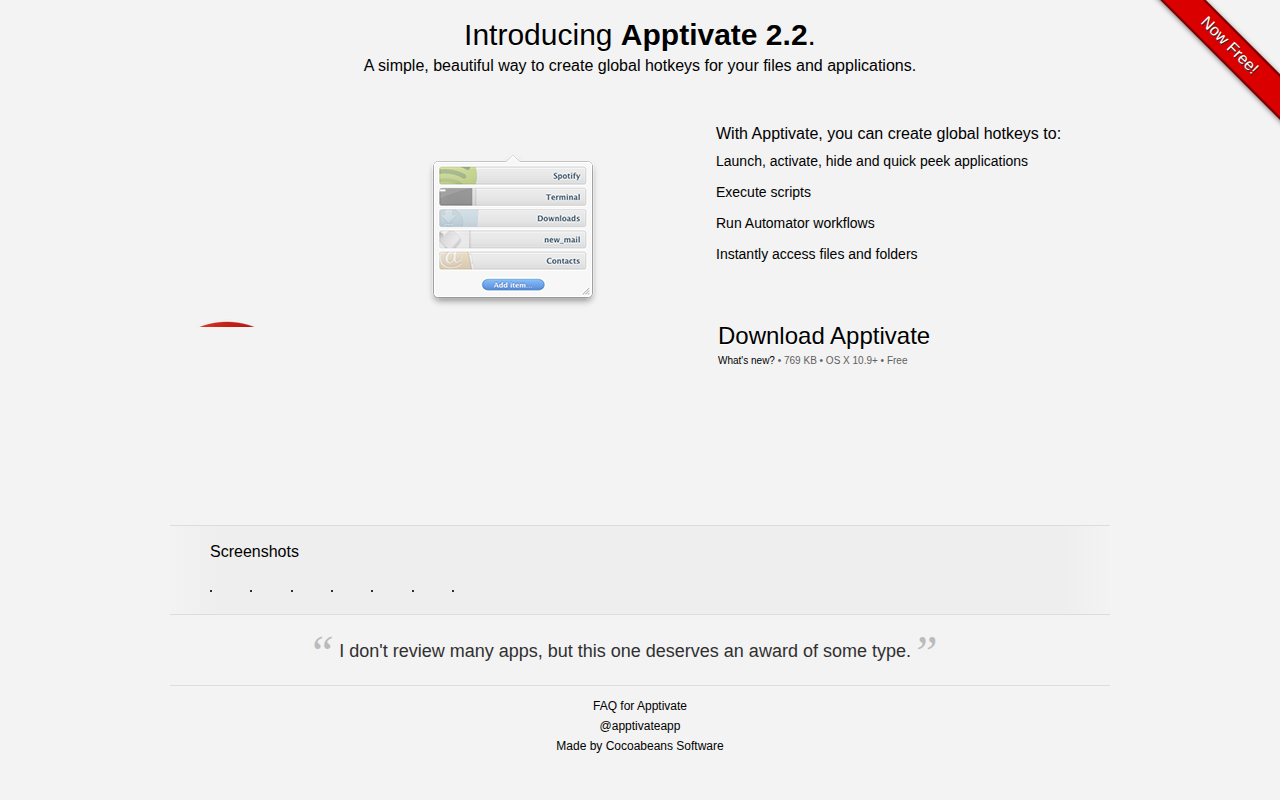
Apptivate
Create global hotkeys for your files and applications
Clipboard, Input & Automation
ClipFlow
Free clipboard history manager with terminal-style navigation.
Clipboard, Input & Automation
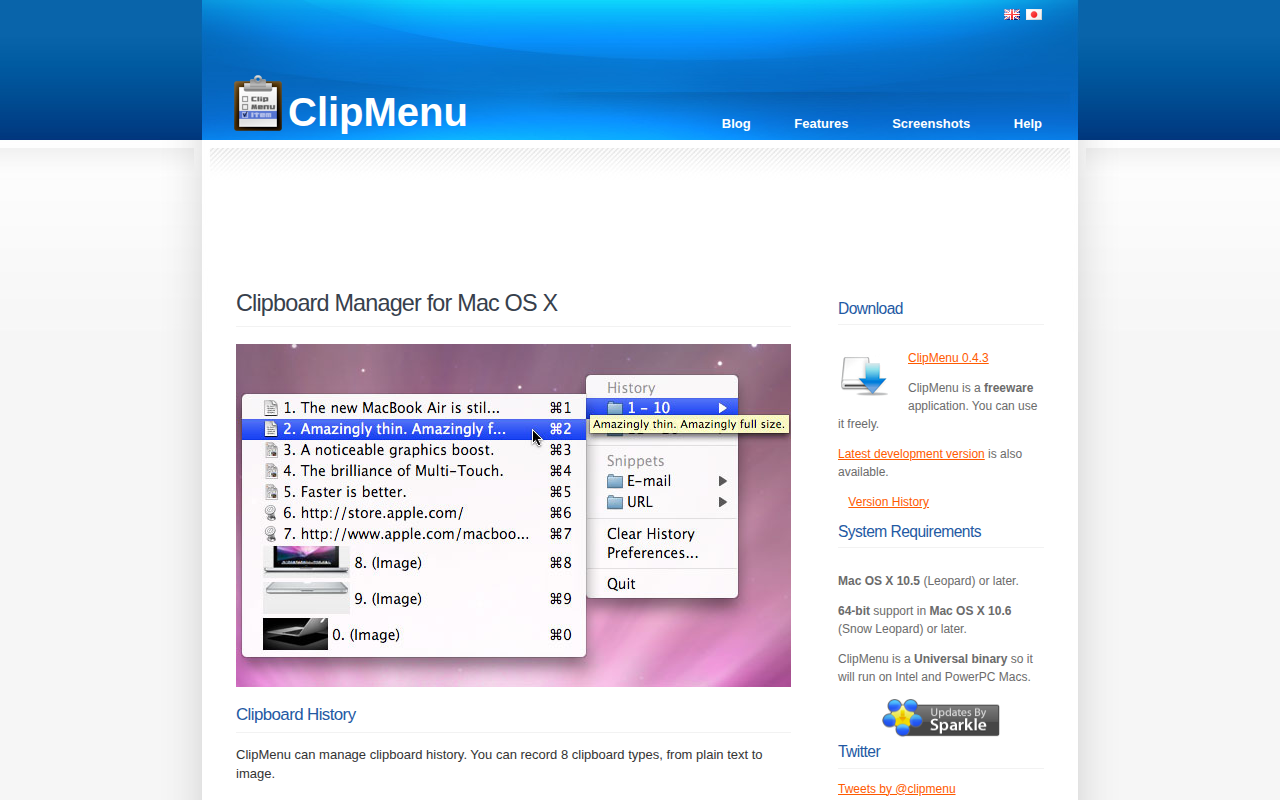
ClipMenu
Clipboard manager for Mac OS X.

Clipboard, Input & Automation
Trace
Open-source spotlight alternative and shortcut toolkit.
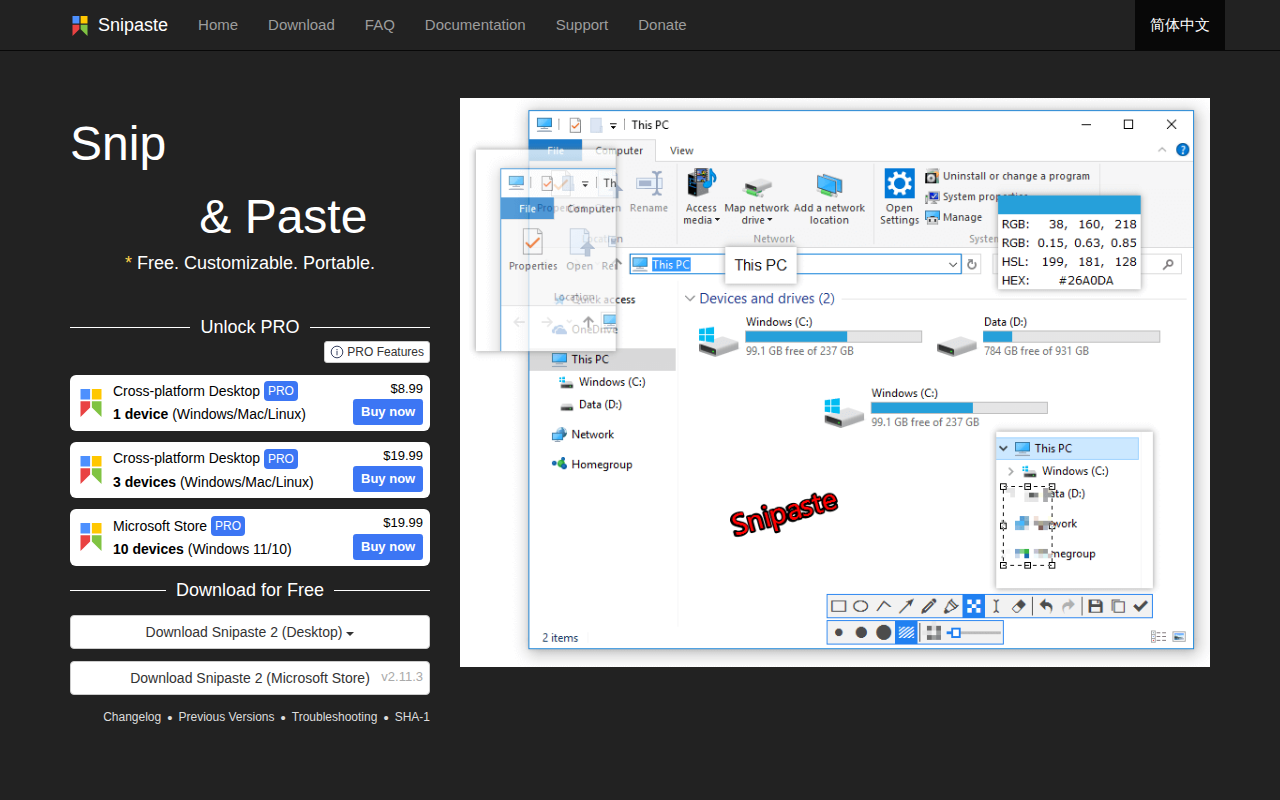
Photo & Video Management
Snipaste
Simple but powerful snipping tool. ![Freeware][Freeware Icon]