
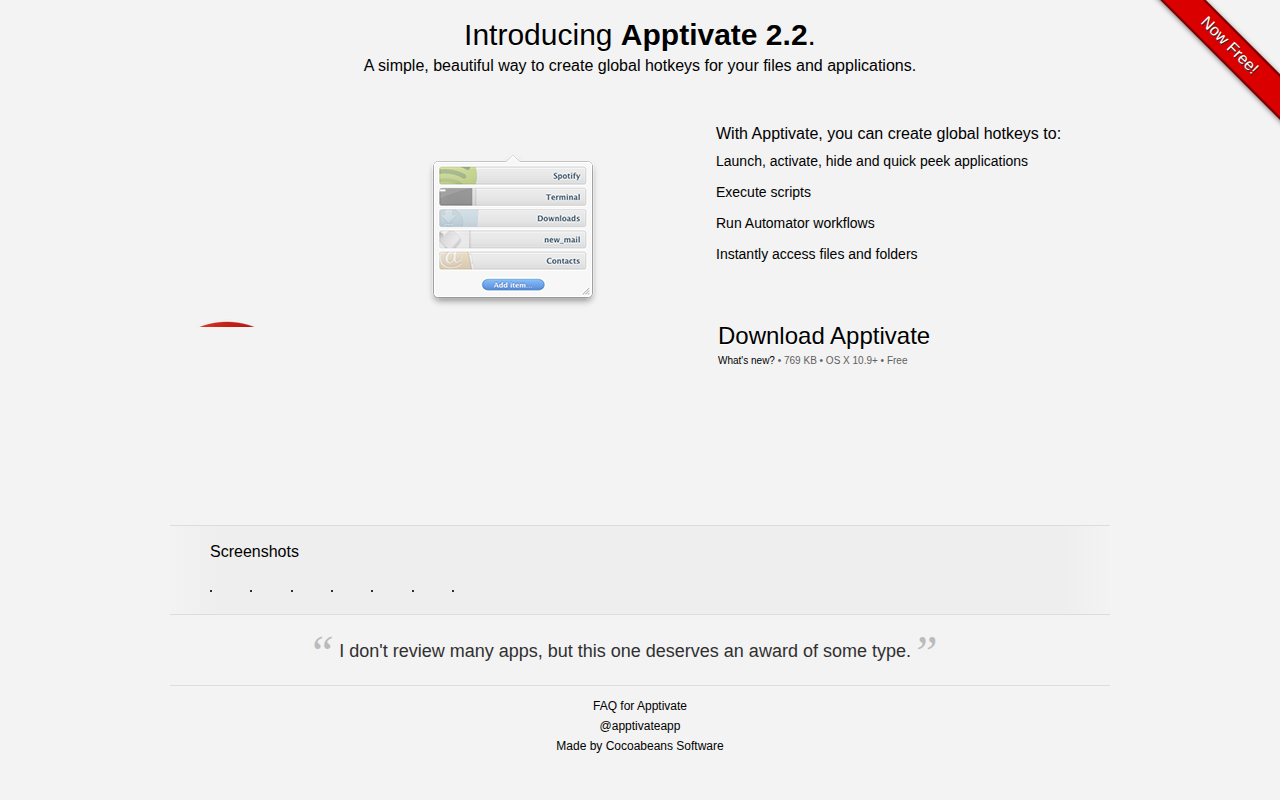
Apptivate
Create global hotkeys for your files and applications
Apptivate provides a straightforward way to assign global hotkeys to launch, activate, hide, or preview applications on macOS. Users can also bind keys to run scripts, trigger Automator workflows, and open specific files or folders directly from the keyboard, eliminating the need to navigate menus or the Finder. The utility supports key sequences, allowing a combination such as ⌃A followed by S to activate a target program, which helps keep the hotkey set manageable when many shortcuts are defined.
Designed for macOS 10.9 and later, the application offers a minimal interface that lets users create and edit shortcuts without requiring advanced configuration. It is distributed as a free download and is considered stable for everyday productivity tasks. The focus on simplicity and visual clarity makes it suitable for users who want quick, keyboard‑driven access to their most used resources.
Reviews
Loading reviews…
Similar apps

Clipboard, Input & Automation
Snap
Launch an app in a snap. Ridiculously easy shortcut management. ![Freeware][Freeware Icon]

Clipboard, Input & Automation
Keytty
App to keep your hands on the keyboard. Move, click, scroll, drag and more with a few strokes.

Clipboard, Input & Automation
KeyClu
Find shortcuts for any installed application

Clipboard, Input & Automation
Homerow
Keyboard shortcuts for every button on your screen
Clipboard, Input & Automation
Sproutcube Shortcat
App that enables mouse-free UI interaction
Clipboard, Input & Automation
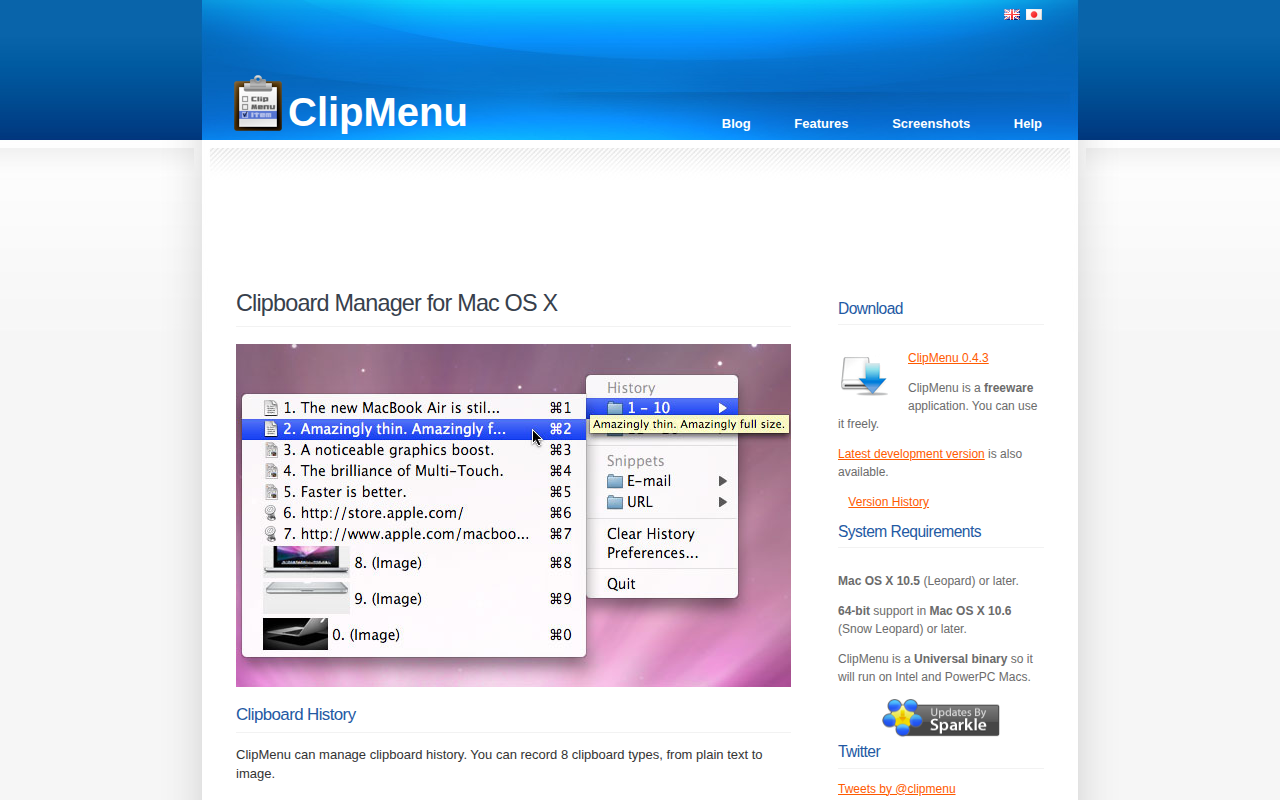
ClipMenu
Clipboard manager for Mac OS X.