
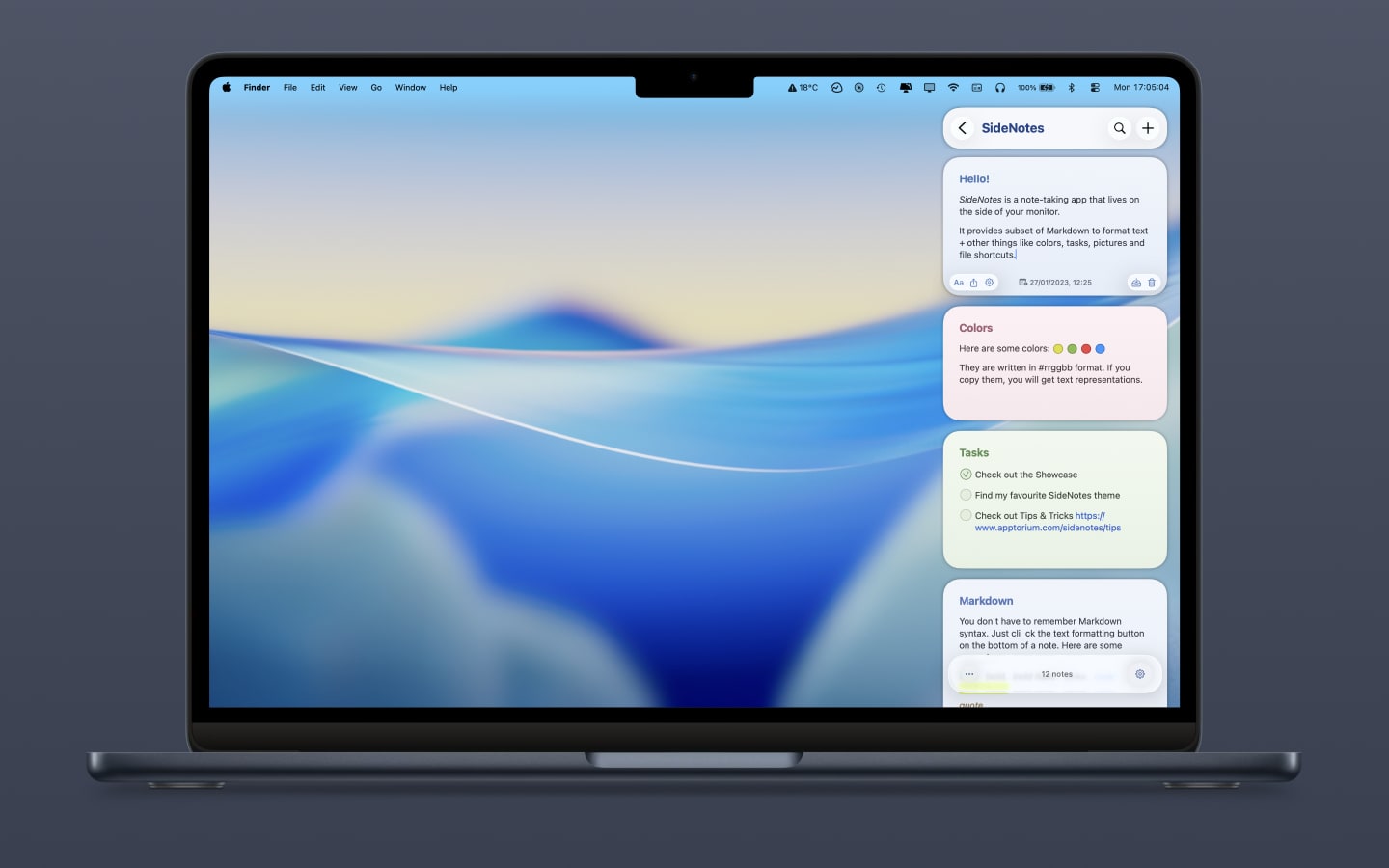
SideNotes
Quick notes on the screen side with Markdown support.
It provides a compact panel that slides in from the edge of the screen, letting you create and edit notes without leaving the current workspace. The interface supports Markdown formatting, task lists, embedded pictures, colour tags and folder organization, so content can be structured and styled directly within the side view. Because the panel can be shown or hidden with a single action, it stays out of the way until needed, offering a distraction‑free way to keep reference material, to‑do items, or snippets of information at hand.
The tool is aimed at users who want quick, accessible note‑taking while working in other applications—developers, writers, students, or anyone who benefits from having a lightweight, always‑available knowledge surface. Its distinguishing feature is the persistent side‑screen placement combined with full Markdown capabilities, allowing rich text and media without opening a separate window. The software is marked as stable and includes basic organizational features such as folders and colour coding.
Reviews
Loading reviews…
Similar apps

Note-Taking & PKM
Notes
Simple note-taking app for markdown and kanban
Task & Project Management
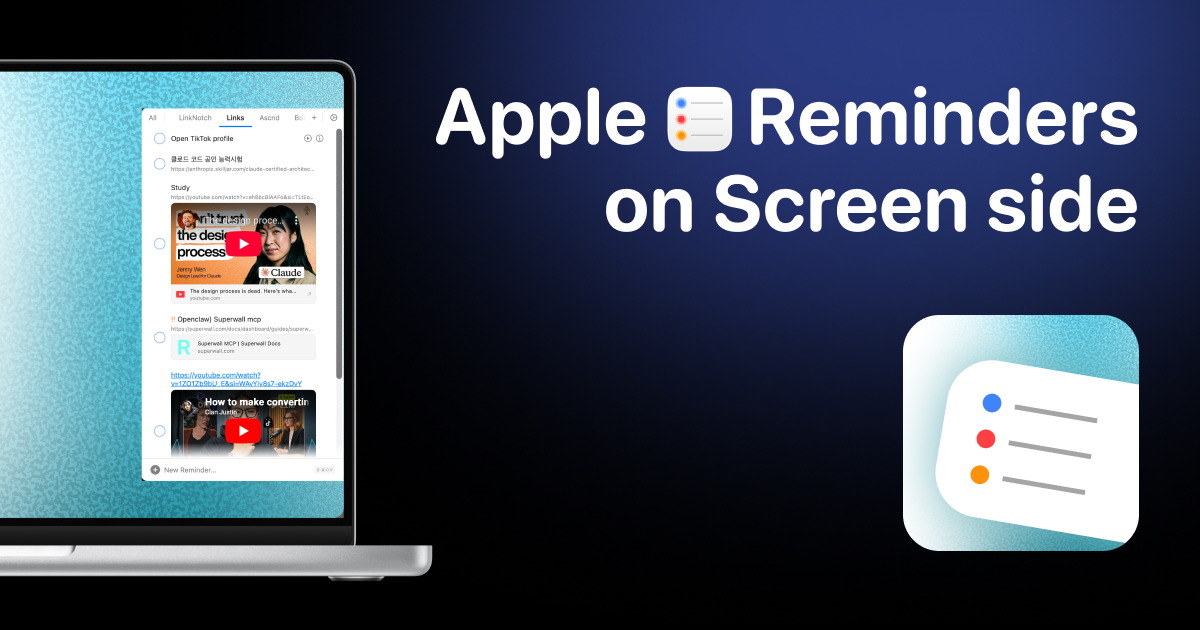
Side Reminder
Access Apple Reminders from your screen edge instanly
Note-Taking & PKM
Notes
Clean, simple note-taking app.
Task & Project Management
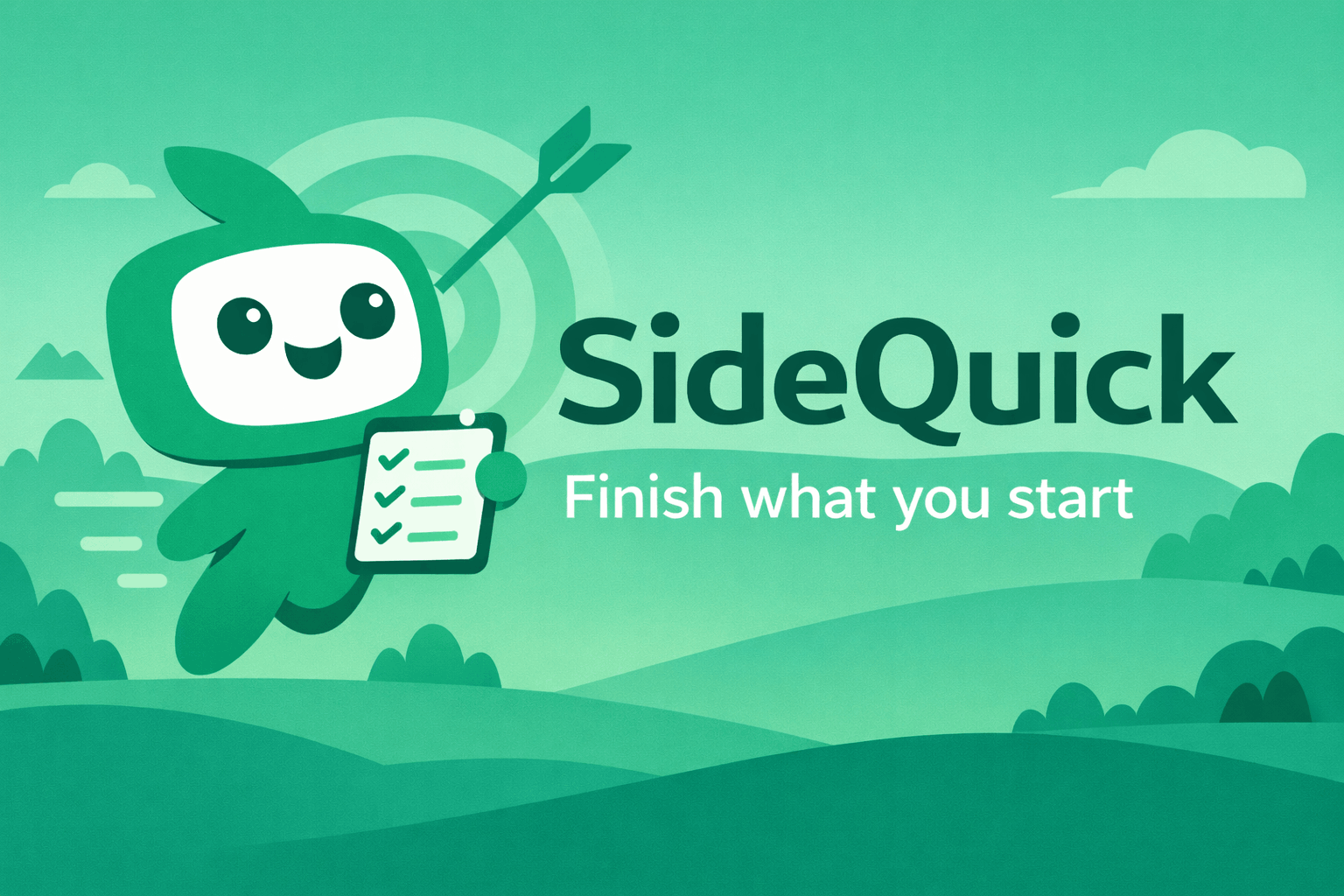
SideQuick
SideQuick breaks your projects into quests, keeps your streak alive, and always knows where you left off. Free desktop app for Windows, Mac…
Note-Taking & PKM
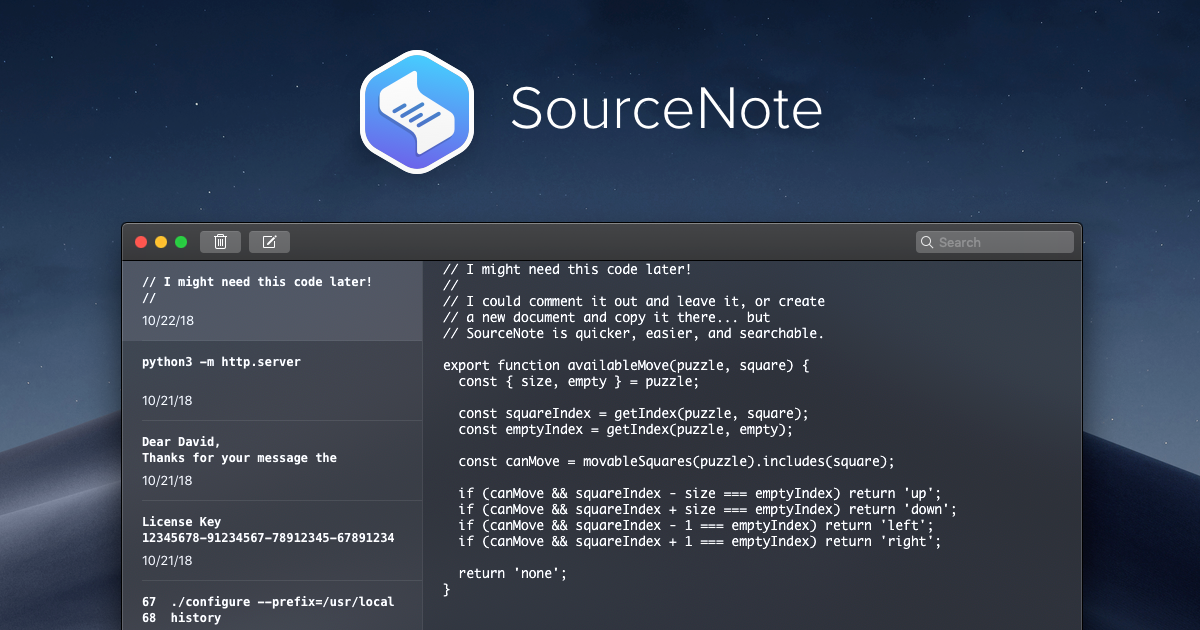
SourceNote
Text snippet app
Markdown Editors
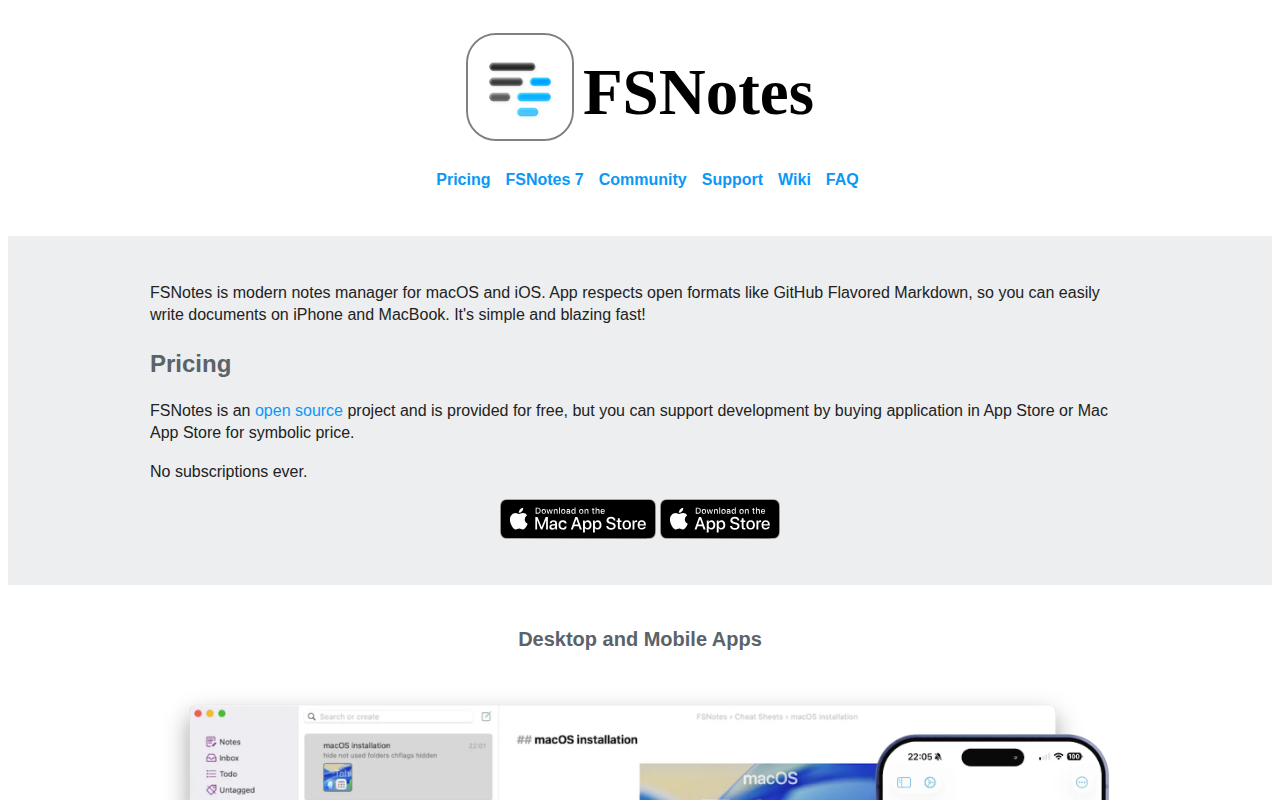
FSNotes
File System Notes is a modern notes manager, native on macOS and iOS.