
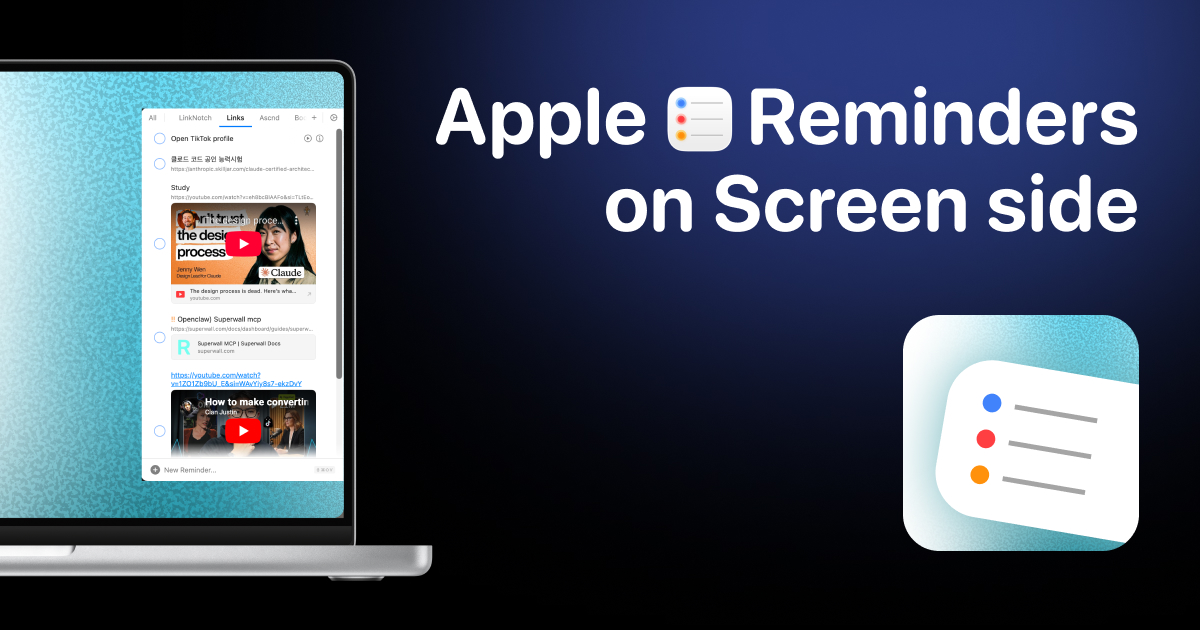
Side Reminder
Access Apple Reminders from your screen edge instanly
Side Reminder places Apple Reminders at the edge of the macOS screen, allowing them to slide in when the mouse reaches the edge and disappear when it moves away. This eliminates the need to switch apps, keeping reminders constantly accessible while working. The interface supports voice input, drag‑and‑drop reordering, list navigation via keyboard, and embedded video playback for YouTube links.
The app adds focus‑session functionality by turning any reminder into a floating timer that can be paused, resumed, or marked complete without leaving the screen. A built‑in command‑line tool lets developers and AI agents list, add, and complete tasks directly from the terminal. Right‑click actions and slash commands enable integration with Claude Code or other AI agents, allowing tasks to be handed off for automated execution.
Side Reminder synchronizes across all Apple devices using iCloud while keeping all processing and data on the local machine for privacy. It is positioned as a lightweight, native productivity engine that extends Apple Reminders with voice, focus, AI, and developer‑oriented features.
Reviews
Loading reviews…
Similar apps
Window & Desktop Management
Reminders MenuBar
Simple macOS menu bar app to view and interact with reminders.
Task & Project Management
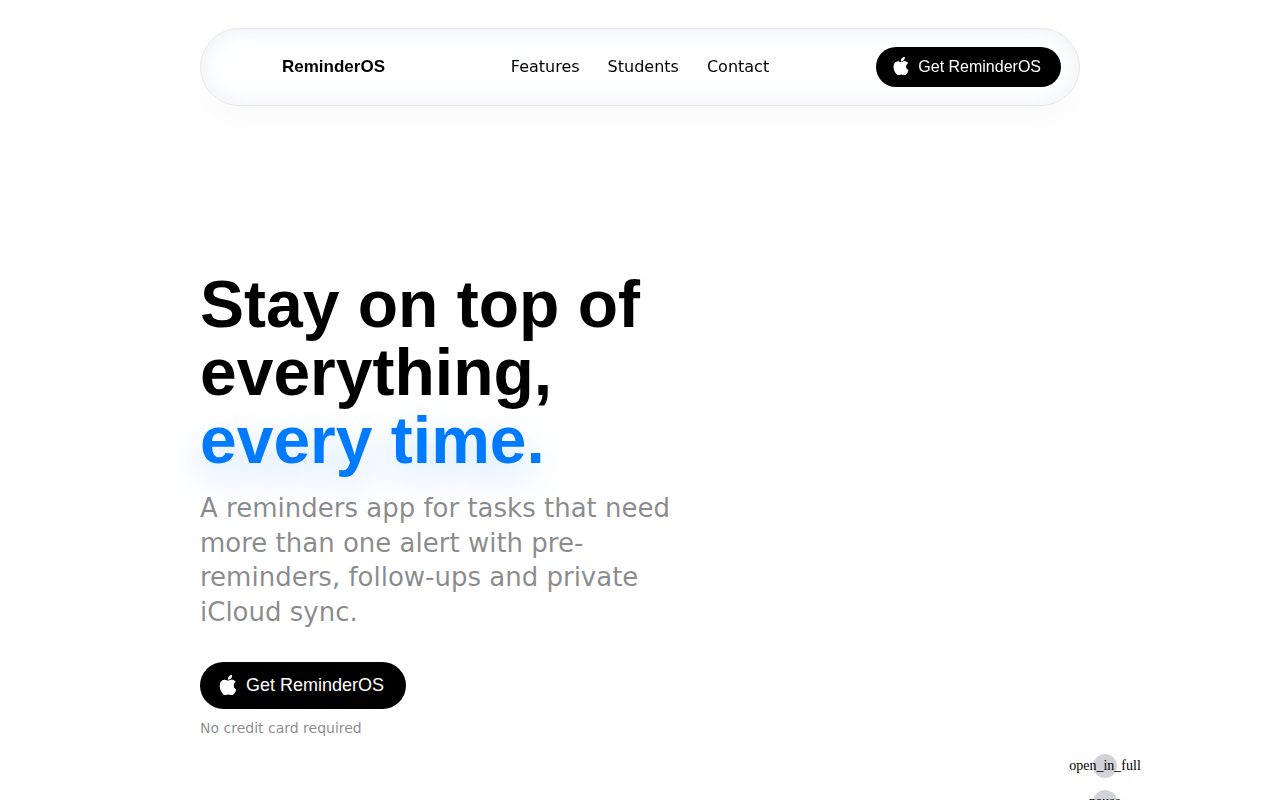
ReminderOS
Reminders that keep up with you
Task & Project Management
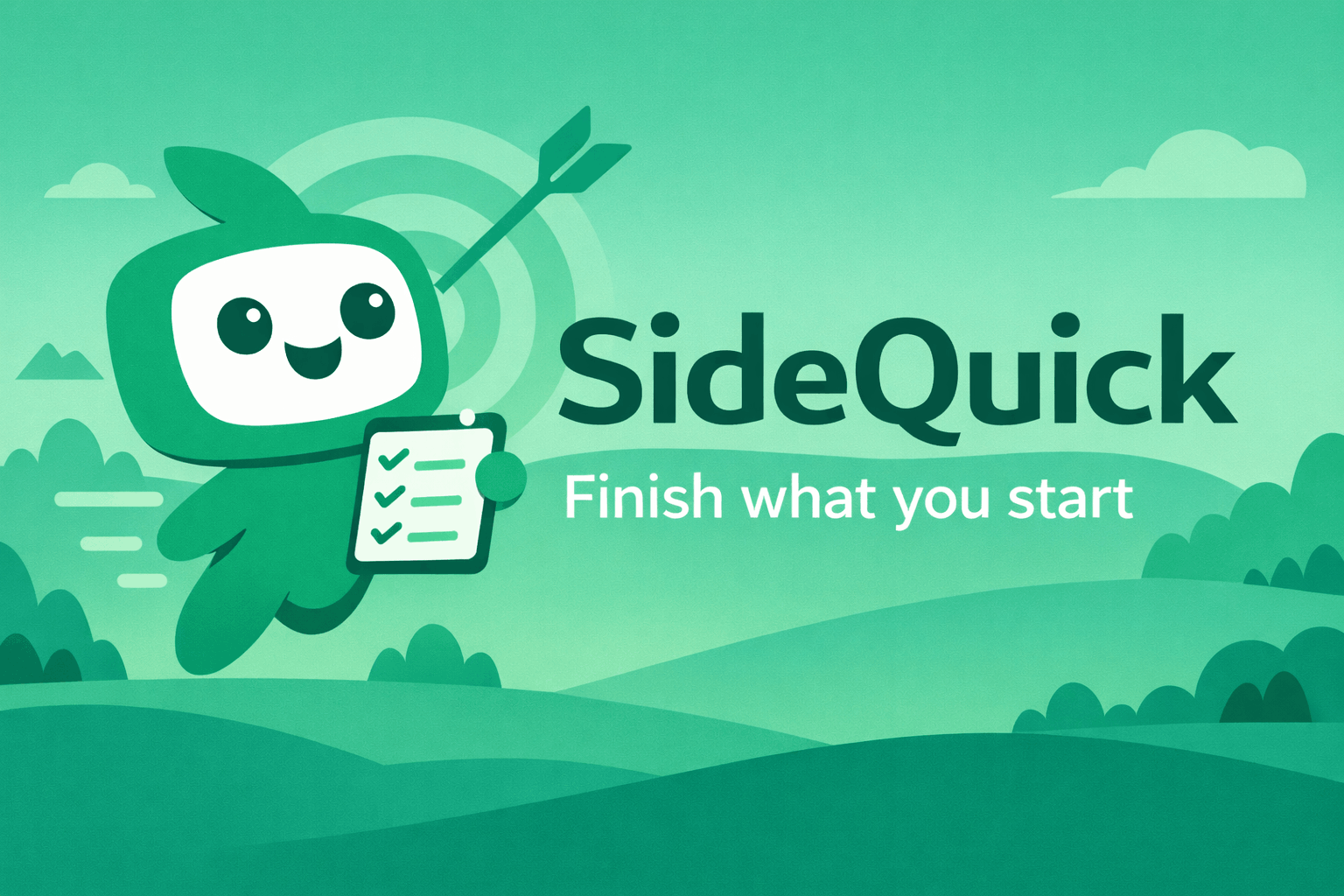
SideQuick
SideQuick breaks your projects into quests, keeps your streak alive, and always knows where you left off. Free desktop app for Windows, Mac…
Task & Project Management
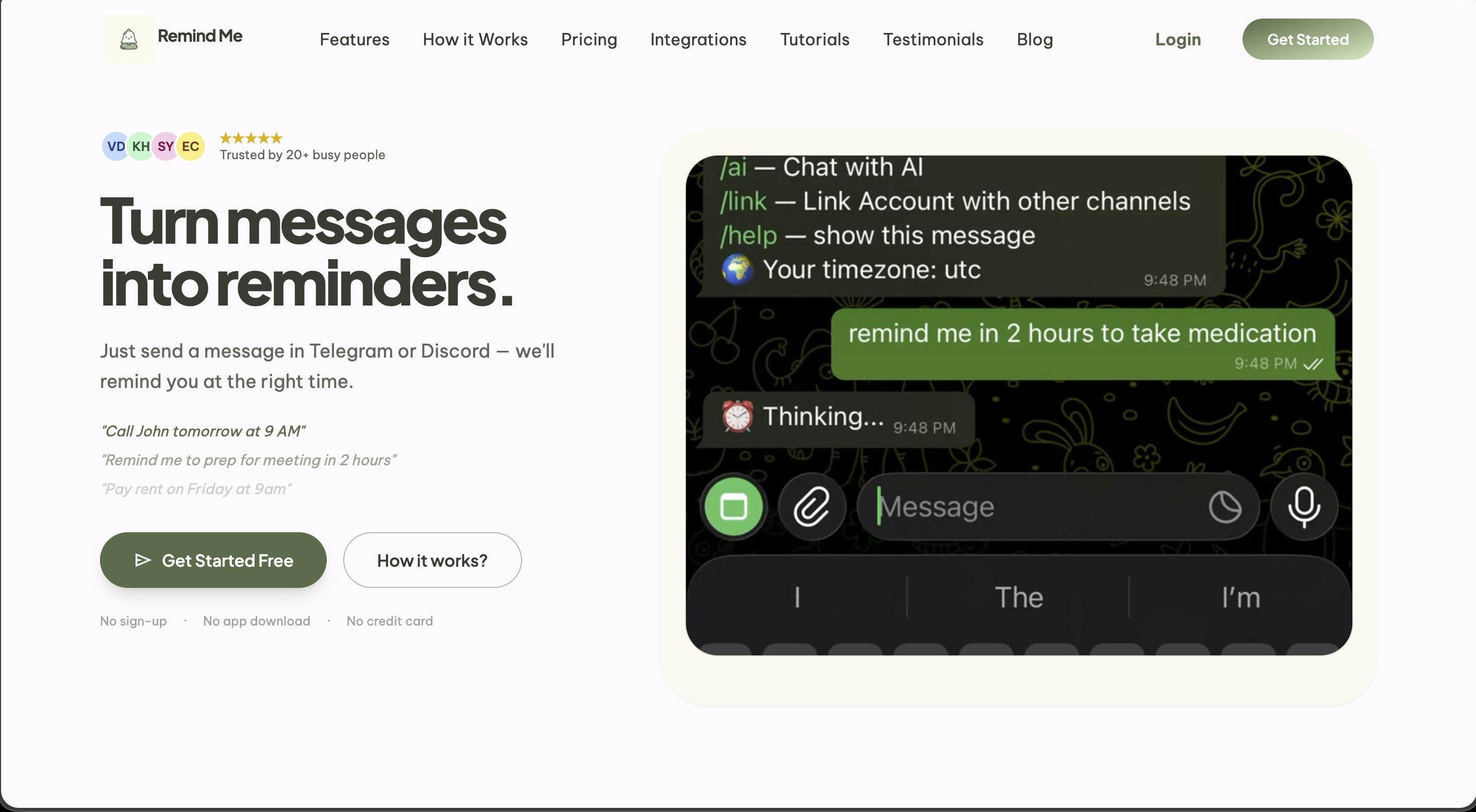
Remind Me Bot
Set reminders by typing naturally
Window & Desktop Management
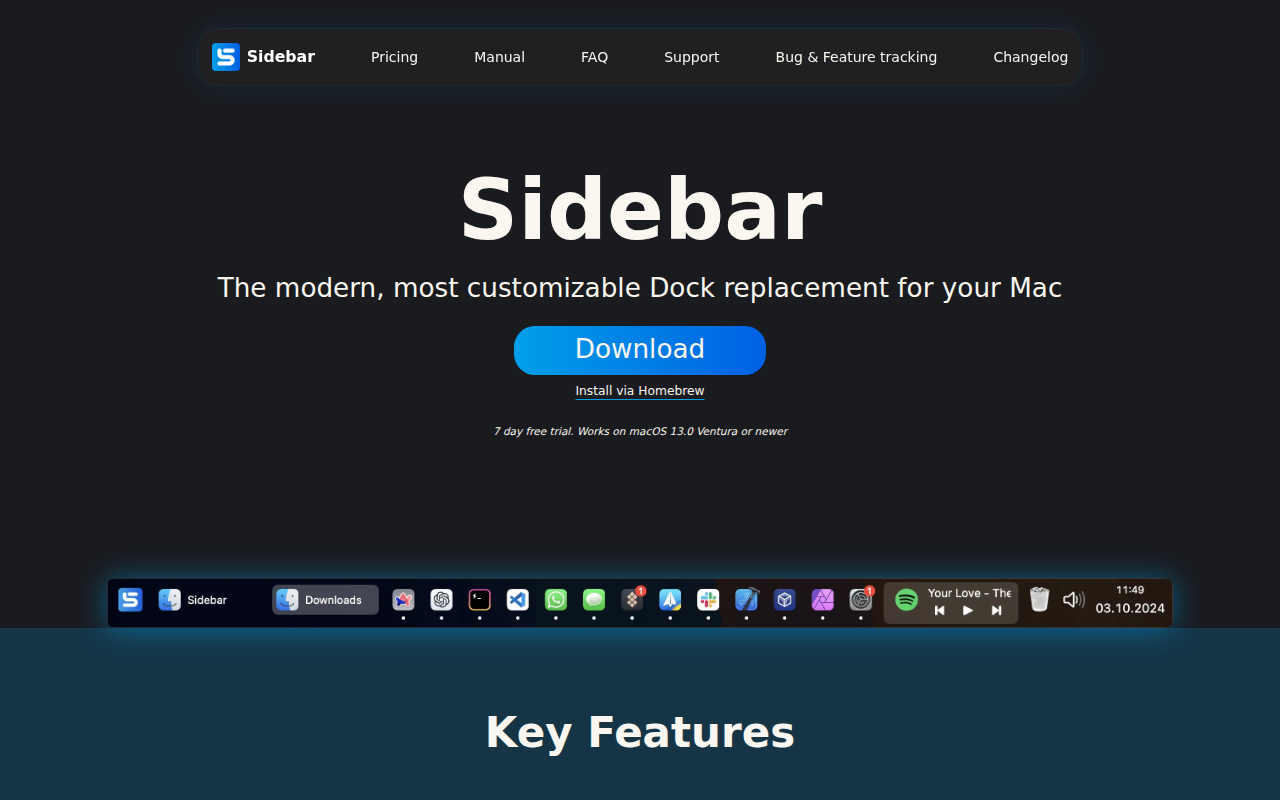
Sidebar
The modern Dock replacement for your Mac.
AI Agents & Automation
Aside
Menu bar app for Claude Code