
SlimHUD
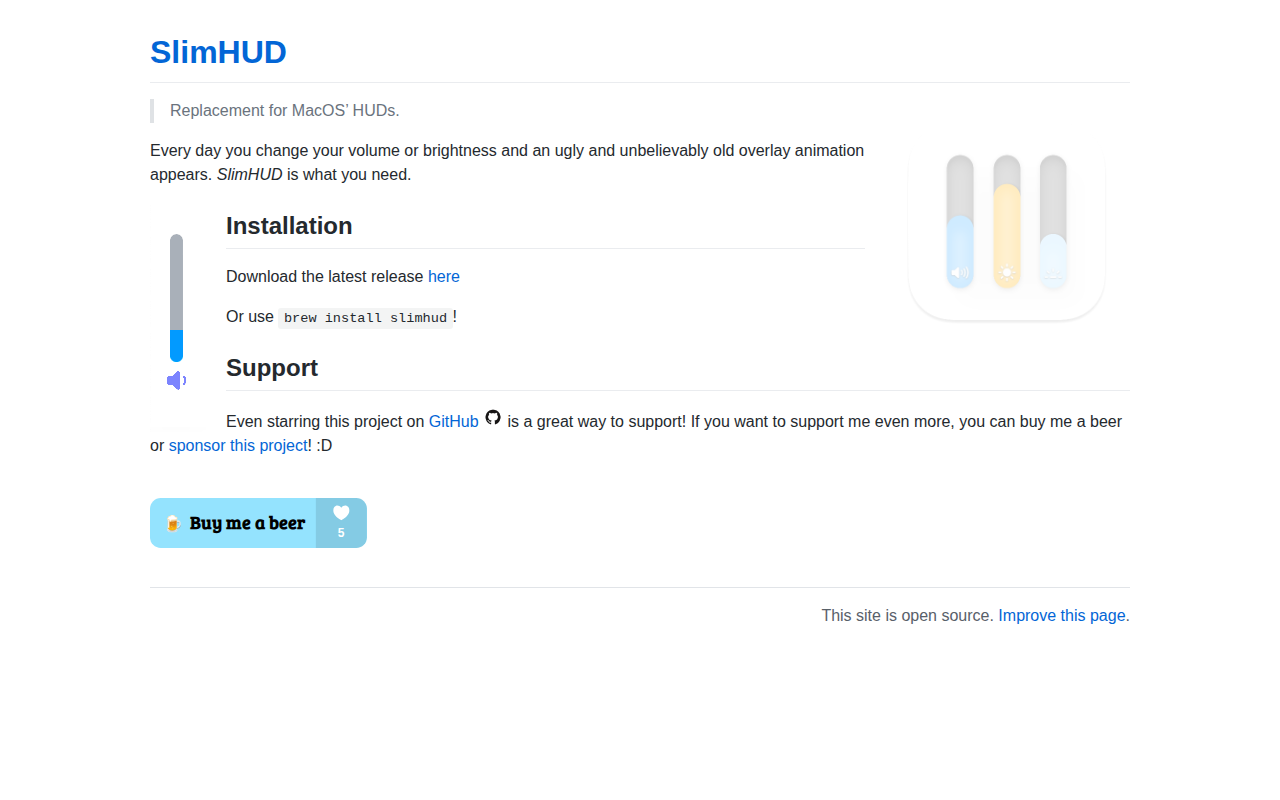
Replacement for the volume, brightness and keyboard backlight HUDs
SlimHUD replaces macOS’s default volume, brightness, and keyboard‑backlight overlays with a customizable HUD that appears when those settings change. It runs as a background utility and can be launched at login, offering a settings window to toggle features and adjust appearance without restarting the application.
The HUD can display icons under the bar, optional shadow effects, and a selection of animation styles such as fade, grow, or pop‑fade‑out. Users can set individual colors for each bar and its icons, choose muted‑volume colors, and resize the bars to small, medium, or large dimensions. The overlay’s position is configurable to any screen edge—left, right, top, or bottom.
Installation is available via Homebrew or by downloading a release and moving it to the Applications folder. The project supports automatic updates through Sparkle and requires macOS 10.14 or later.
Reviews
Loading reviews…
Similar apps

Display & Accessibility
MediaMate
UI replacement for volume, brightness and now playing controls
Display & Accessibility
MonitorControl
Control external display brightness and volume directly.
Clipboard, Input & Automation
Volume Control
Control the volume of Apple Music and Spotify using keyboard volume keys
Display & Accessibility
Nocturnal
Dimness and night shift menu bar app
Display & Accessibility
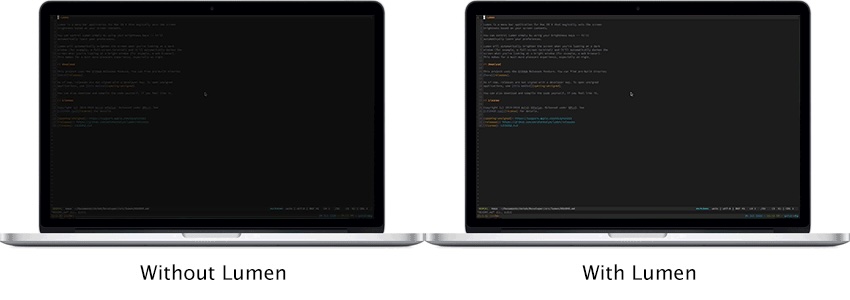
Lumen
Magic auto brightness based on screen contents
Window & Desktop Management
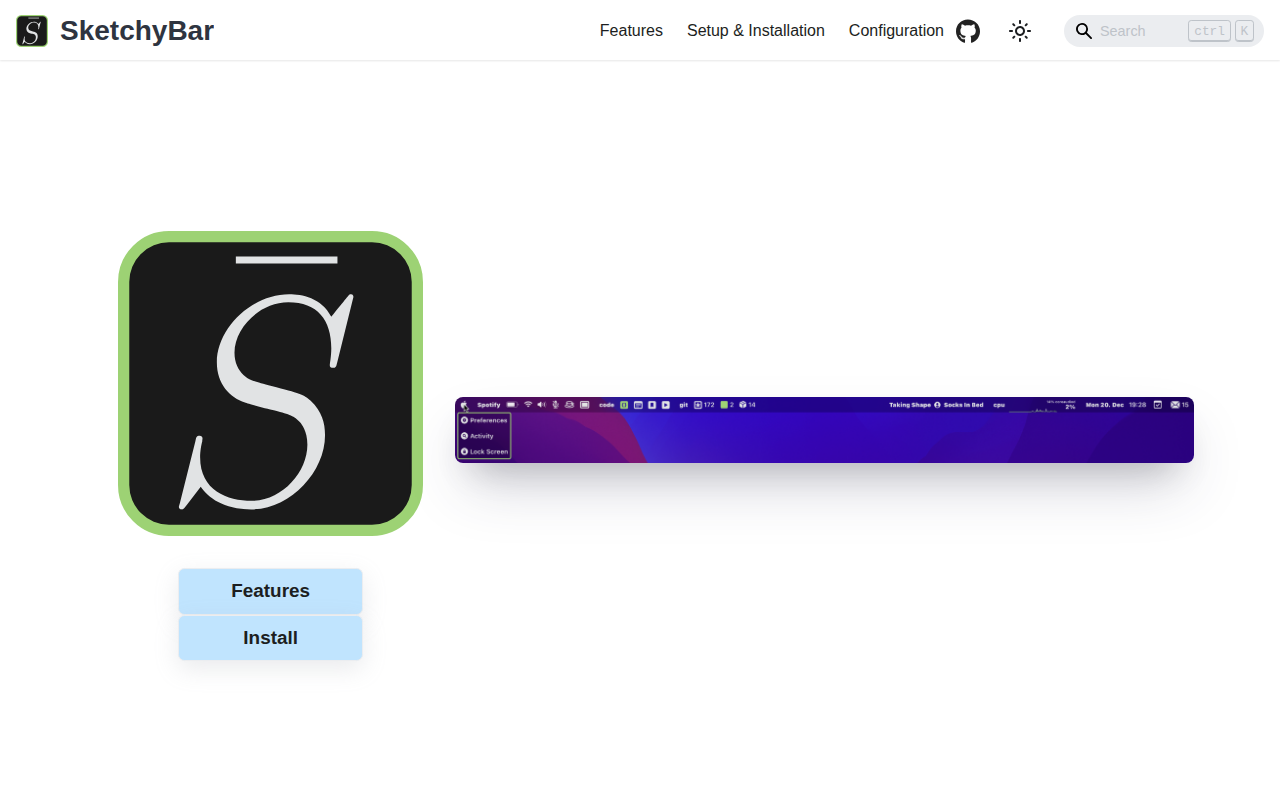
SketchyBar
A highly customizable macOS status bar replacement.