
Snapr
Screenshot, record, annotate & edit video in one app
Snapr provides a unified workflow for creating screenshots, screen recordings, annotations, and video edits on macOS and Windows. Users can capture images or 60 fps video with system audio and microphone using a single shortcut, selecting an area, window, or full screen. The tool can stitch together multiple frames to produce seamless scroll captures, hide desktop icons automatically for a clean result, and place captures on solid, gradient, or wallpaper backgrounds with adjustable padding. It also supports recording iPhone and iPad screens from a Mac via USB.
After capture, Snapr offers annotation tools such as arrows, shapes, text, freehand drawing, and blur, with customizable colors and stroke widths. A visual timeline editor lets users trim recordings, mix microphone and system audio, and add event markers before exporting. Export profiles include original, high, standard, compact, and GIF presets, as well as custom resolution, bitrate, and frame‑rate settings.
The application is designed for creators who need to switch between multiple utilities, delivering a consistent experience across both platforms with multi‑display support and themed overlays that include animated effects and WebGL shaders.
Reviews
Loading reviews…
Similar apps
Screenshot & Screen Recording
Xnapper
Screenshot tool
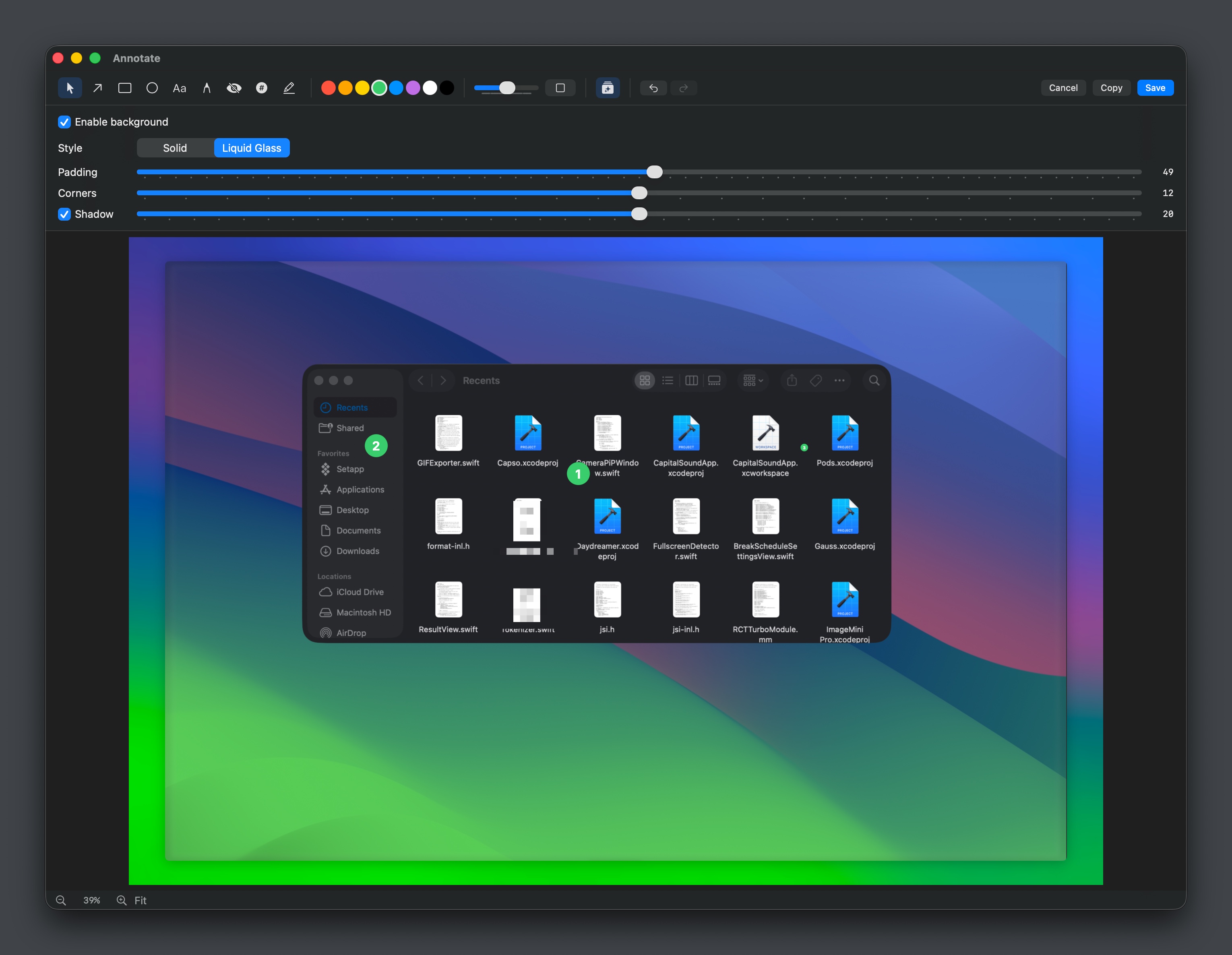
Screenshot & Screen Recording
Capso
Free open-source screenshot & screen recorder for Mac
Screenshot & Screen Recording
Capty
Screen capture and recording tool with built-in editing and annotations.
Screenshot & Screen Recording
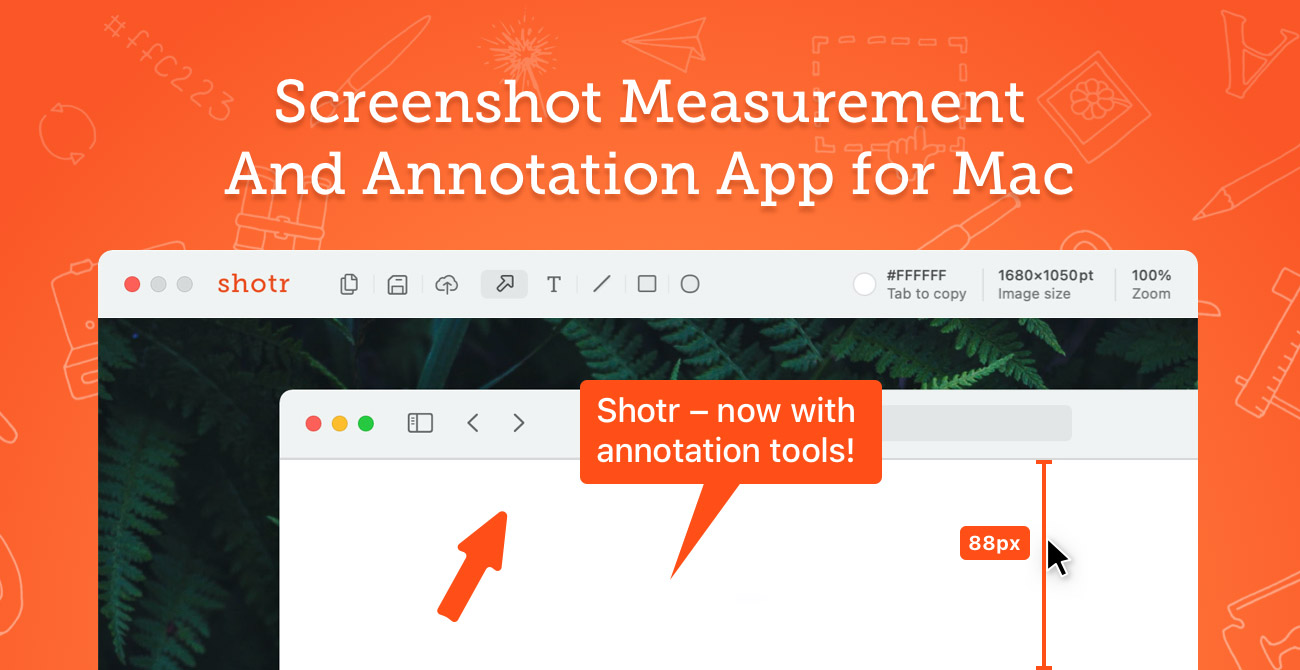
Shottr
Screen capture application with features like Scrolling capture, OCR and markup.
Screenshot & Screen Recording
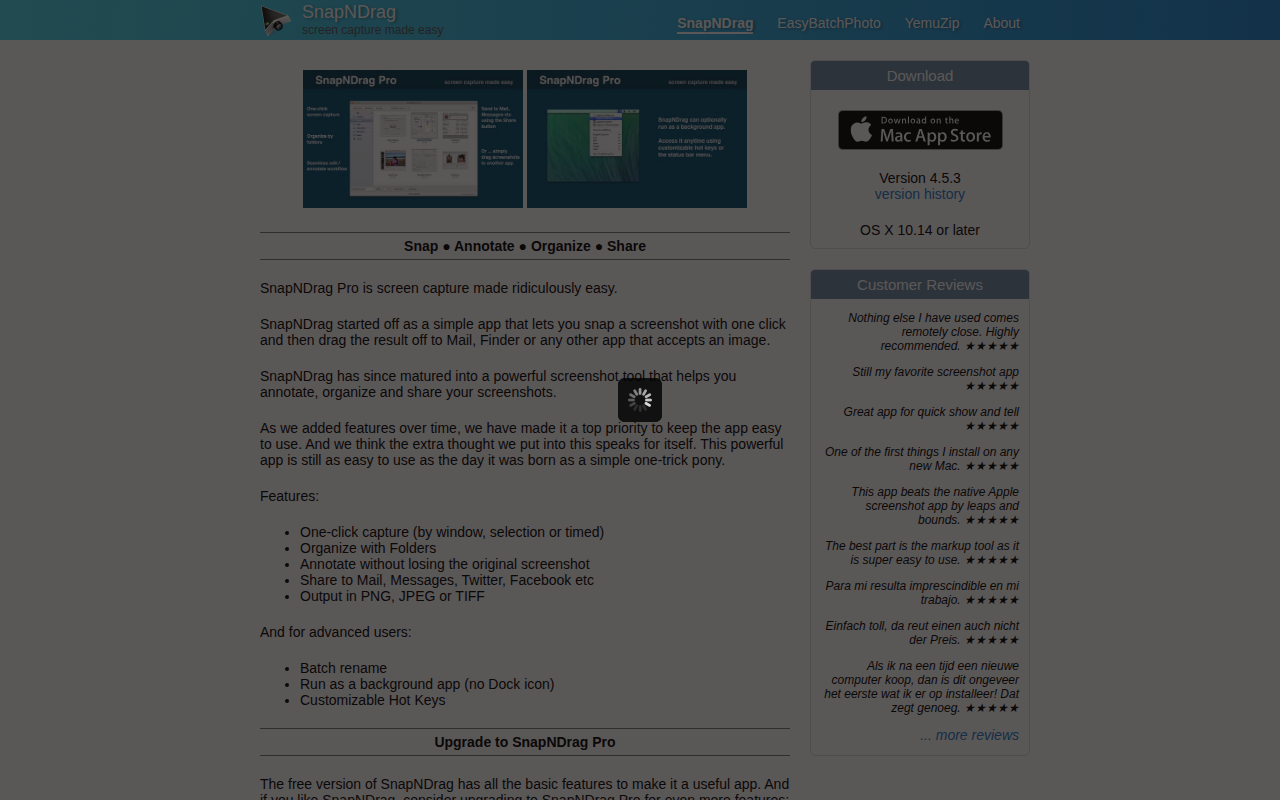
SnapNDrag
Screen capture application
Screenshot & Screen Recording
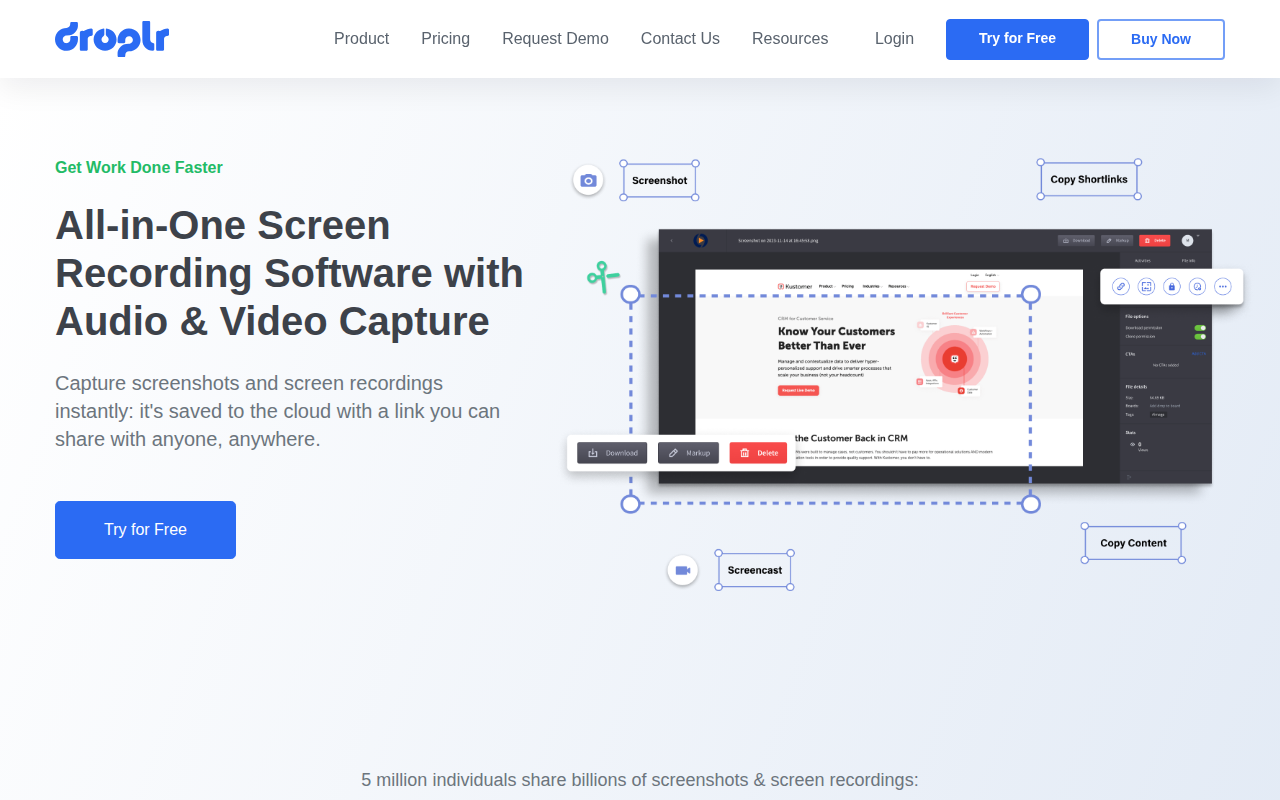
Droplr
Screenshot and screen recorder