

Capty
Screen capture and recording tool with built-in editing and annotations.
Capty is a macOS application that lets users capture screenshots and record their screen using a variety of modes such as area, window, full‑screen, and automatic scroll capture. It supports audio capture from the system, microphone, and optional camera overlay, and provides keyboard‑tracking overlays to show key presses during recordings.
The built‑in editor offers annotation tools including pens, highlighters, text, arrows, shapes, numbers, and redaction effects, along with options for curved and double‑headed arrows and sequential numbering in several numeral styles. Users can enhance screenshots with customizable wallpaper backgrounds, shadows, frames, and macOS‑style window decorations, and they can save and reuse wallpaper presets.
For video, Capty includes editing features that allow cursor overlays, click highlighting, zoom animations, and wallpaper backgrounds to be applied after recording. The software is positioned for professionals who need an all‑in‑one solution for creating annotated screenshots and polished screen‑capture videos on macOS.
Reviews
Loading reviews…
Similar apps
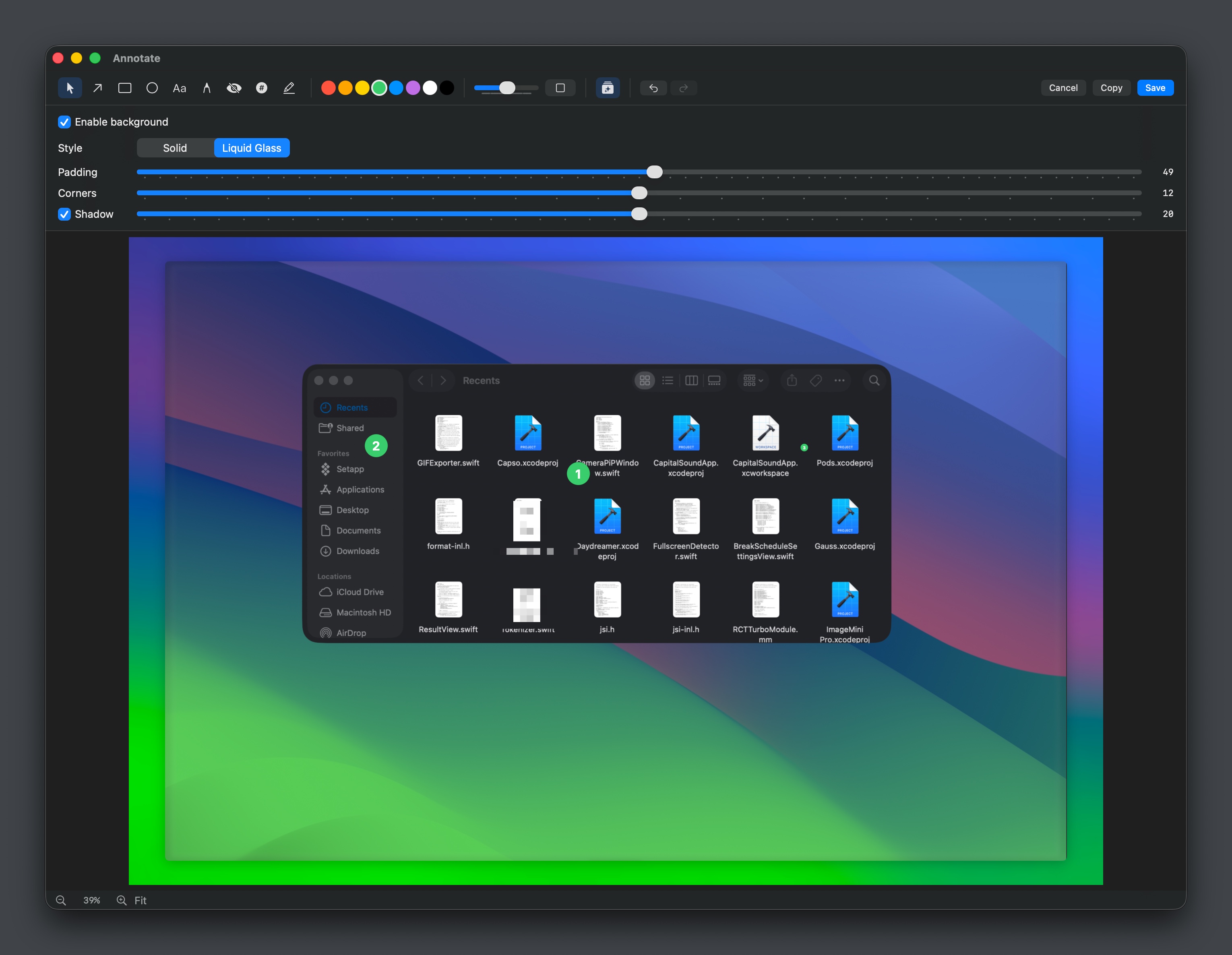
Screenshot & Screen Recording
Capso
Free open-source screenshot & screen recorder for Mac
Screenshot & Screen Recording
Capso
Open-source screenshot and screen recording tool with annotations, OCR, and webcam overlays.

Photo & Video Management
MagicCap
Image/GIF capture suite
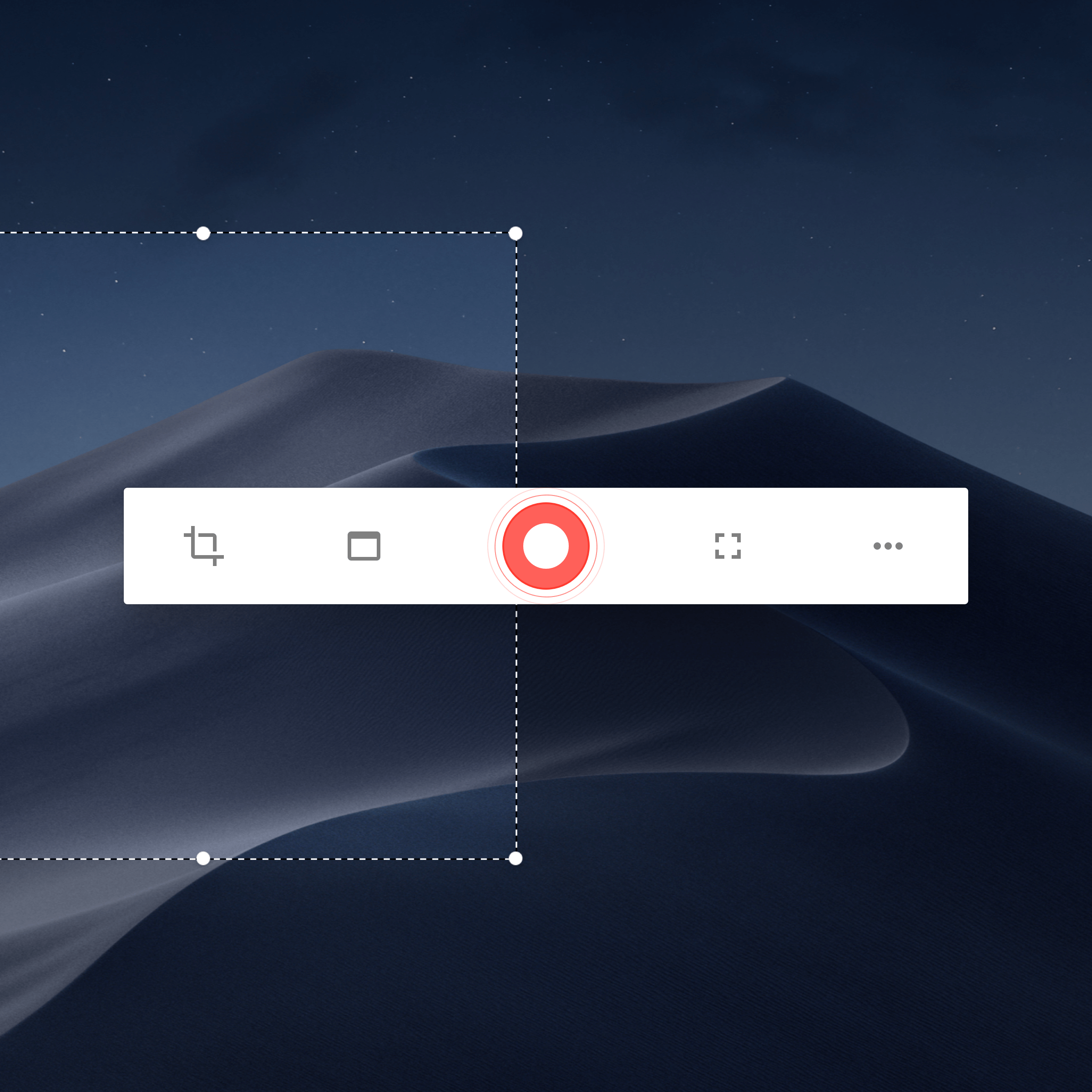
Photo & Video Management
Kap
Open-source screen-recorder built with web technology.
Screenshot & Screen Recording
BetterCapture
Free and open source screen recorder with professional encoding support.
Screenshot & Screen Recording
Snapr
Screenshot, record, annotate & edit video in one app