
SparkleShare
Tool to sync with any Git repository instantly
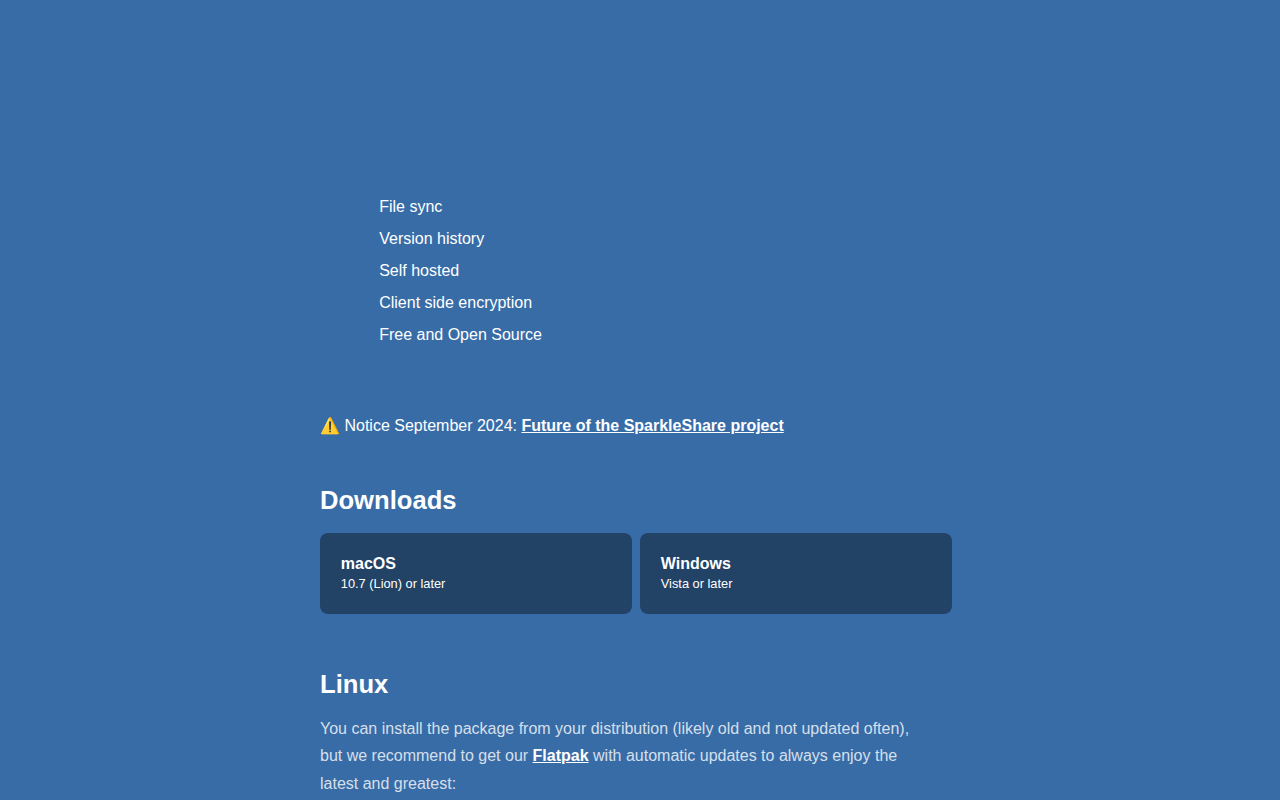
SparkleShare creates a designated folder on a user’s computer and lets them add remote Git‑hosted folders, called projects, to it. Any changes—adds, deletions, or edits—are automatically synchronized with the host repository and with other peers that have linked the same project. The tool relies on Git for version control, providing a full history that allows reverting files to earlier states, and it can encrypt projects to keep the server from reading the contents.
The software targets individuals or small teams who need instant, secure sync of frequently changing documents such as text files, office work, and images, especially when multiple collaborators edit the same files. It is well suited for tracking project files and protecting privacy, but it is not intended for full system backups or large, rapidly changing binary assets like video editing projects.
SparkleShare runs on macOS, Windows, and Linux, with a Flatpak distribution for easy updates on Linux. Hosting can be self‑managed using a simple setup script that creates standard Git repositories, or it can connect to existing Git services such as GitHub, Bitbucket, or GitLab, allowing users to continue using familiar Git tools and workflows.
Reviews
Loading reviews…
Similar apps
DevOps & Infrastructure
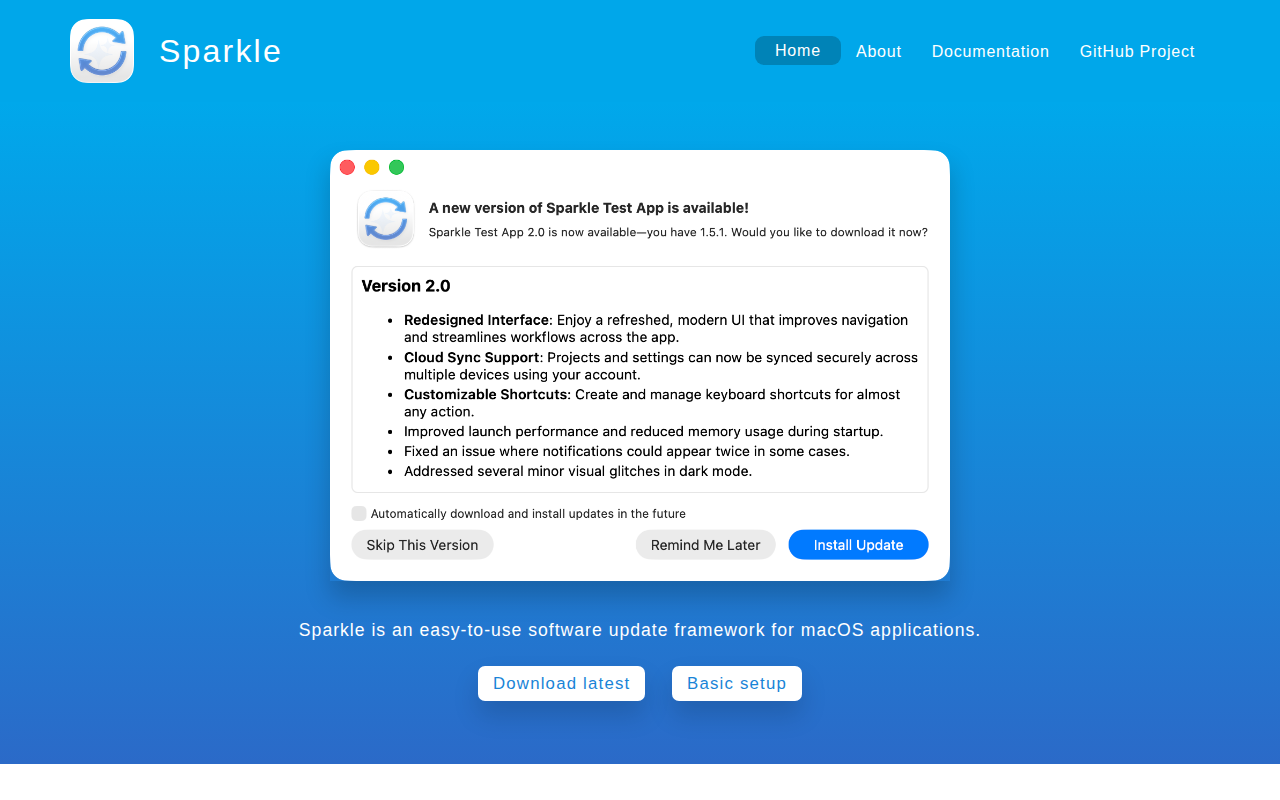
Sparkle
Software update framework for Cocoa developers
File Management & Transfer
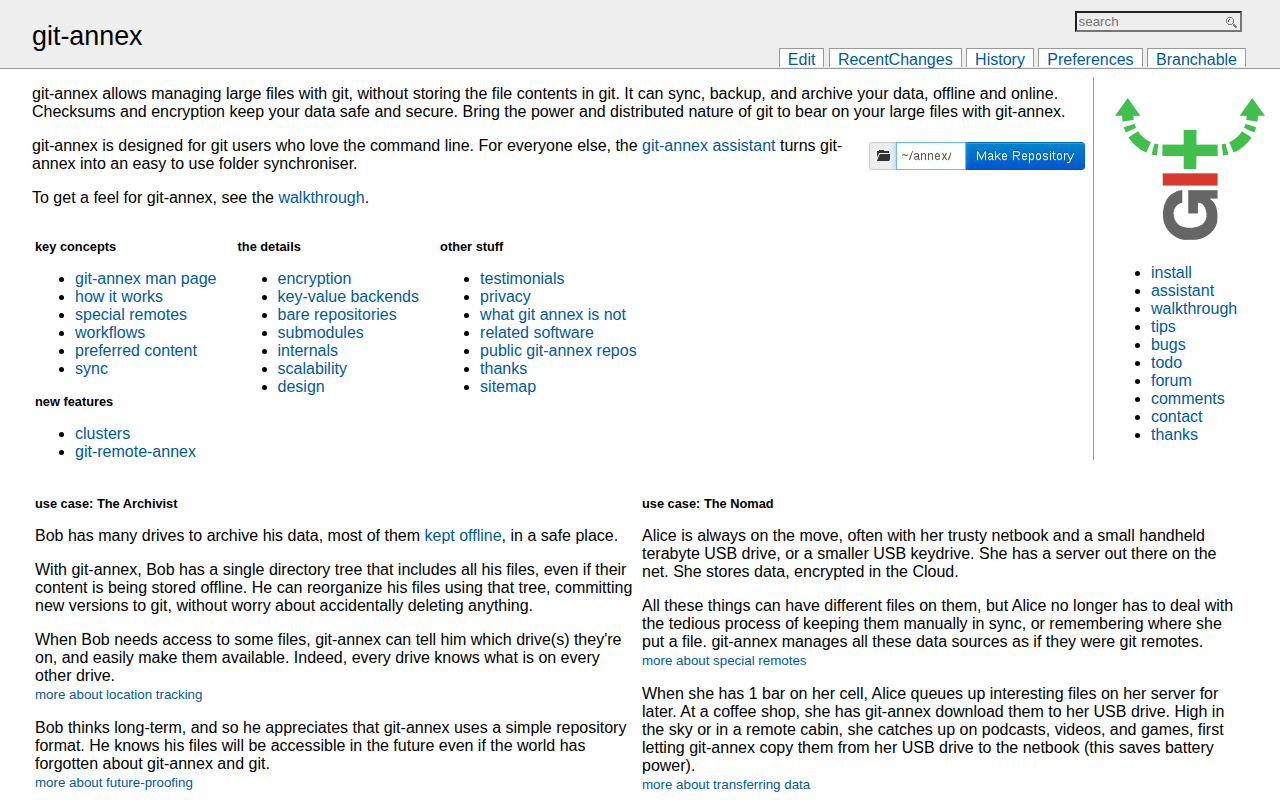
Git Annex
File synchronization between computers, servers, external drives.

File Management & Transfer
FreeFileSync
Folder comparison and synchronization software
Version Control & Git
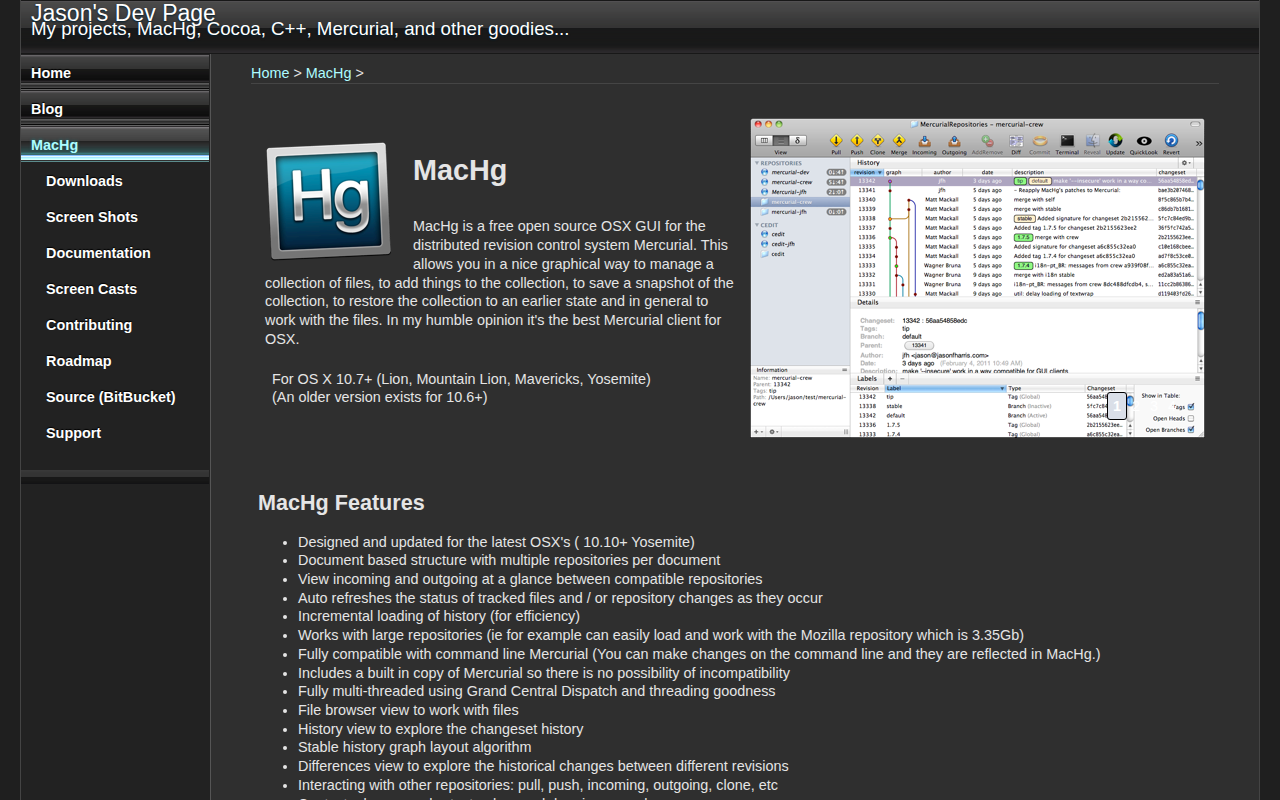
MacHg
GUI for the Mercurial distributed revision control system

Version Control & Git
GitBlade
Graphical client for Git
Security & Identity
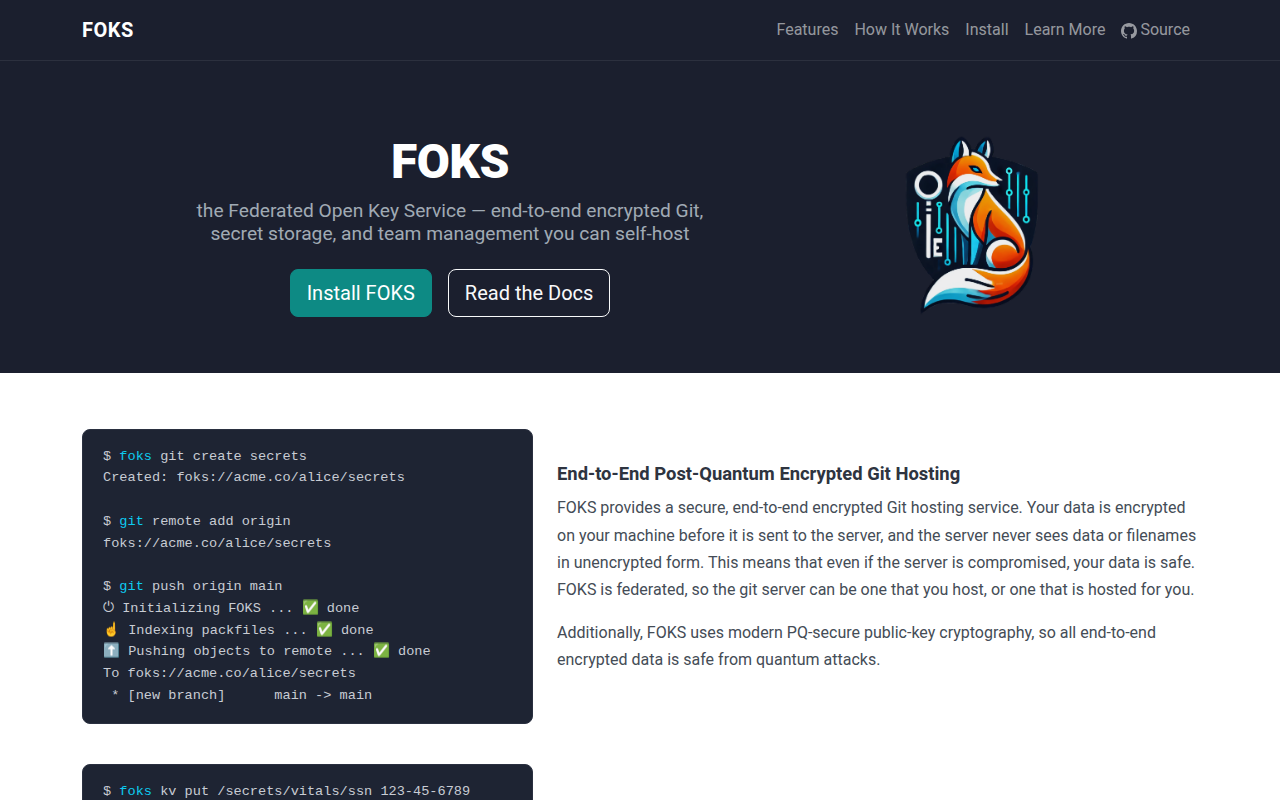
FOKS
Federated Open Key Service; E2EE KV-store and Git hosting