

GitBlade
Graphical client for Git
GitBlade provides a graphical interface for interacting with Git repositories on macOS, Linux, and Windows. It presents common version‑control operations—such as committing, branching, and merging—through a visual workflow that avoids the command line. The client includes tools for examining and resolving merge conflicts, annotating file history line‑by‑line, and viewing combined diffs across non‑consecutive commits.
The application shows a visual graph of commit and branch relationships, and allows users to stage, discard, or revert only selected hunks of a file. An automatic updater simplifies keeping the software current. A free Lite edition supplies basic Git functionality, while a PRO edition adds advanced features like the merge tool, blame/annotate view, combined diff view, and support for multiple repository tabs.
GitBlade can be installed via Homebrew on macOS, an APT repository on Linux, or downloadable installers for each platform. A 14‑day trial grants temporary access to all PRO capabilities, after which a lifetime license may be purchased for up to three machines.
Reviews
Loading reviews…
Similar apps
Version Control & Git
SmartGit
Git client
Version Control & Git
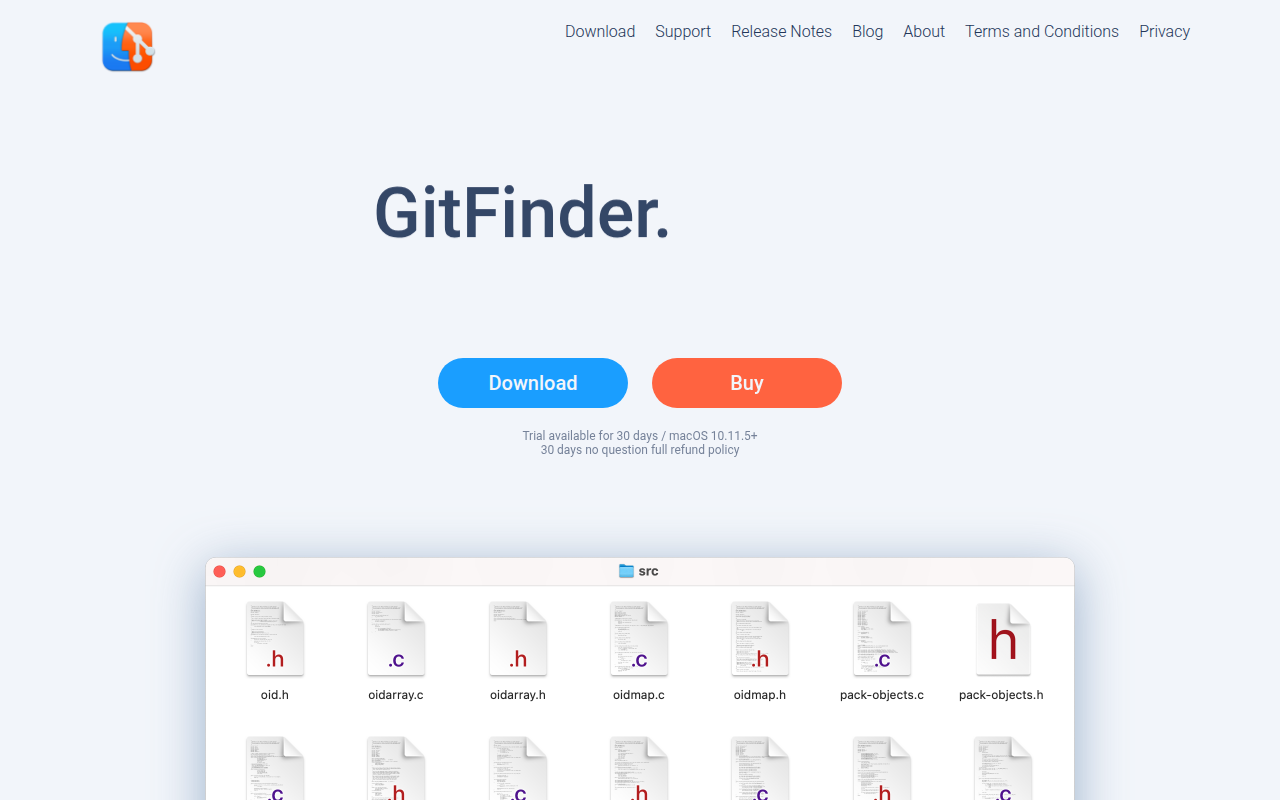
GitFinder
Fast and lightweight Git client for Mac with Finder integration.

Version Control & Git
GitUp
A simple & powerful Git client。
Version Control & Git
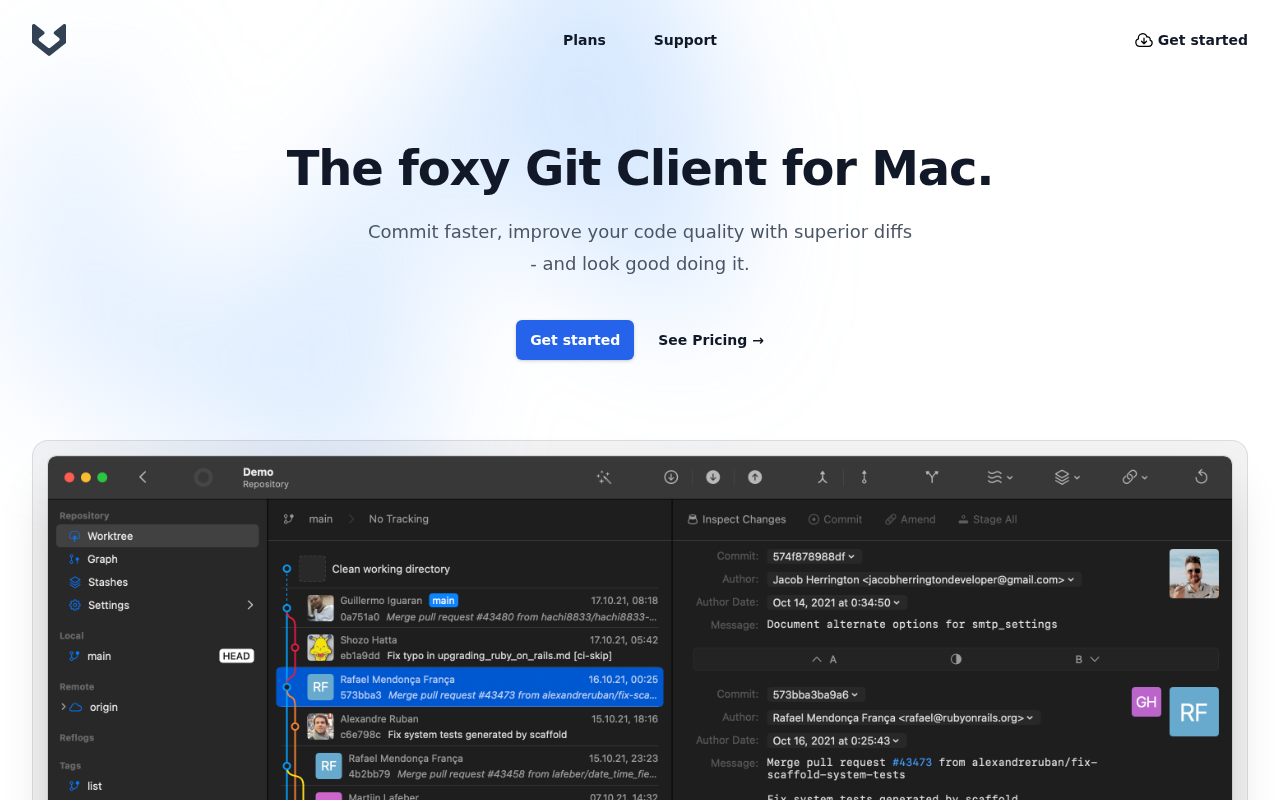
Gitfox
Commit faster, improve your code quality with superior diffs - and look good doing it.
Version Control & Git
gittyup
Graphical Git client
Version Control & Git
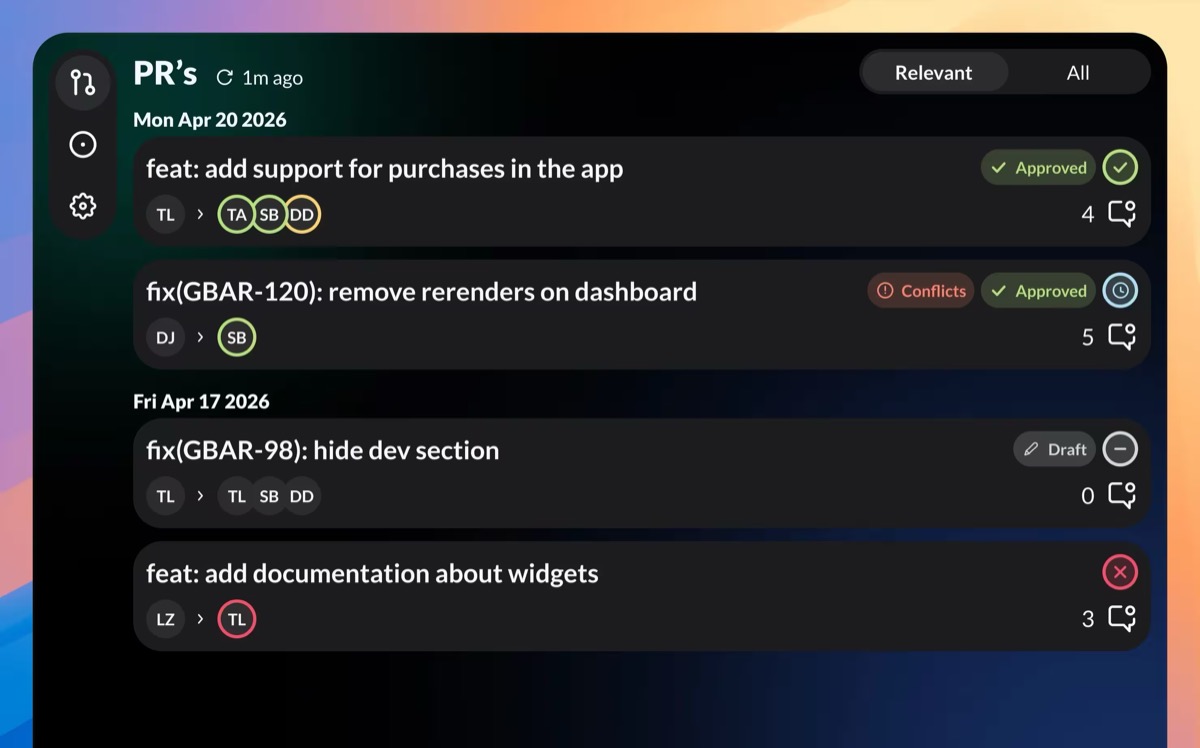
GitBar
Every pull request, one menubar. GitHub, GitLab & Azure