

SmartGit
Git client
SmartGit provides a graphical interface for the full Git workflow, allowing users to clone or initialize repositories, manage commits, branches, and merges, and push changes to remote servers. Its visual history view and drag‑and‑drop undo help keep commit logs clean, while built‑in support for Git Flow, LFS, cherry‑pick, and pull‑request handling covers common branching models and large file scenarios. The client also offers conflict‑resolution tools and the ability to add Git notes, aiming to streamline code review and collaboration.
The software targets individual developers, development teams, and larger organizations that need a consistent, cross‑platform Git experience. It is positioned for users who prefer a desktop client over command‑line operations, including those in educational institutions and enterprises. By integrating features such as customizable visual history and detailed documentation, SmartGit seeks to accommodate both beginners and power users within a single application.
SmartGit runs on macOS (core platform) and is classified as stable, indicating a mature codebase ready for production use. The tool is distributed as a proprietary product with free options for open‑source projects, educational institutions, and command‑line enthusiasts.
Reviews
Loading reviews…
Similar apps

Version Control & Git
SmartGit
Git client with support.
Version Control & Git
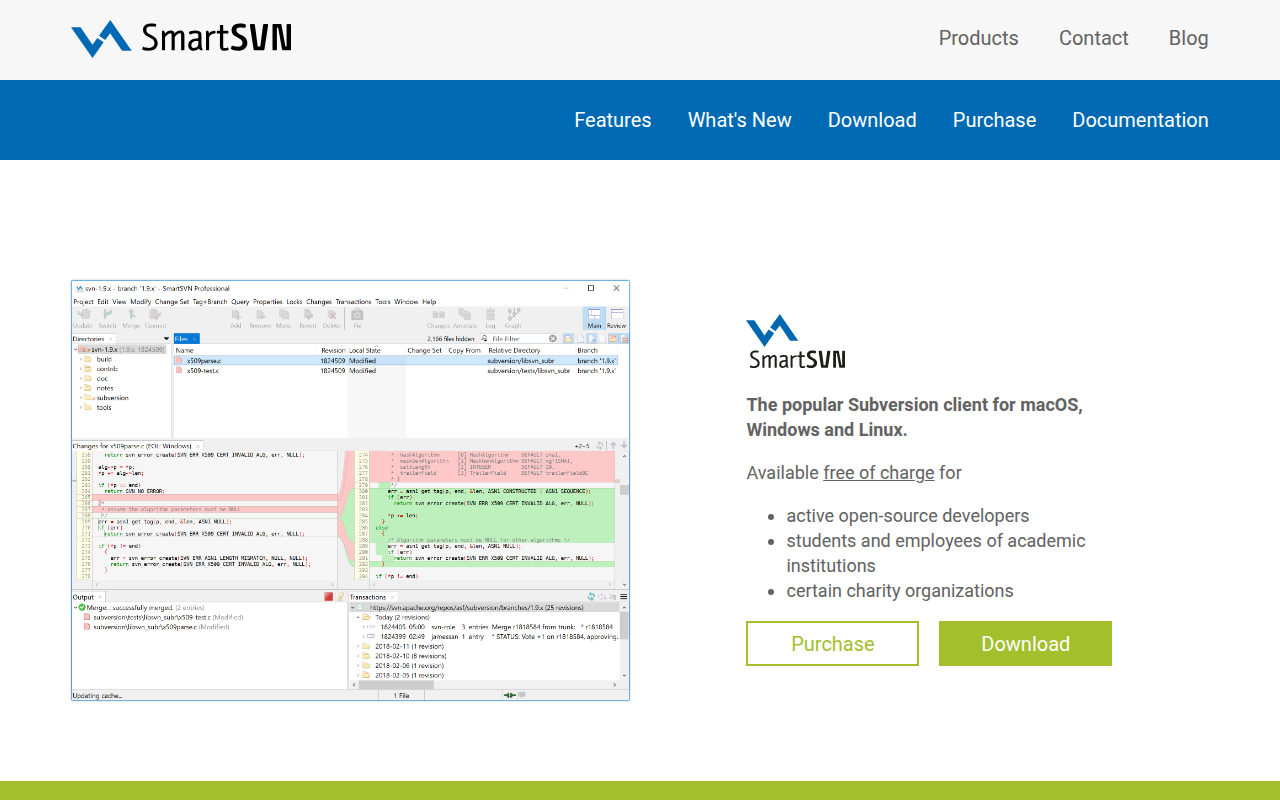
SmartSVN
Subversion client

Version Control & Git
GitBlade
Graphical client for Git
Version Control & Git
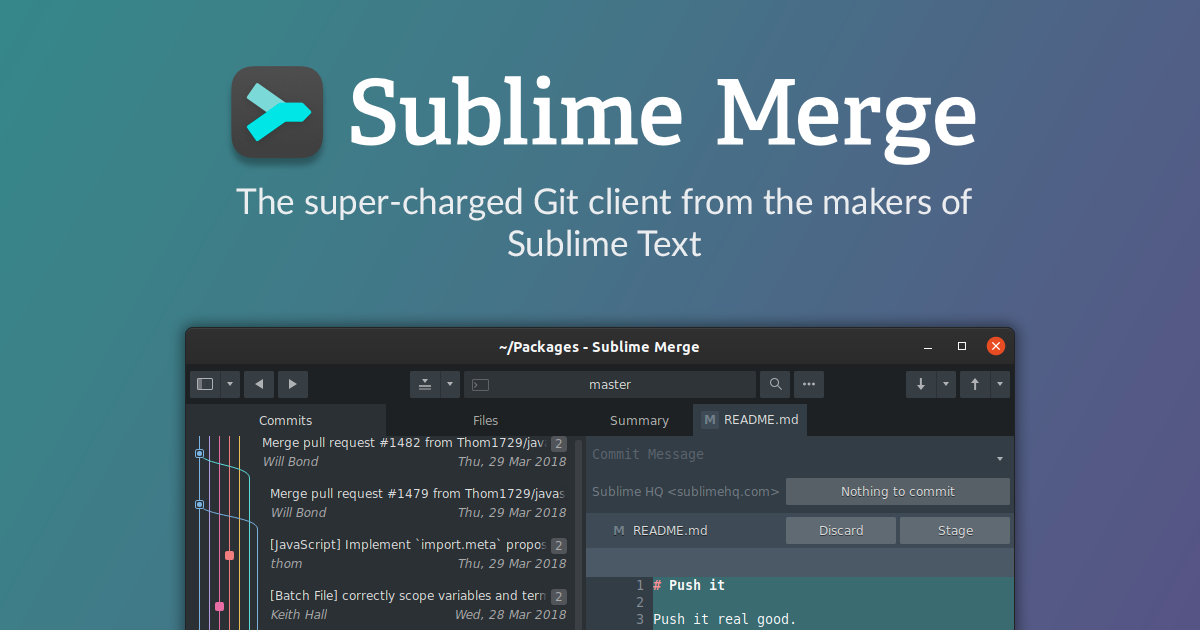
Sublime Merge
Git client, from the makers of Sublime Text.
Version Control & Git
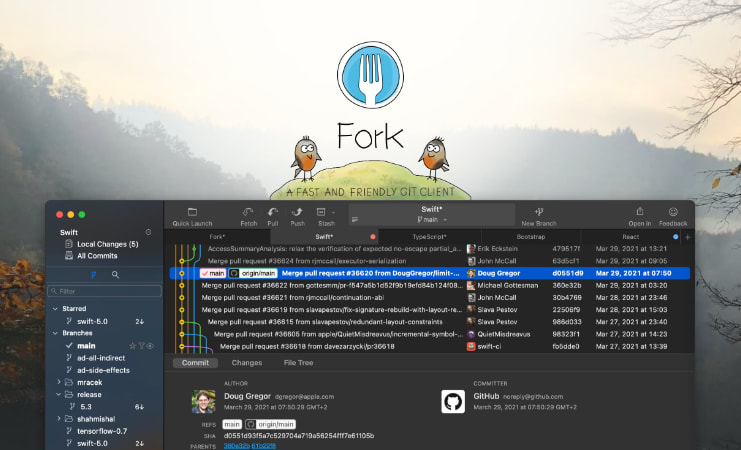
Fork
GIT client
Version Control & Git
SourceGit
Git GUI client