
SourceGit
Git GUI client
SourceGit provides a graphical interface for managing Git repositories across Windows, macOS, and Linux. It offers visual commit graphs, branch and tag handling, submodule and worktree support, and standard operations such as clone, fetch, pull, push, merge, rebase, reset, revert, cherry‑pick, amend, squash, and interactive rebase. Users can also view diffs, file histories, blame information, and perform actions like creating patches, archiving, and bisecting.
The client includes built‑in light and dark themes, customizable theme files, and multilingual UI language covering dozens of languages. Integrated features extend to GitFlow workflows, Git LFS, issue linking, and creating pull requests on major hosting services. An optional AI‑assisted commit‑message generator and conventional‑commit helper are available, and the application logs Git commands and supports SSH authentication for each remote.
SourceGit stores its configuration and logs in a platform‑specific directory, with a portable mode option for Windows and Linux. It requires Git ≥ 2.25.1 and can be installed via Homebrew on macOS, Scoop on Windows, or by downloading pre‑built binaries from the project’s release page.
Reviews
Loading reviews…
Similar apps

Version Control & Git
SmartGit
Git client

Version Control & Git
SourceTree
Free Git & Mercurial client for Windows or Mac. ![Freeware][Freeware Icon]

Version Control & Git
gittyup
Graphical Git client
Version Control & Git
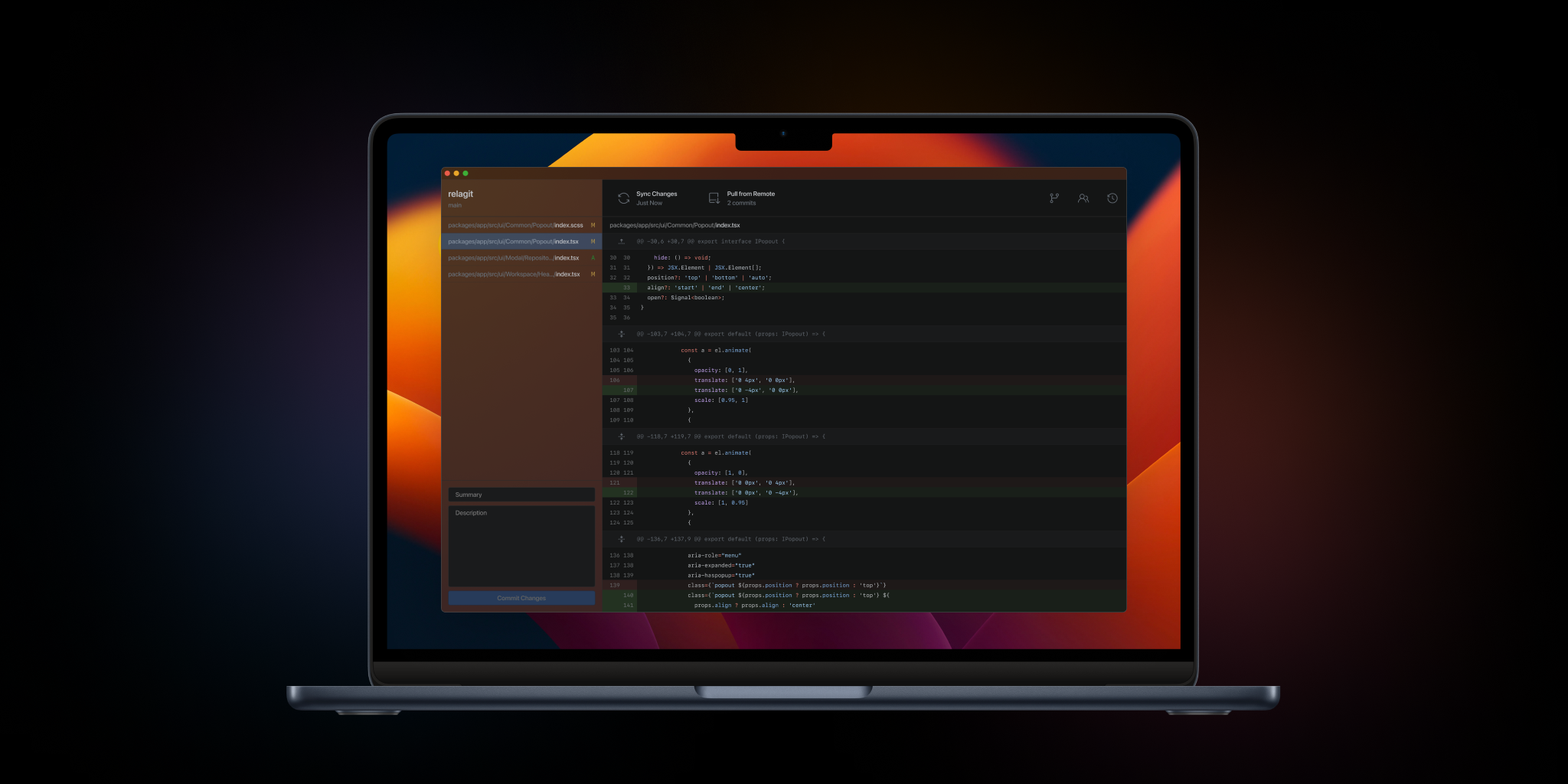
RelaGit
The elegant solution to graphical version control. Built by developers, for developers.
Version Control & Git
Xit
GUI for the git version control system
Version Control & Git
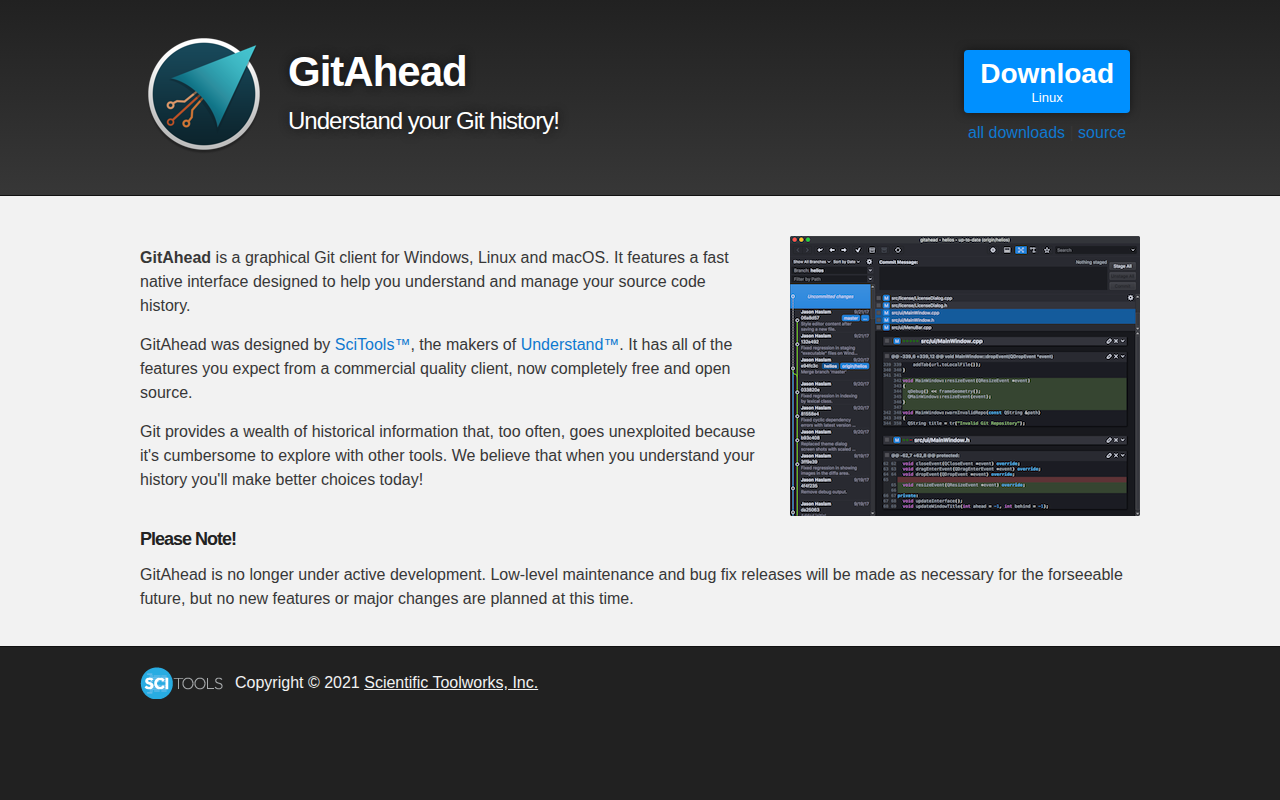
GitAhead
Git Client