
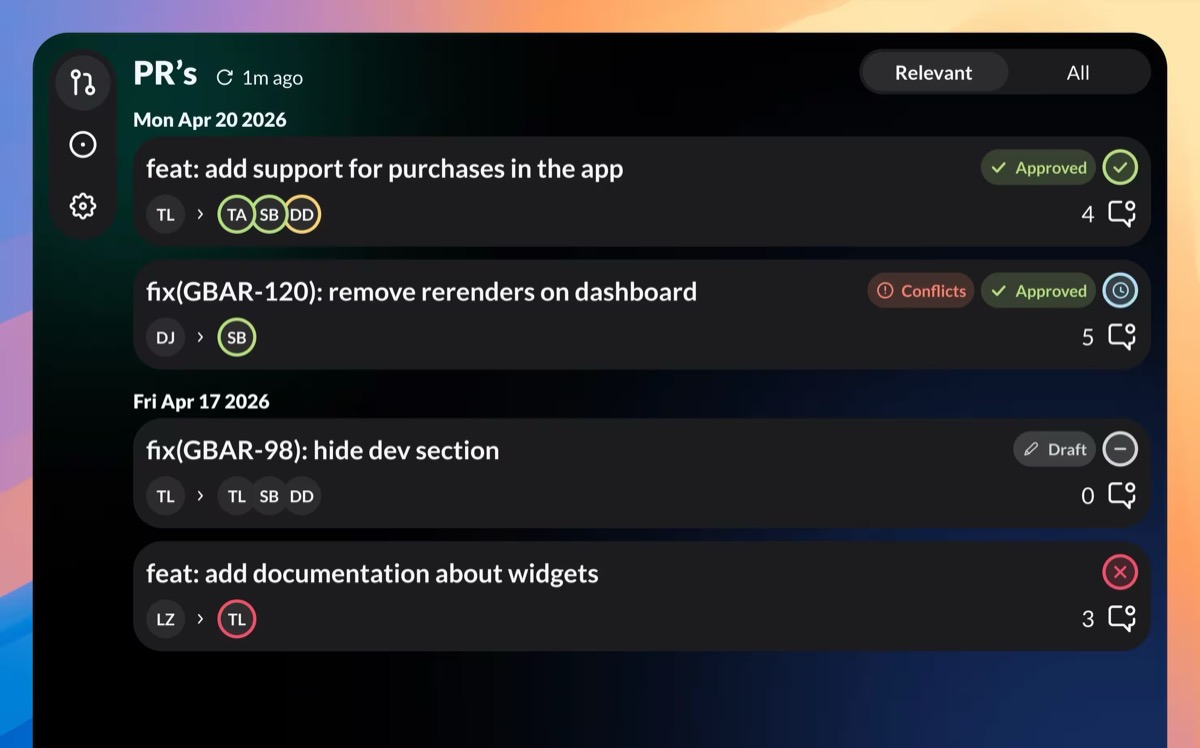
GitBar
Every pull request, one menubar. GitHub, GitLab & Azure
GitBar places pull‑request and issue information from GitHub, GitLab, and Azure DevOps directly in the macOS menubar, letting users monitor work without opening a browser. The app shows status badges that indicate whether a PR is approved, a draft, or conflicted, and it adds CI pipeline indicators on each card so reviewers can see build results at a glance. A compact view option lets more items fit on screen, while three tabs—Mine, Review, and All—filter PRs by author or review responsibility.
In addition to pull requests, GitBar tracks GitHub issues, displaying those created by the user or belonging to repositories they follow. Users can add multiple accounts across the supported providers, hide unwanted PRs, and customize filters for the Mine and Review tabs. The tool can launch automatically at login and delivers notifications for new PRs or comments on watched items.
The software is offered as a free download on the Mac App Store and is currently classified as experimental. It focuses on providing a lightweight, always‑available overview of code‑review activity within the macOS menubar.
Reviews
Loading reviews…
Similar apps
Version Control & Git
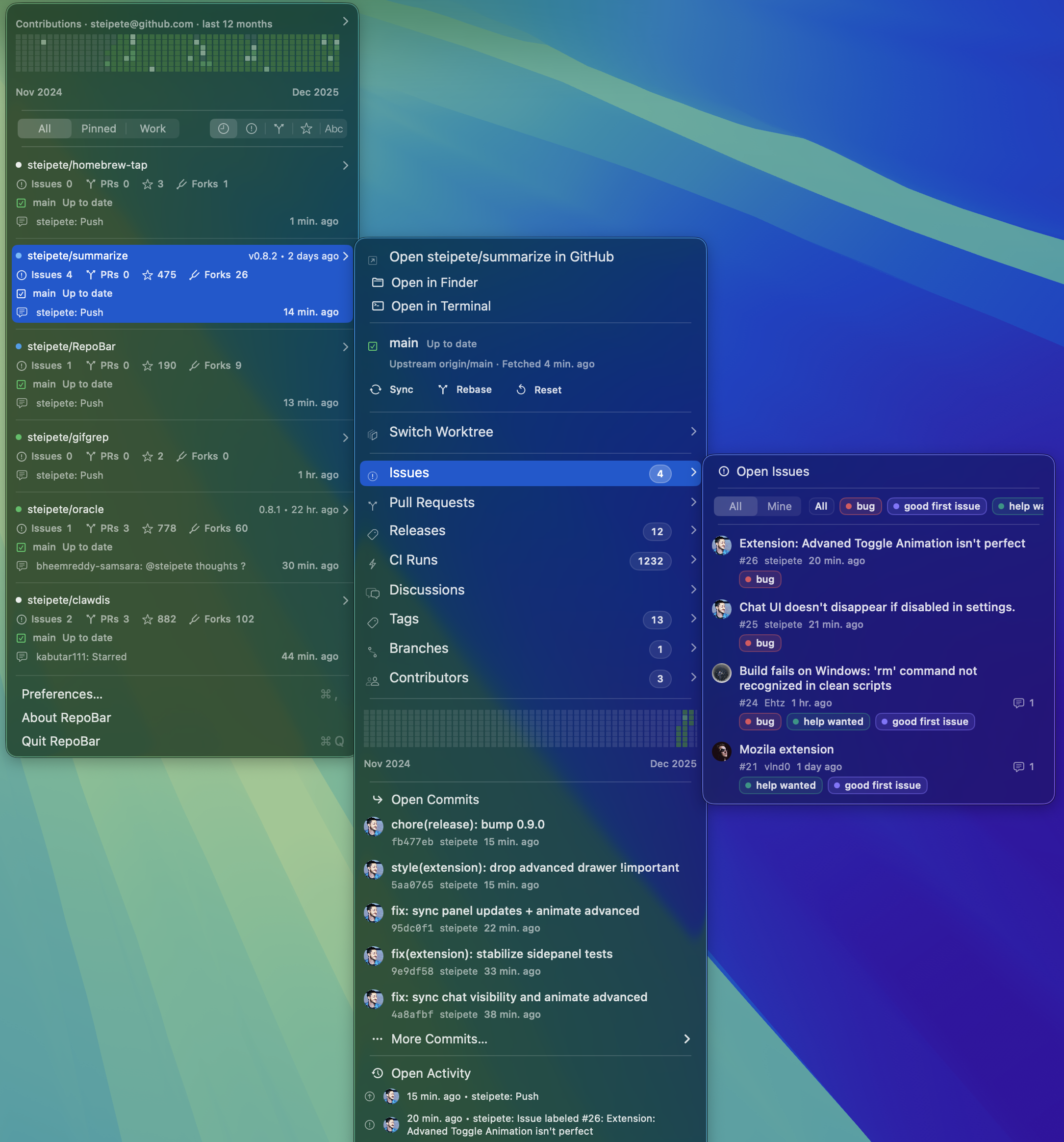
RepoBar
Menu bar dashboard for GitHub repository health
Version Control & Git
Gitbar
Open-source,display GitHub contribution statistics on your menu bar.
Version Control & Git
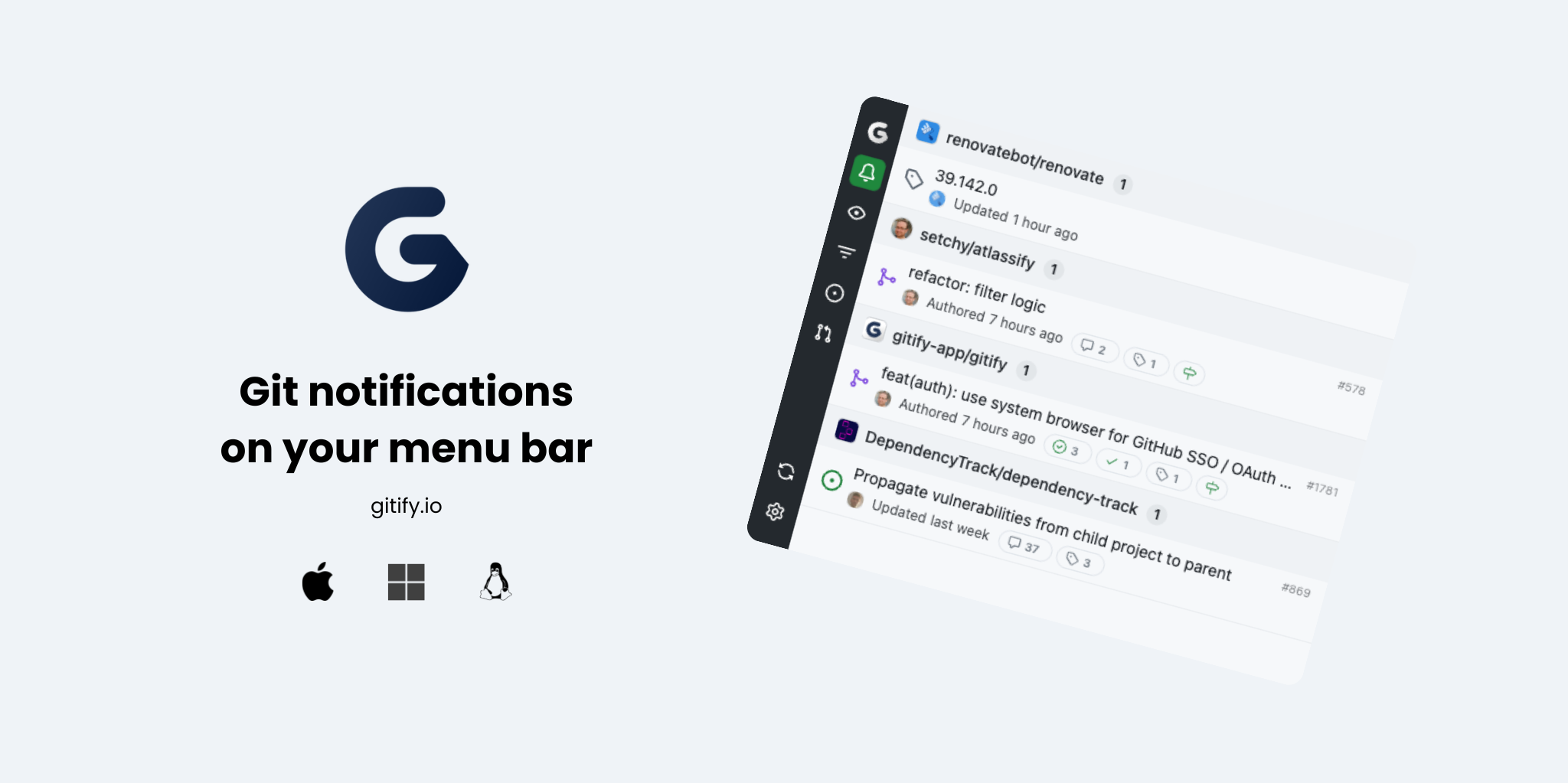
Gitify
GitHub notifications on your menu bar
Version Control & Git
GitBlade
Graphical client for Git
Version Control & Git
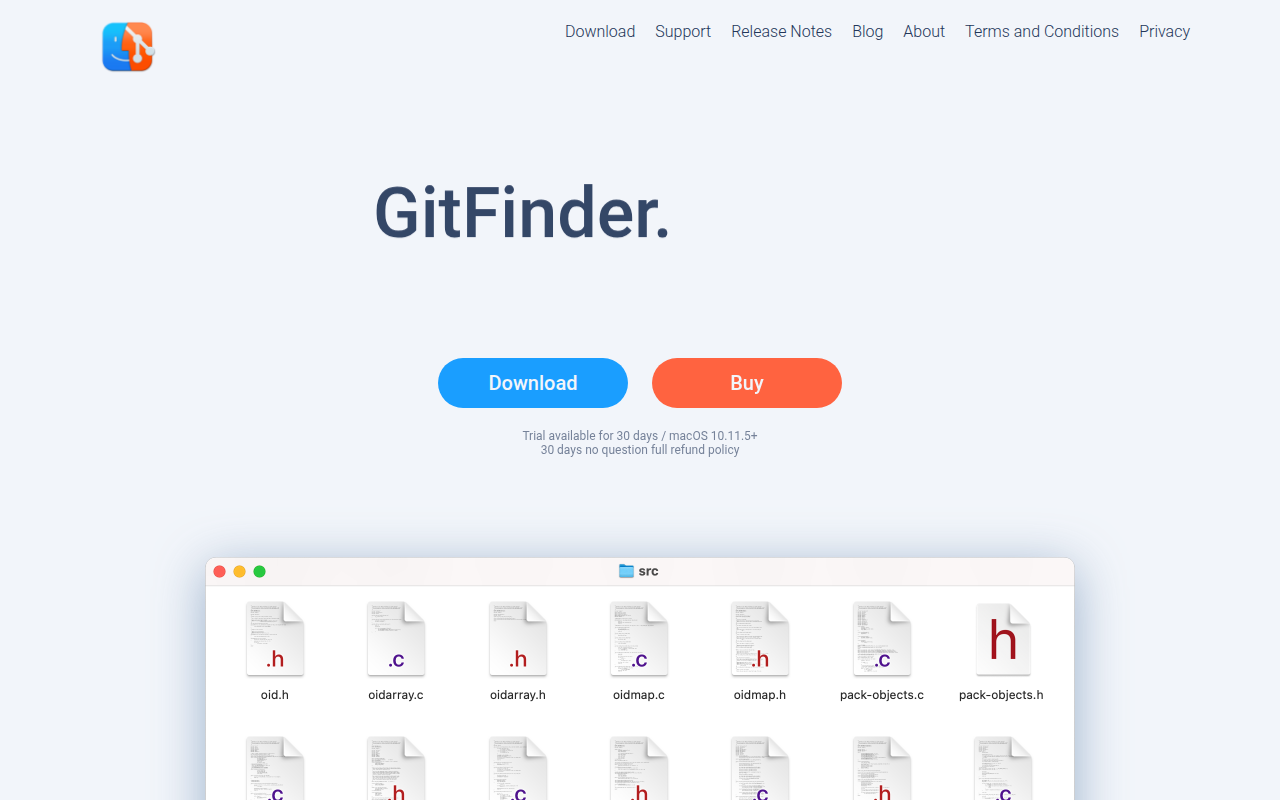
GitFinder
Fast and lightweight Git client for Mac with Finder integration.
Version Control & Git
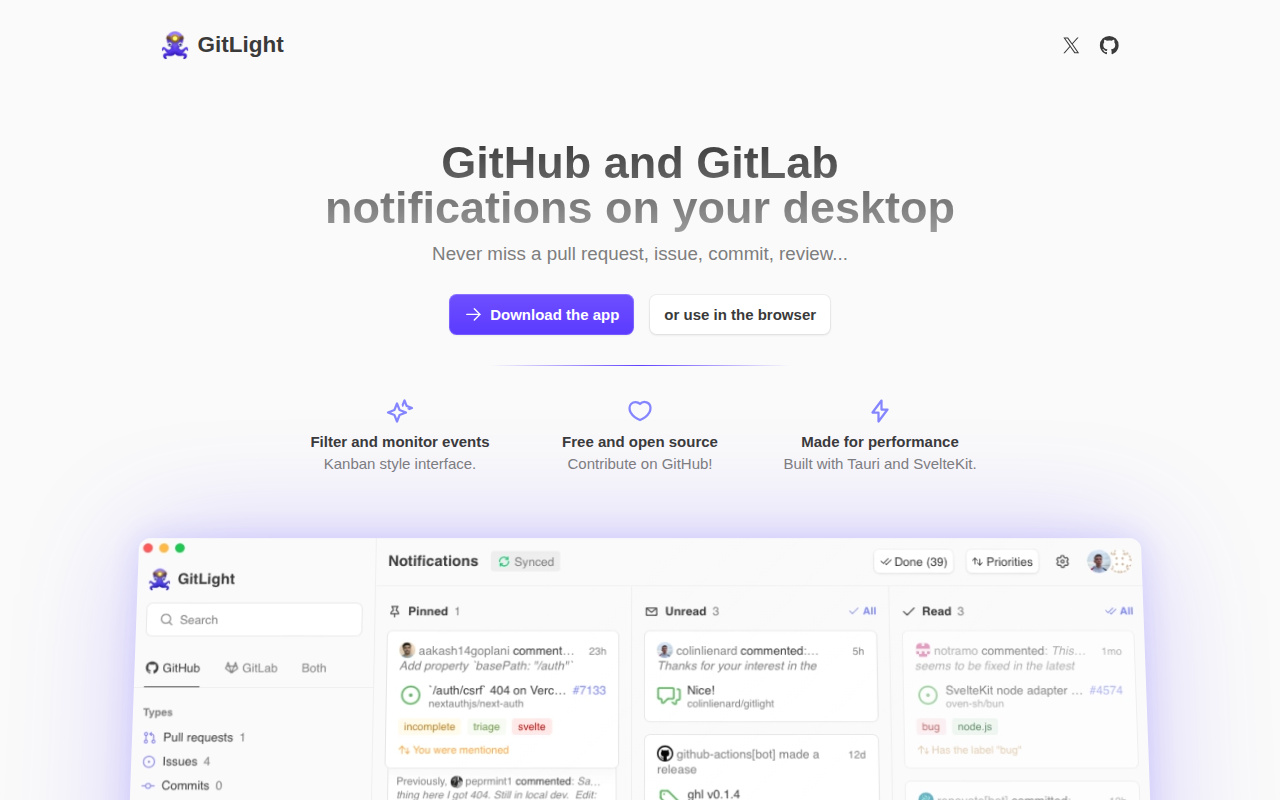
GitLight
Desktop notifications for GitHub & GitLab