
SuperCorners
Turn Hot Corners into custom workflow triggers.
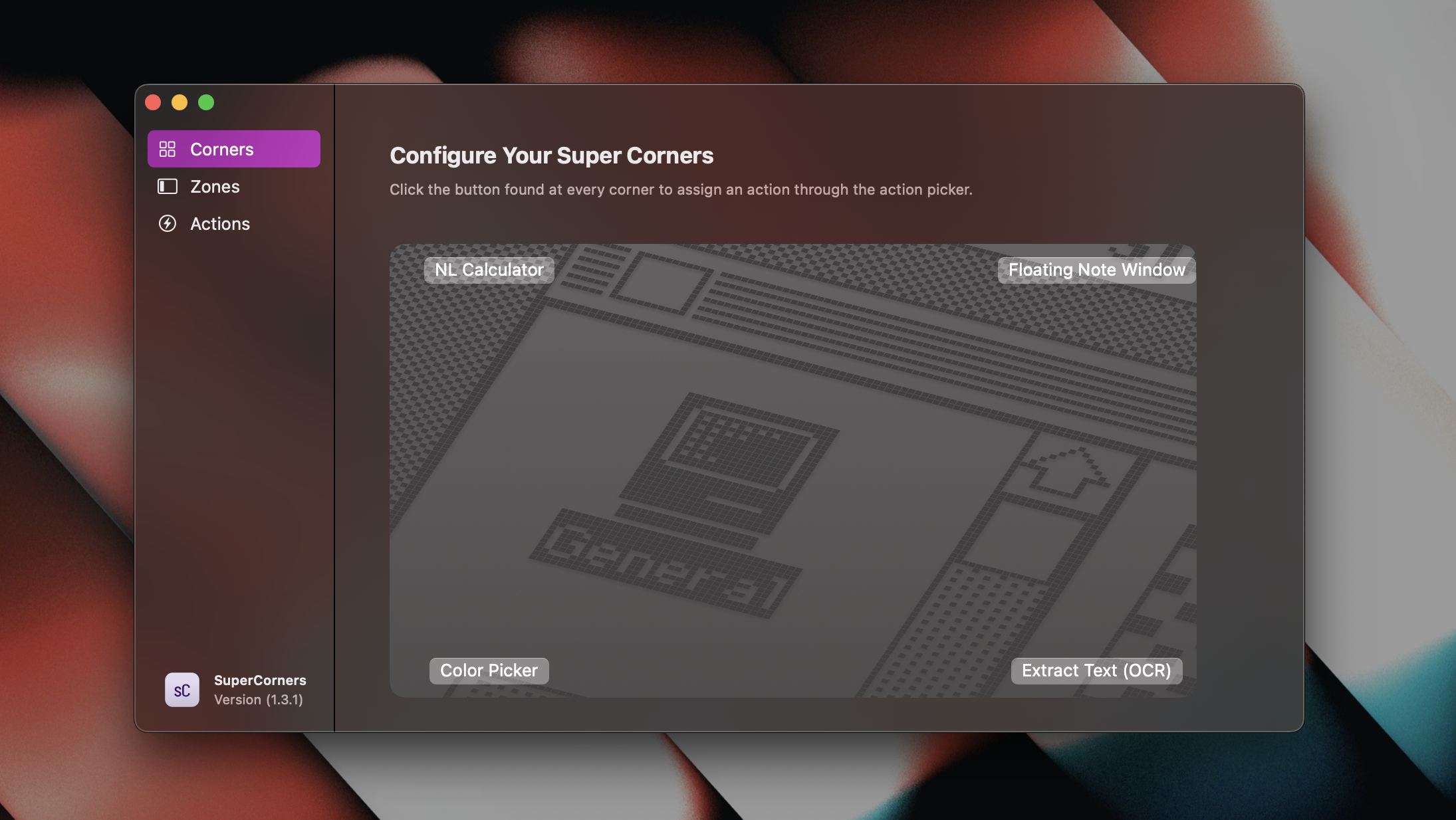
SuperCorners expands macOS Hot Corners by letting users assign a wide range of actions to screen corners and additional edge zones. It supports 88 built‑in actions, including launching applications or websites, running Apple Shortcuts, executing system commands such as toggling Dark Mode, and opening developer utilities like network speed tests. Users can also invoke built‑in tools such as a calculator, color picker, floating note, or screen capture directly from a corner or zone.
The utility offers fine‑grained control over trigger sensitivity, the ability to ignore specific applications, and optional visual or sound feedback when an action fires. Menubar integration provides quick access to favorite actions, and the app includes simple window‑management, media‑control, and Finder‑related shortcuts. It is compatible with macOS 13+ and can be installed via Homebrew.
Targeted at Mac users who want to streamline workflows, SuperCorners turns cursor movements into customizable shortcuts without leaving the current task. Regular updates add new actions and refinements, keeping the feature set current while remaining an open‑source, free‑tier tool.
Reviews
Loading reviews…
Similar apps
Clipboard, Input & Automation
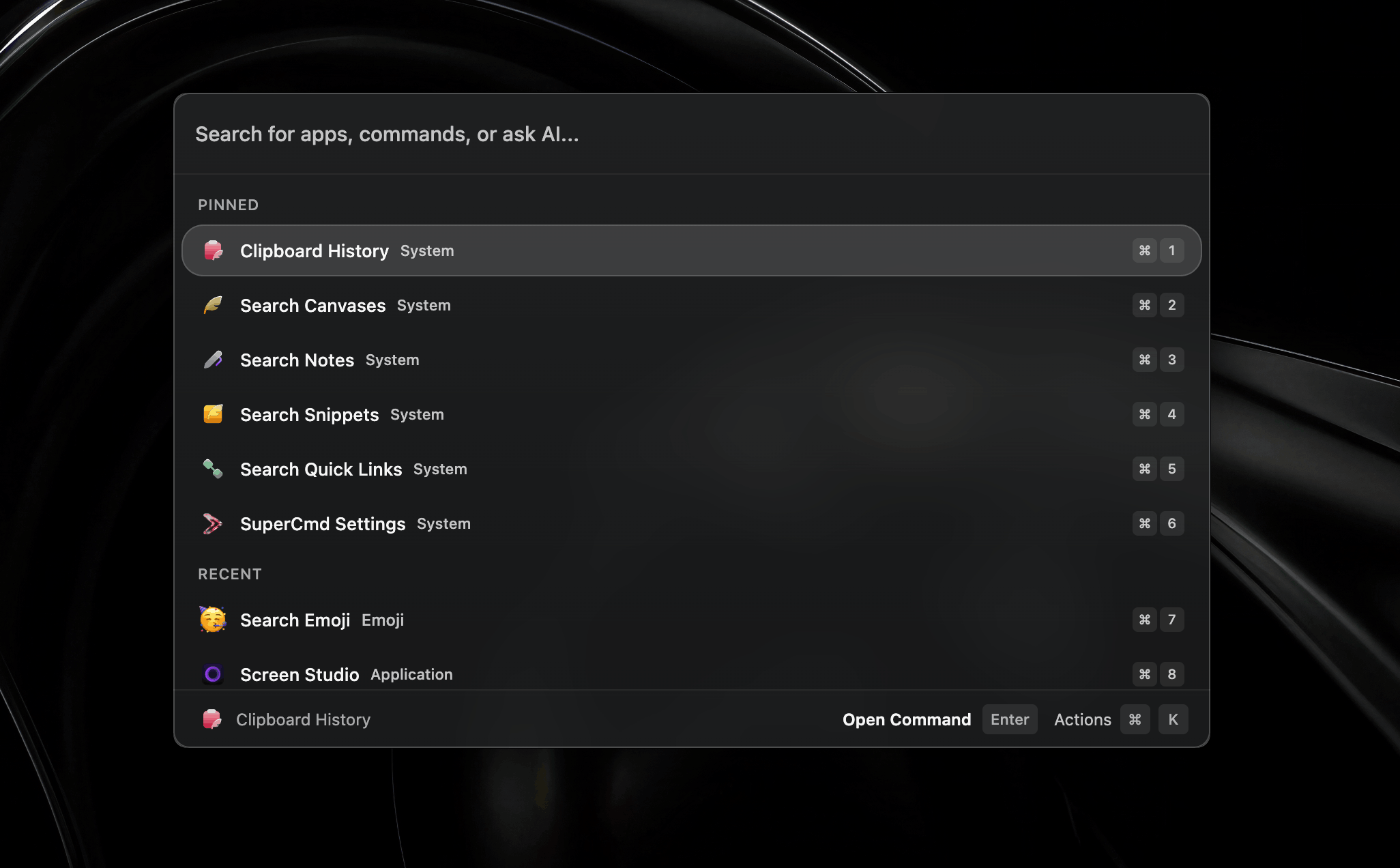
SuperCmd
Open source alternative to Raycast Pro

System Monitoring & Maintenance
SuperHQ
Run AI coding agents in real microVM sandboxes
AI Chat & Voice Agents
SuperCmd
Open-source launcher with Raycast-compatible extensions, voice workflows, text-to-speech, memory, and AI actions.
AI Coding Agents
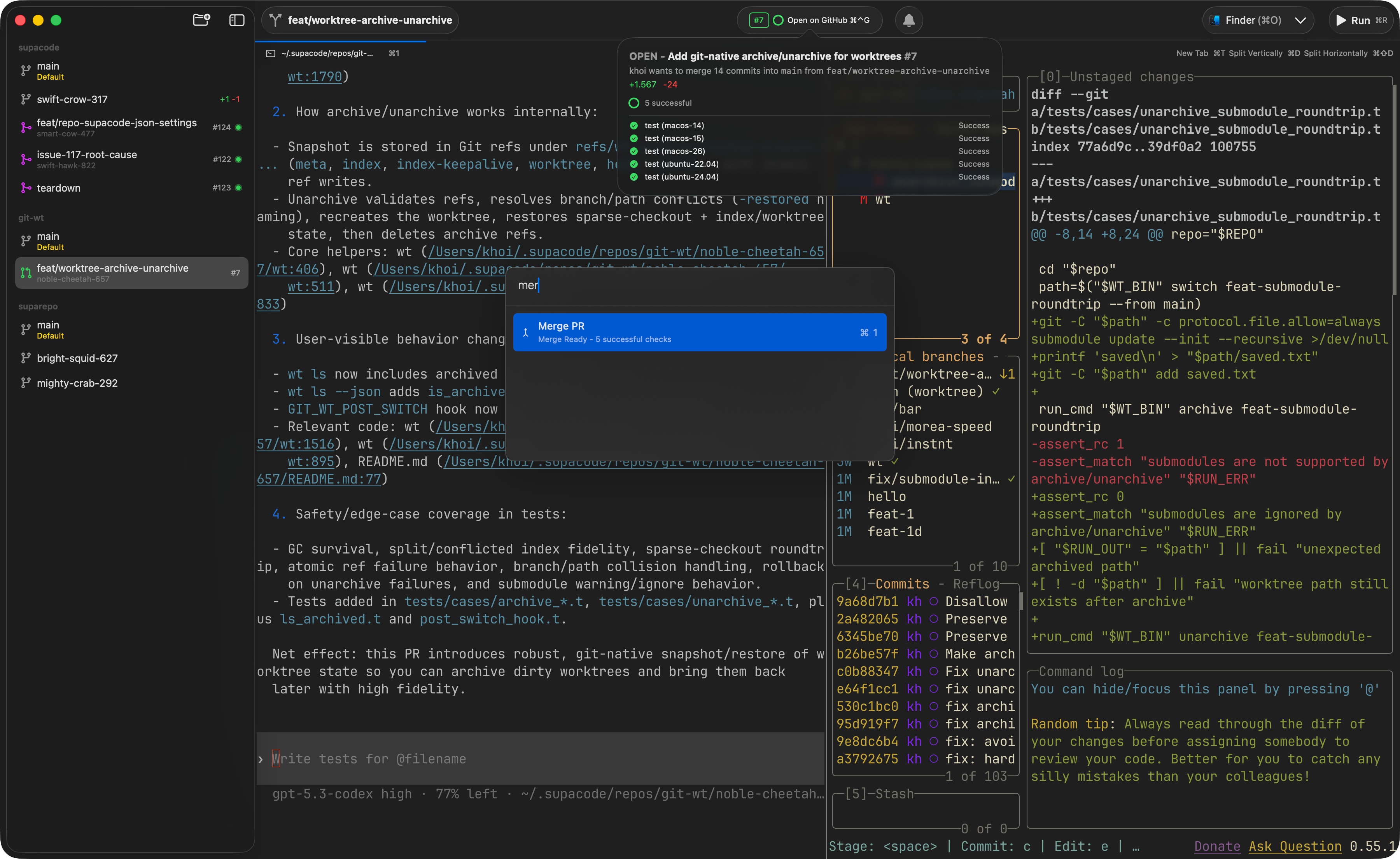
supacode
Native terminal coding agents command center

Window & Desktop Management
MacsyZones
Organize your windows with ease and boost your productivity.
AI Agents & Automation
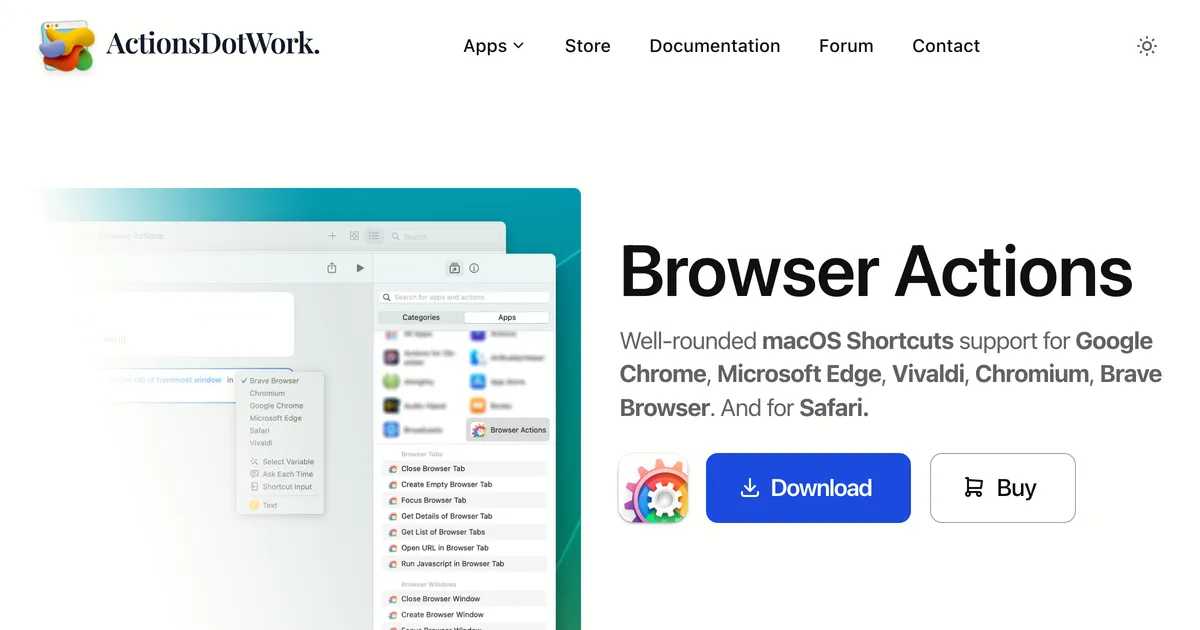
Browser Actions
Shortcuts for your browser