

MacsyZones
Organize your windows with ease and boost your productivity.
MacsyZones provides macOS users with a window‑management system that mimics the FancyZones feature found on other platforms. It lets you define custom layouts, including grid and overlapping zones, and then snap windows into those zones with simple gestures such as “Shake to Snap” or Quick Snapper. The app supports multi‑screen setups, allowing you to switch between different layout configurations on the fly and resize windows within zones without leaving the keyboard.
The tool targets anyone who works with multiple applications simultaneously—developers, designers, and general power users—who want a more organized desktop without manually arranging each window. Its interface is presented as an intuitive UI that exposes layout creation, zone snapping, and layout switching in a straightforward manner.
What sets MacsyZones apart is its open‑source nature and the ability to create fully custom zone arrangements, including overlapping zones, which are not commonly available in other macOS window‑management utilities. The software is stable, free to use, and can be supported with an optional purchase.
Reviews
Loading reviews…
Similar apps
Window & Desktop Management
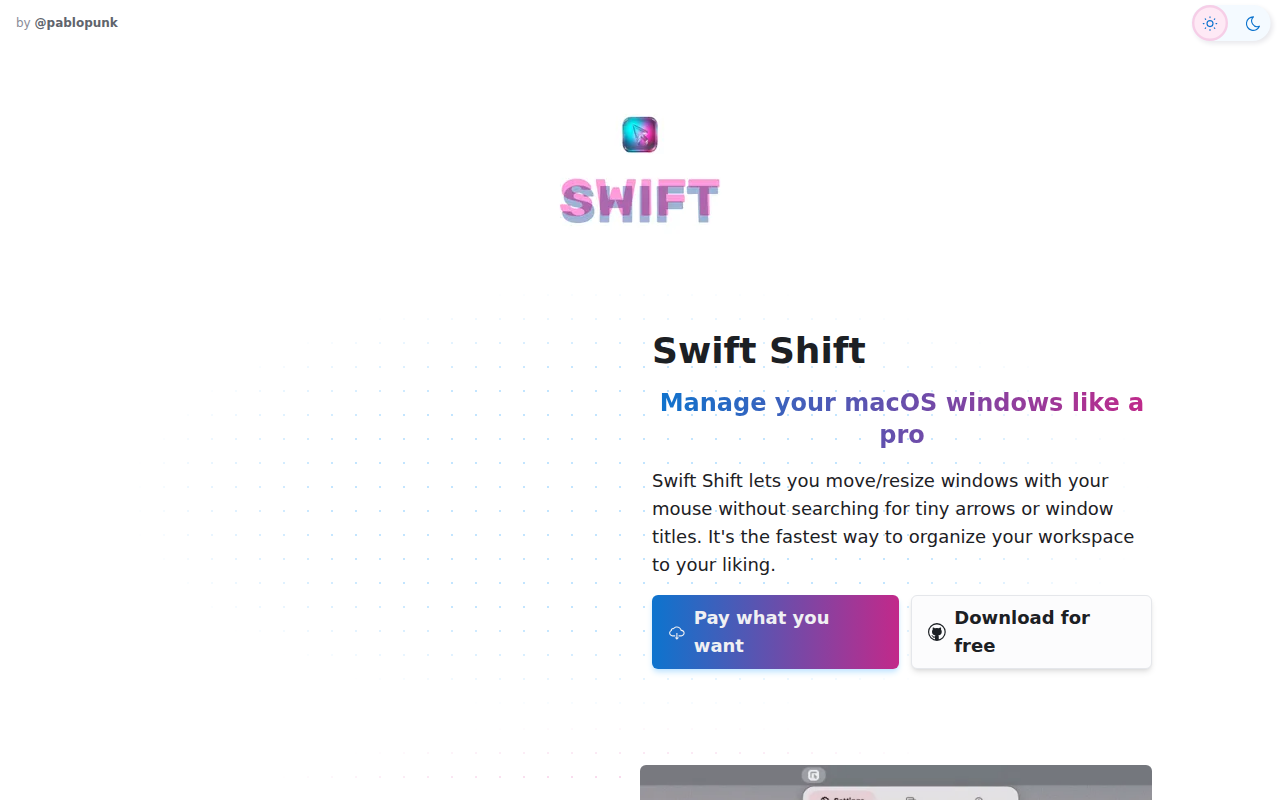
Swift Shift
Move and resize windows with keyboard shortcuts and mouse gestures.
Window & Desktop Management
Loop
Window management made elegant. [Freeware][Freeware Icon]

Window & Desktop Management
Rectangle
Move and resize windows using keyboard shortcuts or snap areas
Window & Desktop Management
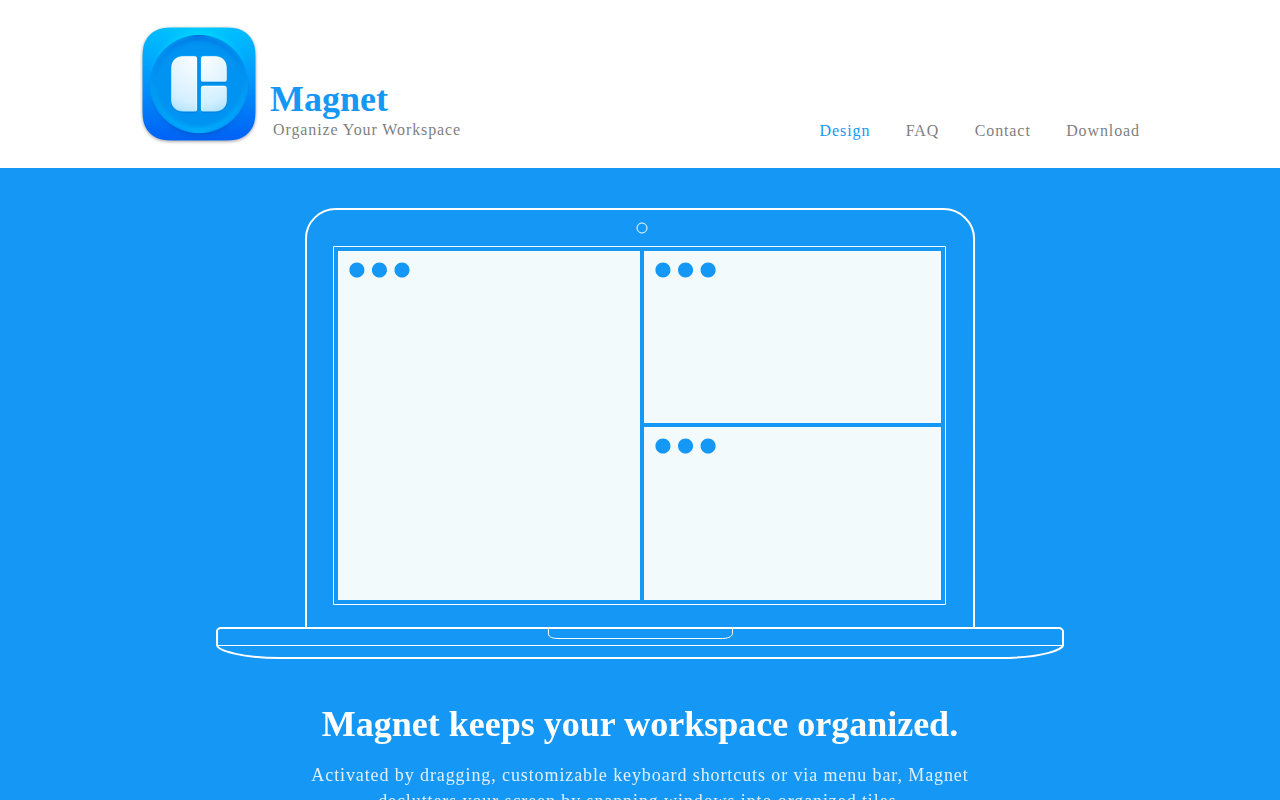
Magnet
Window manager that keeps your workspace organized.
Window & Desktop Management
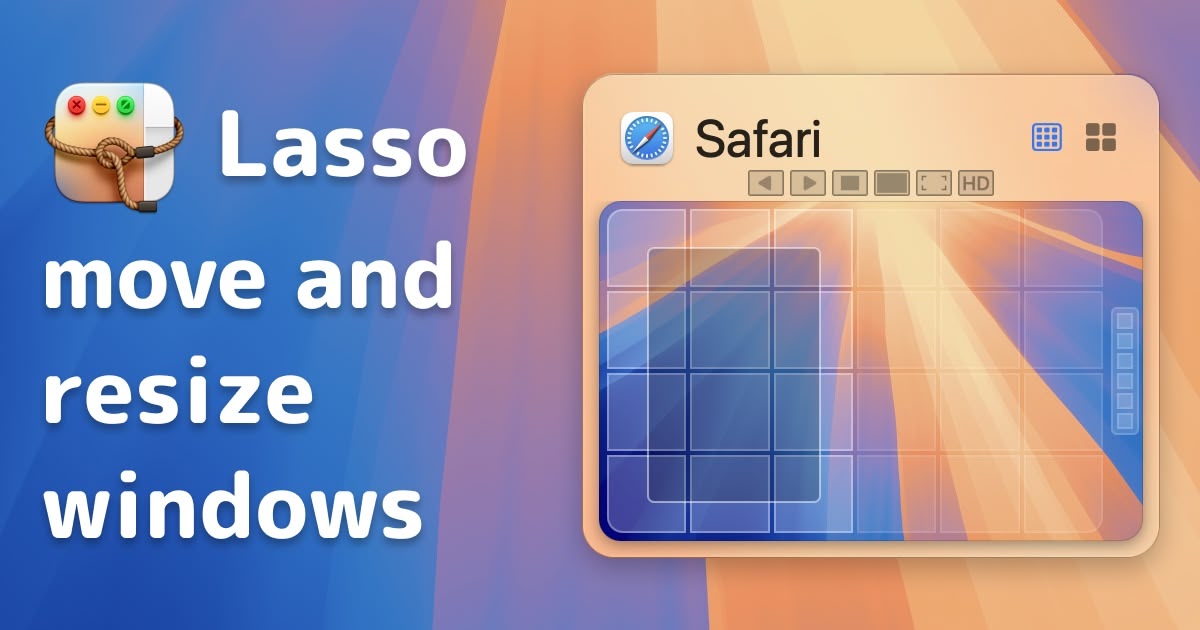
Lasso
Intuitive and easy to use grid-based window manager.
Window & Desktop Management
Rectangle-app
Rectangle is a window management app based on Spectacle, written in Swift.