

Superkey
Search and click text anywhere on screen
Superkey extends macOS keyboard functionality by letting users locate and click any on‑screen text using only the keyboard. It captures a screenshot, runs OCR or reads accessibility data to find the typed string, and then simulates a mouse click at that location, enabling navigation without a mouse or trackpad.
The tool also repurposes an unused key—such as Caps Lock or any modifier—into a “hyper” key that combines Control, Option, Command and Shift, giving users an additional global modifier for shortcuts in any application.
Designed for power users who want to maximize keyboard efficiency, Superkey runs on macOS, requires accessibility and screen‑recording permissions for its OCR and click actions, and stores no user data locally. It is offered as a stable, free‑trial product with a purchase option for continued use.
Reviews
Loading reviews…
Similar apps

Clipboard, Input & Automation
Hyperkey
Turn Caps Lock or another modifier into a Hyper key. ![Freeware][Freeware Icon]

Clipboard, Input & Automation
Homerow
Keyboard shortcuts for every button on your screen

Clipboard, Input & Automation
HyperCap
Remap Caps Lock to a hyperkey, just hold it + any key
Clipboard, Input & Automation
Sproutcube Shortcat
App that enables mouse-free UI interaction

Clipboard, Input & Automation
KeyClu
Find shortcuts for any installed application
Window & Desktop Management
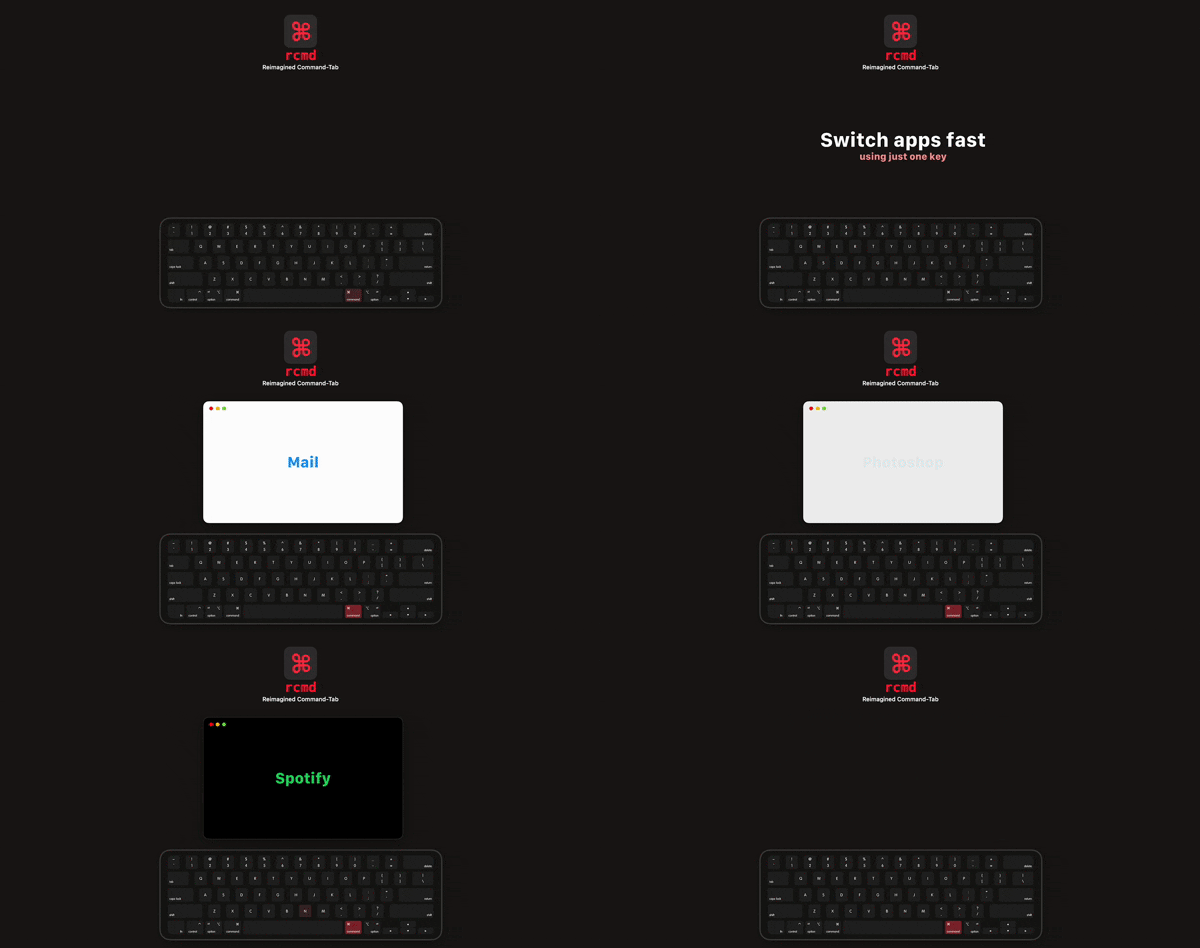
rcmd
Use the <kbd>⌘ Right Command</kbd> key to switch applications based on their name.