
Tempo
GUI Git client. Replace the Git CLI with a clear UI and AI assist.
Tempo is an open‑source GUI Git client for macOS that replaces command‑line interactions with a native, SwiftUI‑based interface. The application presents typical Git operations—such as committing, branching, merging, stashing, and tag management—in a visual workflow designed to reduce cognitive load for developers. It integrates Apple Intelligence to generate commit messages and project summaries, offering AI‑assisted assistance while preserving the familiar Mac aesthetic through a Liquid Glass design language.
The client supports a full range of repository actions, including staging changes by hunk, checking out revisions, filtering commit histories, and applying or reverting changes. Users can also create, push, and delete branches, as well as manage tags and stashes, all through point‑and‑click controls. AI‑driven features provide suggested commit text and concise repository overviews, streamlining routine tasks.
Installation is straightforward: download the appropriate release for the macOS version, unzip the bundle, and launch the app. The software is released under an open‑source license, remains free to use, and is considered stable for production workflows.
Reviews
Loading reviews…
Similar apps

Version Control & Git
GitButler
Change management with parallel and stacked branches, unlimited undo, agent integrations.
Security & Identity
Switzy
Open-source tool for switching Git identities and managing SSH keys.
Version Control & Git
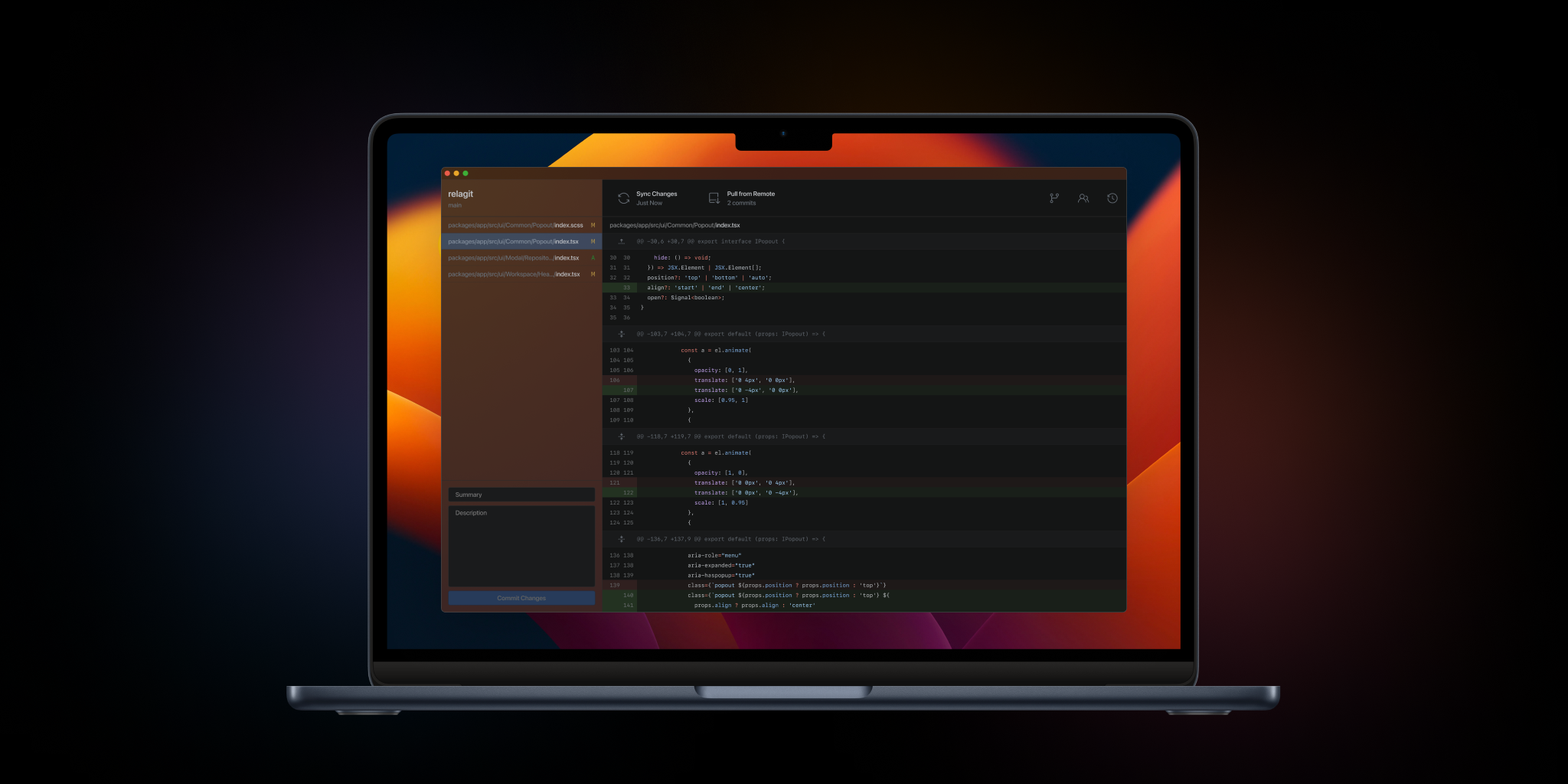
RelaGit
The elegant solution to graphical version control. Built by developers, for developers.
Version Control & Git
SourceGit
Git GUI client
Code Editors & IDEs
Medio
A native, lightweight text diff tool with a clean UI and real-time highlighting.
Version Control & Git
GG
GUI for Jujutsu