
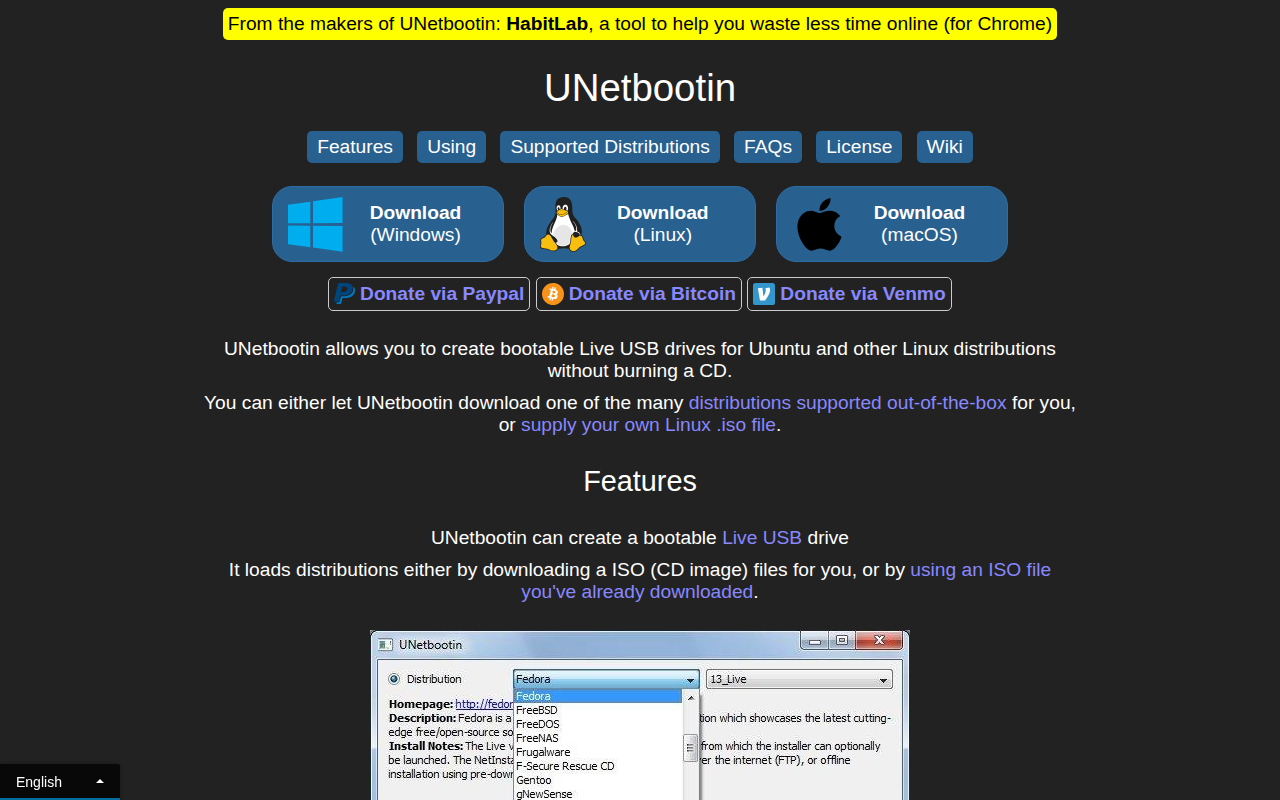
UNetbootin
Tool to install Linux/BSD distributions to a partition or USB drive
The tool creates bootable Live USB drives for a wide range of Linux and BSD distributions, allowing users to run or install an operating system without needing a CD. It can obtain the ISO image automatically from supported distributions or use a locally stored ISO file, then write it to a selected USB drive or a hard‑disk partition. After the process finishes, the machine is rebooted and instructed to boot from the newly created media, using standard key sequences on PCs or the Option key on Macs.
It supports many popular distributions out of the box, including Ubuntu, Fedora, Debian, Arch Linux, and several BSD variants, and also works with various system utilities such as Parted Magic, SystemRescueCD, and FreeDOS. Users can choose a “USB Drive” mode for a portable live environment or a “Hard Disk” mode that adds an entry to the existing boot menu.
The application runs on Windows, Linux, and macOS, and is distributed as stable, open‑source software. It requires the target drive to be formatted as FAT32 for USB installations and does not rely on distribution‑specific rules, making it compatible with most ISO images that support USB booting.
Reviews
Loading reviews…
Similar apps
File Management & Transfer
macUSB
Tool to create bootable USB installers
File Management & Transfer
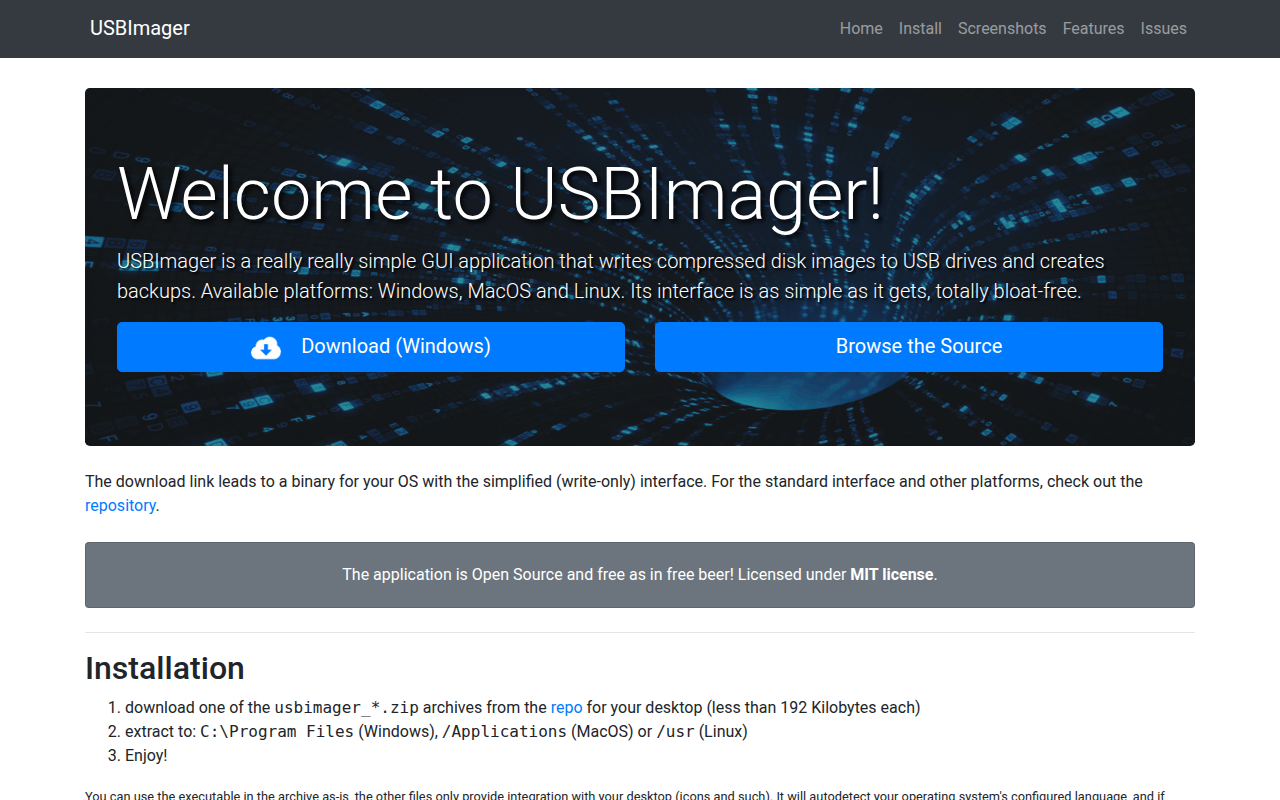
USBImager
Very minimal GUI app that can write/read to disk images and USB drives

File Management & Transfer
Etcher
Tool to flash OS images to SD cards & USB drives
File Management & Transfer
macUSB
A bootable macOS / OS X installer creator for Apple Silicon Macs.
File Management & Transfer
Fedora Media Writer
Tool to write Fedora images to portable media files
File Management & Transfer
Etcher
Flash OS images to SD cards & USB drives, safely and easily.