
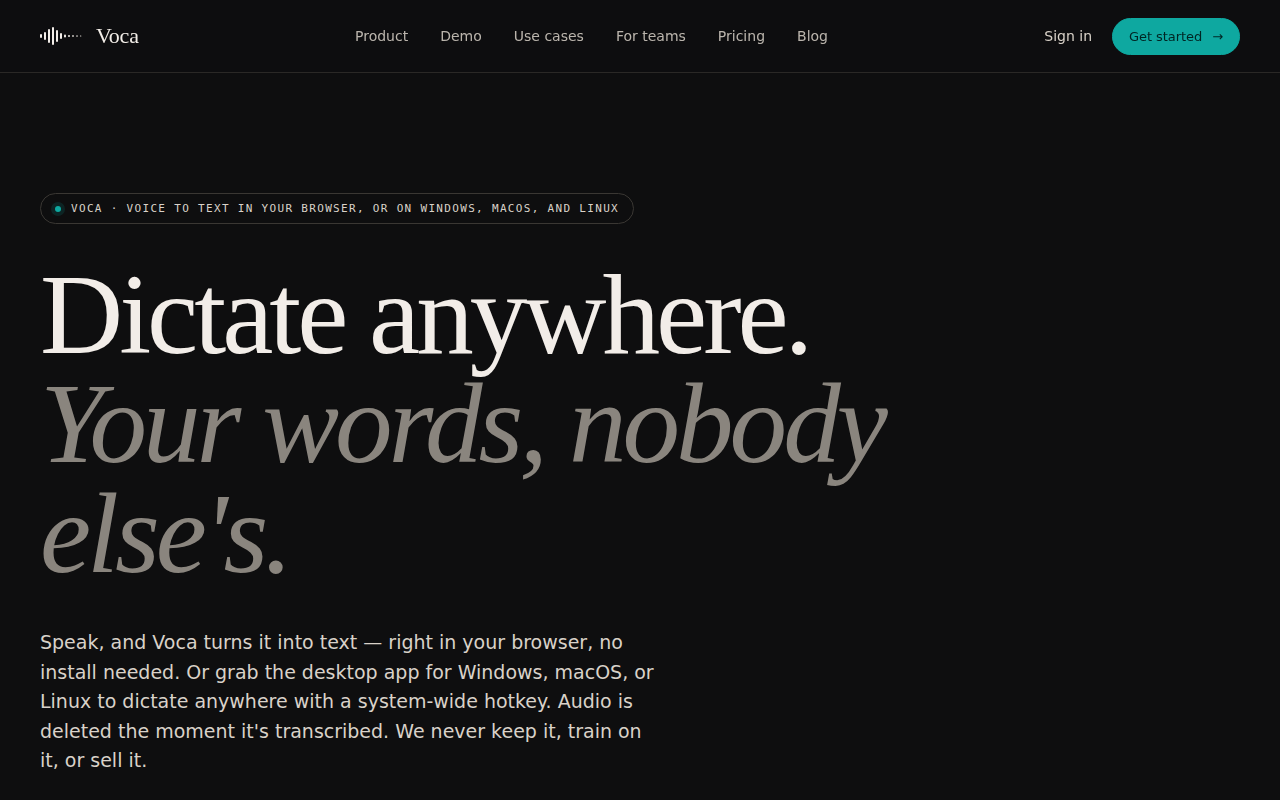
Voca - AI Dictation
Privacy-First AI Dictation App
The application converts spoken language to text directly in a web browser or via a native client for Windows, macOS, and Linux. Audio is captured locally when the user activates a hotkey, sent to a remote transcription service, and deleted immediately after the transcript is returned. Only minimal metadata—duration, timestamp, and model identifier—is retained for billing, and transcripts are stored only if the user opts in.
It targets users who need quick, on‑demand dictation while keeping their voice data private. The service offers a free quota of thirty minutes per month and a pay‑as‑you‑go model at ten cents per hour, with an unlimited subscription for six dollars a month. No background listening, backups, or training on user audio are performed.
The system emphasizes low latency, with median transcription times around 0.4 seconds, and operates without persistent logs or audio archives. The workflow consists of three steps: capture, transcribe, and return the text to the clipboard, providing a straightforward dictation experience.
Reviews
Loading reviews…
Similar apps
Clipboard, Input & Automation
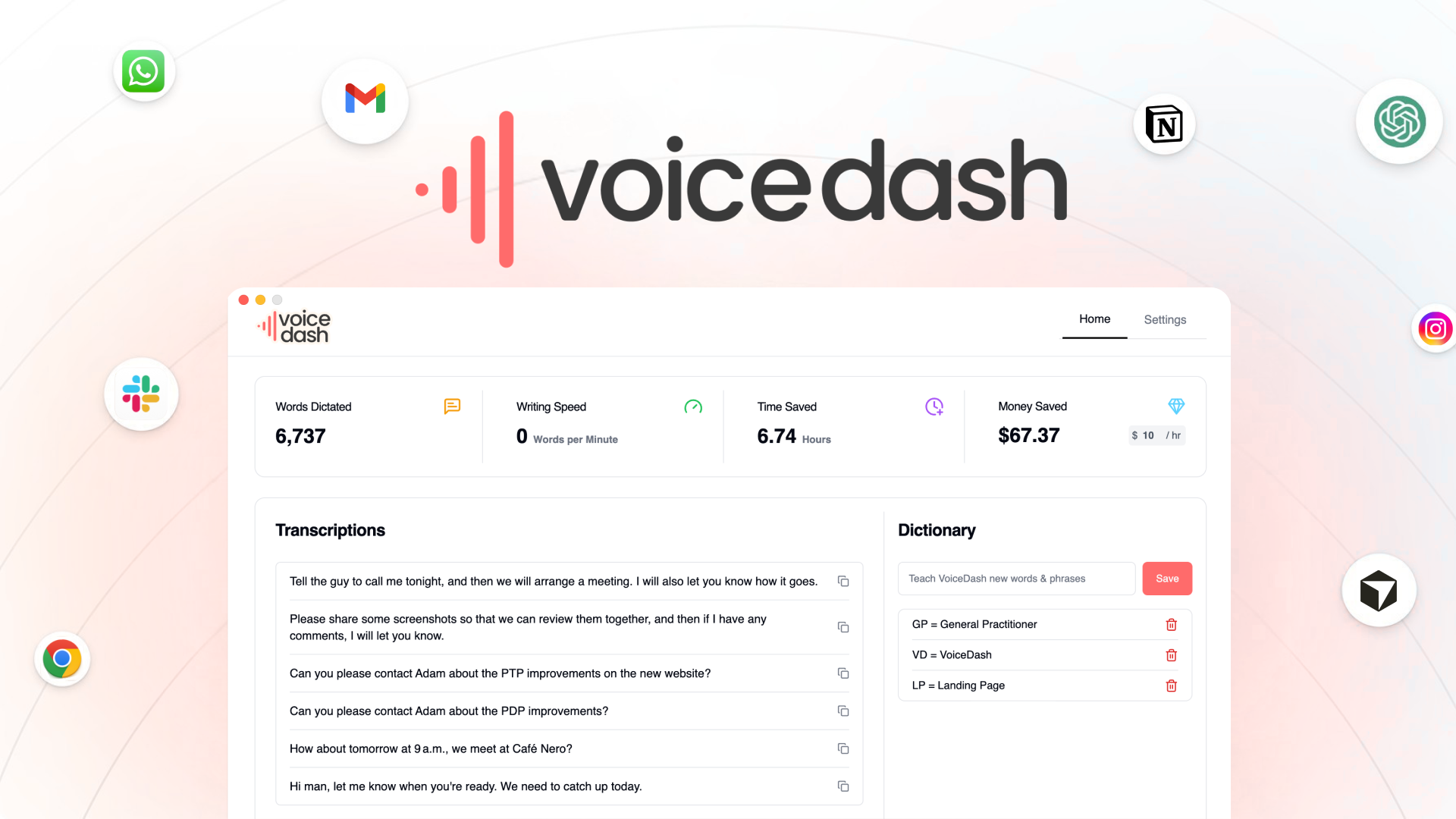
VoiceDash
Turn your speech into structured text instantly with VoiceDash. Boost productivity, reduce typing, and create faster with AI voice typing.
Clipboard, Input & Automation
VoiceOS
Say it and it's done. Work 10x faster with your voice.
Clipboard, Input & Automation
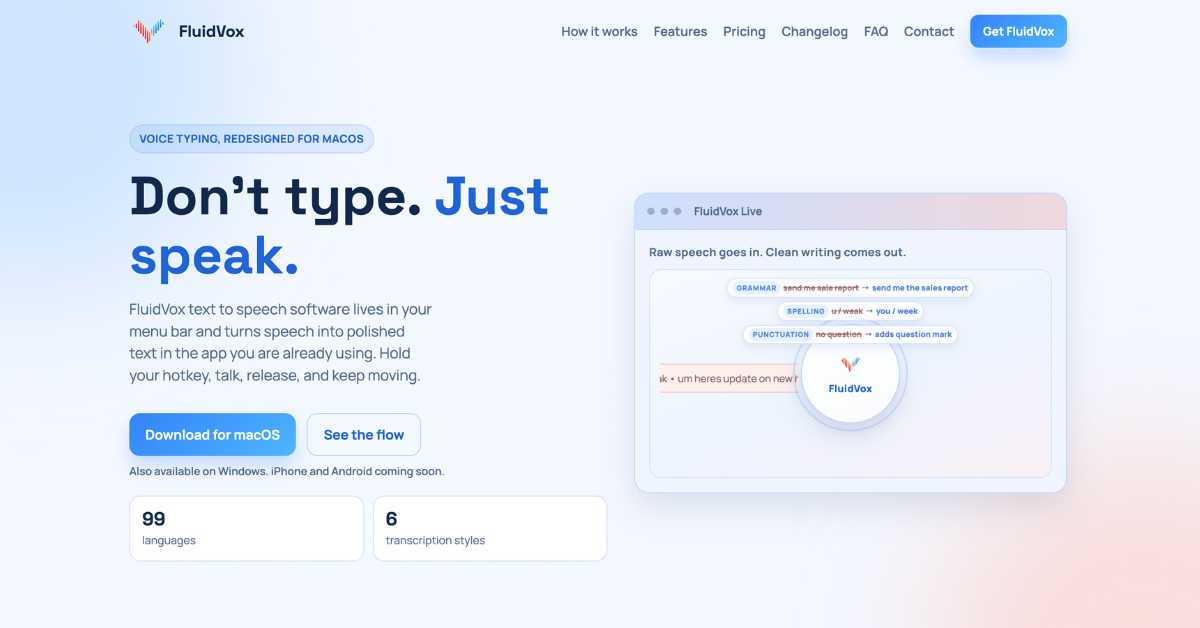
FluidVox
Voice Typing Transcription. No Monthly Subscriptions Private
Clipboard, Input & Automation
VoiceHotKey Speech to Text
Your voice is a keyboard. VoiceHotKey – Dictate Instantly!
Clipboard, Input & Automation
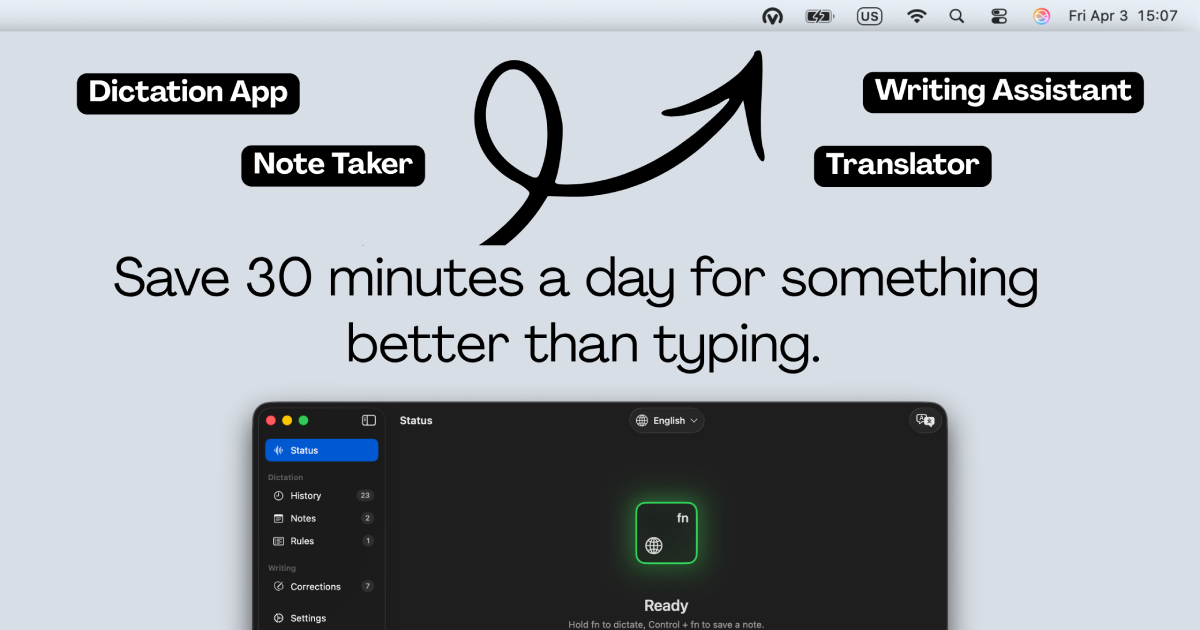
Voicr for Mac
Dictate and get improved or translated text
Clipboard, Input & Automation
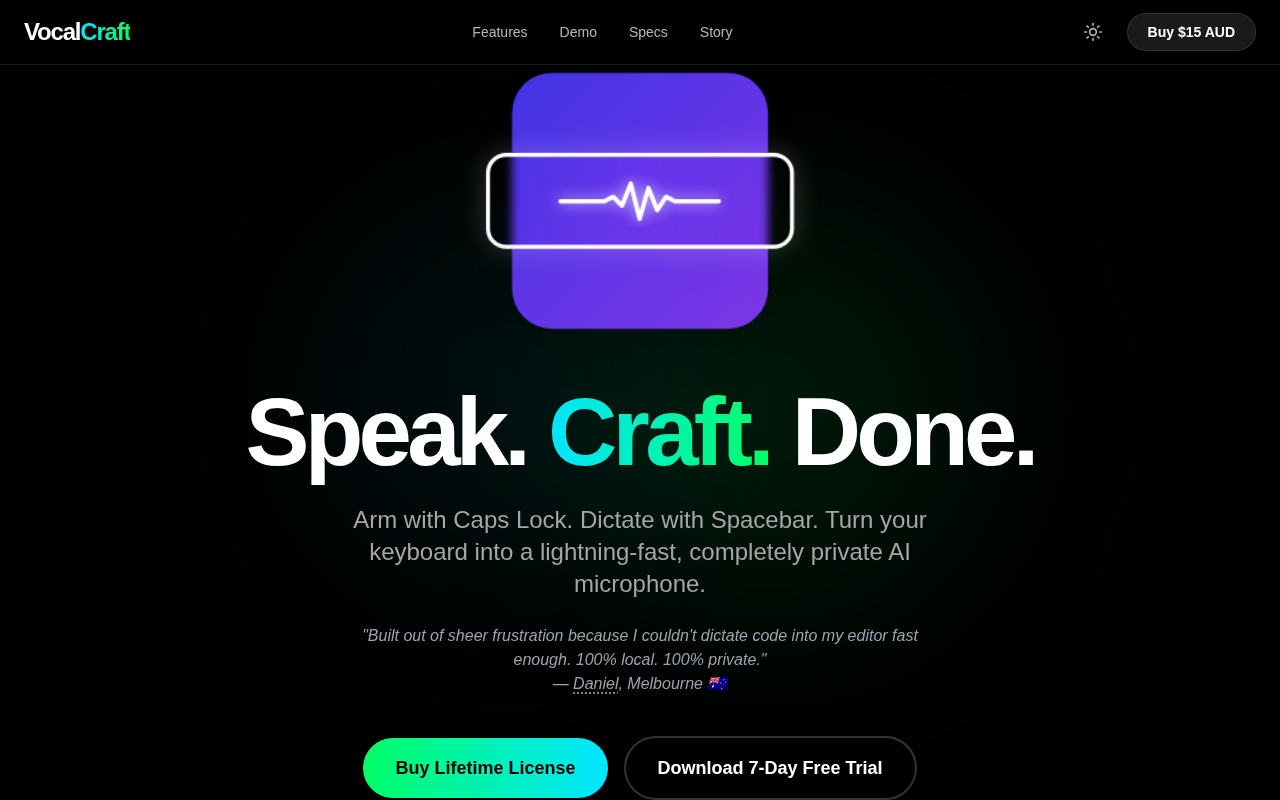
VocalCraft: Lifetime Offline Dictation
Caps Lock to arm. Space to dictate & translate. 100% offline