
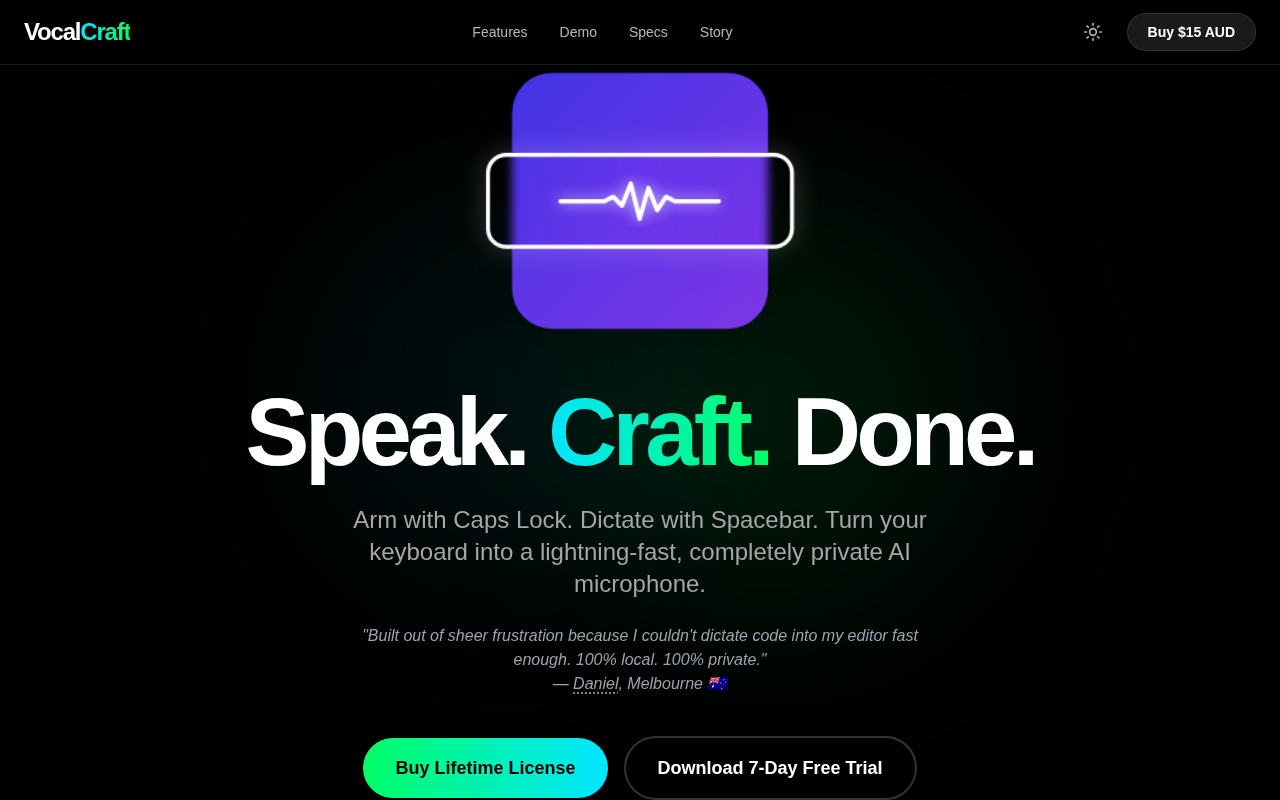
VocalCraft: Lifetime Offline Dictation
Caps Lock to arm. Space to dictate & translate. 100% offline
VocalCraft repurposes the Caps Lock key as a trigger for an on‑device AI microphone, allowing users to start voice input instantly without opening a separate program. When Caps Lock is engaged, pressing the Space bar begins dictation, and the spoken text is inserted directly into the active Windows application. The system also offers real‑time translation of the dictated content, all performed locally on the machine.
Because the entire pipeline runs offline, no audio or transcription data is transmitted to external servers, preserving privacy and eliminating the need for an internet connection. The software is designed for fast response times, aiming to provide a seamless dictation experience comparable to native typing speed.
VocalCraft targets users who require hands‑free text entry on Windows—such as writers, programmers, or anyone who spends long periods typing—and who value data security and offline operation. The experimental status indicates that the functionality is still under active development.
Reviews
Loading reviews…
Similar apps

Clipboard, Input & Automation
VoiceInk
Real-time speech-to-text app.
Clipboard, Input & Automation
VoiceHotKey Speech to Text
Your voice is a keyboard. VoiceHotKey – Dictate Instantly!
Clipboard, Input & Automation
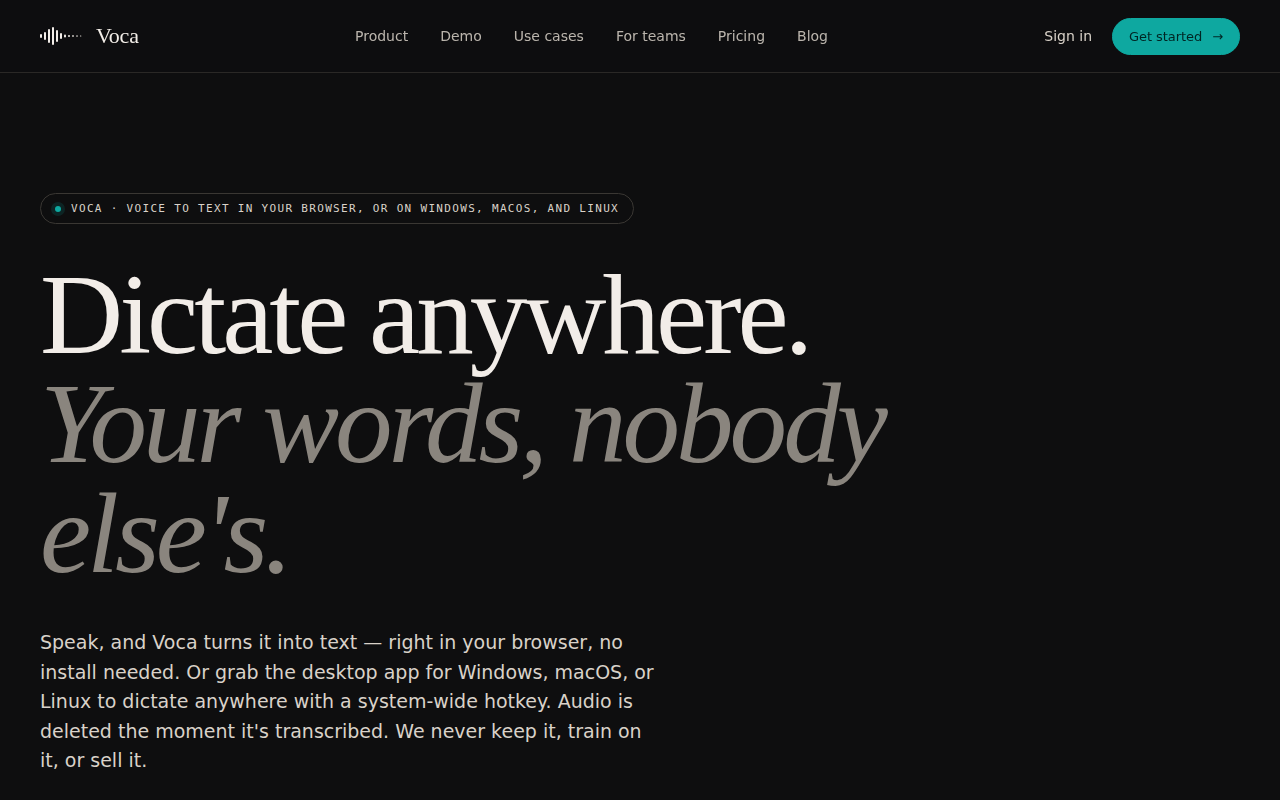
Voca - AI Dictation
Privacy-First AI Dictation App
Clipboard, Input & Automation
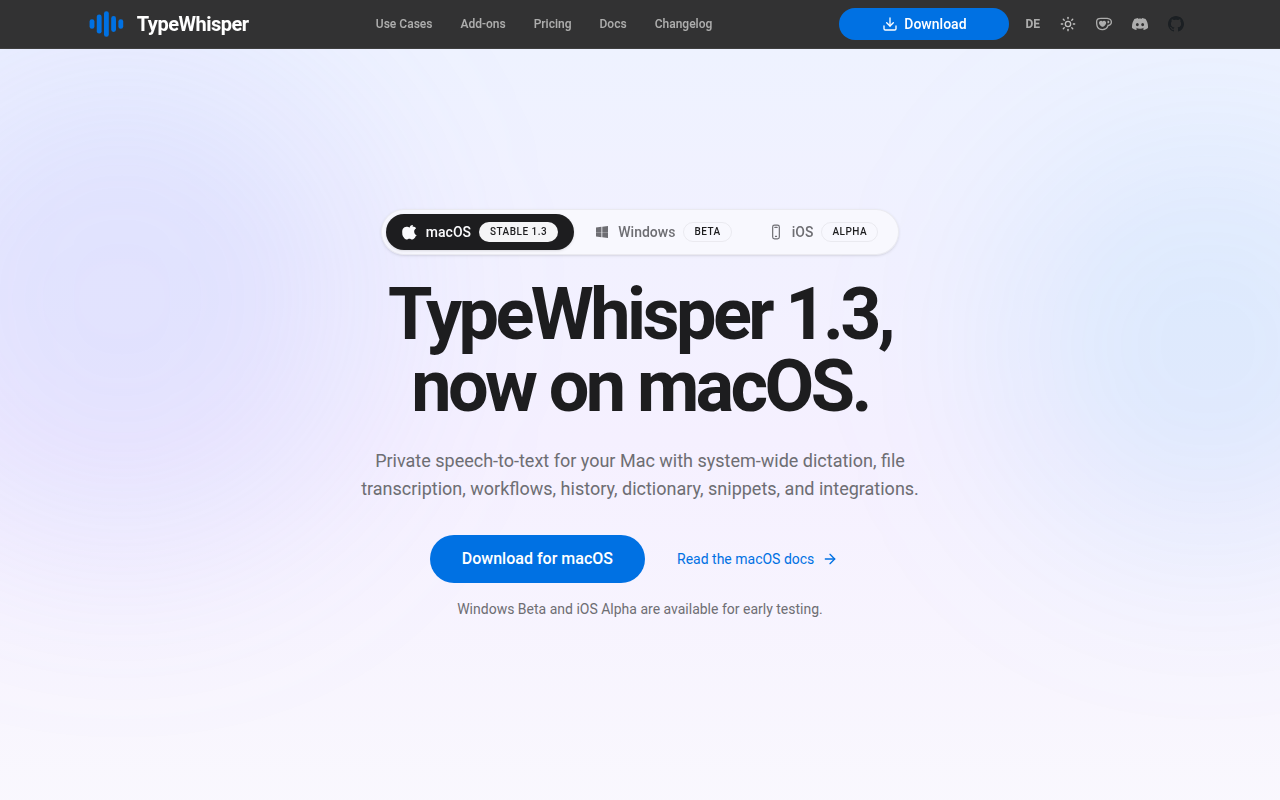
TypeWhisper
Local Whisper-based speech-to-text with a global hotkey.
Clipboard, Input & Automation
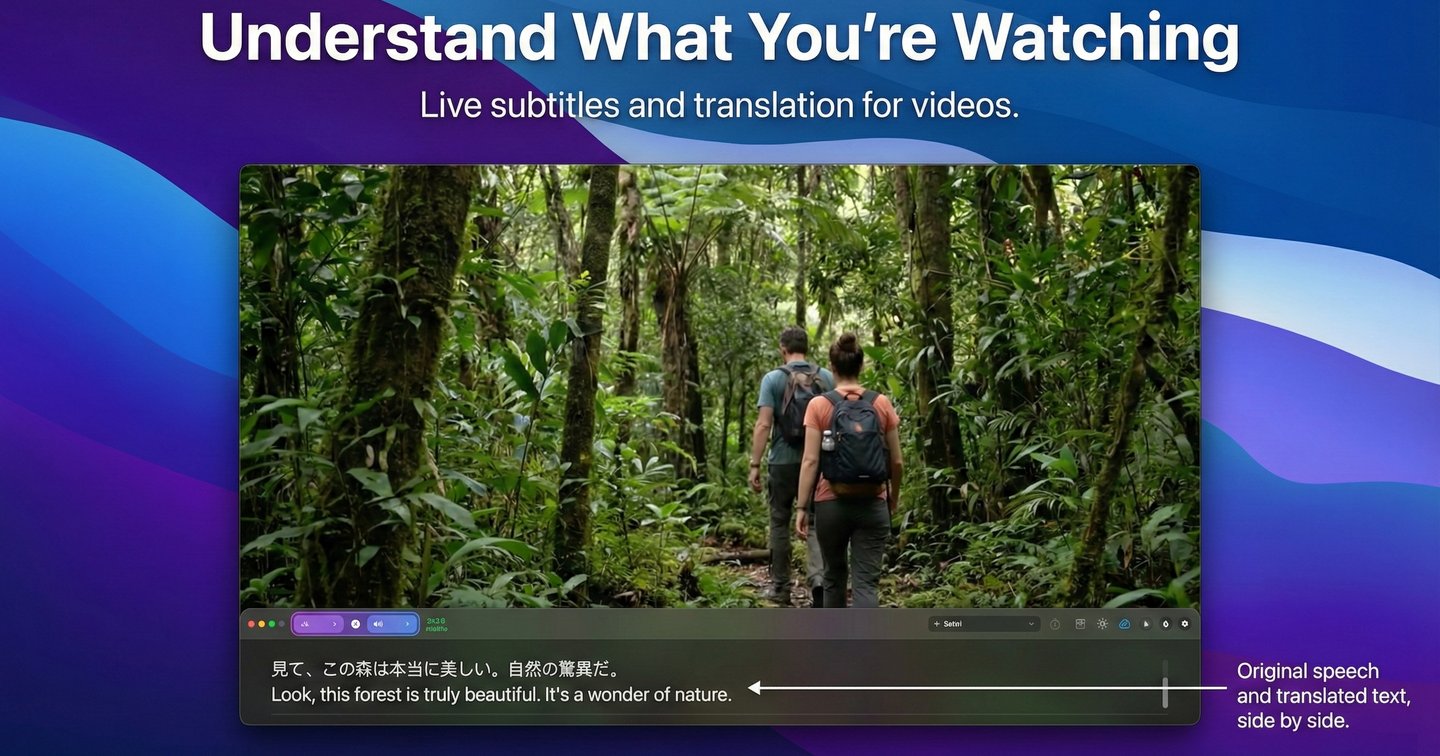
VoxTori
Real-time subtitles, translation, and dictation for Mac

Clipboard, Input & Automation
HyperWhisper
AI-powered speech-to-text transcription