
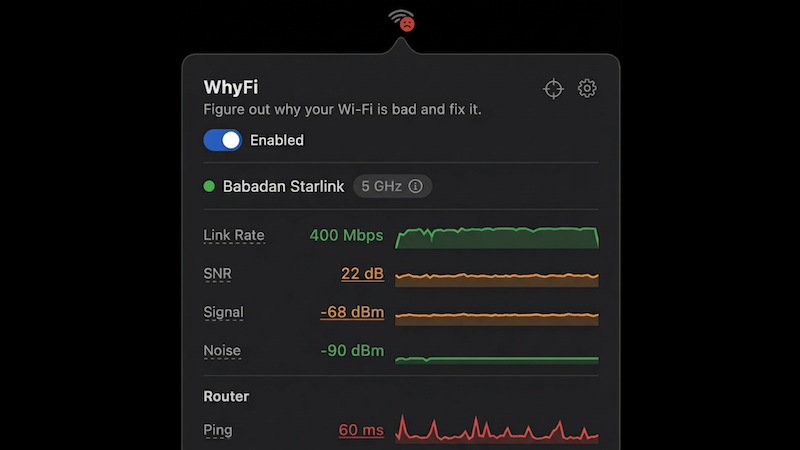
WhyFi
Menu bar Wi-Fi monitor and diagnostics app
WhyFi runs in the macOS menu bar and continuously monitors the Wi‑Fi connection, reporting signal strength, noise floor, SNR, transmit rate, router ping, internet ping, jitter and DNS lookup time. Each metric is color‑coded (green, orange, red) and the icon’s face reflects the overall health, giving users an at‑a‑glance status without leaving the menu bar.
The app includes a real‑time “Radar” that updates four times per second, allowing users to walk around with their laptop and locate the spot with the strongest signal, while also displaying nearby networks and their strengths. A built‑in speed test, powered by Cloudflare, measures download and upload throughput and detects bufferbloat, indicating whether the connection can sustain latency‑sensitive tasks such as video calls.
WhyFi separates diagnostics into three layers—Wi‑Fi signal, router LAN latency, and WAN internet latency—so users can pinpoint whether slow performance stems from distance to the router, router congestion, or the ISP. The tool is available for macOS 13+ on both Apple Silicon and Intel, and all proceeds support a Bali animal‑care charity.
Reviews
Loading reviews…
Similar apps
Network & Connectivity
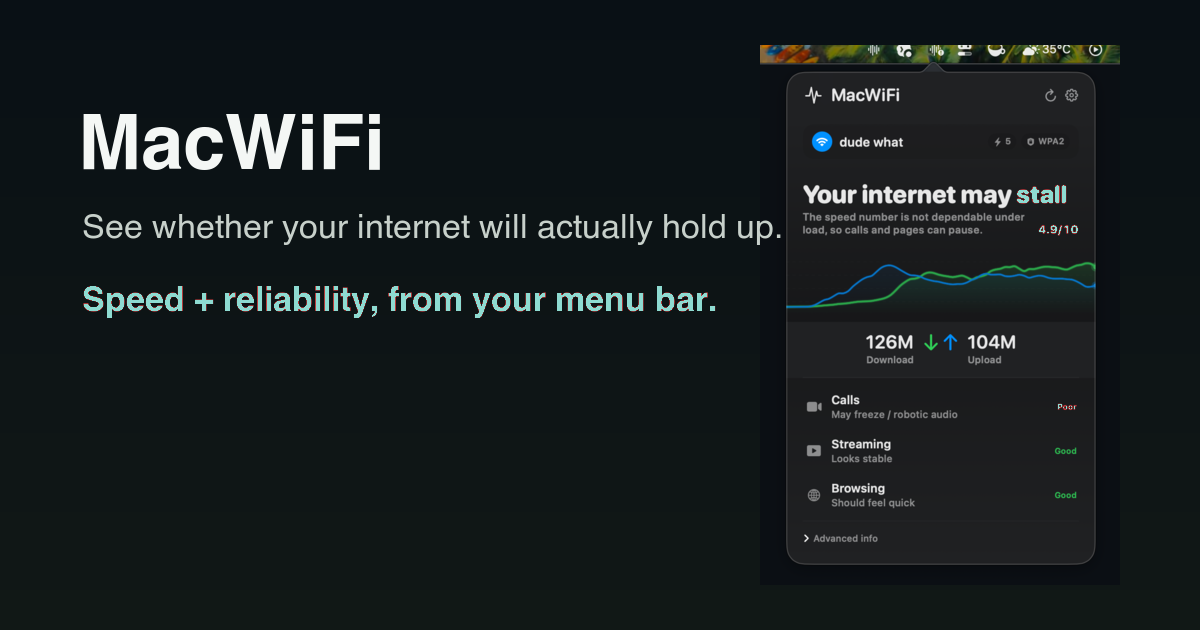
MacWiFi
Know if your internet is flaky before your next call
Network & Connectivity
WiFiman Desktop
Network monitoring and troubleshooting tool
System Monitoring & Maintenance
Net Bar for MacOS
A minimal powerful and native system monitor for MacOS

System Monitoring & Maintenance
BatFi
App for managing battery charging
Task & Project Management
NetSpot
WiFi site survey software and WiFi scanner

Network & Connectivity
MacSpoof
A quick and easy MAC address changer