
WRITO for Mac & Windows
Human-like auto typing for any text field
The application captures text pasted into its interface and reproduces it in the currently focused text field, emitting keystrokes one by one with variable delays that mimic human typing rhythm. It inserts realistic pauses for punctuation, occasionally generates faux typographical errors, and automatically corrects them with backspaces, creating a playback that is difficult to distinguish from a person typing.
Because it runs as a native desktop program on both macOS and Windows, it can operate in any application that accepts keyboard input—such as word processors, code editors, browsers, online forms, and other focused fields—without requiring an internet connection. The software is distributed with a lifetime license and receives free updates indefinitely.
The tool is aimed at users who need natural‑looking typing demonstrations, automated filling of text fields, or testing of input interfaces, including creators, writers, students, developers, and general productivity enthusiasts.
Reviews
Loading reviews…
Similar apps
Clipboard, Input & Automation
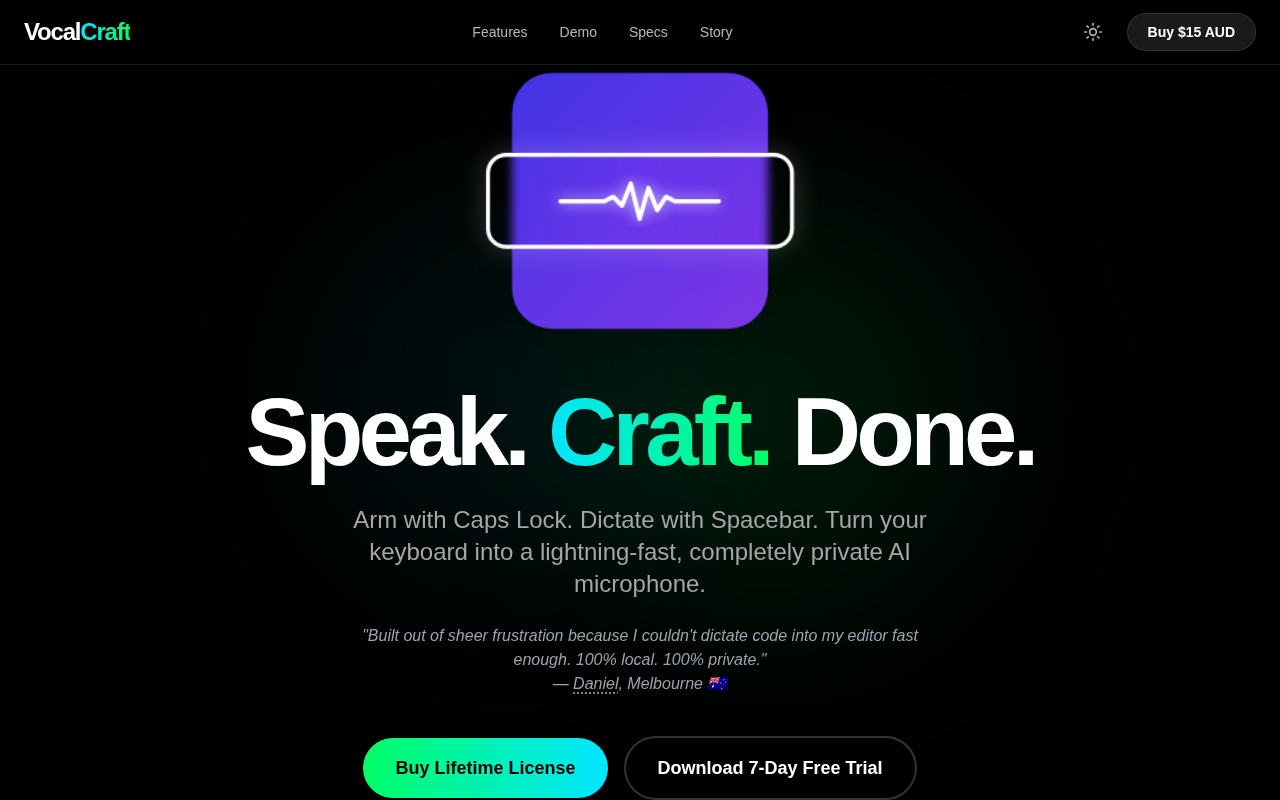
VocalCraft: Lifetime Offline Dictation
Caps Lock to arm. Space to dictate & translate. 100% offline
Clipboard, Input & Automation
AriaType v0.1
Open-source AI voice input
Clipboard, Input & Automation
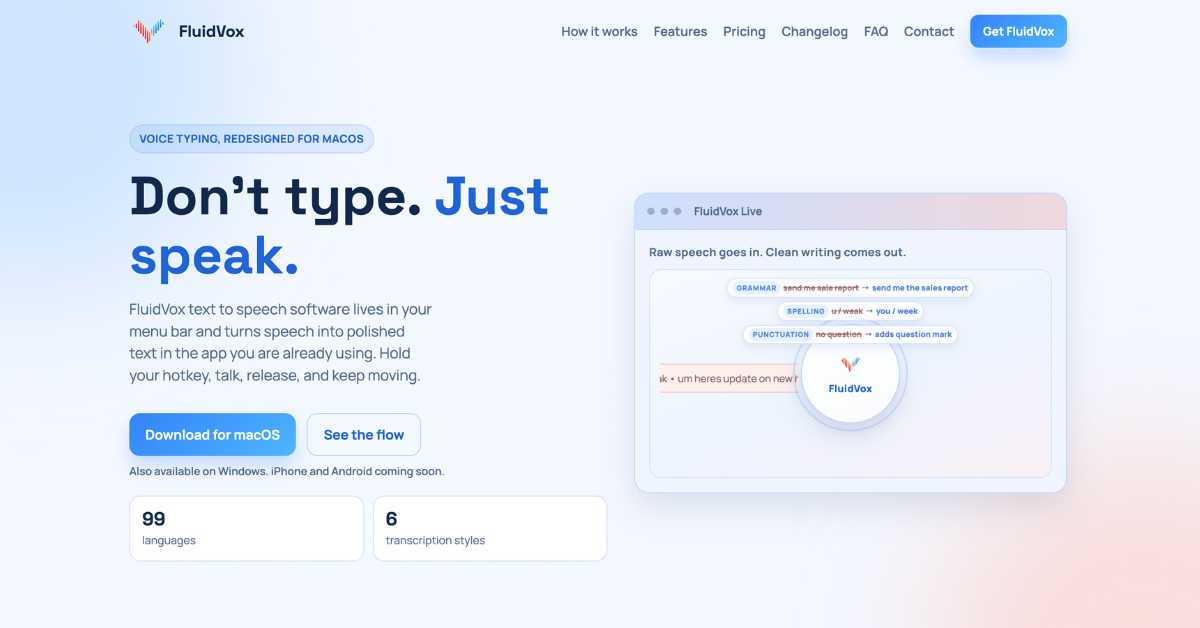
FluidVox
Voice Typing Transcription. No Monthly Subscriptions Private
Clipboard, Input & Automation
Typeless
AI voice dictation that turns speech into polished text

Clipboard, Input & Automation
HyperWhisper
AI-powered speech-to-text transcription
Documents, Forms & Contracts
Wispr Flow
Voice-to-text dictation with AI-powered auto-editing