
AionUi
Unified GUI for command-line AI agents
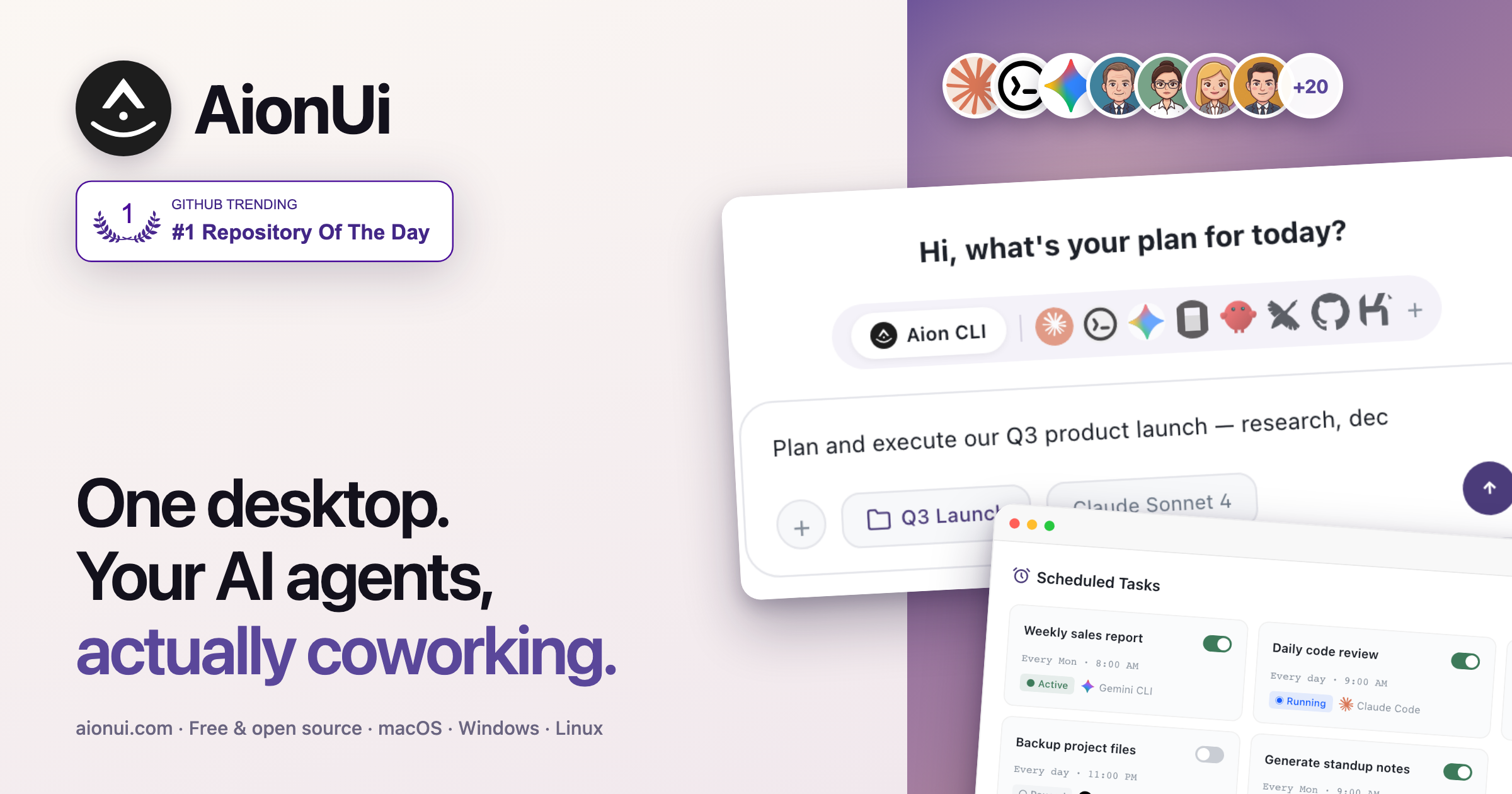
AionUi provides a graphical interface that lets users run command‑line AI agents directly from their desktop. The application includes a built‑in agent engine, so after installation users can sign in with Google or enter any API key and immediately access capabilities such as reading and writing files, performing web searches, generating images, and using Model Context Protocol tools. A set of ready‑to‑use assistants—covering tasks like creating PowerPoint presentations, Word documents, Excel spreadsheets, academic papers, and financial models—are bundled with the software.
The platform supports multiple AI agents simultaneously, automatically detecting and presenting a unified interface for a range of models including Claude Code, Codex, Qwen Code, Kiro, Hermes Agent, Snow CLI, Cursor Agent, and many others. Users can control agents step‑by‑step, schedule recurring jobs with cron‑style automation, and access the system remotely via a WebUI or messaging integrations such as Telegram, Lark, DingTalk, WeChat, and WeCom.
Targeted at developers, office workers, and anyone who needs AI assistance for file‑based or multi‑step workflows, AionUi runs on macOS, Windows, and Linux, is released under the Apache 2.0 license, and is free and open source.
Reviews
Loading reviews…
Similar apps

AI Coding Agents
AiderDesk
Desktop GUI for Aider AI pair programming

AI Agents & Automation
Agent TARS
Multimodal AI agent for GUI interaction
AI Coding Agents
Hive
AI agent orchestrator for parallel coding across projects
AI Coding Agents
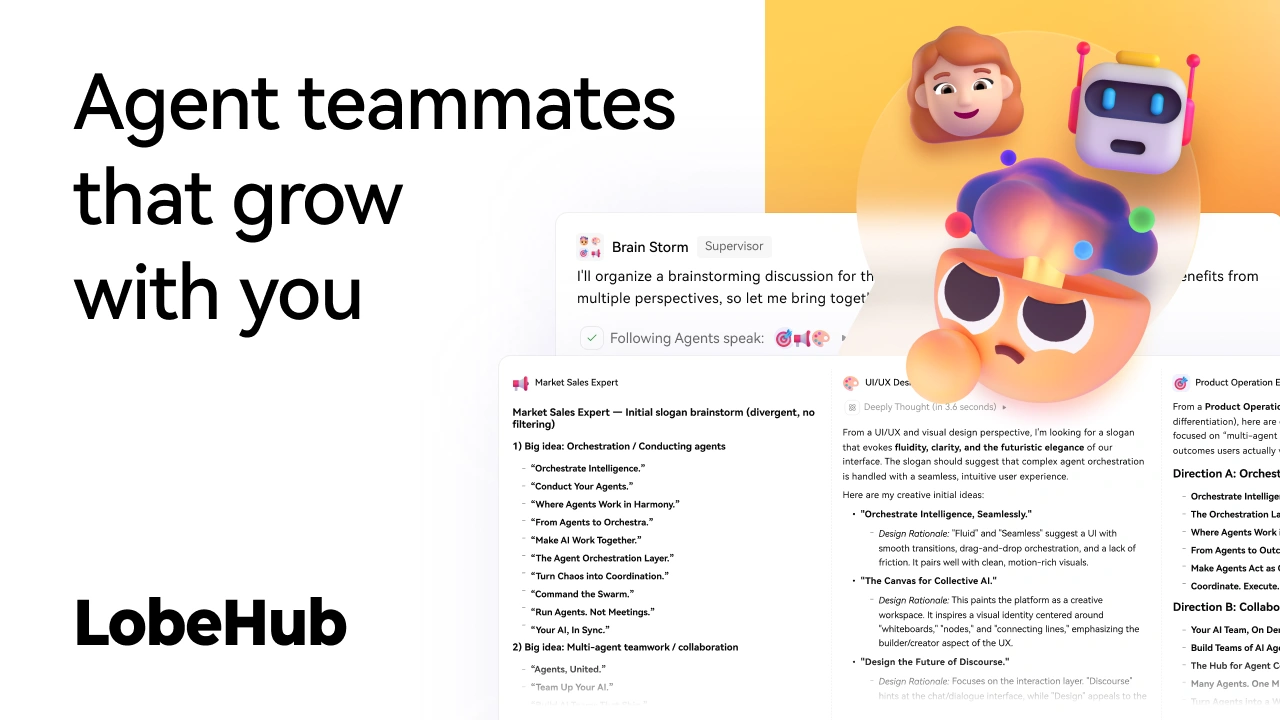
LobeHub
AI chat framework
AI Coding Agents
CC Switch
Configuration manager for AI coding agents
AI Agents & Automation
Craft Agents
AI assistant for connecting and working across data sources