
Apple Silicon App Test
Check Apple Silicon app compatibility.
The tool lets users upload macOS application bundles, zip archives, or certain DMG files to determine whether the software includes native Apple Silicon (ARM) binaries. After extracting the executable, it reports a “Non‑native” status when no Apple Silicon version is found, indicating the app may still run under Rosetta 2 but has not been officially updated for ARM. If extraction fails, an “App Decompression Error” is shown, prompting the user to provide a direct app bundle instead of a package archive.
It is intended for anyone planning to purchase or use Macs with Apple Silicon chips—such as the M4 Max or M3 Ultra—and who wants to verify compatibility before installation. The service works in a web browser on any modern OS capable of running JavaScript, allowing scans from Windows, Linux, ChromeOS, or iOS after extracting the macOS binary.
The service is open‑source and offered free, with a stable maturity level. It supports only the listed file formats, may take longer for larger files, and cannot directly test Rosetta 2 performance because that requires an actual Apple Silicon device.
Reviews
Loading reviews…
Similar apps
System Monitoring & Maintenance
Silicon
Identify Intel-only apps
System Monitoring & Maintenance
Silicon Info
View the architecture of the running application
System Monitoring & Maintenance
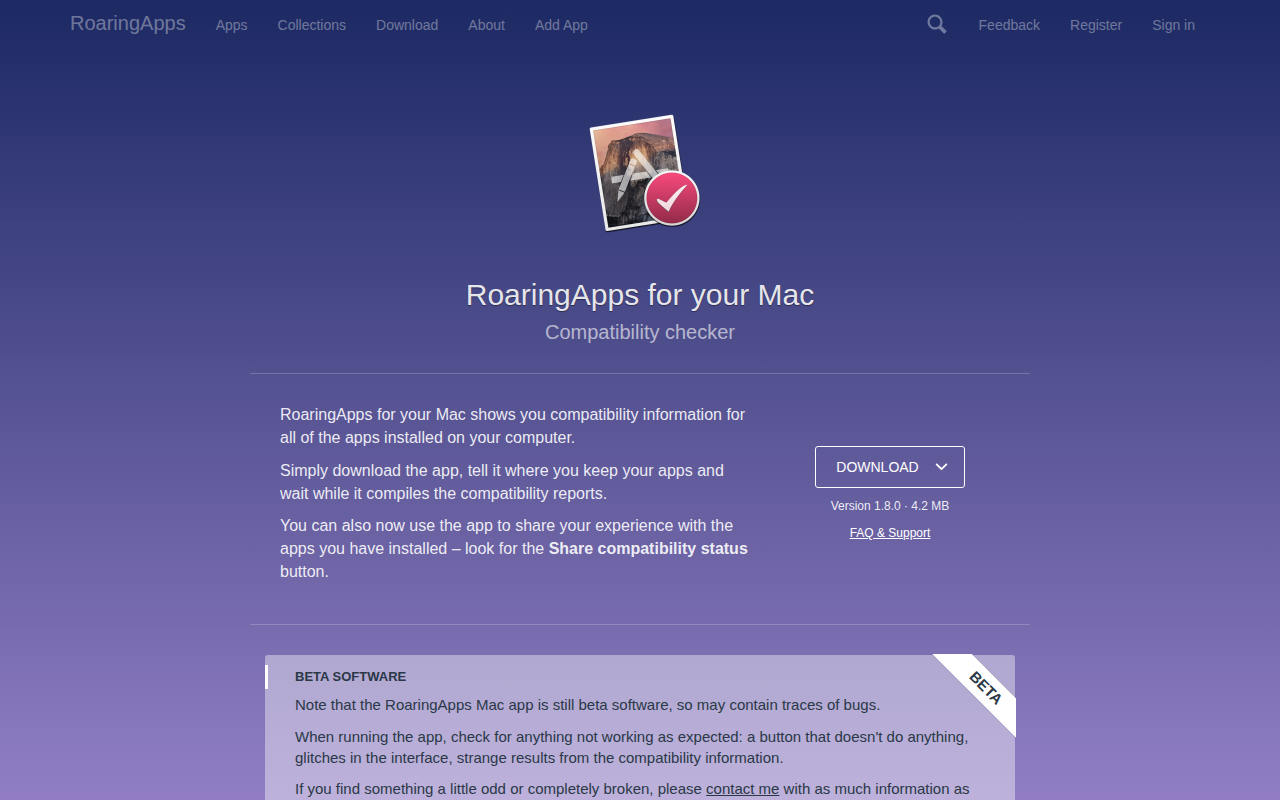
RoaringApps
Show installed app compatibility information
System Monitoring & Maintenance
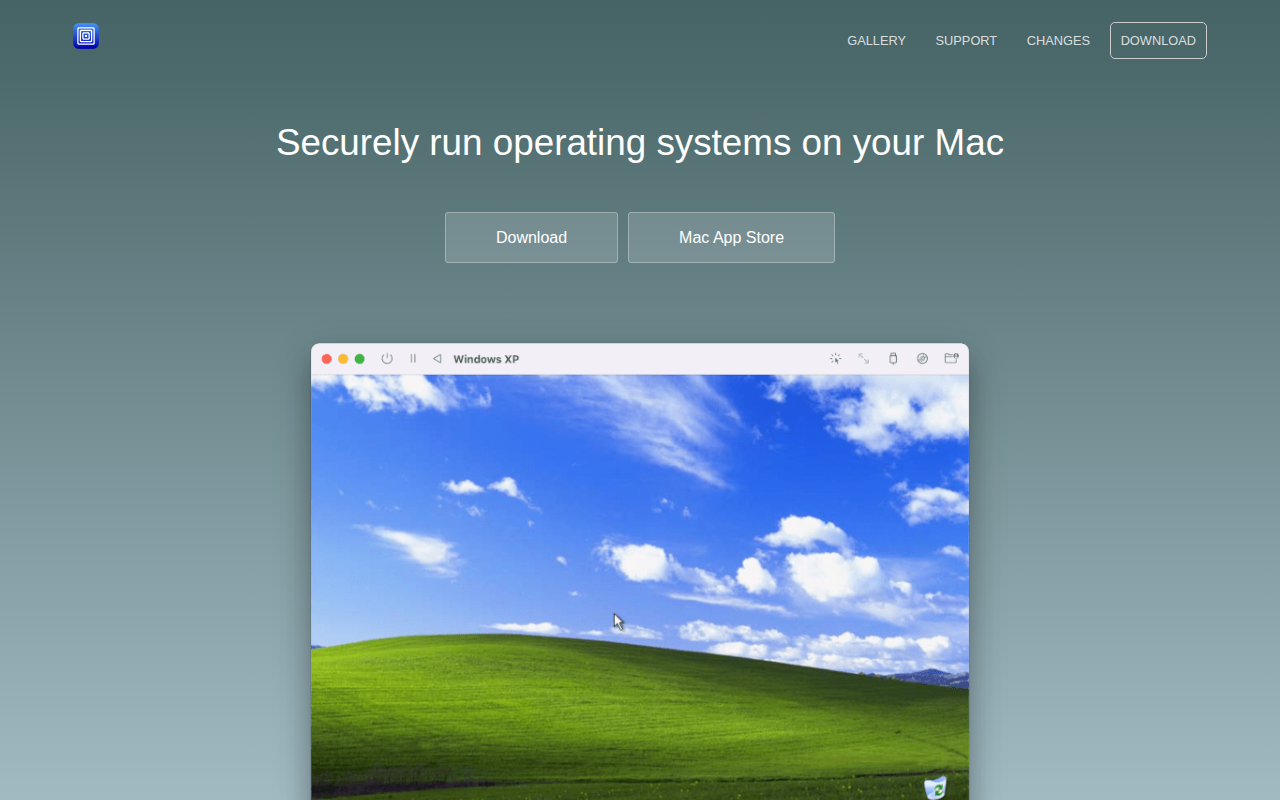
UTM
UTM is an easy-to-use GUI for QEMU and can run ARM64, x64 and other VMs on M1 Macs.

System Monitoring & Maintenance
Applite
User-friendly GUI app for Homebrew
System Monitoring & Maintenance
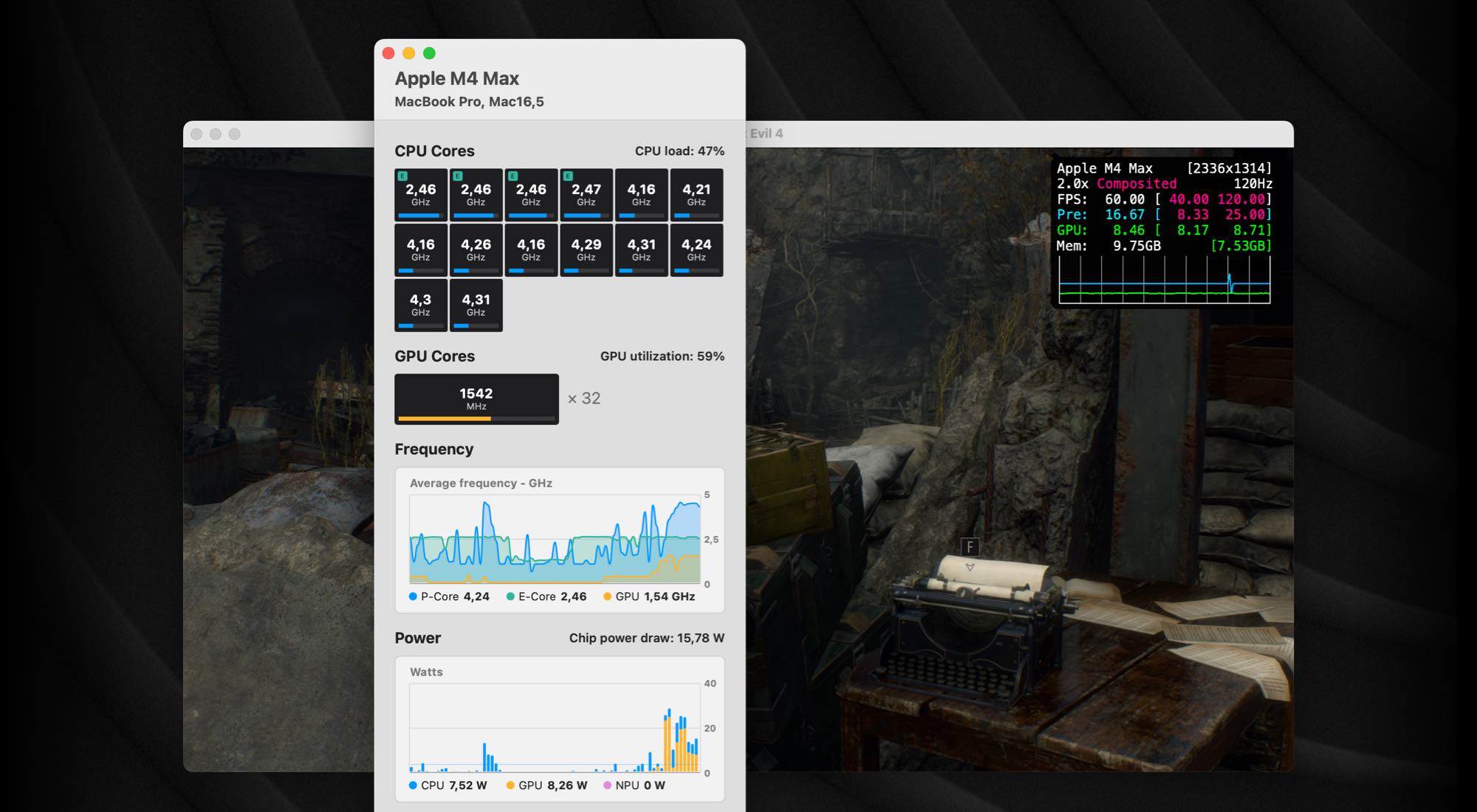
iStatistica Core
System monitoring for Apple Silicon