
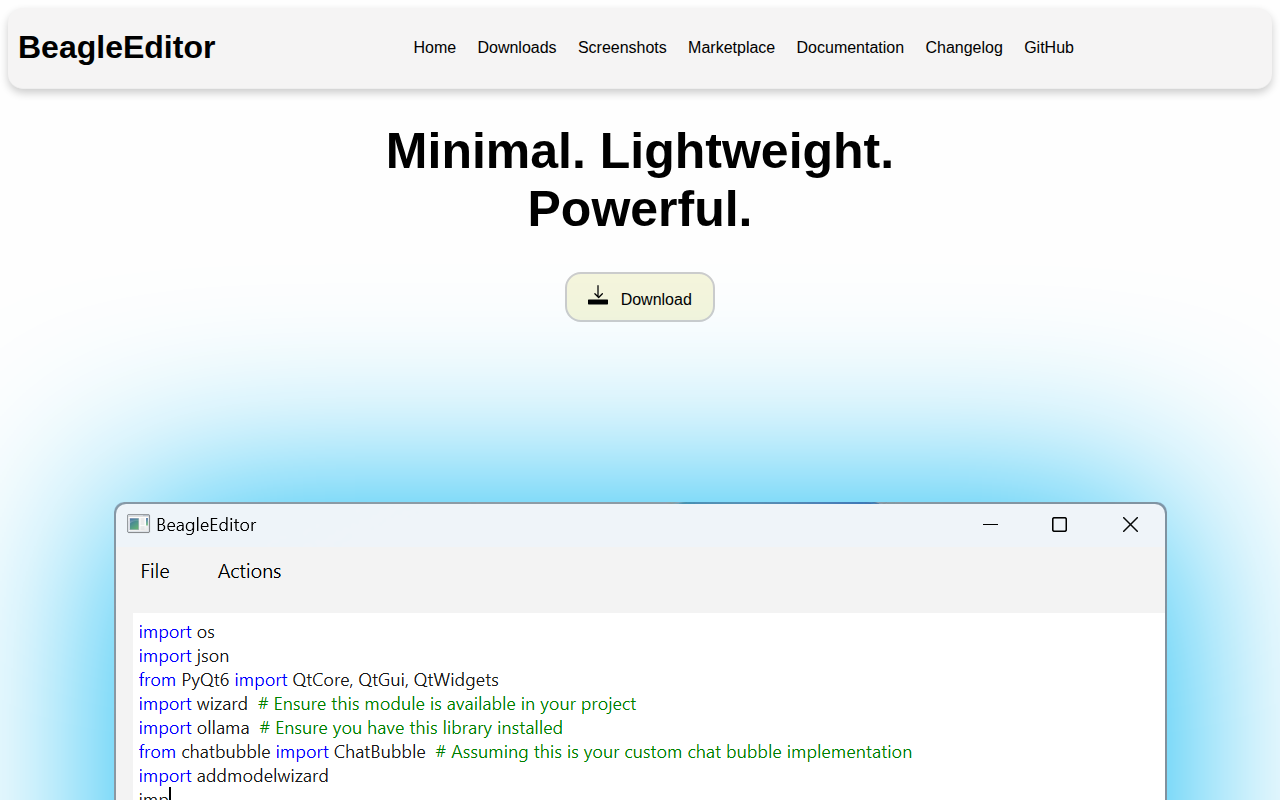
BeagleEditor
A "beagleful" editor with features like syntax highlighting, plugins and... - A bit ugly, but it works
BeagleEditor is a lightweight code editor that runs on Windows and macOS, offering core development utilities such as syntax highlighting, autocomplete, and built‑in support for executing Python scripts. It includes a terminal pane provided through a plugin and can edit files in languages including Python, C, C++, C#, CSS, HTML, and JavaScript. The editor’s extensibility is based on a plugin system documented in its wiki, allowing users to add functionality beyond the base feature set.
Installation can be performed via Python scripts, pre‑built executable installers, or package managers such as Homebrew, winget, and a custom tap. Users clone the repository, install Python dependencies from a requirements file, and launch the editor with a single command, or they can download a ready‑to‑run installer for their platform.
Future plans mention adding undo/redo shortcuts, search‑and‑replace capabilities, and a migration to a TypeScript‑based Monaco editor core. The project is labeled stable and is positioned for developers who need a simple, extensible editing environment without extensive visual polish.
Reviews
Loading reviews…
Similar apps
Code Editors & IDEs
Haystack Editor
Code editor with a canvas UI for better code understanding.
Code Editors & IDEs
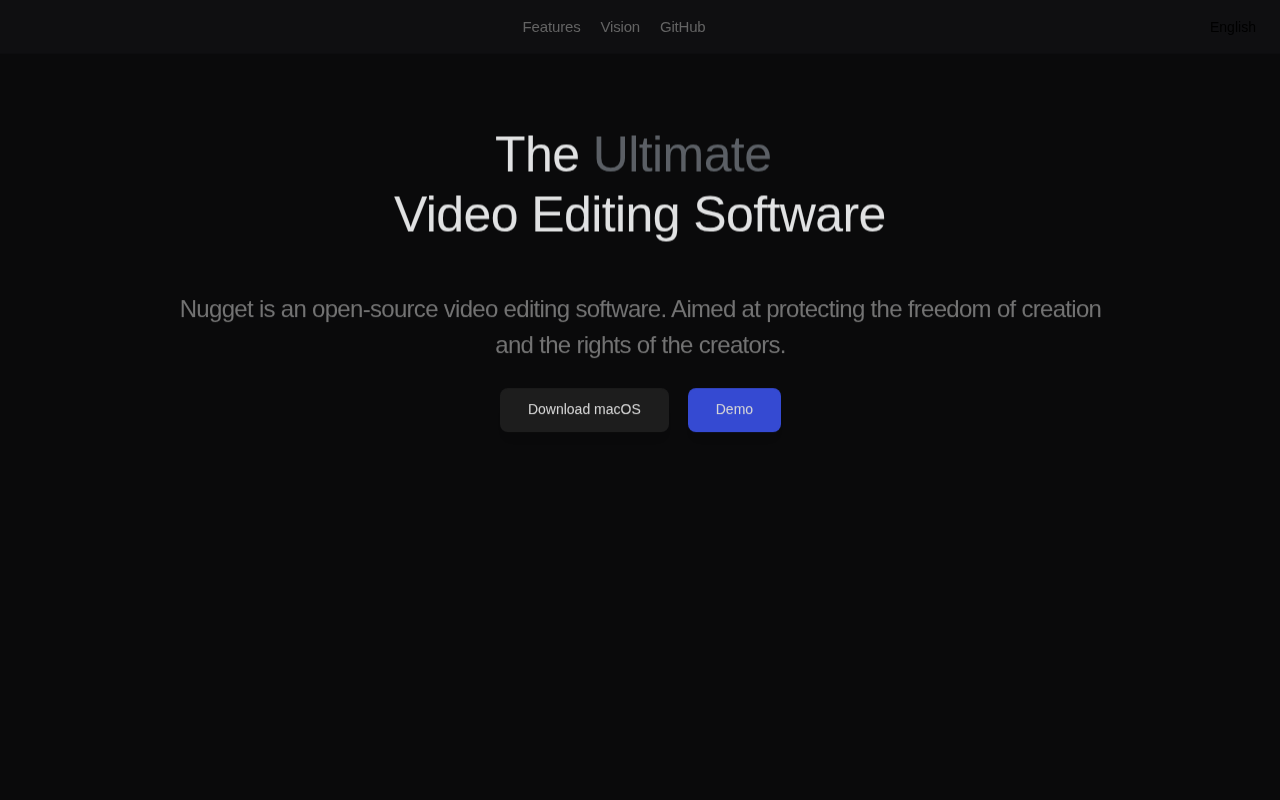
Nugget
Video editing software designed for motion effects and versatility.
Code Editors & IDEs
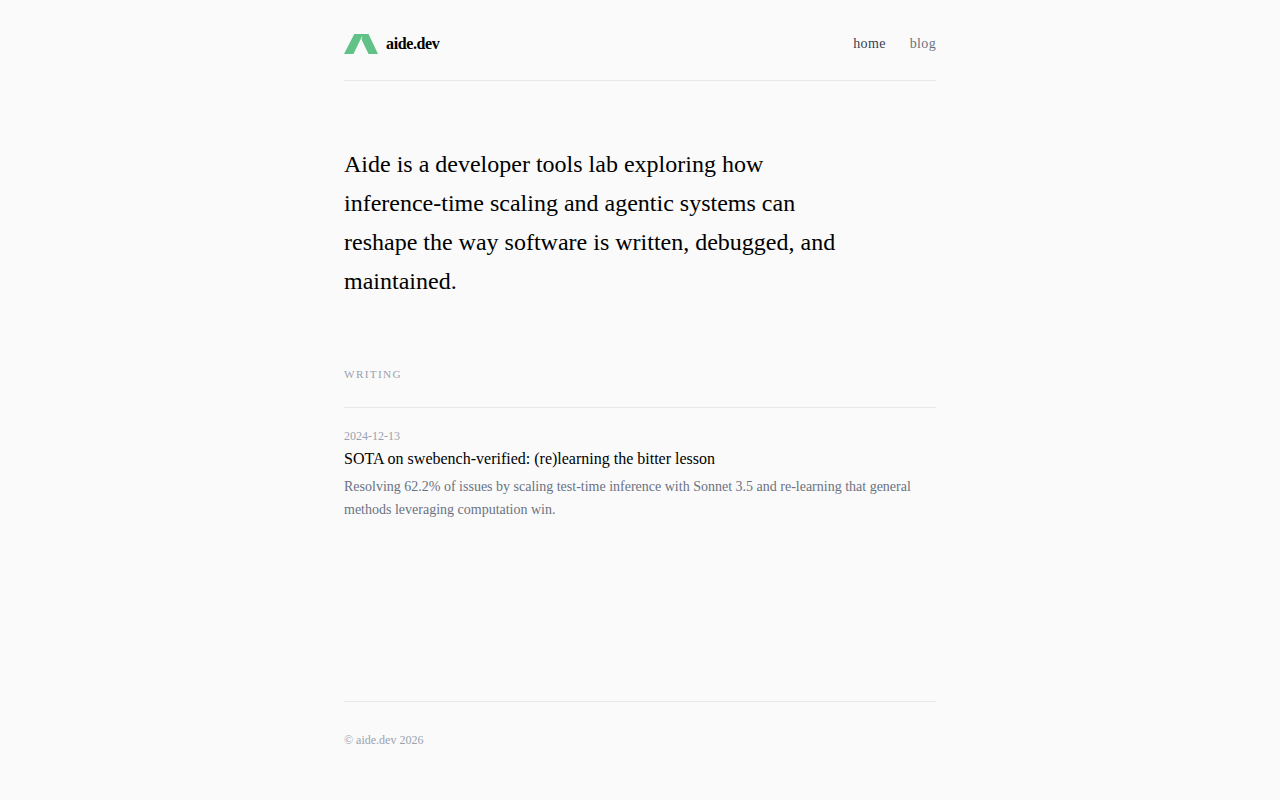
Aide
Open-source AI-native IDE
Code Editors & IDEs
CodeEdit
A lightweight, natively-built editor. Open source. Free forever.
Code Editors & IDEs
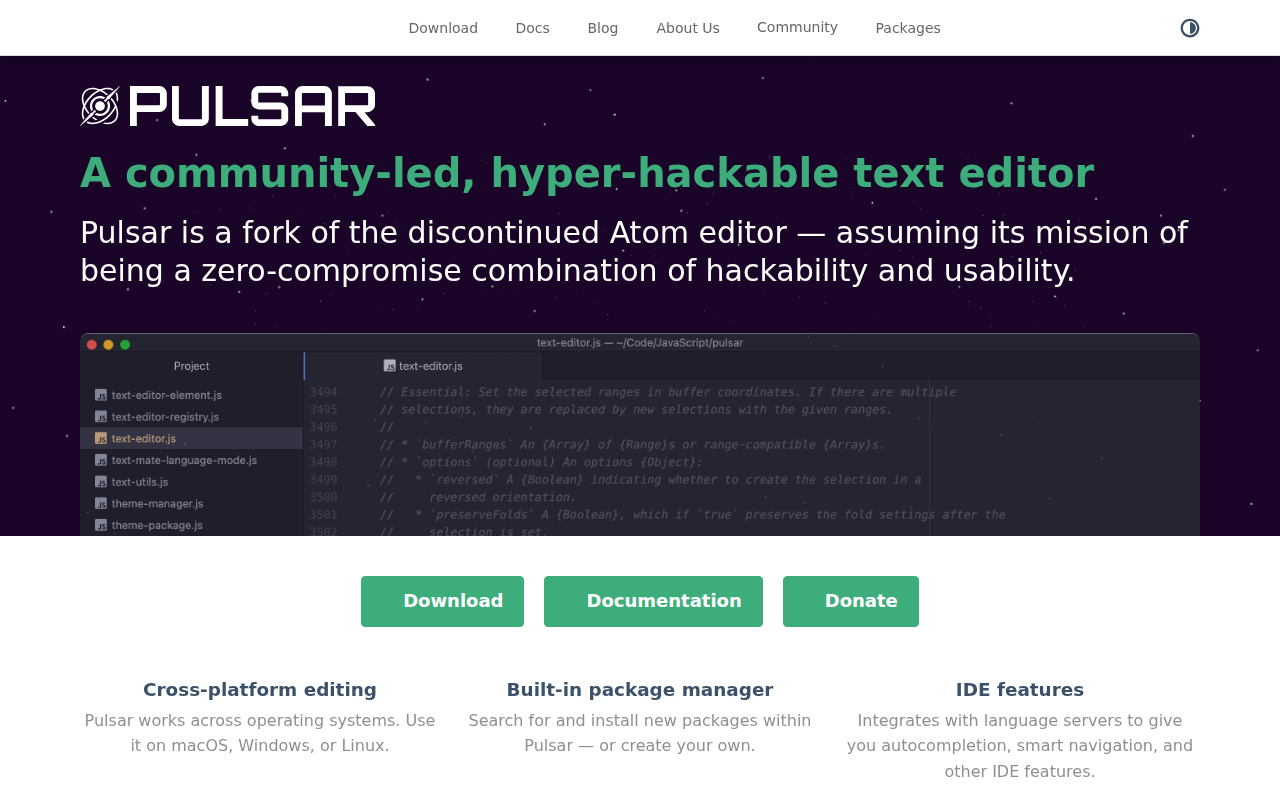
Pulsar
Text editor
Code Editors & IDEs
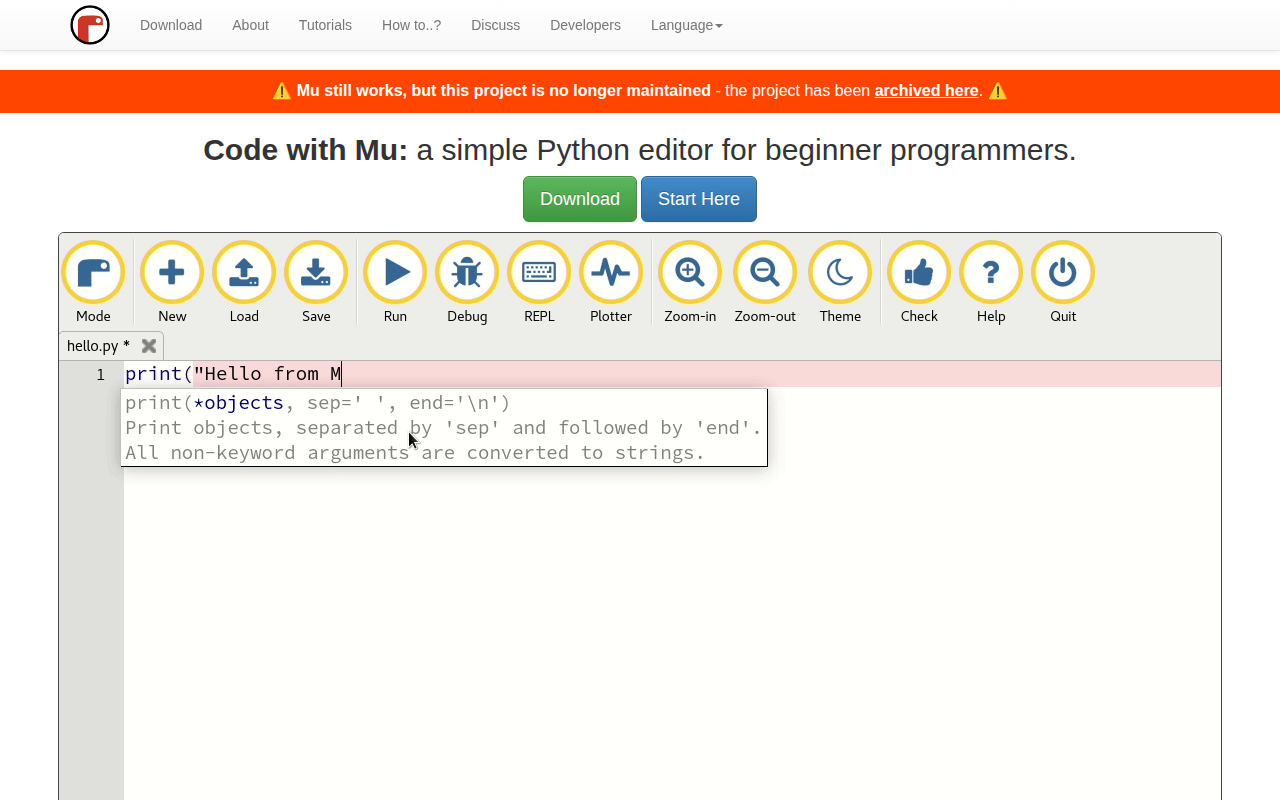
Mu
Small, simple editor for beginner Python programmers